" height="18.016311920580208px" id="GKXyVanMq" stroke-dasharray="0" stroke-linecap="butt" stroke-linejoin="miter" stroke-miterlimit="10" stroke-width="0.5" stroke="rgb(0, 0, 0)" transform="translate(3 3)" width="18px"/></svg>)
"/><stop offset="1" stop-color="rgb(227, 224, 244)"/></linearGradient><linearGradient id="CBS1bzkxF-2031533640-linear-gradient" x1="0.49751243781094523" x2="0.5024875621890548" y1="0" y2="1"><stop offset="0" stop-color="rgb(255, 255, 255)"/><stop offset="1" stop-color="rgb(227, 224, 244)"/></linearGradient><linearGradient id="Jd7AK81w9-2031533640-linear-gradient" x1="0.49751243781094523" x2="0.5024875621890548" y1="0" y2="1"><stop offset="0" stop-color="rgb(255, 255, 255)"/><stop offset="1" stop-color="rgb(227, 224, 244)"/></linearGradient></defs><g d="M 0 16 L 0 0 L 16 0 L 16 16 Z M 9.167 5.167 C 9.167 4.891 8.943 4.667 8.667 4.667 C 8.391 4.667 8.167 4.891 8.167 5.167 C 8.167 6.784 7.809 7.834 7.155 8.488 C 6.501 9.143 5.451 9.5 3.833 9.5 C 3.557 9.5 3.333 9.724 3.333 10 C 3.333 10.276 3.557 10.5 3.833 10.5 C 5.451 10.5 6.501 10.857 7.155 11.512 C 7.809 12.166 8.167 13.216 8.167 14.833 C 8.167 15.109 8.391 15.333 8.667 15.333 C 8.943 15.333 9.167 15.109 9.167 14.833 C 9.167 13.216 9.524 12.166 10.178 11.512 C 10.832 10.857 11.883 10.5 13.5 10.5 C 13.776 10.5 14 10.276 14 10 C 14 9.724 13.776 9.5 13.5 9.5 C 11.883 9.5 10.832 9.143 10.178 8.488 C 9.524 7.834 9.167 6.784 9.167 5.167 Z M 4 3.667 C 4 3.483 3.851 3.333 3.667 3.333 C 3.483 3.333 3.333 3.483 3.333 3.667 C 3.333 4.32 3.189 4.715 2.952 4.952 C 2.715 5.189 2.32 5.333 1.667 5.333 C 1.483 5.333 1.333 5.483 1.333 5.667 C 1.333 5.851 1.483 6 1.667 6 C 2.32 6 2.715 6.145 2.952 6.382 C 3.189 6.618 3.333 7.013 3.333 7.667 C 3.333 7.851 3.483 8 3.667 8 C 3.851 8 4 7.851 4 7.667 C 4 7.013 4.145 6.618 4.382 6.382 C 4.618 6.145 5.013 6 5.667 6 C 5.851 6 6 5.851 6 5.667 C 6 5.483 5.851 5.333 5.667 5.333 C 5.013 5.333 4.618 5.189 4.382 4.952 C 4.145 4.715 4 4.32 4 3.667 Z M 7.333 1 C 7.333 0.816 7.184 0.667 7 0.667 C 6.816 0.667 6.667 0.816 6.667 1 C 6.667 1.422 6.573 1.65 6.445 1.778 C 6.317 1.906 6.089 2 5.667 2 C 5.483 2 5.333 2.149 5.333 2.333 C 5.333 2.517 5.483 2.667 5.667 2.667 C 6.089 2.667 6.317 2.761 6.445 2.889 C 6.573 3.016 6.667 3.244 6.667 3.667 C 6.667 3.851 6.816 4 7 4 C 7.184 4 7.333 3.851 7.333 3.667 C 7.333 3.244 7.427 3.016 7.555 2.889 C 7.683 2.761 7.911 2.667 8.333 2.667 C 8.517 2.667 8.667 2.517 8.667 2.333 C 8.667 2.149 8.517 2 8.333 2 C 7.911 2 7.683 1.906 7.555 1.778 C 7.427 1.65 7.333 1.422 7.333 1 Z" fill="transparent" height="16px" id="aoZYv33vR" width="16px"><path d="M 0 16 L 0 0 L 16 0 L 16 16 Z" fill="transparent" height="16px" id="Z2uGmhW9f" width="16px"/><g d="M 7.833 4.5 C 7.833 4.224 7.609 4 7.333 4 C 7.057 4 6.833 4.224 6.833 4.5 C 6.833 6.117 6.476 7.168 5.822 7.822 C 5.168 8.476 4.117 8.833 2.5 8.833 C 2.224 8.833 2 9.057 2 9.333 C 2 9.61 2.224 9.833 2.5 9.833 C 4.117 9.833 5.168 10.191 5.822 10.845 C 6.476 11.499 6.833 12.549 6.833 14.167 C 6.833 14.443 7.057 14.667 7.333 14.667 C 7.609 14.667 7.833 14.443 7.833 14.167 C 7.833 12.549 8.191 11.499 8.845 10.845 C 9.499 10.191 10.549 9.833 12.167 9.833 C 12.443 9.833 12.667 9.61 12.667 9.333 C 12.667 9.057 12.443 8.833 12.167 8.833 C 10.549 8.833 9.499 8.476 8.845 7.822 C 8.191 7.168 7.833 6.117 7.833 4.5 Z M 2.667 3 C 2.667 2.816 2.517 2.667 2.333 2.667 C 2.149 2.667 2 2.816 2 3 C 2 3.654 1.855 4.048 1.618 4.285 C 1.382 4.522 0.987 4.667 0.333 4.667 C 0.149 4.667 0 4.816 0 5 C 0 5.184 0.149 5.333 0.333 5.333 C 0.987 5.333 1.382 5.478 1.618 5.715 C 1.855 5.952 2 6.346 2 7 C 2 7.184 2.149 7.333 2.333 7.333 C 2.517 7.333 2.667 7.184 2.667 7 C 2.667 6.346 2.811 5.952 3.048 5.715 C 3.285 5.478 3.68 5.333 4.333 5.333 C 4.517 5.333 4.667 5.184 4.667 5 C 4.667 4.816 4.517 4.667 4.333 4.667 C 3.68 4.667 3.285 4.522 3.048 4.285 C 2.811 4.048 2.667 3.654 2.667 3 Z M 6 0.333 C 6 0.149 5.851 0 5.667 0 C 5.483 0 5.333 0.149 5.333 0.333 C 5.333 0.756 5.239 0.984 5.112 1.112 C 4.984 1.239 4.756 1.333 4.333 1.333 C 4.149 1.333 4 1.483 4 1.667 C 4 1.851 4.149 2 4.333 2 C 4.756 2 4.984 2.094 5.112 2.222 C 5.239 2.35 5.333 2.578 5.333 3 C 5.333 3.184 5.483 3.333 5.667 3.333 C 5.851 3.333 6 3.184 6 3 C 6 2.578 6.094 2.35 6.222 2.222 C 6.35 2.094 6.578 2 7 2 C 7.184 2 7.333 1.851 7.333 1.667 C 7.333 1.483 7.184 1.333 7 1.333 C 6.578 1.333 6.35 1.239 6.222 1.112 C 6.094 0.984 6 0.756 6 0.333 Z" fill="transparent" height="14.66671286102295px" id="ae6ccdFme" transform="translate(1.333 0.667)" width="12.66663px"><path d="M 5.833 0.5 C 5.833 0.224 5.609 0 5.333 0 C 5.057 0 4.833 0.224 4.833 0.5 C 4.833 2.117 4.476 3.168 3.822 3.822 C 3.168 4.476 2.117 4.833 0.5 4.833 C 0.224 4.833 0 5.057 0 5.333 C 0 5.61 0.224 5.833 0.5 5.833 C 2.117 5.833 3.168 6.191 3.822 6.845 C 4.476 7.499 4.833 8.549 4.833 10.167 C 4.833 10.443 5.057 10.667 5.333 10.667 C 5.609 10.667 5.833 10.443 5.833 10.167 C 5.833 8.549 6.191 7.499 6.845 6.845 C 7.499 6.191 8.549 5.833 10.167 5.833 C 10.443 5.833 10.667 5.61 10.667 5.333 C 10.667 5.057 10.443 4.833 10.167 4.833 C 8.549 4.833 7.499 4.476 6.845 3.822 C 6.191 3.168 5.833 2.117 5.833 0.5 Z" fill="url(%23t2lXByE48-2031533640-linear-gradient)" height="10.66671px" id="t2lXByE48" transform="translate(2 4)" width="10.66663px"/><path d="M 2.667 0.333 C 2.667 0.149 2.517 0 2.333 0 C 2.149 0 2 0.149 2 0.333 C 2 0.987 1.855 1.382 1.618 1.618 C 1.382 1.855 0.987 2 0.333 2 C 0.149 2 0 2.149 0 2.333 C 0 2.517 0.149 2.667 0.333 2.667 C 0.987 2.667 1.382 2.811 1.618 3.048 C 1.855 3.285 2 3.68 2 4.333 C 2 4.517 2.149 4.667 2.333 4.667 C 2.517 4.667 2.667 4.517 2.667 4.333 C 2.667 3.68 2.811 3.285 3.048 3.048 C 3.285 2.811 3.68 2.667 4.333 2.667 C 4.517 2.667 4.667 2.517 4.667 2.333 C 4.667 2.149 4.517 2 4.333 2 C 3.68 2 3.285 1.855 3.048 1.618 C 2.811 1.382 2.667 0.987 2.667 0.333 Z" fill="url(%23CBS1bzkxF-2031533640-linear-gradient)" height="4.66667px" id="CBS1bzkxF" transform="translate(0 2.667)" width="4.66667px"/><path d="M 2 0.333 C 2 0.149 1.851 0 1.667 0 C 1.483 0 1.333 0.149 1.333 0.333 C 1.333 0.756 1.239 0.984 1.112 1.112 C 0.984 1.239 0.756 1.333 0.333 1.333 C 0.149 1.333 0 1.483 0 1.667 C 0 1.851 0.149 2 0.333 2 C 0.756 2 0.984 2.094 1.112 2.222 C 1.239 2.35 1.333 2.578 1.333 3 C 1.333 3.184 1.483 3.333 1.667 3.333 C 1.851 3.333 2 3.184 2 3 C 2 2.578 2.094 2.35 2.222 2.222 C 2.35 2.094 2.578 2 3 2 C 3.184 2 3.333 1.851 3.333 1.667 C 3.333 1.483 3.184 1.333 3 1.333 C 2.578 1.333 2.35 1.239 2.222 1.112 C 2.094 0.984 2 0.756 2 0.333 Z" fill="url(%23Jd7AK81w9-2031533640-linear-gradient)" height="3.333333px" id="Jd7AK81w9" transform="translate(4 0)" width="3.3333399999999997px"/></g></g></svg>)
" height="24px" id="WCm44spAV" width="24px"/><path d="M 3.892 7.742 C 1.674 7.742 0 6.014 0 3.882 C 0 1.738 1.589 0 3.892 0 C 5.107 0 5.951 0.374 6.623 1.173 L 5.566 2.09 C 5.118 1.621 4.564 1.386 3.892 1.386 C 2.452 1.386 1.547 2.517 1.547 3.882 C 1.547 5.246 2.452 6.356 3.924 6.356 C 4.649 6.356 5.193 6.111 5.63 5.63 L 6.718 6.558 C 6.153 7.24 5.193 7.742 3.892 7.742 Z" fill="rgb(255, 255, 255)" height="7.741500000000002px" id="XEPpGD7l5" transform="translate(4 8.25)" width="6.717999999999989px"/><path d="M 2.74 7.922 C 1.215 7.922 0 6.632 0 5.032 C 0 3.433 1.215 2.122 2.74 2.122 C 3.7 2.122 4.201 2.516 4.5 3.113 L 4.5 2.239 L 5.928 2.239 L 5.928 7.784 L 4.531 7.784 L 4.531 6.877 C 4.233 7.507 3.731 7.922 2.74 7.922 Z M 1.439 5.023 C 1.439 5.865 2.057 6.622 2.975 6.622 C 3.924 6.622 4.531 5.897 4.531 5.033 C 4.531 4.169 3.924 3.423 2.975 3.423 C 2.057 3.423 1.439 4.159 1.439 5.022 Z M 6.784 7.784 L 6.784 0 L 8.224 0 L 8.224 7.784 L 6.784 7.784 Z" fill="rgb(255, 255, 255)" height="7.9224997406005855px" id="lGDJupIUR" transform="translate(10.5 8)" width="8.223500194549558px"/></g></svg>)
" width="18px"><path d="M 2 8 C 0.895 8 0 7.105 0 6 L 0 2 C 0 0.895 0.895 0 2 0 L 6 0 C 7.105 0 8 0.895 8 2 L 8 6 C 8 7.105 7.105 8 6 8 Z" fill="transparent" height="8px" id="ZrCrI93dV" stroke-dasharray="" stroke-linecap="round" stroke-linejoin="round" stroke-width="2" stroke="rgb(0, 0, 0)" width="8px"/><path d="M 0 0 L 0 4 C 0 5.105 0.895 6 2 6 L 6 6" fill="transparent" height="6px" id="emltWYAiE" stroke-dasharray="" stroke-linecap="round" stroke-linejoin="round" stroke-width="2" stroke="rgb(0, 0, 0)" transform="translate(4 8)" width="6px"/><path d="M 2 8 C 0.895 8 0 7.105 0 6 L 0 2 C 0 0.895 0.895 0 2 0 L 6 0 C 7.105 0 8 0.895 8 2 L 8 6 C 8 7.105 7.105 8 6 8 Z" fill="transparent" height="8px" id="WpBecYDfi" stroke-dasharray="" stroke-linecap="round" stroke-linejoin="round" stroke-width="2" stroke="rgb(0, 0, 0)" transform="translate(10 10)" width="8px"/></g></svg>)

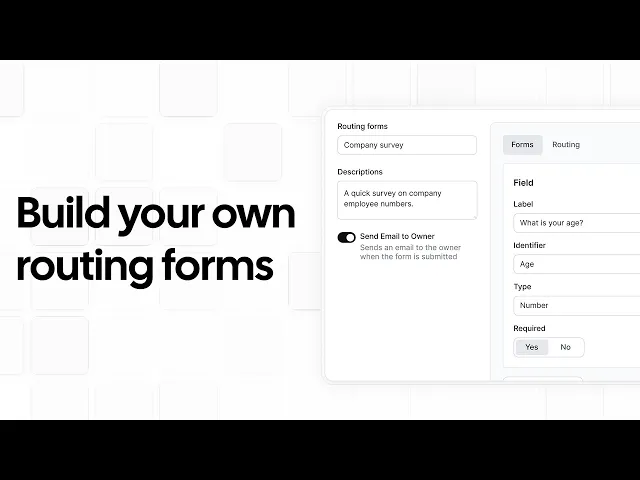
7 Best Account Management Software Tools in 2026 (Ranked & Reviewed)
Most businesses optimize their sales funnels and pipelines to improve conversion rates. But what happens after a sale is complete? This is where businesses stumble. Winning a customer is one thing, but you must also keep them engaged and retain them as a customer.
This is only possible by building a long-term relationship with your client. Account management software in 2026 helps businesses do exactly that. It is a revenue-critical category that helps modern businesses keep existing clients engaged and retain them.
An account management software in this context is not the bookkeeping platform you’re thinking about. It is rather a platform that’s built to help teams manage client relationships. So, isn’t that a CRM? We understand why you would think that, and yes, there are certain functional overlaps between the best account management software and a CRM.
However, the account management software focuses specifically on post-sale client relationship management. The CRMs are specifically focused on pipeline management and pre-sale client relationship handling. So, you can say that account management software picks up where CRMs drop off.
So, now that we’ve established you need an account management software, let’s focus on finding you the right one. We’ve ranked and reviewed, after thorough testing, the 7 best account management software tools in 2026.
What is account management software?
Account management is the process of building a relationship with your client; that’s the gist of it. The software part is just the tool that helps you fulfill this goal. Retaining existing customers is more economical than acquiring new customers. It is also good for your business to retain your existing client base, as it helps you scale revenue when new clients come along. But how do you do this in 2026? You can’t go around sending good morning texts to your clients, right?
Well, that’s why we have account management software. It helps teams organize and streamline the management process by tracking accounts, storing contact information, scheduling meetings, monitoring customer health (not literal health), and automating follow-ups. Now, if you read that and felt that’s what your CRM does, you’re not wrong, but we’ve gone down that road already. Read the introduction.
The bigger confusion that needs to be addressed here is: Is account management software and accounting software the same? No, they are not. They are not even related. Account management software is used to manage customer relationships and grow revenue.
To help businesses retain and expand their revenue, the best account management software in 2026 has expanded its use cases. It has integrated CRM functionalities, visibility, scheduling, automation, and relationship tracking in one software.
We’ve ranked the top 7 tools based on factors like: account visibility, relationship management features, scheduling capabilities, CRM integrations, automation, and pricing transparency. So, let’s go into the rankings. But before that, here’s a quick glimpse of the features to look out for on the best account management software in 2026.
What to look for in account management software
There are features that are essential, and there are features that are good to have. When you’re choosing a new tool for your workflow manager, find one that has both. You don’t need to short-sell your requirements, and you shouldn’t compromise on features. Here are the top features that we recommend you have in your account management software in 2026.
Account and contact visibility: Account management is focused a lot on visibility. You can’t build a relationship with your client unless they are visible to you with all the details, including but not limited to contact information, conversation history, meeting activity, account notes, and customer health indicators. This information is a crucial part of retaining your existing clients.
Meeting scheduling and automation: Client meeting scheduling is an important part of account management. If your client is not able to reach you or you them when required, it leads to a strained or even forgotten relationship. Scheduling lets you automate meetings without having to go back and forth on email. You also get automated reminders, calendar syncing, and booking links with the right scheduling app.
CRM integration: Despite the fact that the account management software resembles a CRM heavily, it actually extends the CRM use case. So, make sure you choose a tool that can seamlessly integrate with your top CRMs like HubSpot and Salesforce.
Health scoring and renewal tracking: The best account management software in 2026 helps you monitor engagement trends, usage patterns, and renewal timelines. This is done so you can identify risky accounts early and take action to improve their health scores before you lose their revenue.
Task and activity management: If your task manager keeps track of all task assignments, follow-ups, meeting notes, activities, and reminders, it can help you stay organized. So, make sure you have a tool that has this feature to optimize your post-sales engagement pipeline.
Reporting and analytics: Reporting tools should provide visibility into retention, renewals, upsell opportunities, account engagement, and overall portfolio performance. This type of insight helps you lead expansion strategies better and improve revenue projections.
Transparent pricing: Even though this may seem like a small thing, we care about it a lot. Transparent pricing helps businesses and teams know upfront what the cost of getting a new tool for their workflow is going to be. All of this without a sales call is a sigh of relief for most teams who don’t want to be upsold software based on their requirements.
Account management platforms and simple accounting software are different. One handles client relationships, the other handles accounting. So, make sure when you’re looking for account management platforms, choose from the options we’re mentioning in our rankings below.
Account management software: quick comparison
Tool | Best for | Free plan | Transparent pricing | Scheduling built-in |
Cal.com | Client scheduling and response time optimization | Yes | Yes | Yes |
Salesforce | Enterprise account management | No | No | Limited |
HubSpot CRM | All-in-one CRM + account maangement | Yes | Yes | Yes |
DemandFarm | Strategic account planning | No | No | No |
Gainsight | Customer success teams | No | No | No |
Flowlu | Budget-friendly account management | Yes | Yes | No |
monday.com | Visual workflow account management | Yes | Yes | No |
The 7 best account management software tools in 2026 (ranked)
1. Cal.com: best account management tool for client scheduling and meeting automation
What it is: Cal.com is a modern scheduling platform with an API-first architecture that’s built for modern revenue teams. It is one of the most underrated tools in the account management software category. Why? Because it solves an operational bottleneck for every business and team. It gets meetings booked easily, quickly, and consistently. It eliminates email back and forth, it automates reminders and follow-ups, and it even assigns the meeting to the right representative automatically. This level of automated operational efficiency is really impressive, and that’s why Cal.com adds a lot of value to businesses and sales teams.
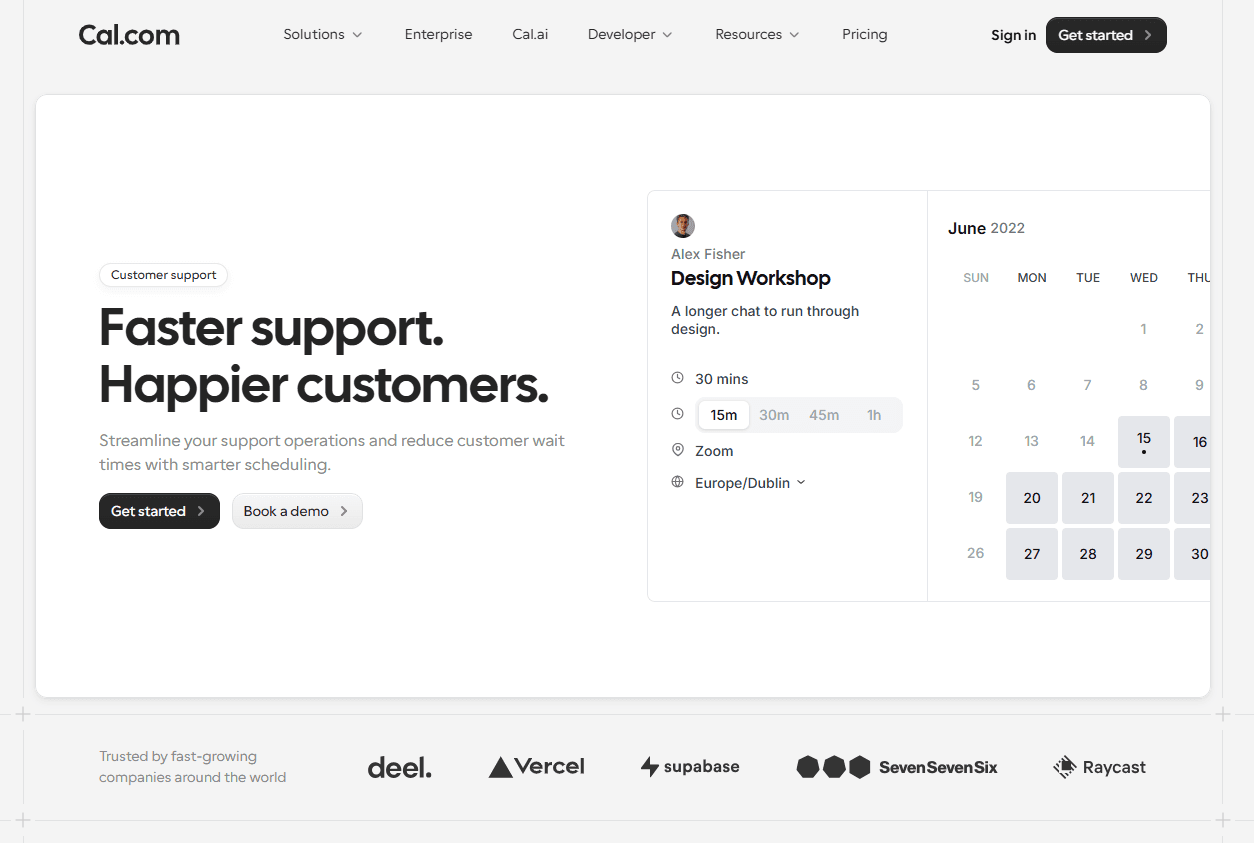
Why it's #1: Account management is built on communication with your clients. Not only communication, but also consistent communication that’s genuine. There’s no tool that can help you with the genuine messaging part, but for everything else, there’s Cal.com.
Why does it rank #1? Because it helps teams solve real-world problems, despite not being a dedicated account management software. It helps teams optimize their relationship with clients by improving meeting booking times and response times. These optimizations help clients feel seen and valued. So, it directly ties into the revenue you generate from that client.
While there are many other account management tools that focus on dashboards, forms, and a lot of other bruhaha, Cal.com works on simplicity. It just clears friction and helps automate scheduling workflows for businesses and sales teams. This clarity and purpose are why Cal.com ranks #1.
Core account management features
Customizable booking pages for individual account managers and CS teams
Round-robin and team scheduling features to make workload distribution fair and automated
Native-level integration with HubSpot and Salesforce to allow two-way data sync
Two-way calendar sync across all popular calendar apps, including Google Calendar and Microsoft Outlook
Automated reminders, follow-ups, and confirmations to reduce no-shows and delays on high-value client calls
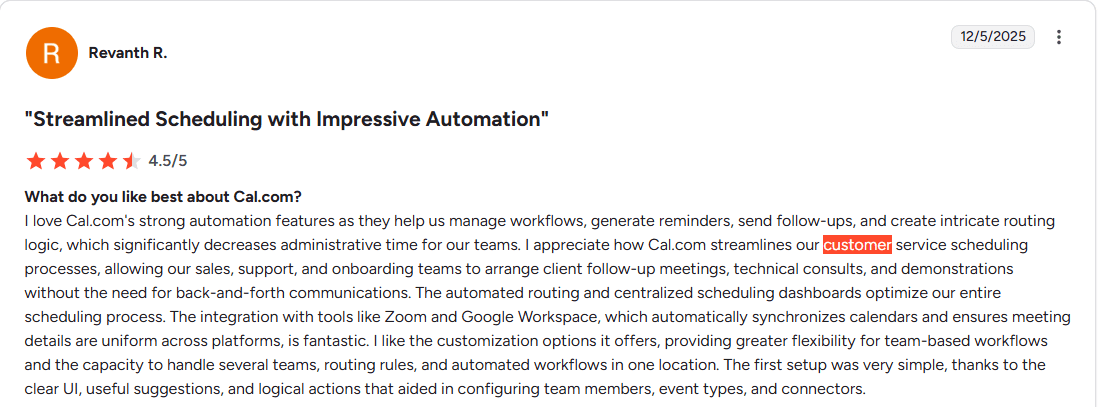
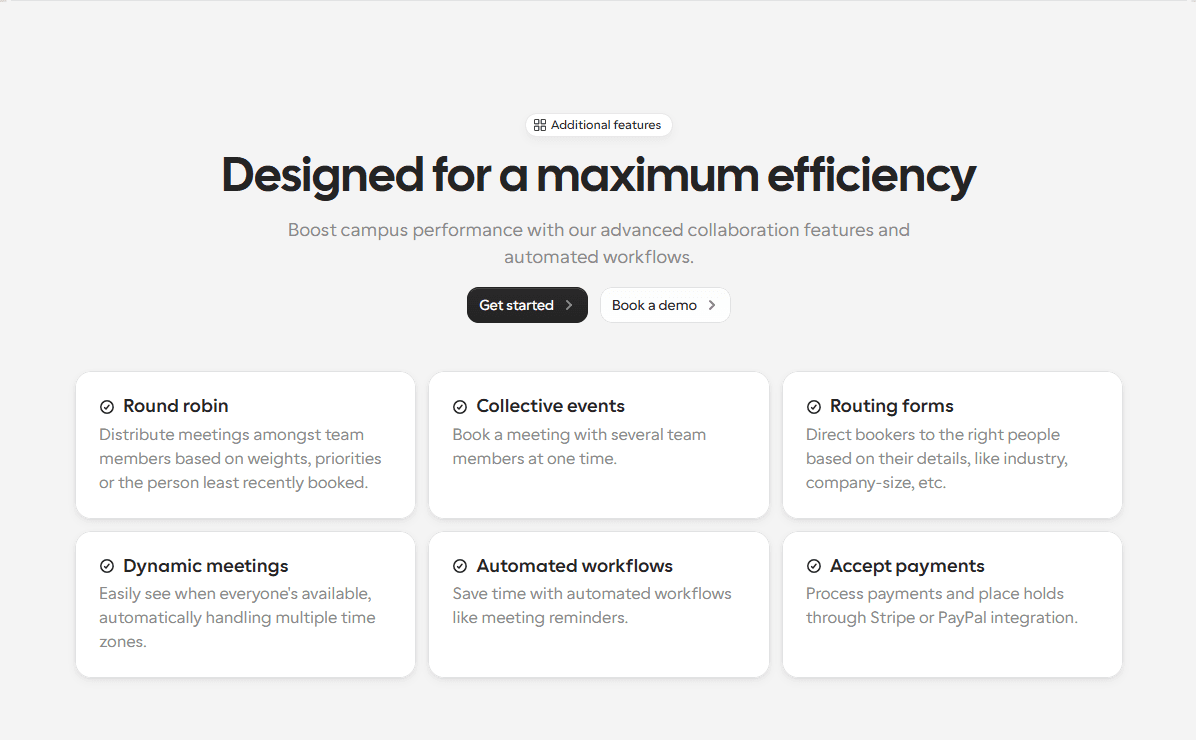
Custom routing forms to match each account with the right account owner automatically
What makes it stand out
Free plan that’s actually free forever for individuals
Transparent pricing that’s publicly listed
Flexibility to work across the entire revenue lifecycle from sales handoff to long-term account management
Removes friction and manual workload bottlenecks around scheduling for modern customer success teams
Flexible use case and performance to suit the needs of agencies, SaaS companies, and enterprise customer success teams
Pricing: Free plan available for individuals. Paid plans start at $12/user per month.
Best for: Customer success teams and account management teams that want to automate scheduling, optimize response times, and create a consistent client experience at scale.
Verdict
The best account management software of 2026 helps you maintain an active relationship with your clients. This is an invaluable metric that helps you retain and sometimes even get referrals from your existing clientele. Cal.com helps you achieve this efficiency and long-term customer nurturing better than any other account management software in the market.
2. Salesforce: best enterprise account management platform
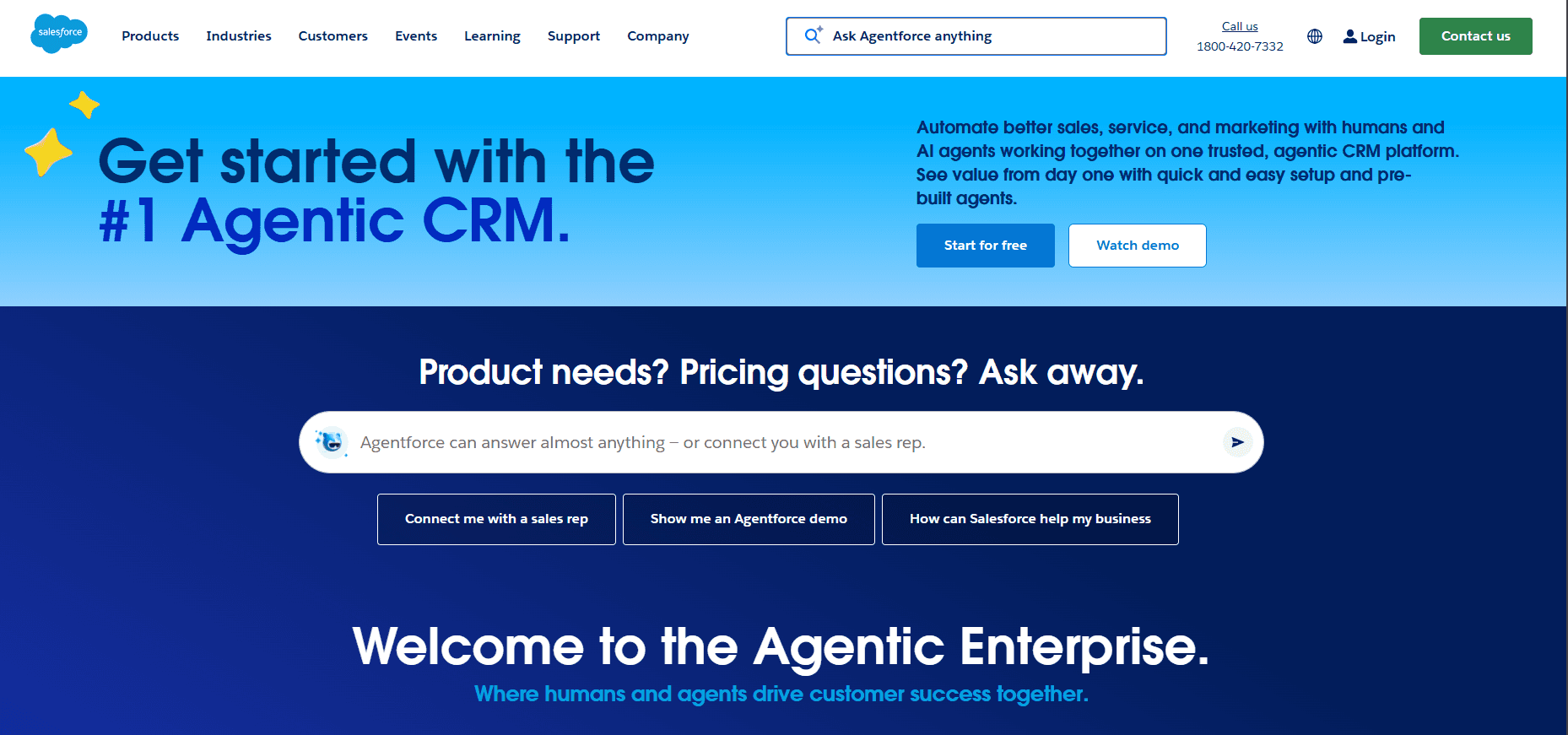
What it is: Salesforce, for those who don’t know, is one of the largest CRM and sales platforms in the world. They are used by enterprise customer success teams, sales teams, and revenue operations teams. It is a powerful enterprise-grade solution with its own ecosystem of apps and features. It is one of the most powerful dedicated account management software in the market.
Core account management features
End-to-end contact management: Salesforce supports full account management with 360-degree customer visibility
Health scoring: It helps teams identify problem areas by scoring clients based on their activity
Opportunity tracking: Salesforce tracks opportunities for renewals, upsells, and expansion revenue with existing clients
Automation: With automated workflows, escalations, renewals, and follow-ups, Salesforce is good for automation
AI-powered recommendations: To help teams make decisions based on data-backed insights, Salesforce offers Salesforce Einstein, its AI-powered recommendation engine
What makes it stand out
Comprehensive enterprise account management platform
Highly customizable software with complex workflow support
AI capabilities to identify churn risks and expansion opportunities
Strong reporting infrastructure for executives
Pricing: There are no fully free plans on Salesforce as an enterprise-grade software. The pricing is also quote-based and caters only to the enterprise-level businesses.
Best for: Large enterprises with complex account management requirements. It is also suited for multi-team customer workflows.
Verdict
Salesforce is a powerful enterprise-level platform. Its depth and customization features make it valuable for large organizations managing complex relationships. However, the platform is not easy to use or set up. It is also not meant for smaller teams and businesses. This is why Salesforce ranks #2 in our rankings.
3. HubSpot: best all-in-one account management solution
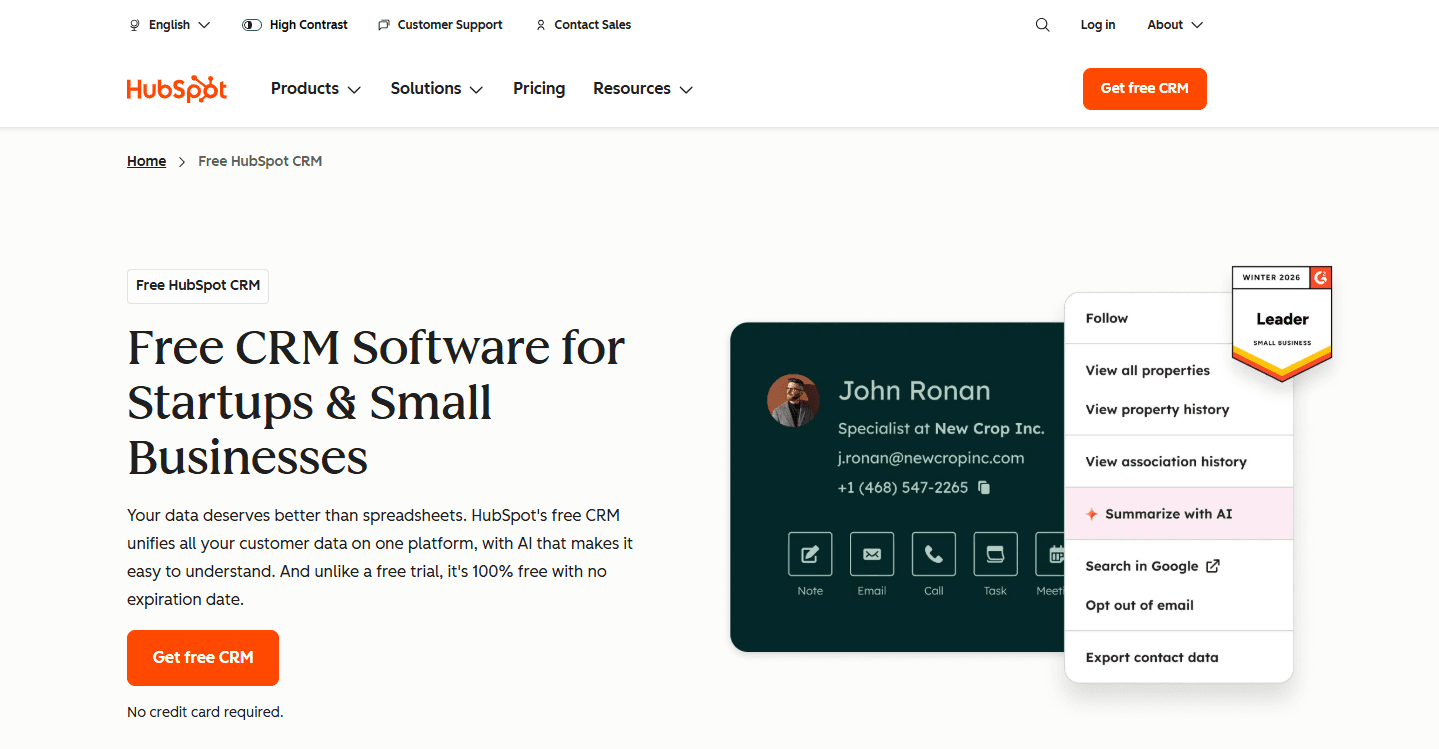
What it is: HubSpot CRM is the thing you were waiting for. Yes, HubSpot is the CRM that also doubles as an account management software. It offers complete customer management from first touch to renewal. It offers a streamlined way to manage customer relationships, renewals, and ongoing engagement from one software and dashboard. This makes it very convenient for your team.
Core account management features
Account management: The HubSpot CRM offers complete interaction history in a single platform for account and contact management
Renewal tracking: The platform tracks renewals that are coming up and helps the team prioritize clients with a high probability of churning.
Customer health reporting: In essence, with the previous point, customer health reporting is what helps teams identify clients with low engagement
Shared visibility: The HubSpot CRM offers shared visibility across sales, marketing, and customer success teams
Built-in meeting scheduling: This allows teams to automate scheduling and calendar bookings to a certain extent
Automation: The HubSpot CRM supports automated email sequences and follow-up workflows
What makes it stand out
Unified platform for sales, marketing, and customer success teams
Free tier available for growing businesses
Native scheduling functionality is available
Scales well for startup teams and mid-size organizations
Pricing: Has a free tier that’s good. The paid plans start at $9/user per month, but it is just the starter plan.
Best for: The HubSpot CRM is best suited for small to medium businesses. It is best for teams that want account management capabilities directly inside their CRM.
Verdict
The HubSpot CRM is undoubtedly powerful and has a plethora of features that are useful for businesses. However, considering it has so many avenues and features, there’s limited feature depth with HubSpot. Additionally, teams that are not using the HubSpot ecosystem will have to migrate entirely to this new platform in order to avail of their account management features.
4. DemandFarm: best account management software for strategic account planning
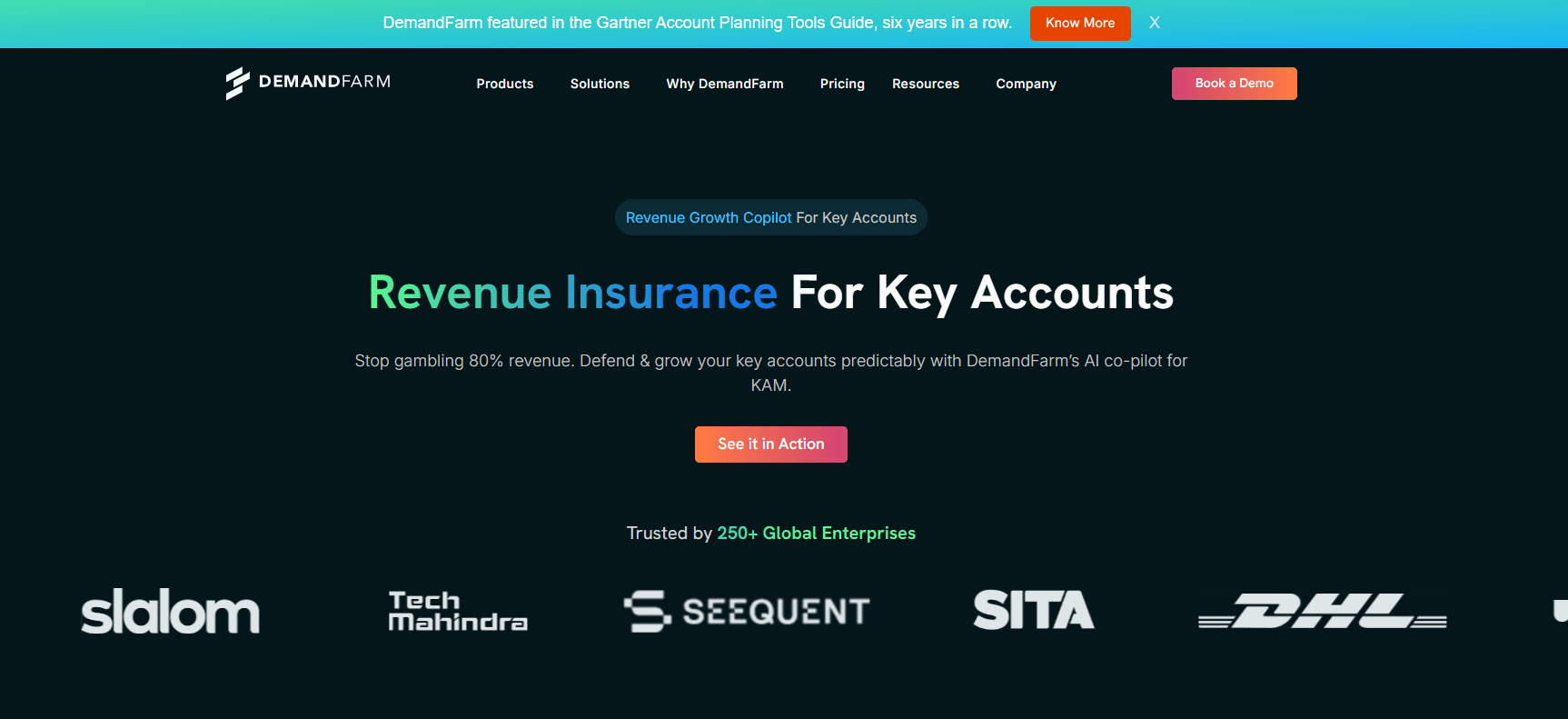
What it is: DemandFarm is a specialized platform that’s used for key account management. The focus of DemandFarm is on account planning, relationship intelligence, stakeholder mapping, and expansion strategy planning. This is a software for high-value enterprise businesses and doesn’t scale down for smaller teams.
Core account management features
Advanced org chart: This feature allows users to map client relations of enterprise accounts visually
Stakeholder tracking: DemandFarm allows stakeholder tracking and influence mapping
Native integration: Supports native-level integration with Salesforce and HubSpot
Collaboration tools: This feature allows enterprise account teams to collaborate with each other
Opportunity management: You can manage opportunities for cross-sell with DemandFarm
What makes it stand out
Built specifically for strategic account management
Visualization features for monitoring complex stakeholder relationships
Focuses on expansion planning
Works as an enhancement layer on top of CRMs
Pricing: No free plans. Quote-based pricing for teams of all sizes.
Best for: Suited for enterprise account teams managing high-value strategic accounts. It helps teams manage long-term expansion opportunities.
Verdict
DemandFarm is one of the most specialized platforms in the account management software category. However, the non-transparent pricing and niche features make it useful for a select few businesses. Compared to the top software, even the likes of Salesforce offer specialized features, but it doesn’t try to appeal to smaller teams. The broader base targeting of DemandFarm makes it fall short in several sectors of every category.
5. Gainsight: best account management software for customer success teams
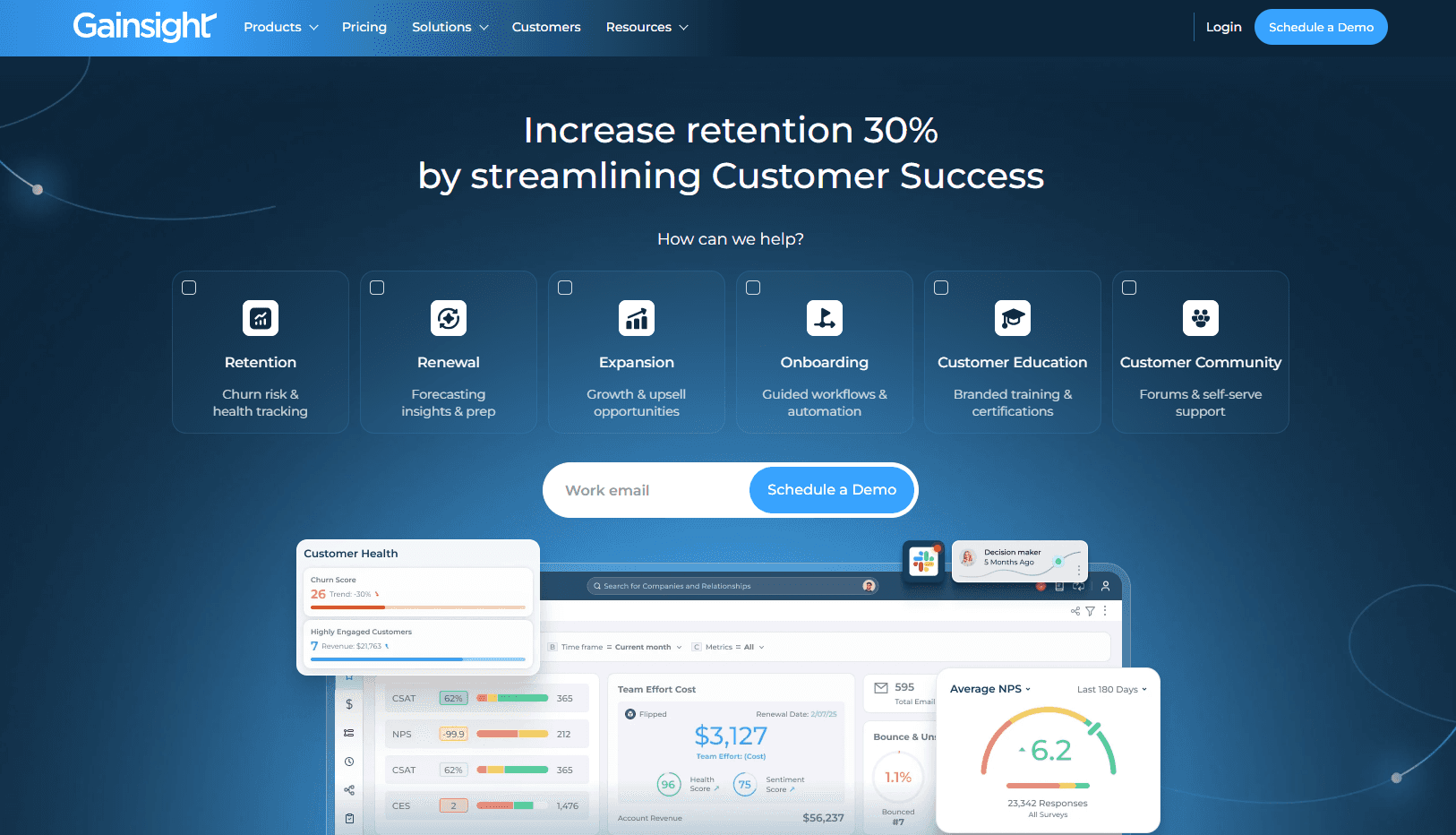
What it is: Gainsight is a popular customer success platform. It is specifically built to help teams improve retention. This is a useful feature set and product target as it helps reduce churn and grow expansion revenue. The deep automation and customer health monitoring capabilities make Gainsight a suitable account management software in the customer success tools category.
Core account management features
Customizable metrics: When you’re monitoring customer health scoring on Gainsight, you can also use customizable signals, metrics, and thresholds
Automated playbooks: This feature helps with churn prevention and supports growth workflows
Revenue forecasting: Gainsight supports revenue forecasting for renewals and account expansion
Customer lifecycle tracking: You can monitor customer lifecycle and engagement through the platform
Task management: You can automate alerts, escalations, and CS workflows
What makes it stand out
Advanced health scoring and churn prediction systems
Automated playbooks for every account manager
Supports renewal forecasting and customer retention analysis
Designed specifically for post-sale customer lifecycle management
Pricing: Enterprise-focused pricing that’s not transparent. Pricing is only available on request.
Best for: Customer success teams that are managing large portfolios where retention, churn reduction, health monitoring, and renewal forecasting are crucial.
Verdict
Gainsight is again a specialized and data-driven platform in the account management software category. However, its organizational focus makes it less likely to be flexible in its use case. This means the software suits enterprise teams well, but doesn’t scale down to meet the requirements and the infrastructure of smaller businesses and teams.
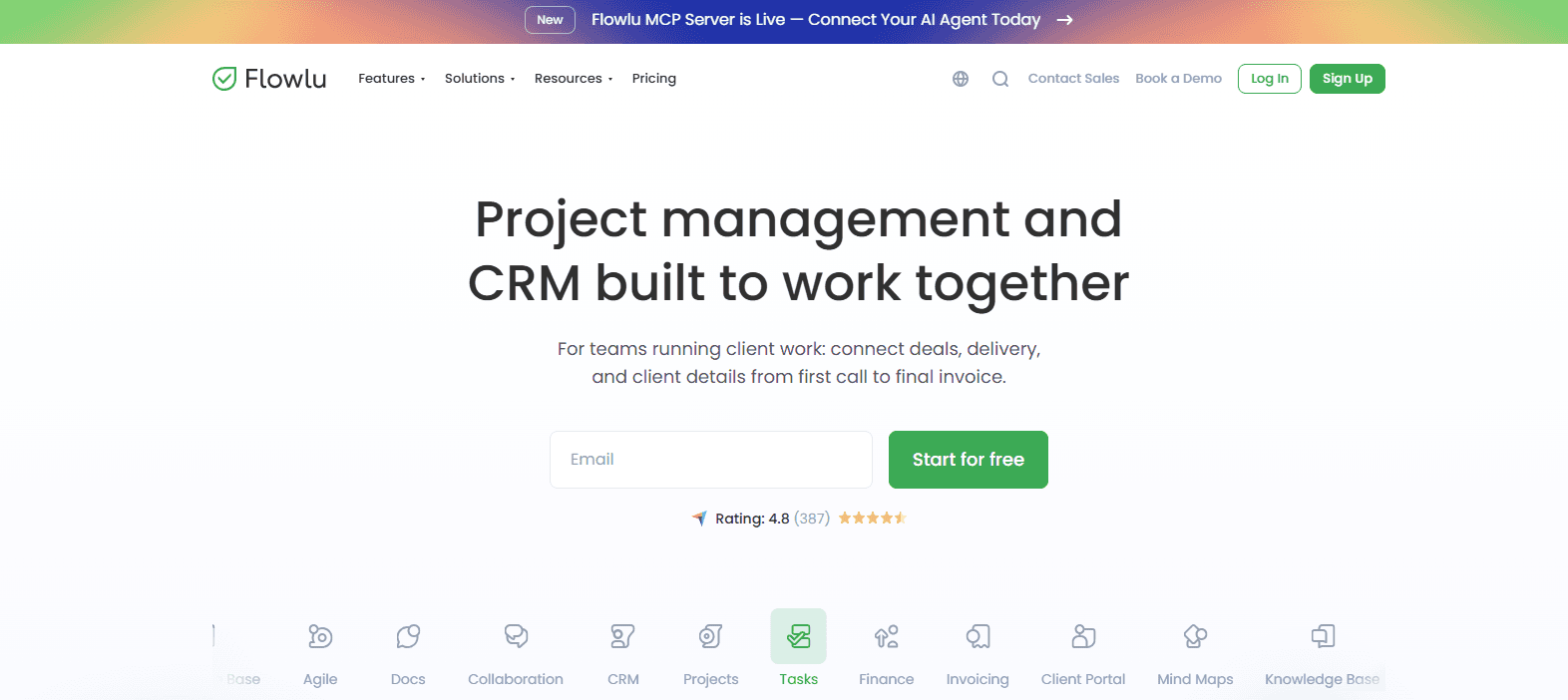
6. Flowlu: best budget-friendly account management software
What it is: Flowlu sounds kawaii, but it is not a cute software. It is rather an all-in-one business management platform that combines CRM, project management, collaboration, and client operations, much like HubSpot. However, the only key difference, Flowlu is suited to the needs of smaller teams looking for affordable account management software.
Core account management features
Interaction history tracking: With Flowlu, you can track contact and account management with a trackable interaction history
Workflow automations: Supports automation for follow-ups and recurring activities
Opportunity management: Flowlu supports deal pipeline and opportunity management
Financial tracking: You can track client portals and financials per account using Flowlu
Direct communication: The client portal allows for direct communication and collaboration
What makes it stand out
Full-featured software that’s affordable
Useful for agencies, consultants, and service-based businesses
Transparent pricing with a free tier
Combines account management with CRM functionality in a unified platform
Pricing: Free plan available with paid starter plans starting at $9/user per month.
Best for: Small businesses, agencies, consultants, and service providers. The all-in-one approach of this software makes it useful for a wide variety of professionals.
Verdict
Flowlu delivers great value in the account management software category for smaller businesses. Considering this segment is underserved, Flowlu deserves praise for looking out for the small guy. However, since this is a tool that excels for the small business, it doesn’t have equally powerful and robust enterprise-grade features as a lot of the other specialized tools. This is why Flowlu comes in towards the end of our rankings.
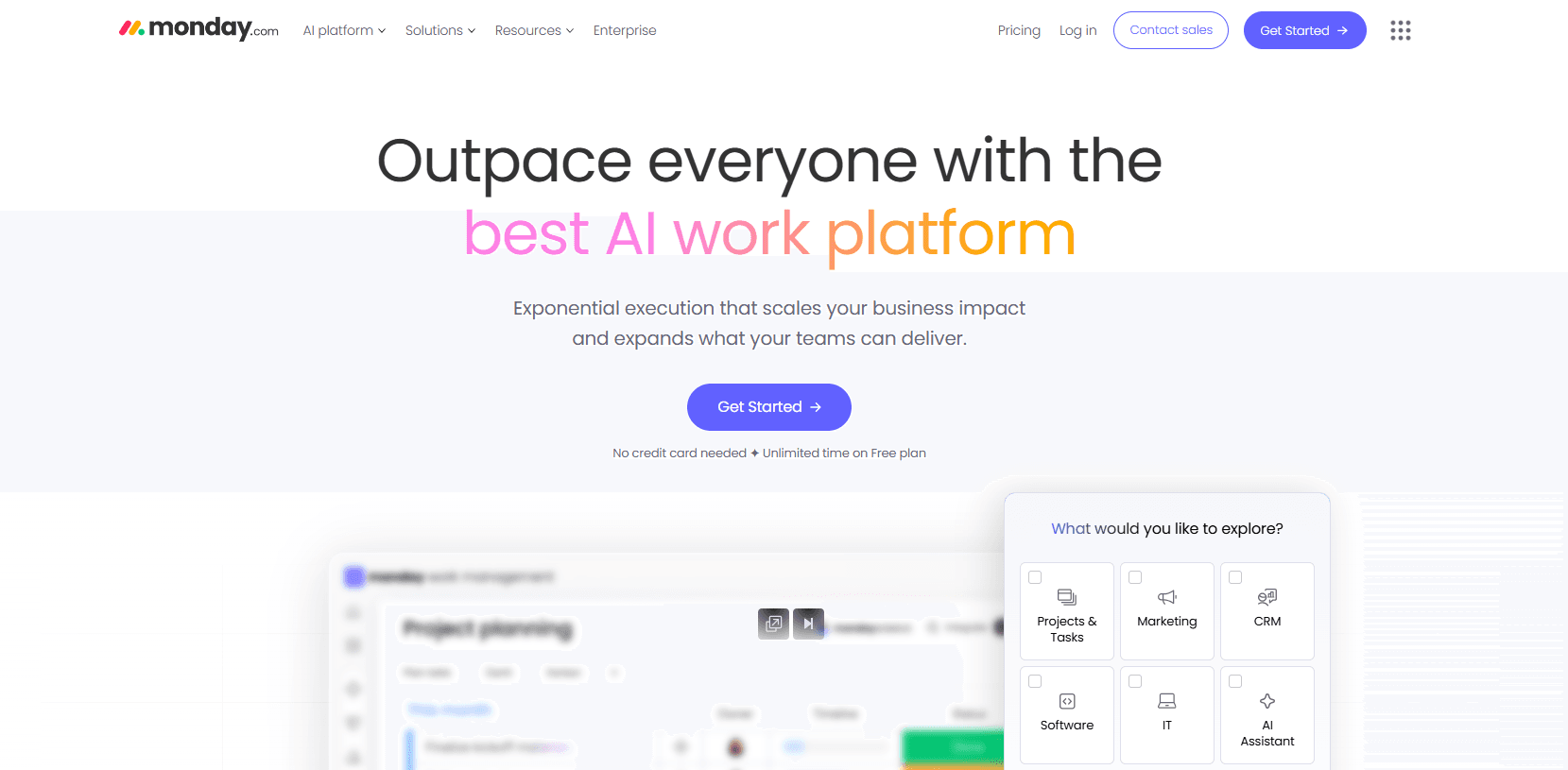
7. monday.com: best account management software for visual workflow teams
What it is: monday.com is a flexible work management platform. It adapts into a lightweight account management software system through customizable boards, automations, and CRM templates. It is a very flexible software that doesn’t force users into rigid structures. As a software, monday.com allows organizations to design their own workflows.
Core account management features
Customizable account tracking: With monday.com, you can track boards for building tailored workflows
CRM templates: To help you with relationship management, the platform provides CRM templates for contact relationship management
Integrations: You can easily integrate with HubSpot, Salesforce, and Gmail using monday.com
Collaboration features: You can get shared visibility across account teams
Progress tracking: You can track milestones, timelines, and progress on account plans
What makes it stand out
Flexible and customizable compared to other CRM platforms
Free tier available with scalable pricing for small businesses
Custom workflow creation is possible with exact account management processes
Visual board-based interface helps team adoption
Pricing: Free tier available, paid starter plan starts at $9/user per month.
Best for: Teams that want high levels of customization and workflow integration and do not want to commit to rigid structures can benefit from using monday.com.
Verdict
The platform certainly stands out for adaptability, but as we said in the beginning, it offers some account management features; it is not a dedicated account management software. It lacks feature depth, and the visual interface works fine when you have a small number of clients. At scale, the visual interface may become harder to manage and even overwhelming. That’s why it ranks last in our rankings.
Account management vs accounting software: what’s the difference?
When you’re searching for account management software online, and all you’re shown is online accounting software, you get confused, and rightfully so. Well, the difference is stark, but the two tools are named quite similarly, which leads search engines to sometimes group them together. To put the differentiation to rest once and for all, here’s a detailed overview of the differences.
Account management software: This is designed to help customer success teams maintain customer relationships after a sale has taken place. These platforms focus on:
Client communication and relationship tracking
Customer success workflows
Renewal and expansion management
Account planning and revenue growth
Customer health scoring
Meeting scheduling and follow-ups
Online accounting software: In contrast, online accounting software and other accounting software programs are built to manage the financial track record of businesses. These platforms focus on:
Bookkeeping
Expense tracking
Financial reporting
Invoicing
Payroll
Tax compliance
The accounting system software helps businesses maintain their books, while account management software ensures there are books to maintain with client retention. That is primarily the distinction between the two. When you search for account management software online, and you’re shown a free bookkeeping software instead, the confusion only comes from the similarities in their names.
Final verdict
The goal of account management software stacks in 2026 is to solve bottlenecks and actually optimize response times to help your clients feel seen and heard. The cherry on top is scheduling automation that allows your clients to reach you when they need. These features are offered specifically by Cal.com, which is why it leads our ranking as the best account management software of the year.
Sure, you can use the other tools that are dedicated to account management software; however, they lack feature depth in many cases and are not flexible enough to meet your workflow requirements. So, if you’re in the market for a new account management software, choose Cal.com today, and get started without any sales calls.
Frequently Asked Questions (FAQs)
What is account management software?
An account management software is a post-sales customer relationship management tool that helps customer success teams plan client upsells and retentions. It is used by revenue teams to also identify future revenue projections.
What is the best account management software in 2026?
Cal.com is the best account management software in 2026. It helps teams optimize response times and helps businesses build long-term relationships with their clients through automated routing and meeting scheduling. The automated features help both clients and teams meet in the middle at predefined times, helping both parties continue engaging regularly and keeping customer health scores high.
Is account management software the same as accounting software?
No, account management software is used by customer success teams and revenue teams. An accounting software is used by accountants to maintain the books of a business. To put it simply, the account management software needs to work first so that there’s reason for the accounting software to work.
What is the most affordable account management software?
Flowlu ranks highly as one of the most affordable account management software. However, Cal.com also ranks highly in this regard with paid plans starting at just $12/user per month. The features offered by Cal.com are also far more deep and allow for better automation compared to Flowlu.
Can I use Cal.com for account management?
Yes, you can use Cal.com for account management. The scheduling features of Cal.com are a major part of account management processes. Cal.com automates scheduling and even fairly distributes workload among all team members. For accounts with specific team members, custom routing rules allow customers to always connect with their account handlers only.

Get started with Cal.com for free today!
Experience seamless scheduling and productivity with no hidden fees. Sign up in seconds and start simplifying your scheduling today, no credit card required!