" height="18.016311920580208px" id="GKXyVanMq" stroke-dasharray="0" stroke-linecap="butt" stroke-linejoin="miter" stroke-miterlimit="10" stroke-width="0.5" stroke="rgb(0, 0, 0)" transform="translate(3 3)" width="18px"/></svg>)
"/><stop offset="1" stop-color="rgb(227, 224, 244)"/></linearGradient><linearGradient id="CBS1bzkxF-2031533640-linear-gradient" x1="0.49751243781094523" x2="0.5024875621890548" y1="0" y2="1"><stop offset="0" stop-color="rgb(255, 255, 255)"/><stop offset="1" stop-color="rgb(227, 224, 244)"/></linearGradient><linearGradient id="Jd7AK81w9-2031533640-linear-gradient" x1="0.49751243781094523" x2="0.5024875621890548" y1="0" y2="1"><stop offset="0" stop-color="rgb(255, 255, 255)"/><stop offset="1" stop-color="rgb(227, 224, 244)"/></linearGradient></defs><g d="M 0 16 L 0 0 L 16 0 L 16 16 Z M 9.167 5.167 C 9.167 4.891 8.943 4.667 8.667 4.667 C 8.391 4.667 8.167 4.891 8.167 5.167 C 8.167 6.784 7.809 7.834 7.155 8.488 C 6.501 9.143 5.451 9.5 3.833 9.5 C 3.557 9.5 3.333 9.724 3.333 10 C 3.333 10.276 3.557 10.5 3.833 10.5 C 5.451 10.5 6.501 10.857 7.155 11.512 C 7.809 12.166 8.167 13.216 8.167 14.833 C 8.167 15.109 8.391 15.333 8.667 15.333 C 8.943 15.333 9.167 15.109 9.167 14.833 C 9.167 13.216 9.524 12.166 10.178 11.512 C 10.832 10.857 11.883 10.5 13.5 10.5 C 13.776 10.5 14 10.276 14 10 C 14 9.724 13.776 9.5 13.5 9.5 C 11.883 9.5 10.832 9.143 10.178 8.488 C 9.524 7.834 9.167 6.784 9.167 5.167 Z M 4 3.667 C 4 3.483 3.851 3.333 3.667 3.333 C 3.483 3.333 3.333 3.483 3.333 3.667 C 3.333 4.32 3.189 4.715 2.952 4.952 C 2.715 5.189 2.32 5.333 1.667 5.333 C 1.483 5.333 1.333 5.483 1.333 5.667 C 1.333 5.851 1.483 6 1.667 6 C 2.32 6 2.715 6.145 2.952 6.382 C 3.189 6.618 3.333 7.013 3.333 7.667 C 3.333 7.851 3.483 8 3.667 8 C 3.851 8 4 7.851 4 7.667 C 4 7.013 4.145 6.618 4.382 6.382 C 4.618 6.145 5.013 6 5.667 6 C 5.851 6 6 5.851 6 5.667 C 6 5.483 5.851 5.333 5.667 5.333 C 5.013 5.333 4.618 5.189 4.382 4.952 C 4.145 4.715 4 4.32 4 3.667 Z M 7.333 1 C 7.333 0.816 7.184 0.667 7 0.667 C 6.816 0.667 6.667 0.816 6.667 1 C 6.667 1.422 6.573 1.65 6.445 1.778 C 6.317 1.906 6.089 2 5.667 2 C 5.483 2 5.333 2.149 5.333 2.333 C 5.333 2.517 5.483 2.667 5.667 2.667 C 6.089 2.667 6.317 2.761 6.445 2.889 C 6.573 3.016 6.667 3.244 6.667 3.667 C 6.667 3.851 6.816 4 7 4 C 7.184 4 7.333 3.851 7.333 3.667 C 7.333 3.244 7.427 3.016 7.555 2.889 C 7.683 2.761 7.911 2.667 8.333 2.667 C 8.517 2.667 8.667 2.517 8.667 2.333 C 8.667 2.149 8.517 2 8.333 2 C 7.911 2 7.683 1.906 7.555 1.778 C 7.427 1.65 7.333 1.422 7.333 1 Z" fill="transparent" height="16px" id="aoZYv33vR" width="16px"><path d="M 0 16 L 0 0 L 16 0 L 16 16 Z" fill="transparent" height="16px" id="Z2uGmhW9f" width="16px"/><g d="M 7.833 4.5 C 7.833 4.224 7.609 4 7.333 4 C 7.057 4 6.833 4.224 6.833 4.5 C 6.833 6.117 6.476 7.168 5.822 7.822 C 5.168 8.476 4.117 8.833 2.5 8.833 C 2.224 8.833 2 9.057 2 9.333 C 2 9.61 2.224 9.833 2.5 9.833 C 4.117 9.833 5.168 10.191 5.822 10.845 C 6.476 11.499 6.833 12.549 6.833 14.167 C 6.833 14.443 7.057 14.667 7.333 14.667 C 7.609 14.667 7.833 14.443 7.833 14.167 C 7.833 12.549 8.191 11.499 8.845 10.845 C 9.499 10.191 10.549 9.833 12.167 9.833 C 12.443 9.833 12.667 9.61 12.667 9.333 C 12.667 9.057 12.443 8.833 12.167 8.833 C 10.549 8.833 9.499 8.476 8.845 7.822 C 8.191 7.168 7.833 6.117 7.833 4.5 Z M 2.667 3 C 2.667 2.816 2.517 2.667 2.333 2.667 C 2.149 2.667 2 2.816 2 3 C 2 3.654 1.855 4.048 1.618 4.285 C 1.382 4.522 0.987 4.667 0.333 4.667 C 0.149 4.667 0 4.816 0 5 C 0 5.184 0.149 5.333 0.333 5.333 C 0.987 5.333 1.382 5.478 1.618 5.715 C 1.855 5.952 2 6.346 2 7 C 2 7.184 2.149 7.333 2.333 7.333 C 2.517 7.333 2.667 7.184 2.667 7 C 2.667 6.346 2.811 5.952 3.048 5.715 C 3.285 5.478 3.68 5.333 4.333 5.333 C 4.517 5.333 4.667 5.184 4.667 5 C 4.667 4.816 4.517 4.667 4.333 4.667 C 3.68 4.667 3.285 4.522 3.048 4.285 C 2.811 4.048 2.667 3.654 2.667 3 Z M 6 0.333 C 6 0.149 5.851 0 5.667 0 C 5.483 0 5.333 0.149 5.333 0.333 C 5.333 0.756 5.239 0.984 5.112 1.112 C 4.984 1.239 4.756 1.333 4.333 1.333 C 4.149 1.333 4 1.483 4 1.667 C 4 1.851 4.149 2 4.333 2 C 4.756 2 4.984 2.094 5.112 2.222 C 5.239 2.35 5.333 2.578 5.333 3 C 5.333 3.184 5.483 3.333 5.667 3.333 C 5.851 3.333 6 3.184 6 3 C 6 2.578 6.094 2.35 6.222 2.222 C 6.35 2.094 6.578 2 7 2 C 7.184 2 7.333 1.851 7.333 1.667 C 7.333 1.483 7.184 1.333 7 1.333 C 6.578 1.333 6.35 1.239 6.222 1.112 C 6.094 0.984 6 0.756 6 0.333 Z" fill="transparent" height="14.66671286102295px" id="ae6ccdFme" transform="translate(1.333 0.667)" width="12.66663px"><path d="M 5.833 0.5 C 5.833 0.224 5.609 0 5.333 0 C 5.057 0 4.833 0.224 4.833 0.5 C 4.833 2.117 4.476 3.168 3.822 3.822 C 3.168 4.476 2.117 4.833 0.5 4.833 C 0.224 4.833 0 5.057 0 5.333 C 0 5.61 0.224 5.833 0.5 5.833 C 2.117 5.833 3.168 6.191 3.822 6.845 C 4.476 7.499 4.833 8.549 4.833 10.167 C 4.833 10.443 5.057 10.667 5.333 10.667 C 5.609 10.667 5.833 10.443 5.833 10.167 C 5.833 8.549 6.191 7.499 6.845 6.845 C 7.499 6.191 8.549 5.833 10.167 5.833 C 10.443 5.833 10.667 5.61 10.667 5.333 C 10.667 5.057 10.443 4.833 10.167 4.833 C 8.549 4.833 7.499 4.476 6.845 3.822 C 6.191 3.168 5.833 2.117 5.833 0.5 Z" fill="url(%23t2lXByE48-2031533640-linear-gradient)" height="10.66671px" id="t2lXByE48" transform="translate(2 4)" width="10.66663px"/><path d="M 2.667 0.333 C 2.667 0.149 2.517 0 2.333 0 C 2.149 0 2 0.149 2 0.333 C 2 0.987 1.855 1.382 1.618 1.618 C 1.382 1.855 0.987 2 0.333 2 C 0.149 2 0 2.149 0 2.333 C 0 2.517 0.149 2.667 0.333 2.667 C 0.987 2.667 1.382 2.811 1.618 3.048 C 1.855 3.285 2 3.68 2 4.333 C 2 4.517 2.149 4.667 2.333 4.667 C 2.517 4.667 2.667 4.517 2.667 4.333 C 2.667 3.68 2.811 3.285 3.048 3.048 C 3.285 2.811 3.68 2.667 4.333 2.667 C 4.517 2.667 4.667 2.517 4.667 2.333 C 4.667 2.149 4.517 2 4.333 2 C 3.68 2 3.285 1.855 3.048 1.618 C 2.811 1.382 2.667 0.987 2.667 0.333 Z" fill="url(%23CBS1bzkxF-2031533640-linear-gradient)" height="4.66667px" id="CBS1bzkxF" transform="translate(0 2.667)" width="4.66667px"/><path d="M 2 0.333 C 2 0.149 1.851 0 1.667 0 C 1.483 0 1.333 0.149 1.333 0.333 C 1.333 0.756 1.239 0.984 1.112 1.112 C 0.984 1.239 0.756 1.333 0.333 1.333 C 0.149 1.333 0 1.483 0 1.667 C 0 1.851 0.149 2 0.333 2 C 0.756 2 0.984 2.094 1.112 2.222 C 1.239 2.35 1.333 2.578 1.333 3 C 1.333 3.184 1.483 3.333 1.667 3.333 C 1.851 3.333 2 3.184 2 3 C 2 2.578 2.094 2.35 2.222 2.222 C 2.35 2.094 2.578 2 3 2 C 3.184 2 3.333 1.851 3.333 1.667 C 3.333 1.483 3.184 1.333 3 1.333 C 2.578 1.333 2.35 1.239 2.222 1.112 C 2.094 0.984 2 0.756 2 0.333 Z" fill="url(%23Jd7AK81w9-2031533640-linear-gradient)" height="3.333333px" id="Jd7AK81w9" transform="translate(4 0)" width="3.3333399999999997px"/></g></g></svg>)
" height="24px" id="WCm44spAV" width="24px"/><path d="M 3.892 7.742 C 1.674 7.742 0 6.014 0 3.882 C 0 1.738 1.589 0 3.892 0 C 5.107 0 5.951 0.374 6.623 1.173 L 5.566 2.09 C 5.118 1.621 4.564 1.386 3.892 1.386 C 2.452 1.386 1.547 2.517 1.547 3.882 C 1.547 5.246 2.452 6.356 3.924 6.356 C 4.649 6.356 5.193 6.111 5.63 5.63 L 6.718 6.558 C 6.153 7.24 5.193 7.742 3.892 7.742 Z" fill="rgb(255, 255, 255)" height="7.741500000000002px" id="XEPpGD7l5" transform="translate(4 8.25)" width="6.717999999999989px"/><path d="M 2.74 7.922 C 1.215 7.922 0 6.632 0 5.032 C 0 3.433 1.215 2.122 2.74 2.122 C 3.7 2.122 4.201 2.516 4.5 3.113 L 4.5 2.239 L 5.928 2.239 L 5.928 7.784 L 4.531 7.784 L 4.531 6.877 C 4.233 7.507 3.731 7.922 2.74 7.922 Z M 1.439 5.023 C 1.439 5.865 2.057 6.622 2.975 6.622 C 3.924 6.622 4.531 5.897 4.531 5.033 C 4.531 4.169 3.924 3.423 2.975 3.423 C 2.057 3.423 1.439 4.159 1.439 5.022 Z M 6.784 7.784 L 6.784 0 L 8.224 0 L 8.224 7.784 L 6.784 7.784 Z" fill="rgb(255, 255, 255)" height="7.9224997406005855px" id="lGDJupIUR" transform="translate(10.5 8)" width="8.223500194549558px"/></g></svg>)
" width="18px"><path d="M 2 8 C 0.895 8 0 7.105 0 6 L 0 2 C 0 0.895 0.895 0 2 0 L 6 0 C 7.105 0 8 0.895 8 2 L 8 6 C 8 7.105 7.105 8 6 8 Z" fill="transparent" height="8px" id="ZrCrI93dV" stroke-dasharray="" stroke-linecap="round" stroke-linejoin="round" stroke-width="2" stroke="rgb(0, 0, 0)" width="8px"/><path d="M 0 0 L 0 4 C 0 5.105 0.895 6 2 6 L 6 6" fill="transparent" height="6px" id="emltWYAiE" stroke-dasharray="" stroke-linecap="round" stroke-linejoin="round" stroke-width="2" stroke="rgb(0, 0, 0)" transform="translate(4 8)" width="6px"/><path d="M 2 8 C 0.895 8 0 7.105 0 6 L 0 2 C 0 0.895 0.895 0 2 0 L 6 0 C 7.105 0 8 0.895 8 2 L 8 6 C 8 7.105 7.105 8 6 8 Z" fill="transparent" height="8px" id="WpBecYDfi" stroke-dasharray="" stroke-linecap="round" stroke-linejoin="round" stroke-width="2" stroke="rgb(0, 0, 0)" transform="translate(10 10)" width="8px"/></g></svg>)

8 Best Scheduling Software for Freelancers in 2026 Ranked
You lose a prospect every time a discovery call turns into five emails about time zones. You lose a paid hour every time a client no-shows on a consultation you blocked your morning for. And you lose your evening every time you copy your availability into yet another email instead of working. This is the tax freelancers pay for not having the right booking app, and it adds up fast when you are the one running sales, delivery, and admin by yourself.

Scheduling software for freelancers lets you:
Share a booking link instead of emailing your availability
Let clients book a time that works for them
Reduce no-shows with automated reminders
Brand your booking page, so it looks like your business rather than a generic scheduling app
Connect scheduling with the invoicing software you already use
We tested 8 booking apps on payments, free tier, reminders, and cost. One option stood out as the best appointment booking app for freelancers who want to get booked, get paid, and avoid adding yet another monthly subscription: Cal.com.
Top Picks for Freelancers At a Glance (TL;DR)
Cal.com: Best overall and best free scheduling software, with payments and unlimited bookings
Calendly: Best for simple, familiar booking
Acuity Scheduling: Best for service packages and intake forms
SavvyCal: Best client-facing booking experience
TidyCal: Best one-time-payment option
Bonsai: Best all-in-one for freelancers
HoneyBook: Best client management for creative freelancers
Setmore: Best free-friendly option with payments
What is Scheduling Software for Freelancers?
Scheduling software for freelancers is a tool that lets clients self-book calls and sessions online, often with payment taken at the time of booking, plus automated reminders to reduce no-shows. It removes the email back-and-forth that costs freelancers prospects and billable time every single week.
Unlike a basic calendar link, which shows your free slots and stops there, a real booking system adds payment processing, reminders, branding, and intake questions to that booking, so the client pays, confirms, and tells you what they need before the call even starts. The best scheduling apps go a step further by syncing that booking straight into your existing calendar and invoicing tools.
There is also a difference between a pure scheduler app and a full freelance platform. Some of these booking apps just handle scheduling and nothing else. Others bundle scheduling with invoicing, contracts, and a CRM, so you manage your whole client relationship in one place. The right pick depends on what you already use to invoice and manage clients, and whether you want to add that workload to your scheduling tool or keep it separate.
What to Look for in a Scheduler for Freelance Work
The right scheduler gets the basics right, such as client self-booking, payments at booking, a genuinely useful free tier, automated reminders, time zone handling, branding, and integrations. A 2025 study found that introducing online appointment scheduling reduced unused appointment slots from 22.7% to 10.3% in a practice after implementation, strengthening the argument that reminders are a must-have feature.
Here's what each feature should actually do for your business.
Client self-booking. Clients should book from your link, see your real availability, and confirm a time with no back-and-forth. A clean appointment booking app converts more prospects into confirmed calls instead of losing them to a slow email thread.
Payments and deposits at booking. Taking a deposit or full payment through Stripe at the time of booking filters out unqualified leads and reduces no-shows for paid consultations. Check whether payments are on the free tier or gated behind a paid plan, as this varies widely between tools.
A real free scheduling app and clear pricing. Freelancers watch every dollar, so look beyond the word "free." A worthwhile free plan should support unlimited bookings, your own branding, and core features rather than being a limited trial. Also, consider how pricing changes if you add another team member or contractor in your office scheduling software.
Reminders and time zones. Automated reminders cut no-shows on their own. Accurate time zone detection is non-negotiable the moment you work with clients outside your own country, the same way it matters for any online appointment scheduling tool used across borders.
Branding and booking page experience. A professional online booking platform should feel like an extension of your business, with your logo, colors, and messaging. A polished booking experience builds trust before the meeting even begins.
Integrations and flexibility. Calendar syncing, video conferencing, invoicing, CRM connections, and automation tools matter just as much as the booking flow itself. The best appointment scheduling software fits into the tools you already use, rather than creating another disconnected workflow.
How We Chose Them
We ranked these tools based on the job a freelancer actually has: getting clients booked and paid with minimal admin and minimal cost. We stayed honest throughout about which tools are dedicated schedulers and which are broader freelance platforms with built-in scheduling.
Here’s how we chose them:
Started with who actually buys this kind of appointment scheduling software: solo freelancers and consultants, usually budget-conscious and often working with clients spread across several time zones.
Scored each scheduler app on client self-booking, payments and deposits, the free tier and pricing, reminders and time zones, branding, and integrations.
Checked every price and capability against each vendor's own pricing page and product documentation.
Clearly communicated the project scope. The all-in-one platforms bundle invoicing, contracts, and a CRM, which goes well beyond scheduling software for business use, so we credit them for that while still ranking every tool, from the simplest free scheduling app to the most full-featured online appointment booking software, on the booking job a freelancer actually needs done.
A quick note before the rankings: a handful of these tools double as appointment software for small business owners who run a small team, not just solo freelancers. We highlighted each tool below, distinguishing true appointment booking software platforms from basic scheduling tools that offer limited payment support.
The 8 Best Scheduling Tools for Freelancers (Ranked)
Some scheduling tools just get out of your way. Others don’t. We looked at the 8 best online appointment booking software for freelancers and ranked them based on what it's actually like to run client bookings through them.
1. Cal.com: The best pick for freelancers overall
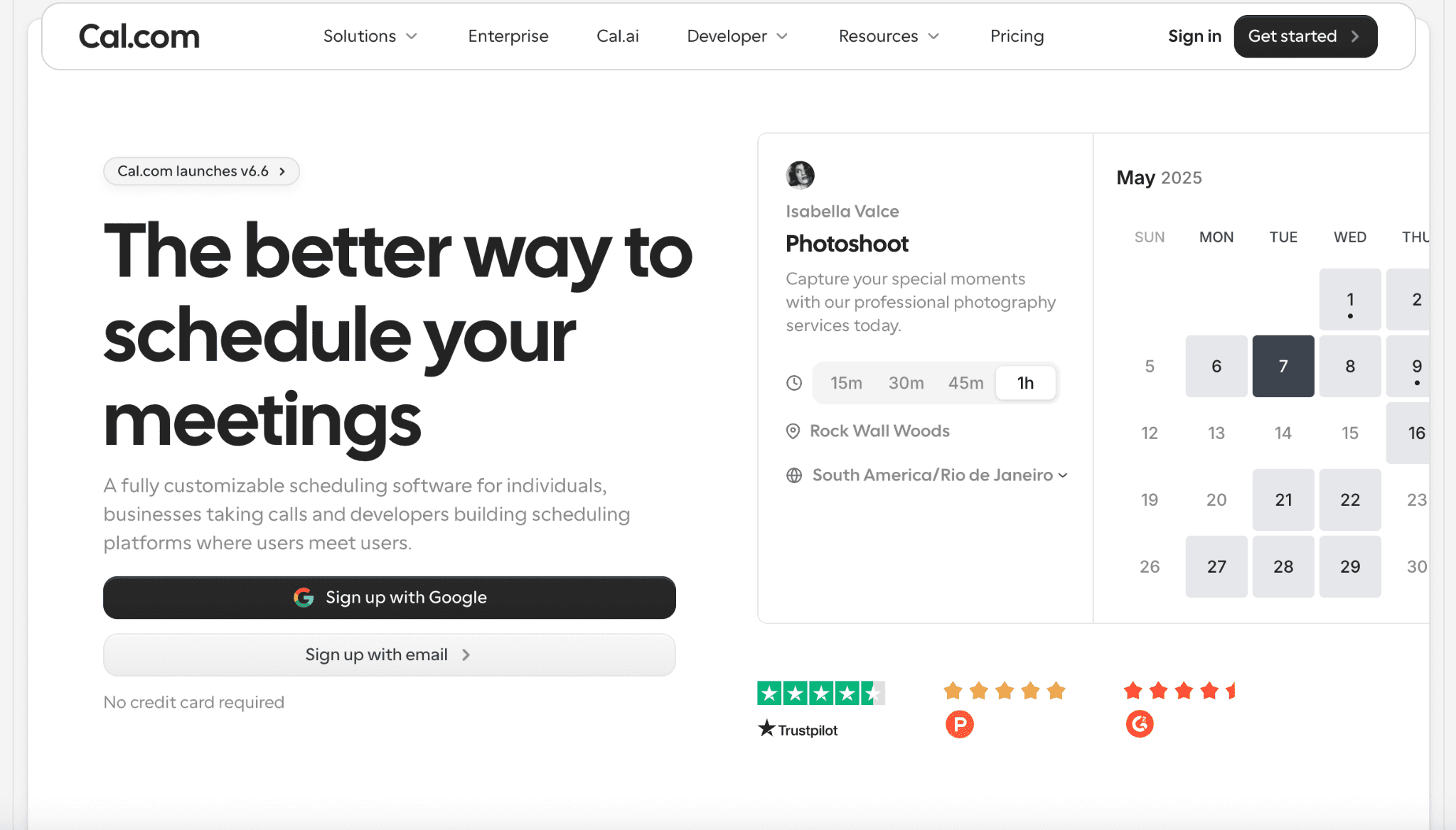
What it is: Cal.com is a flexible online scheduling and booking app built for the exact job a freelancer needs done. It includes client self-booking, Stripe payments, unlimited bookings, automated reminders, accurate time zone handling, and a public API that connects with the invoicing or CRM tools you already use.
If you grow into a small team or bring on a co-coach, group events, shared booking links, and round-robin scheduling help distribute bookings fairly across whoever is available. Freelancers working in health-adjacent coaching or consulting can also sign Business Associate Agreements (BAAs) for HIPAA compliance on the Organizations plan, making it easy to scale without changing platforms.
Why it ranks first: Cal.com gives you the best free scheduling software on this list for freelancers, and it offers all the basic features on the free plan. It stands out because it gives you practical scheduling controls, including buffer and notice controls (minimum notice, buffer time before and after a call, and time-slot intervals), so you don’t end up with back-to-back calls all day. You also get a clean branded booking link instead of a clunky default URL, and an "Overlay my calendar" view for clients to compare your availability against their own before they pick a slot.
For example, a coaching and consulting platform called The Starters needed a white-labeled, embedded booking calendar, so their freelance coaches could take client bookings without ever sending someone to a separate, branded tool. Cal.com gave them enough white-label control that the booking flow felt like part of their own product. For freelancers, this level of branding matters because clients should feel like they are booking with you, not a third-party tool.
Core features:
Client self-scheduling from a single shareable, short branded link
Unlimited bookings, even on the free plan
Calendar sync with Google, Outlook, and Apple Calendar, plus an "Overlay my calendar" view for the client booking the call
Automated reminders and workflows that trigger on booking, rescheduling, and cancellation
Buffer time, minimum notice, and time-slot interval controls to stop back-to-back overbooking
Accurate time zone scheduling for international clients
Custom branding and custom domains for a client-facing page that looks like your business
Multiple event types for different services or call lengths
Built-in video conferencing through Cal Video, alongside Zoom and Google Meet
A public API to connect Cal.com to your invoicing or CRM tools
Support for 65+ languages and simple, no-code customization of your booking page
Pricing: Cal.com offers a free plan for individual coaches with no time limit and core features, including Stripe payments and core booking from day one. Teams runs $16/user/month (month-to-month) or $12/user/month (billed annually). Organizations is $37/user/month (month-to-month) or $28/user/month (billed annually). Enterprise pricing is custom.
Best for: Solo freelancers and consultants who want a clean, branded scheduler that takes payment and does not require a subscription to get started.
Verdict: Cal.com is the strongest pick for freelancers on this list. It pairs the best free scheduling app with payments and unlimited bookings, plus enough API flexibility to connect to whatever invoicing tool you already use.
2. Calendly: Best for simple, familiar booking
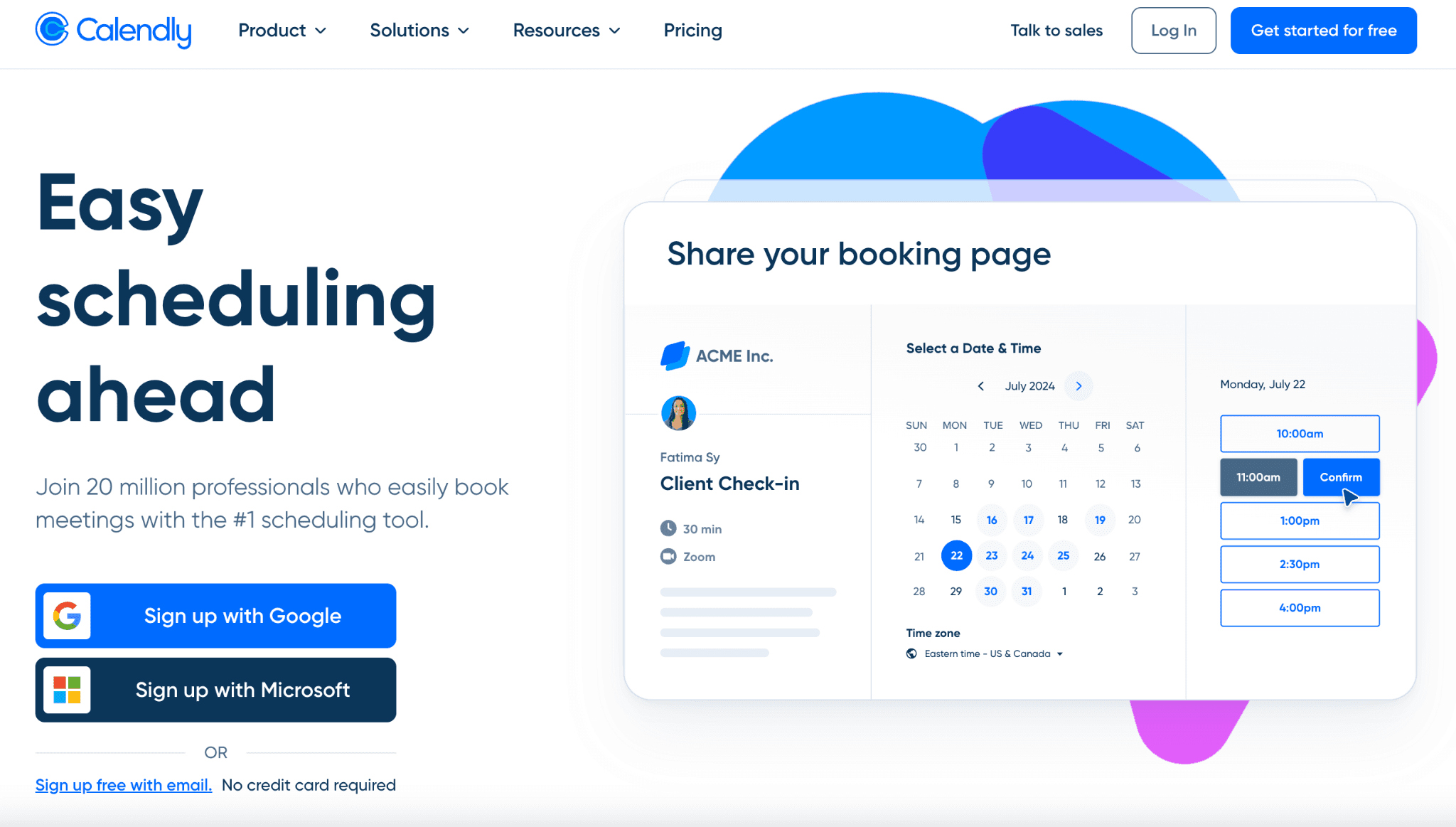
What it is: Calendly is the booking app most clients have already used elsewhere, since it integrates with up to 6 calendars and over 100 tools, from Salesforce to Zoom. As an office scheduling software, clients see a familiar interface and book in seconds, with zero explanation needed from you, while you still get calendar sync, basic reminders, and a clean, branded link without touching a single setting most freelancers never use.
Features:
One-click booking links clients already recognize, with calendar sync across Google, Outlook, and Apple Calendar
Connects up to six calendars per account, so freelancers juggling personal and client work do not double-book
100+ native integrations, including Zoom, Slack, HubSpot, and Salesforce, plus browser extensions for Chrome and Firefox
Routing forms, round-robin assignment, and collective event types, mostly built for teams rather than solo use
Pricing: Calendly offers a free plan that covers one meeting type and basic scheduling. Standard runs $10/seat/month (billed annually) or $12/seat/month (month-to-month), while Teams is $16/seat/month (billed annually) or $20/seat/month (month-to-month) and adds Salesforce integration, round-robin routing, collective meetings, admin tools, and reporting and analytics. Enterprise starts from $15,000/year and includes advanced security, dedicated support, audit logs, and domain control. A 14-day free trial is available on all paid plans.
Pros:
Simple setup with minimal configuration, even for a non-technical freelancer
Reliable calendar sync across up to six calendars
Clean, recognizable booking page that needs no client-side explanation
Cons:
Many advanced features are locked behind higher-priced plans, including payments and routing
Limited customization for meeting workflows compared to more flexible scheduling apps
Best for: Freelancers whose clients are already used to seeing a Calendly link, since zero-friction recognition matters more to them than deep customization or built-in payments.
Verdict: Calendly wins on familiarity alone, and that is a real advantage if your clients are non-technical when it comes to new office scheduling software. But once you need to get paid at booking or go beyond the one-event limit on the free plan, Cal.com keeps the same core booking features and adds Stripe payments and unlimited bookings without forcing you to pay for a seat.
3. Acuity Scheduling: Best for service packages and intake forms
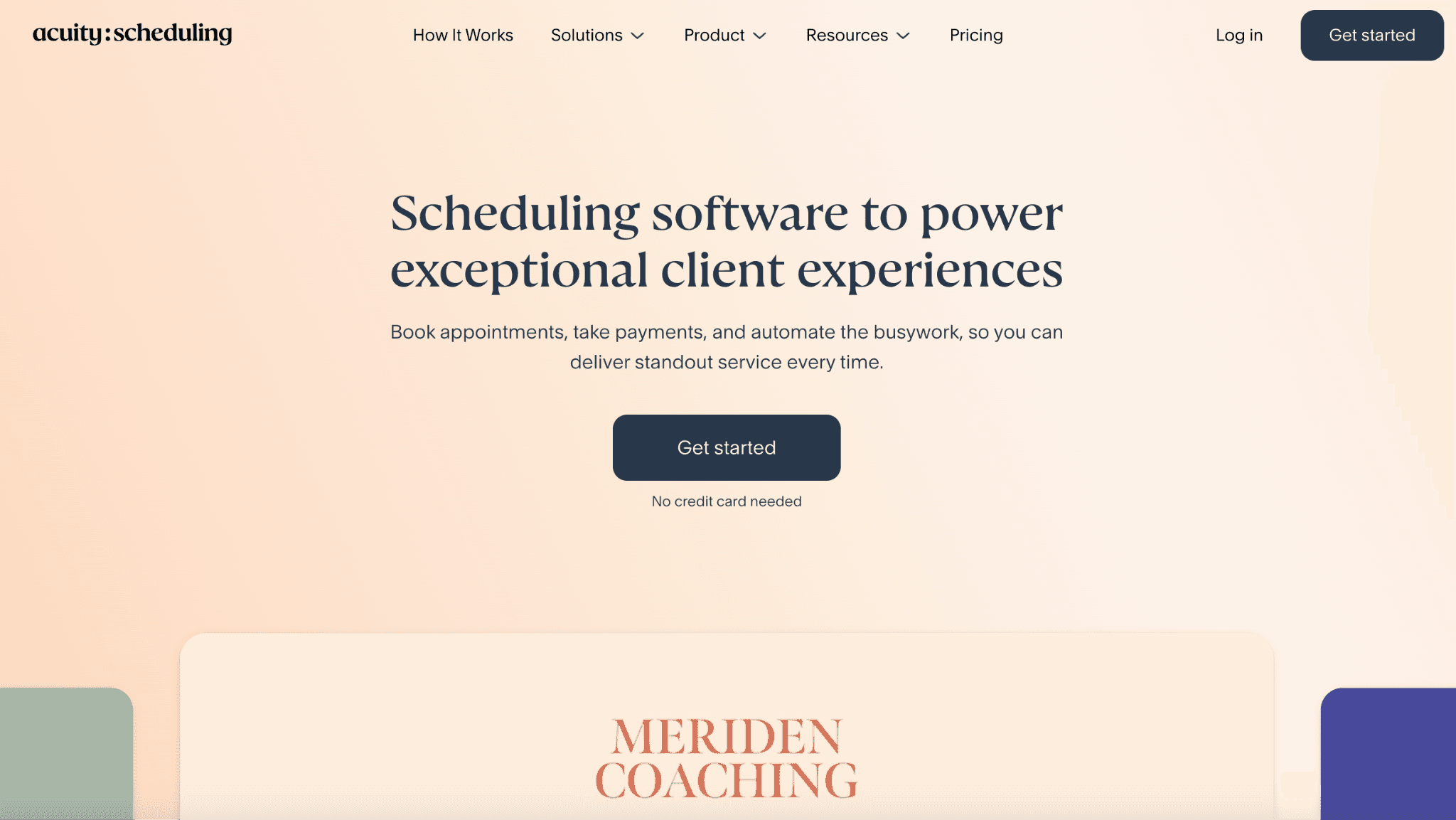
What it is: Acuity Scheduling is a service-built booking app from Squarespace, made for freelancers who sell packages, classes, or recurring sessions rather than a single call type. Clients fill out a custom intake form before they ever land on your calendar, choose from bundled packages or subscriptions, and pay through Stripe, Square, or PayPal at checkout. Buffer times, multiple calendars, and automatic time zone detection round out the booking flow.
Features:
Conditional intake forms with text, dropdown, checkbox, and file-upload fields, collected before the client ever sees your calendar
Packages, subscriptions, gift certificates, and coupons built directly into the booking and payment flow
Stripe, Square, and PayPal support, with the option to collect a deposit or full prepayment
A "Look busy" setting that selectively hides open slots so your calendar does not read as wide open
Pricing: Acuity offers three publicly listed plans. The Starter plan runs $16/month (billed annually) or $20/month (month-to-month), while Standard is $27/month (billed annually) or $34/month (month-to-month) and adds up to six calendars, text reminders, and the ability to sell memberships and packages. The Premium plan is $49/month (billed annually) or $61/month (month-to-month) and is the only plan that includes HIPAA compliance with a signed BAA. Annual billing saves 20% across all plans, and a 7-day free trial is available with no credit card required.
Pros:
Strong intake forms for service-based freelance work, with conditional logic, which most online appointment scheduling software does not offer
Packages and add-ons built into the booking flow instead of bolted on through a separate service scheduling software
Good fit for recurring service clients who book the same package on a schedule
Cons:
Integration with Squarespace is restrictive outside the Squarespace ecosystem itself
Scheduler options are initially confusing and later feel limited as your services grow
Best for: Freelancers selling structured service packages or recurring sessions who need a real intake form before every booking, not just a calendar slot.
Verdict: Acuity earns its place for service-based freelancers running packages, classes, or recurring client work, where the intake forms and bundled pricing genuinely outclass a basic scheduler app. Cal.com still covers the core scheduling and payment job at no cost, with a free plan instead of a 7-day trial.
4. SavvyCal: Best client-facing booking experience
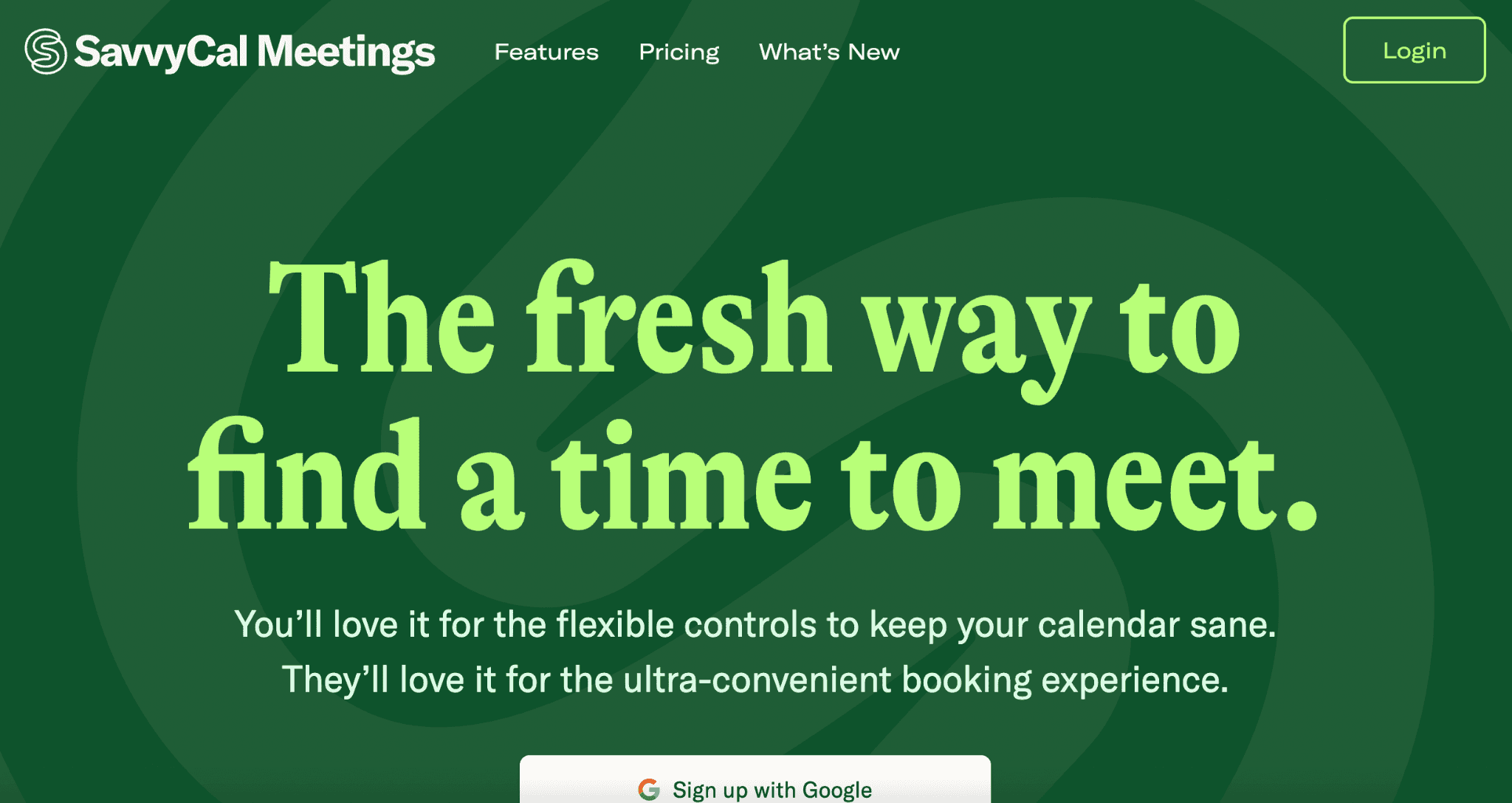
What it is: SavvyCal is online appointment scheduling software built around how the booking experience feels to the person on the other end of your link, not just to you. Clients overlay their own calendar on top of yours and drag to pick a time that works for both sides, instead of scrolling a static list of slots. Custom domains, branding controls, buffer rules, and time blocking round out a polished, client-facing scheduler app.
Features:
Calendar overlay lets a client lay their own calendar over your link to spot a shared opening at a glance
Drag-to-pick time selection replaces the click-a-day-then-click-a-time flow most booking apps still use
Branding controls for colors, banner image, and avatar on every plan, plus custom domains on Premium for a fully white-labeled link
Buffers and limits, time blocking, and preferred slots to defend focus time, not just confirm bookings
Pricing: SavvyCal does not offer a standalone free plan, only a free trial with a 30-day money-back guarantee once you subscribe. Basic runs $10/user/month (billed annually) or $12/user/month (month-to-month) and includes unlimited calendars, unlimited scheduling links, and team scheduling. Premium runs $17/user/month (billed annually) or $20/user/month (month-to-month) and adds custom domains, delegate-to-assistant access, and the ability to take paid bookings.
Pros:
The most polished booking experience on this list for the client picking a time
Calendar overlay and personalized links work well for high-value, detail-oriented prospects
Time-defense features protect your schedule, on top of just confirming bookings
Cons:
Scheduling appointments may not always feel smooth or responsive
Higher pricing than other scheduling software for freelancers
Best for: Freelancers booking senior clients or prospects who expect a polished, white-glove scheduling experience.
Verdict: SavvyCal wins on the experience itself, with a calendar overlay and branding polish that make a senior prospect feel like the link was built specifically for them. Cal.com still leads on cost and flexibility, with a genuine free plan, Stripe payments included from day one rather than gated behind Premium, and a broader API.
5. TidyCal: Best one-time-payment option
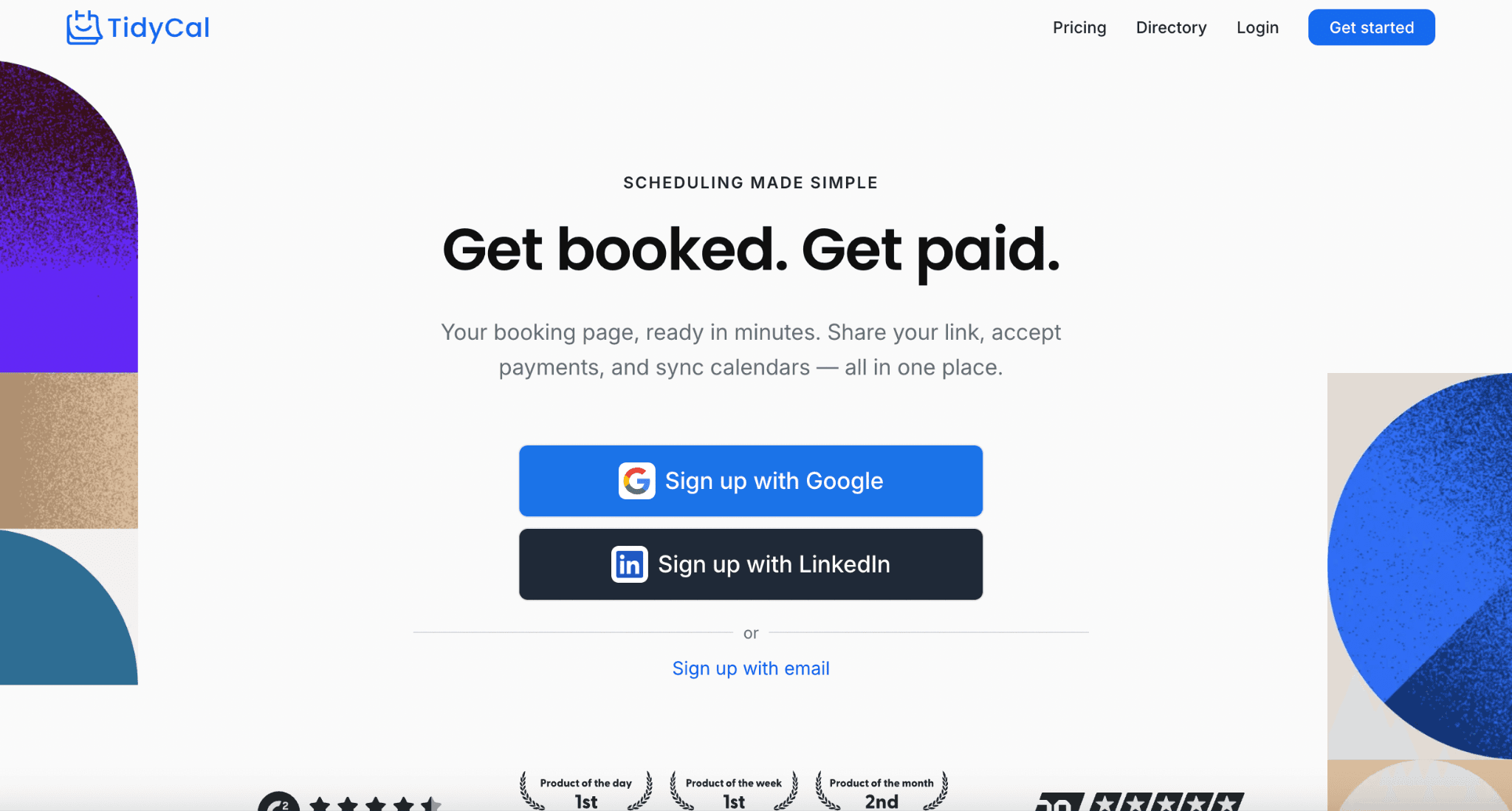
What it is: TidyCal is a booking app and service scheduling software sold primarily as a one-time purchase rather than a recurring subscription, with Individual and Agency lifetime plans available through AppSumo.
The free plan still accepts Stripe and PayPal payments, sells packages and subscriptions, and allows unlimited bookings, though it caps you at one connected calendar and keeps TidyCal's branding visible. Pay once at $29 or $79, and branding, calendar limits, and team features open up without a recurring bill.
Features:
A digital storefront to sell PDFs, courses, or templates as add-ons to your booking types
Auto-create Zoom, Google Meet, or Teams links, plus an AI booking assistant, on Individual Lifetime and up
Round robin and collective meetings, SMS reminders, and a dedicated team page on Agency Lifetime and up
Custom domain and full removal of TidyCal branding, reserved for the $12/month Pro subscription
Pricing: TidyCal offers a Free plan at $0 with unlimited bookings, paid bookings, and one connected calendar. Individual Lifetime is a $29 one-time payment (down from $144) and adds 10 calendar connections, AI features, custom emails, and reduced branding. Agency Lifetime is a $79 one-time payment (down from $249) that adds round-robin and collective meetings, SMS reminders, and 25 calendar connections. A separate Pro plan runs $12/month, with a 31% discount available on yearly billing, and is the only tier that removes TidyCal branding entirely and adds a custom domain.
Pros:
Individual and Agency lifetime plans cost less over two years than most monthly competitors
Session packages and subscription billing suit coaches and consultants selling bundles upfront
AI booking assistant and CSV export available on the one-time Individual plan, not gated behind a monthly fee
Cons:
You can't cap bookings across all types at once
Cannot set variable session lengths within a single booking type (must use fixed durations)
Best for: Freelancers who want to avoid another monthly subscription and are fine paying once upfront.
Verdict: TidyCal earns a real spot here, with payments, unlimited bookings, and package selling included even on the free plan, plus a $29 or $79 lifetime deal that beats any subscription over time. Cal.com still wins on branding and calendar flexibility, with custom domains and broader calendar sync included for free, rather than reserved for a $12/month upsell.
6. Bonsai: Best all-in-one for freelancers
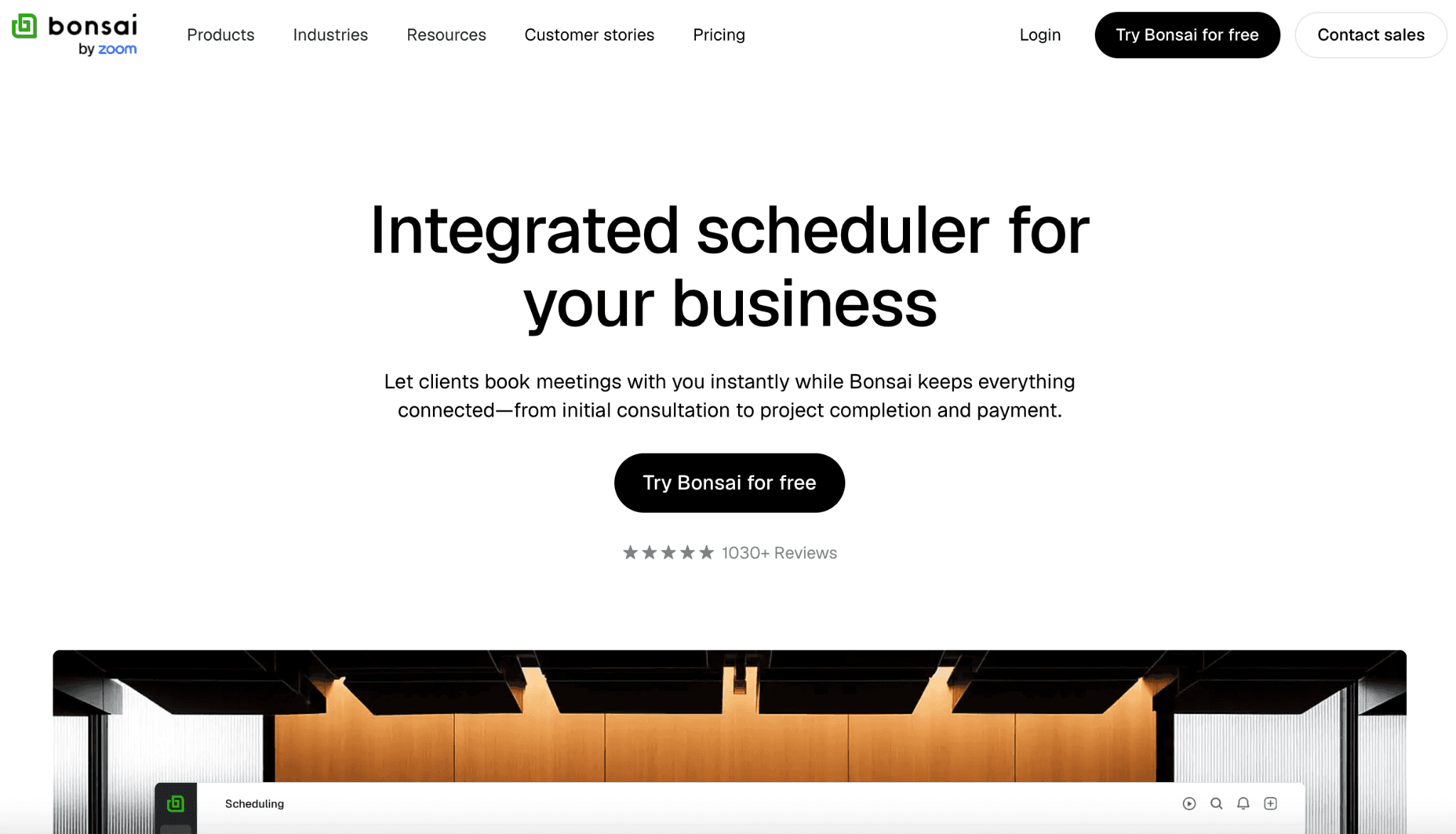
What it is: Bonsai bundles online appointment scheduling software with contracts, invoicing, proposals, and a CRM, built for freelancers who want their entire back office running through one platform. As a service scheduling software, clients book through a branded page, calendars sync across Google, Outlook, Apple, and Exchange to block double-booking, and a deposit or payment captured at booking flows straight into Bonsai's invoicing system.
Features:
Branded booking page with custom event types for consultations, check-ins, or recurring client calls
Calendar sync across Google, Outlook, Apple Calendar, and Exchange to block double-booking automatically
Deposit or full payment capture at booking, synced directly into Bonsai's invoicing system
White-label branding with your own logo, colors, and custom domain on scheduling pages
Pricing: Bonsai runs four plans. Basic is $9/month (billed annually) or $11/month (month-to-month). Essentials is $19/month (billed annually) or $25/month (month-to-month) and is the entry point for scheduling, invoicing, payments, proposals, and contracts together. Premium is $29/month (billed annually) or $39/month (month-to-month) and adds project insights, custom fields, and integrations with QuickBooks, Zapier, and Google. Elite is $49/month (billed annually) or $59/month (month-to-month) and adds custom permissions and data import. Annual billing saves up to four months across every plan.
Pros:
Calendar sync across four major providers blocks double-booking without manual checking
Deposit and no-show protection built directly into the booking flow itself
White-label branding and a custom domain available once you reach Essentials or above
Cons:
Customer support can be inconsistent and sometimes unhelpful
Responses may include incorrect information or generic, canned replies
Best for: Freelancers who want their whole back office, scheduling included, running through a single platform.
Verdict: Bonsai earns its all-in-one reputation once you are on Essentials, where a booked call can trigger an invoice and a contract without leaving the platform. Cal.com is the better dedicated scheduler, with a free tier and payment options if you keep invoicing elsewhere.
7. HoneyBook: Best client management for creative freelancers
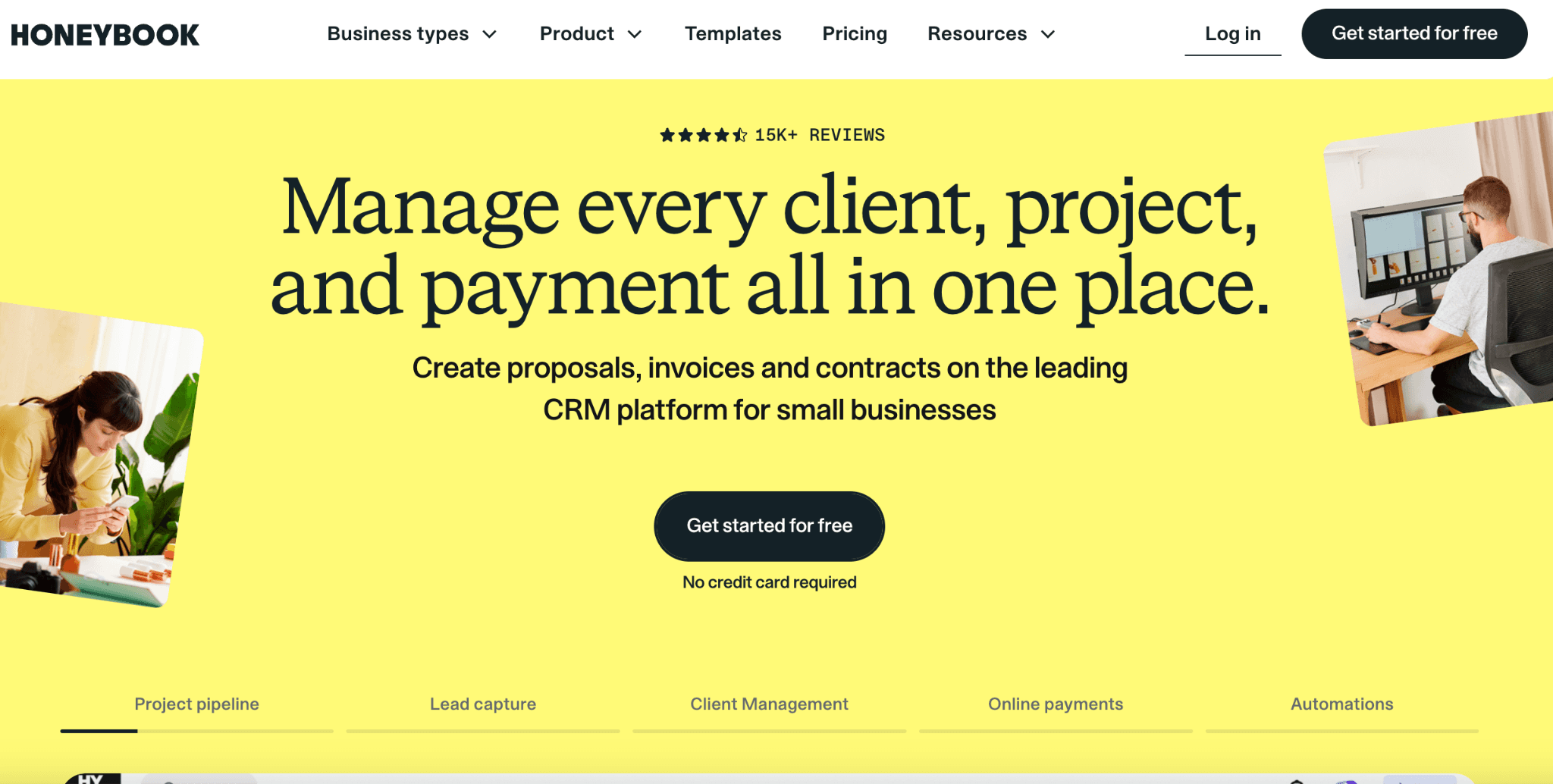
What it is: HoneyBook is a client management platform built for creative freelancers, taking the lead from the first inquiry through proposal, contract, booking, and payment in a single connected flow. Branded lead forms, automations, and a client portal handle the relationship, while built-in AI drafts emails, summarizes projects, and takes meeting notes.
Features:
HoneyBook AI drafts emails, summarizes projects, and takes meeting notes automatically
Branded client portal with customizable proposal and contract templates
Automated SMS reminders and standard reporting on Essentials and above
Integrations with QuickBooks Online, Google Calendar, Gmail, and Zapier
Pricing: HoneyBook runs three plans. Starter is $29/month (billed annually) or $36/month (month-to-month), while Essentials is $50.15/month (billed annually) or $59/month (month-to-month) and adds the Scheduler, automations, QuickBooks Online integration, up to 2 team members, and SMS reminders. Premium is $109.65/month (billed annually) or $129/month (month-to-month) and includes unlimited team members, priority support, and unlimited live lead forms.
Pros:
Strong fit for photographers, designers, and other client-facing creative freelancers
HoneyBook AI handles repetitive writing tasks like email drafts and meeting notes
Combines proposals, contracts, invoicing, and scheduling in one connected flow once you reach Essentials
Cons:
No support for recurring/repeating appointments, requiring a separate scheduling tool
Overall workflow feels fragmented for service-based businesses with ongoing clients
Best for: Creative freelancers who want lead capture, proposals, contracts, and booking running through one branded client experience.
Verdict: HoneyBook is ideal for creative freelancers who want a single branded client experience, while Cal.com wins for freelancers who just need flexible booking with payments and nothing extra attached.
8. Setmore: Best free-friendly option with payments

What it is: Setmore gives freelancers a free booking app with payments, branded pages, and video links built in. You set up a branded Booking Page in three steps: add a QR code so clients can scan and book from anywhere, accept payments via Stripe, Square, or PayPal upfront, and connect Zoom or Google Meet for calls.
Features:
Branded Booking Page with your logo, colors, and Instagram or Facebook integration
QR code booking, so clients scan and book from a flyer, business card, or storefront display
Stripe, Square, and PayPal payment options, including upfront payment to cut no-shows
1-click Zoom or Google Meet video links added directly to bookings
Pricing: Setmore offers a free Start plan. The Pro plan runs $5/user/month (billed annually) or $12/user/month (month-to-month) and covers unlimited users at a flat per-seat rate, rather than capping team size the way some competitors do.
Pros:
Free plan includes payments, branded booking pages, and reminders
QR code booking is a genuinely useful differentiator for freelancers with a storefront or printed materials
Built-in Zoom and Google Meet links remove a separate video-conferencing step
Cons:
No master calendar view to see all agents’ appointments in one place
Limited visibility into team-wide scheduling
Best for: Freelancers who want a free scheduler with payments, branded pages, and reminders included, without needing deep customization or an API.
Verdict: Setmore is a solid free starter with payments built in, but Cal.com offers deeper scheduling, stronger branding, and an API as your freelance business grows.
Quick Comparison Table for Freelancers
Most of these tools offer a free plan, but their features vary widely. Here’s how each online scheduling software stacks up on payments, scheduling, and pricing.
Tool | Free tier and payments | Business features | Pricing |
Cal.com | Usable free tier with Stripe payments and unlimited bookings | Scheduling-focused, connects to invoicing and CRM via API, plus round-robin and group events | Free, Teams $16/user/mo ($12/mo billed annually), Organizations $37/user/mo ($28/mo billed annually) |
Calendly | Free plan, no payments, capped at one event type | Limited (scheduler) | Free, Standard $10/seat/mo billed annually ($12 monthly), Teams $16/seat/mo billed annually ($20 monthly) |
Acuity Scheduling | No free plan, just a 7-day trial, payments included from Starter up | Limited (scheduler) | Starter $16/mo billed annually ($20 monthly), Standard $27/mo billed annually ($34 monthly), Premium $49/mo billed annually ($61 monthly) |
SavvyCal | No standalone free plan, just a trial, paid bookings on Premium only | Limited (scheduler) | Basic $10/user/mo billed annually ($12 monthly), Premium $17/user/mo billed annually ($20 monthly) |
TidyCal | Free plan includes payments and unlimited bookings, capped at one calendar | Limited (scheduler) | Free, Individual Lifetime $29 one-time, Agency Lifetime $79 one-time, Pro $12/mo |
Bonsai | No free $0 plan, and scheduling itself starts at Essentials, not Basic | Full: contracts, invoicing, CRM | Basic $9/mo billed annually ($11 monthly, no scheduling), Essentials $19/mo billed annually ($25 monthly) |
HoneyBook | No free $0 plan, just a trial, Scheduler starts at Essentials, not Starter | Full: CRM, proposals, contracts | Starter from $29 to $36/mo, Essentials $50.15/mo billed annually ($59 monthly) |
Setmore | Free plan includes payments, branded pages, and reminders | Limited (scheduler) | Free, Pro $5/user/mo billed annually ($12/user/mo monthly), unlimited users |
Final Verdict: Which is the Best Scheduling Software for Freelancers?
If you want an all-in-one platform that handles your back office and scheduling, tools like Bonsai or HoneyBook are a strong fit. They make sense if contracts, invoicing, and client management take up more of your time than scheduling itself.
But if you’re looking for a dedicated booking app for freelancers, especially one that lets you take payments without paying upfront, Cal.com stands out. Its free plan includes features that many competitors lock behind paid tiers, including Stripe payments and unlimited bookings. It also integrates easily with other tools through its API, so you can plug it into whatever invoicing or workflow system you already use. Start with the free plan, set up one branded event type for your most common call, and see how much time you save by cutting out the back-and-forth emails.
Get started with Cal.com for freeSet up your free Cal.com booking page in minutes, take payments from day one, and let your next client book themselves in. No credit card required. |
Frequently Asked Questions
What is scheduling software for freelancers?
A scheduling tool for freelancers is a booking app that lets clients self-book calls or sessions online, often with payment collected at the time of booking. It replaces manual back-and-forth emails with a single link your client can use to pick a time that works.
What is the best scheduling software for freelancers?
The best online scheduling software for freelancers is Cal.com. It combines a genuinely free plan with Stripe payments, unlimited bookings, and an API that connects to the rest of your freelance business appointment apps, all without forcing you onto a paid tier first.
What is the best free scheduler for freelancers?
The best free scheduler for freelancers is Cal.com because its free plan includes Stripe payments and unlimited bookings, rather than limiting you to a single event type or restricting how many bookings you can take each month, as is common in many competing business appointment apps.
Can freelancers take payments or deposits with Cal.com?
Yes. Cal.com supports Stripe payments on bookings, including on its free tier, so you can collect a deposit or full payment the moment a client books a paid consultation.
What is the best all-in-one platform for freelancers?
Bonsai and HoneyBook are the best all-in-one booking systems for freelancers who want contracts, invoicing, and a CRM bundled with their booking software. Cal.com works well alongside either one, serving as the dedicated scheduler app that connects via its API.
Which scheduling tool has the best client booking experience?
A scheduling tool with the best client booking experience is SavvyCal, which lets clients overlay their own calendars and drag to pick a time. Cal.com still wins on free tier value, payments, and flexibility for freelancers who want both a strong experience and a real free plan in online appointment booking software.

Get started with Cal.com for free today!
Experience seamless scheduling and productivity with no hidden fees. Sign up in seconds and start simplifying your scheduling today, no credit card required!