> ## Documentation Index
> Fetch the complete documentation index at: https://cal.com/docs/llms.txt
> Use this file to discover all available pages before exploring further.
# Custom toasts
> Replace default cal.com toasts with your own
It is possible to disable default toasts for the `AvailabilitySettings` and `EventTypeSettings` atoms to then use hooks => callbacks
and listen for updates to then render your own toasts.
If we use the `AvailabilitySettings` atom, make changes and press "Save" a confirmation appears:
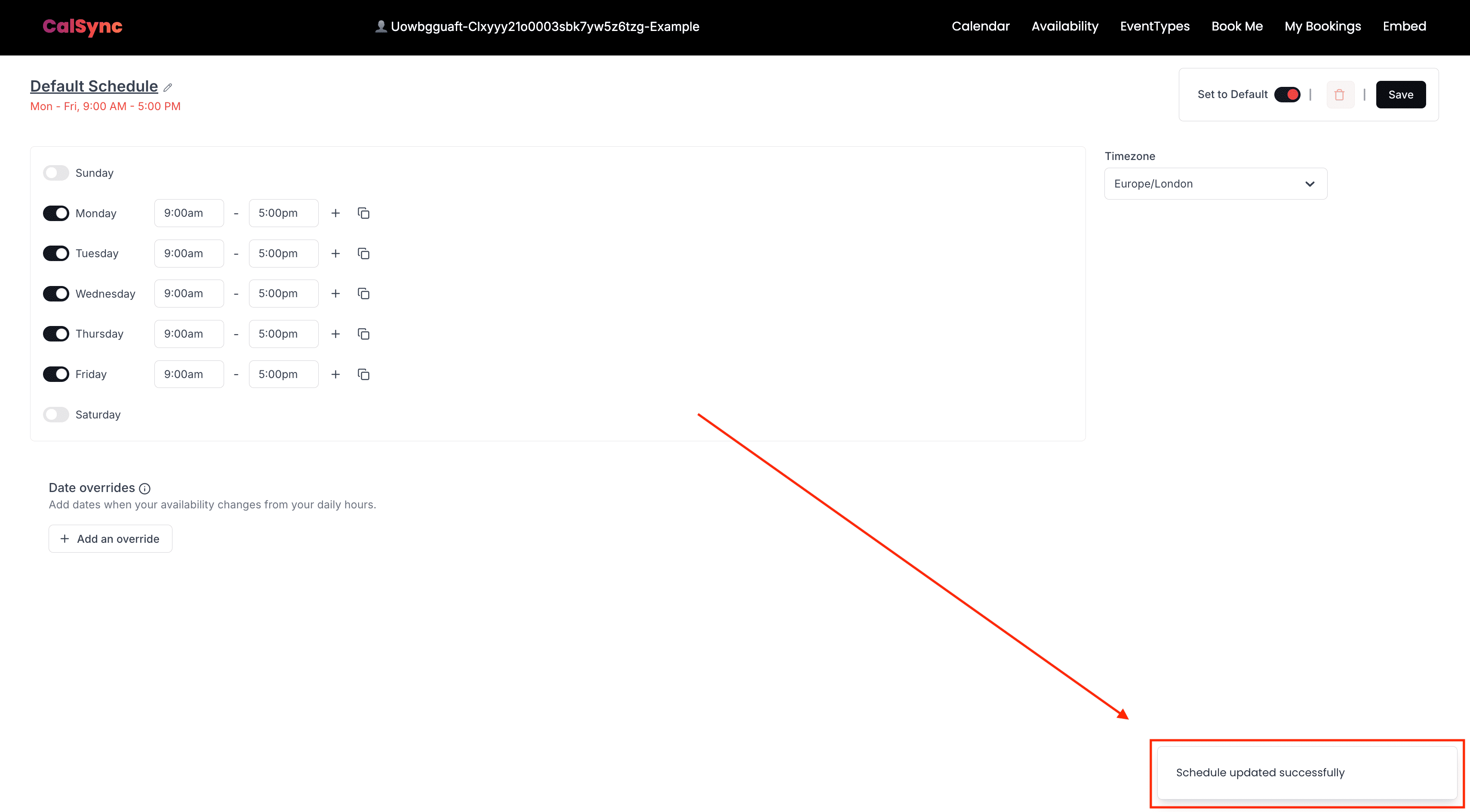 We can disable them using `disableToasts` prop:
```js theme={null}
```
Now when changes happen and Save is clicked the toast will not appear.
You can then create functions and pass them to hooks:
```js theme={null}
```
in case of success response is passed to your functions and in case of error and error.
We can disable them using `disableToasts` prop:
```js theme={null}
```
Now when changes happen and Save is clicked the toast will not appear.
You can then create functions and pass them to hooks:
```js theme={null}
```
in case of success response is passed to your functions and in case of error and error.