7 Best Interpreter Scheduling Software | Cal.com
If you're scheduling interpreters for an agency, you may be filling several assignments at once, from medical appointments and court proceedings to recurring classes. The hard part is finding someone with the right qualifications who is available at the required time, then keeping track of each booking when plans change.
Aug 13, 2026
On this page
- The 7 best interpreter scheduling platforms at a glance
- What is interpreter scheduling software?
- What to look for in an interpreter scheduling platform
- The 7 best interpreter scheduling software platforms
- 1. Cal.com: best for client-facing booking and intake
- 2. Usked: best for agency operations that pay by assignment volume
- 3. Boostlingo: best for agencies that need on-demand interpreters
- 4. Interpreter IO: best for managing in-house and outsourced interpreters
- 5. Terpsy: best for sign language agencies that only pay for active interpreters
- 6. ScheduleInterpreter: best interpreting scheduling software for courts and hospitals
- 7. MigiHub: best for multi region and public sector operations
- Interpreter scheduling software: quick comparison
- Final verdict
- Frequently asked questions
If you're looking for the best interpreter scheduling software, Cal.com is a strong option for the client-facing side of this process. Its routing forms collect details such as the service or language required and use those answers to direct people to the right booking option. This can help agencies offering the same service across multiple languages get requests to the appropriate team or interpreter.
We compared seven platforms using vendor documentation and pricing pages, along with reviews and discussions from interpreters and scheduling coordinators.
Each one is evaluated on:
-
Recurring series: Can you book a weekly class as a series and reschedule individual sessions when needed?
-
Remote sessions: Does the platform handle video or phone sessions, or only schedule them?
-
Pricing transparency: Can you calculate the monthly cost from the pricing page, or do you need to contact sales?
The comparison table near the end of this article scores each interpreter scheduling software on these criteria, so you can see their strengths and weaknesses at a glance.
The 7 best interpreter scheduling platforms at a glance
-
Cal.com: best for client-facing booking and intake
-
Usked: best for agency operations that pay by assignment volume
-
Boostlingo: best for agencies that need on-demand interpreters
-
Interpreter IO: best for managing in-house and outsourced interpreters
-
Terpsy: best for sign language agencies that only pay for active interpreters
-
ScheduleInterpreter: best for courts and hospitals
-
MigiHub: best for multi-region and public sector operations
What is interpreter scheduling software?
Interpreter scheduling software is built around how interpreting work arrives: a request with a date, time, location, delivery method, and language pair. The challenge is matching each request with a qualified interpreter from a pool with different certifications, travel ranges, and availability.
A general appointment tool usually starts with availability: who is free at a certain time? Interpreter scheduling adds more details to that decision. Before offering a job, the coordinator may need to check whether an interpreter:
-
Has the right certification for the language and setting
-
Is approved by the client for medical or legal work
-
Can travel to an on-site assignment
-
Is already booked on another job that could run long
Once an interpreter is found, the job still needs to be confirmed. If the first person declines, the assignment may need to go to someone else. How quickly an agency can move from an open request to a confirmed interpreter directly affects its fill rate.
The booking is only one part of the workflow. Depending on how the agency operates, it may also need to manage interpreter capacity, billing rules, and communication alongside the schedule.
What to look for in an interpreter scheduling platform
The right platform should help you fill assignments faster while keeping the details that matter to your agency in one place.
As you compare options, focus on how well each one handles the following:
-
Credential-aware matching. Look for a system that stores certifications, background checks, and specialty approvals, tracks expiry dates, and prevents unqualified interpreters from receiving relevant assignments.
-
Broadcasting and conflict detection. The platform should let you offer a job to a ranked pool, resend it when nobody accepts, and prevent an interpreter from being booked twice.
-
A requester portal. Clients should be able to submit requests, check their status, and view past bookings without contacting a coordinator for every update.
-
Automatic rate calculations. Look for support for client- and language-specific rates, minimums, rounding rules, cancellation fees, and after-hours rates. These should be calculated automatically when a job is completed.
-
Separate interpreter pay. The amount you charge a client and the amount you pay an interpreter are different. The platform should track both separately and allow per-job adjustments when needed.
-
Compliance and access controls. Medical, legal, and educational assignments can involve sensitive information. Look for features such as HIPAA support where applicable, role-based access, and audit trails.
The 7 best interpreter scheduling software platforms
1. Cal.com: best for client-facing booking and intake
| Free plan? | Starting price | Standout feature | Best use case |
|---|---|---|---|
| Yes, free forever for one user | $16/user/month | Routing by language, region, and specialty | Client-facing interpreter requests |
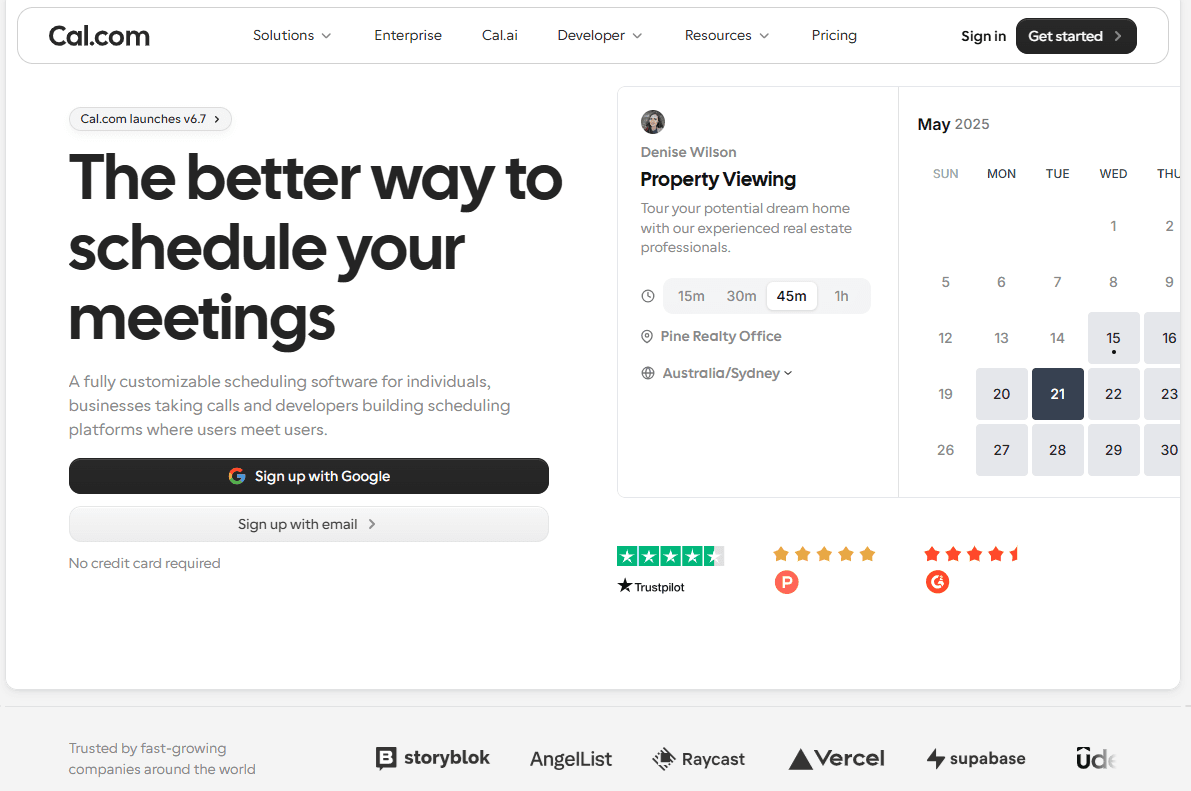
What it is: Cal.com is a scheduling platform that agencies can use to collect interpreter requests, check availability, route clients to the right booking option, and send reminders. You can add the booking page to your website or share it as a direct link.
Why it ranks first: Speed matters when you're trying to fill an assignment. Cal.com lets clients submit requests directly, then uses the information they provide to route them to the right booking option instead of sending every request to one inbox.
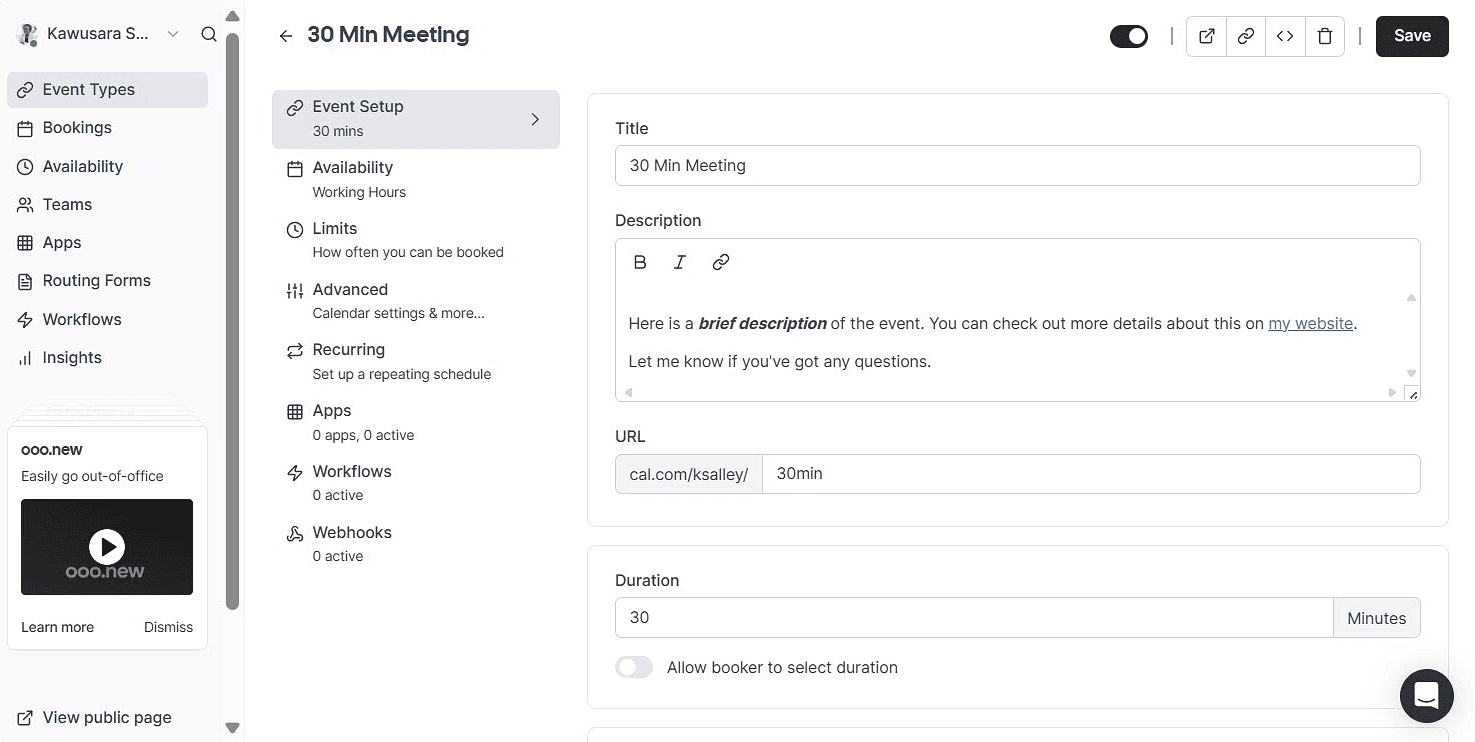
Key features:
-
Routing forms: Questions on the request page determine where a request goes, so a medical American Sign Language request and a legal Spanish request can take different paths from the start.
-
Attribute-based routing: Route using custom details such as language, region, and specialty.
-
Recurring events: Book a weekly class as one series rather than fourteen separate entries.
-
Embeddable booking pages: Put the request form on your own site with your branding, or send a direct link.
-
Round-robin and collective events: Spread work across a staff pool by availability, or put two interpreters on the same job when needed.
-
Unlimited calendar connections: Check Google, Outlook, and Apple calendars before offering a slot.
-
Automatic timezone detection: Avoid time differences causing problems with remote assignments.
-
Workflows: Automate email and text confirmations, reminders, and follow-ups.
-
Buffers and minimum notice: Protect travel time between on-site jobs and prevent last-minute bookings.
-
Cal Video and conferencing apps: Run remote sessions in Cal.com's video tool, or connect Zoom, Google Meet, and Microsoft Teams.
Pricing: Cal.com’s free plan covers one user with unlimited event types, calendars, and bookings. Routing forms and round-robin start on Teams at $16/user/month. Attribute-based routing and HIPAA support are available on Organizations, which is $37/user/month. Annual billing saves 25% on Teams and about 24% on Organizations.

Best for: Agencies that want clients to request interpreters through a branded page, with those requests routed based on language, region, specialty, or other requirements.
Verdict: Cal.com is the best choice for the client-facing side of interpreter scheduling. It gives agencies a branded way to collect requests, check availability, and route clients to the right booking option, with public pricing you can see without contacting sales.
Get started with Cal.com for free.
2. Usked: best for agency operations that pay by assignment volume
| Free plan? | Starting price | Standout feature | Best use case |
|---|---|---|---|
| No, 30-day refund available | $350/month | Unlimited users on every plan | Agencies whose staff grows faster than their job count |

What it is: Usked is a purpose-built interpreter management platform covering scheduling, credentialing, invoicing, payroll, and compliance reporting. It stores certifications, background checks, and other compliance documents on interpreter profiles and uses that information when scheduling.
Key features:
-
Credential expiry tracking: Certifications, background checks, and compliance documents sit on each interpreter profile, with alerts before anything expires. Scheduling can also filter interpreters by credential status.
-
Requester portal: Clients submit requests, specify the skills and certifications they need, track status, and access their billing reports.
-
Multi-party billing: Manage billing between the agency, client, and interpreter, including invoice generation and reconciliation.
-
Onboarding tools: Skills assessments and interpreter onboarding happen inside the platform.
-
Security and compliance: Usked supports HIPAA and the General Data Protection Regulation (GDPR), with two-factor authentication, encrypted storage, and role-based access.
Pricing: Usked has no free plan or trial, but you can cancel within 30 days for a full refund. All paid plans include unlimited users and all features. Pricing is based on assignment volume, starting at $350/month for 200 assignments, plus $1.75 for each additional assignment.
Pros:
-
Unlimited users means adding coordinators doesn't increase the bill.
-
Assignment rollover suits agencies with seasonal changes in demand.
-
Credential expiry alerts help prevent missed renewals.
-
All features are included on every plan.
Cons:
-
Volume pricing can cost a busy agency with few staff more than a per-seat competitor.
-
Reviewers report slow loading between screens, which can add friction during busy dispatch periods.
-
Interpreters report that they can't withdraw a bid after submitting it, so coordinators have to remove mistaken bids manually.
-
Some contractors report unclear billing, which creates extra work for the finance team.
Best for: Established agencies and accessibility offices consolidating scheduling, credentialing, billing, and reporting, especially when their coordinator headcount is growing faster than their assignment volume.
Comparison verdict: Usked is better suited to agencies that need credentialing, billing, and reporting alongside scheduling. Its assignment-based pricing can also work well for large teams with steady assignment volumes. Choose Usked for managing the full assignment lifecycle; choose Cal.com if you want a simple way for clients to submit requests and book the right interpreter.
3. Boostlingo: best for agencies that need on-demand interpreters
| Free plan? | Starting price | Standout feature | Best use case |
|---|---|---|---|
| No, quote and demo only | Not publicly available | A network of 17,000+ interpreters | Covering languages your own roster can't |
What it is: Boostlingo combines interpreter management software with an on-demand interpreter network. The management side handles scheduling, broadcasting, rate cards, billing, and reporting. Its interpreter network gives agencies access to video and phone interpreters across more than 300 languages, including languages their own roster may not cover.
Key features:
-
Interpreter network access: More than 17,000 interpreters across 300+ languages, with vendor-reported connect times in seconds.
-
Video remote interpreting (VRI) and over-the-phone interpreting (OPI): Run both inside the platform alongside scheduled on-site work.
-
Job broadcasting: Automatically send and confirm assignments instead of chasing interpreters manually.
-
Rate card management: Set different rates for client billing and interpreter payouts, with QuickBooks integration.
-
Security and compliance: SOC 2 Type II, HIPAA, and GDPR compliance for agencies handling sensitive information.
Pricing: Boostlingo doesn't publish pricing. Cost depends on factors such as the languages you need, number of users, and session frequency and length, so you'll need to request a quote. On-demand interpreting also adds usage-based costs, meaning your total spend changes with demand.
Pros:
-
Rare-language coverage turns requests outside your roster into billable work.
-
On-site scheduling and on-demand remote sessions are managed in one platform.
-
Its security certifications meet requirements common among hospital and government buyers.
-
Flexible rate cards support different client and interpreter rates
Cons:
-
No published pricing means you need a quote to compare costs.
-
Subscription and usage fees make monthly costs harder to predict.
-
Agencies focused on on-site work may not need its remote interpreter network.
-
It may be more than small agencies need if they rarely use remote interpreting.
Best for: Agencies and language service providers that need coverage beyond their own interpreter pool, especially those adding video or phone interpreting to an on-site business.
Comparison verdict: Boostlingo is ideal when you need both scheduling and access to a larger interpreter network. Choose it when expanding language coverage or adding on-demand video and phone interpreting is a priority; choose Cal.com when the main need is a client-facing request and booking experience.
4. Interpreter IO: best for managing in-house and outsourced interpreters
| Free plan? | Starting price | Standout feature | Best use case |
|---|---|---|---|
| No, free trial and demo on request | $299/user/month | Built-in phone and video interpreting | Organizations managing staff and outsourced interpreters |
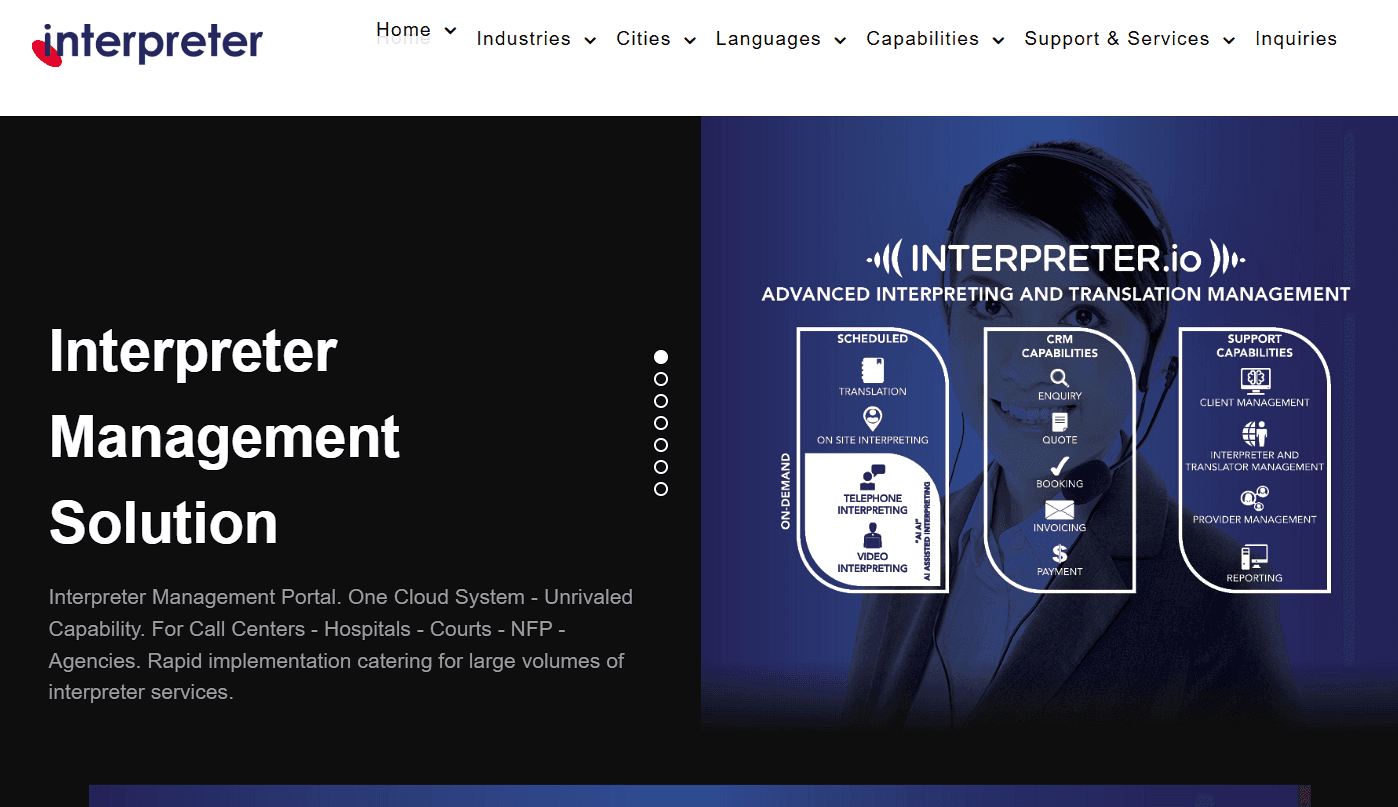
What it is: Interpreter IO is a cloud-based interpreter management platform that covers booking, interpreting, invoicing, and reporting. Its main advantage is that in-house interpreters, contracted freelancers, and outsourced agency bookings can all be managed in one system.
Key features:
-
Mixed workforce booking: Manage staff, contract, and agency interpreters through one request process, with separate departments able to submit bookings.
-
Credential management: Store interpreter credentials and supporting documents, and verify qualifications before approval.
-
Phone and video interpreting: Run remote sessions directly in the platform without a separate tool.
-
On-demand and scheduled bookings: Handle urgent and pre-scheduled assignments in one system.
-
Industry booking templates: Use prebuilt request forms and message templates for different industries.
-
Reporting: Build custom reports, view dashboards, and export data to spreadsheets.
-
Accounting integrations: Connect QuickBooks Online, Xero, and Reckon One, with an API for other integrations.
Pricing: Interpreter IO has no free plan but offers a free trial with no credit card required. Plans start at $299/user/month.
Pros:
-
One system for staff, contract, and agency interpreters.
-
Remote sessions are booked and hosted in the same platform.
-
The vendor says smaller organizations can be live within hours and larger ones within a week.
-
A reviewer managing several thousand requests a month says the platform scaled with their team.
Cons:
-
Few independent reviews are available.
-
Smaller agencies may not need all its features.
-
The company offers both software and interpreting services, which can make it unclear what you're signing up for.
Best for: Hospitals, courts, call centers, and agencies managing a mix of employed and outsourced interpreters, especially when phone and video interpreting need to run alongside scheduled bookings.
Comparison verdict: Choose Interpreter IO if you need one system for a mixed interpreter workforce and want to book and run remote sessions in the same place. Choose Cal.com if your priority is a simple, branded client-facing booking experience.
5. Terpsy: best for sign language agencies that only pay for active interpreters
| Free plan? | Starting price | Standout feature | Best use case |
|---|---|---|---|
| No, 30-day trial | $100/month + additional fees per active staff and assigned interpreters | Pay only for interpreters who worked | Sign language agencies with uneven job volume |
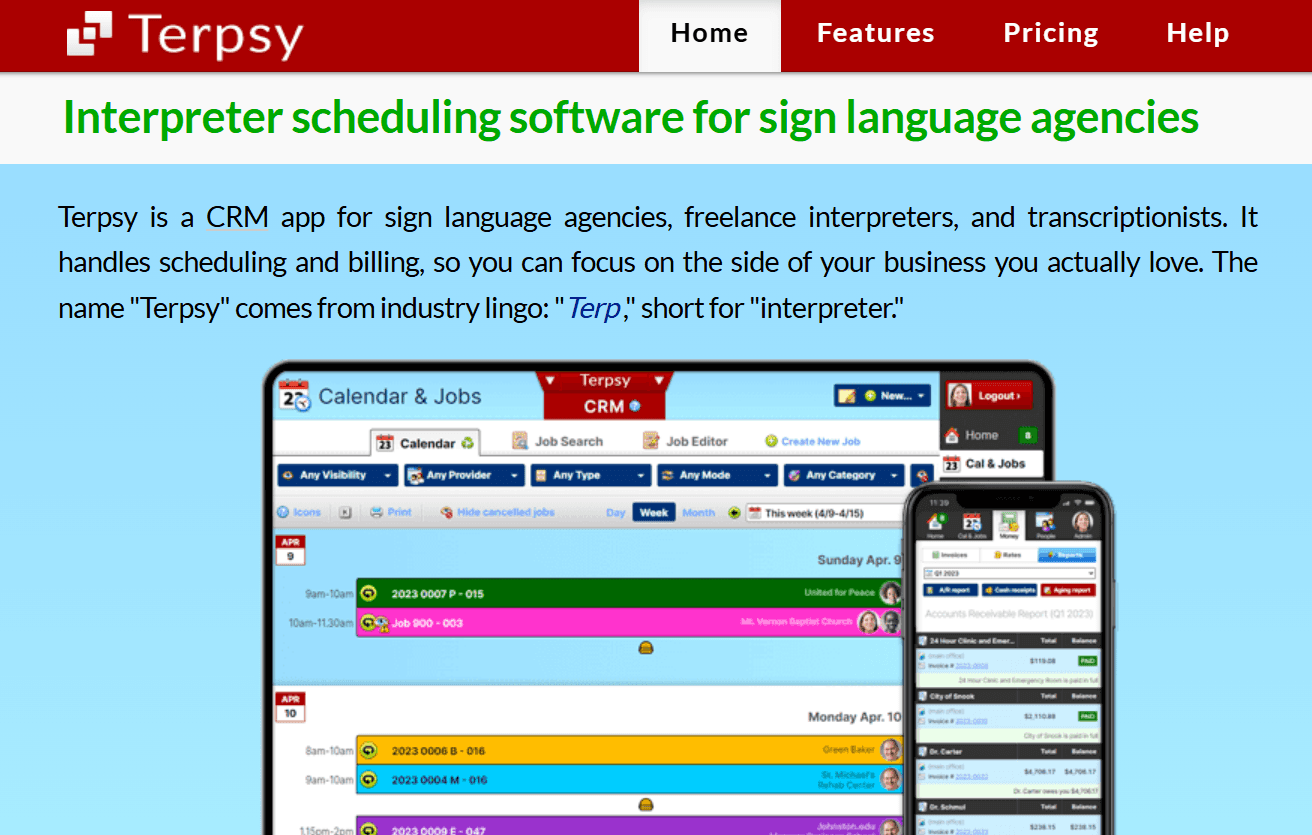
What it is: Terpsy is a scheduling and billing platform built for sign language interpreting agencies. It handles online booking, interpreter scheduling, and invoicing, and lets agencies match interpreters to jobs based on factors such as communication method, certification, and other assignment requirements.
Key features:
-
Qualification-aware assignment: Interpreters see and request jobs they're qualified for based on communication mode, certification level, gender requirements, and group.
-
Certification levels: Supports Registry of Interpreters for the Deaf (RID) certification nationwide and Board for Evaluation of Interpreters (BEI) certification in Texas, with requirements checked when assigning a job.
-
Recurring assignments: Interpreters can request recurring work as well as individual assignments.
-
Review before booking: Staff approve requested appointments before they reach the calendar, giving them a chance to correct details or decline requests they can't fill.
-
Embeddable request form: Add a service request form to your website, while existing customers can book through their account.
-
Consumer portal: Deaf and hard-of-hearing customers can manage their contact details, communication preferences, preferred interpreters, and appointment history.
Pricing: Terpsy doesn't have a free plan, but it offers a 30-day trial. It has only one pricing tier and it costs $100/month, plus $10 per active staff member and $10 per assigned interpreter from the previous billing period. You only pay the interpreter fee when an interpreter works, so costs drop during quieter months. Appointments and customers are unlimited, with no setup or cancellation fees or long-term contract.
Pros:
-
Proportional pricing works well for agencies with seasonal demand.
-
The pricing formula is published, so you can budget without requesting a quote.
-
Certification and communication mode are built into the scheduling process.
-
The consumer portal reduces routine customer requests.
Cons:
-
A large active roster increases the monthly bill.
-
It has fewer integrations than larger enterprise platforms.
-
It's focused on sign language interpreting, so it's less suited to agencies handling mostly spoken languages.
Best for: Sign language interpreting agencies and freelance interpreters that want industry-specific scheduling without enterprise pricing, especially those with seasonal demand.
Comparison verdict: Terpsy stands out for its sign-language-specific scheduling and pricing that scales with interpreter activity. Choose it if you want those features built into the scheduling workflow; choose Cal.com if you want a branded client request page with routing before the booking.
6. ScheduleInterpreter: best interpreting scheduling software for courts and hospitals
| Free plan? | Starting price | Standout feature | Best use case |
|---|---|---|---|
| No, and no trial | Not publicly available | Encrypted video sessions built for legal proceedings | Court and healthcare interpreting |
What it is: ScheduleInterpreter is an interpreting platform designed for language service providers, healthcare organizations, and legal teams. It covers scheduling, video remote interpreting, and mobile data capture for assignments. Its focus is on settings where privacy and detailed records of interpreting work matter.
Key features:
-
Qualified interpreter matching: Matches assignments with interpreters based on their qualifications.
-
Encrypted video sessions: Uses point-to-point encryption, individual access keys, and session locking to control who can join.
-
Flexible session billing: Video sessions can be billed per session or per participant, which is useful for multi-party hearings.
-
Field data capture: A mobile module collects assignment details and electronic signatures for verification and billing.
-
Full feature access: All plans include access to the platform's processes and data rather than limiting features by tier.
Pricing: ScheduleInterpreter doesn’t offer a free plan or a trial. Also, its pricing plans aren’t publicly available.
Pros:
-
Qualified interpreter matching helps route assignments to interpreters who meet the required qualifications.
-
Session locking gives coordinators control over who can join sensitive legal or medical sessions.
-
Mobile data capture lets interpreters collect assignment details while they're in the field.
Cons:
-
Unpublished pricing makes costs harder to compare.
-
Reviewers describe a steeper learning curve than newer platforms.
-
Its court and healthcare focus may be more than general agencies need.
Best for: Courts, healthcare organizations, and language service providers that need secure remote interpreting and detailed assignment records.
Comparison verdict: Choose ScheduleInterpreter if secure video sessions, participant controls, and assignment records are priorities. Choose Cal.com if you mainly need a client-facing request and booking experience with transparent pricing.
7. MigiHub: best for multi region and public sector operations
| Free plan? | Starting price | Standout feature | Best use case |
|---|---|---|---|
| No, only demo available | Not publicly available | Union rules built into dispatch | Public sector and cross-border coordination |

What it is: MigiHub is interpreter management software for organizations coordinating interpreters across regions. It supports freelance, agency, and enterprise teams, including government and healthcare organizations. Its enterprise plan also supports collective agreement rules, so schedules can account for union or employee agreements.
Key features:
-
Credential and skills management: Track interpreter skills, certifications, work status, language, and region across multiple locations.
-
Union rules in dispatch: Apply collective agreement rules when assigning work, an uncommon feature among interpreter platforms.
-
Video relay and timesheets: Manage relay interpreting, timesheets, staffing, and finance in the enterprise plan.
-
Conferencing integrations: Connect Microsoft Teams, Zoom, and Google Meet, with QuickBooks available on the agency tier.
-
Data protection: Supports GDPR, Law 25, and the Personal Information Protection and Electronic Documents Act (PIPEDA).
Pricing: MigiHub doesn't offer a free plan or trial. It lists its available tiers but doesn't publish prices for any of them.
Pros:
-
Union rule handling covers requirements many platforms leave to coordinators.
-
Multi-region, multi-currency, and multi-timezone support suits cross-border operations.
-
Canadian and European privacy standards can help with regional procurement requirements.
Cons:
-
Single sign-on and a dedicated administrator cost extra.
-
Its strongest features are limited to the enterprise tier.
-
Its Canadian and European regulatory focus may be less relevant to US agencies.
Best for: Government departments, healthcare systems, and agencies coordinating interpreters across regions or under collective agreements, particularly in Canada and Europe.
Comparison verdict: Choose MigiHub if you need multi-region coordination or scheduling rules tied to union agreements. Its enterprise features make it a stronger fit for larger public sector operations, while Cal.com is better suited to agencies that primarily need a client-facing request and booking experience.
Interpreter scheduling software: quick comparison
Here's a quick look at how the seven interpreter scheduling platforms compare on key features and free plans:
| Tool | Free plan | Recurring series | Remote sessions | Pricing transparency |
|---|---|---|---|---|
| Cal.com | ✅ Free forever for one user | ✅ Recurring events, single dates editable | ✅ Cal Video built in, plus Zoom, Meet, and Teams | ✅ Monthly and annual rates published |
| Usked | ❌ No, 30-day refund available | ⚠️ Recurring work supported, series editing not documented | ⚠️ Coordinates remote jobs, runs no session tool | ⚠️ Model published, figures by quote |
| Boostlingo | ❌ Quote and demo only | ⚠️ Scheduled work supported, recurring not documented | ✅ Runs video and phone sessions on its own network | ❌ No figures published |
| Interpreter IO | ⚠️ Free trial, no card required | ⚠️ Booking supported, recurring series not documented | ✅ Phone and video interpreting run in the platform | ❌ No figures published |
| Terpsy | ⚠️ 30-day trial, no card | ✅ Interpreters can request recurring assignments | ❌ Scheduling and billing only | ✅ Whole formula published |
| ScheduleInterpreter | ❌ No, and no trial | ⚠️ Scheduling supported, recurring not documented | ✅ Encrypted video module with session locking | ❌ No figures published |
| MigiHub | ❌ No, only demo available | ⚠️ Schedule management, recurring not documented | ✅ Video relay module at the enterprise tier | ❌ Tiers listed without figures |
Final verdict
Dedicated interpreter platforms handle needs that general scheduling tools don't, from credential tracking and assignment broadcasting to billing between agencies, clients, and interpreters. Usked, Boostlingo, Interpreter IO, Terpsy, ScheduleInterpreter, and MigiHub are better suited to agencies managing these workflows at scale.
Meanwhile, Cal.com is best if your priority is client-facing booking and intake. Its branded booking pages, routing forms, calendar checks, and portal integrations help agencies collect the details they need and route requests accurately.
Cal.com also publishes its pricing, unlike most of the others on this list. You can start free with one coordinator, move to Teams as your team grows, and use Organizations when you need features such as attribute-based routing and HIPAA support.
If you want to make it easier for clients to request the right interpreter, get started with Cal.com for free.
Frequently asked questions
-
How much does interpreter scheduling software cost? Most tools like Usked, Boostlingo, Interpreter IO, ScheduleInterpreter, and MigiHub don’t publish their pricing, so you’ll have to request a custom quote. Meanwhile, Cal.com is free for one user and starts at $16/user/month on Teams. Terpsy starts at $100/month plus $10 per active staff member and assigned interpreter.
-
What is the best interpreter scheduling software for a small sign language agency? Terpsy is a strong fit. It supports RID and BEI certifications, built-in communication modes, and pricing that scales with interpreter activity. Add a Cal.com request page if you want clients to book through your own site.
-
Can I use a general scheduling app instead of an interpreter management system? Yes. Cal.com is a general scheduling app that handles client-facing requests, routing, calendar checks, and reminders. For agency operations, features such as credential tracking, interpreter broadcasting, and three-way billing may call for a dedicated platform. Many agencies use both.
-
Is Cal.com free for interpreting agencies? Yes, for one user. The free plan includes unlimited event types, calendar connections, and bookings, plus email and text notifications and payment collection. Round-robin and routing forms start at $16/user/month on Teams, while attribute-based routing and HIPAA support are available on Organizations at $37/user/month
-
Which interpreter scheduling platform handles video and phone interpreting? Boostlingo is the better choice for on-demand remote interpreting, with access to more than 17,000 interpreters across 300+ languages. ScheduleInterpreter is better suited to legal proceedings, with encrypted video, individual participant keys, and session locking.