App store


Outlook Calendar
calendar • Published by Cal.com
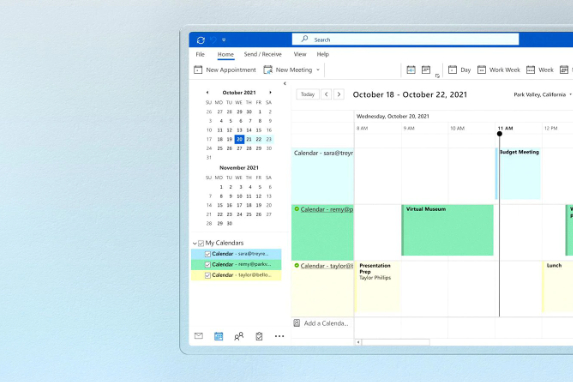
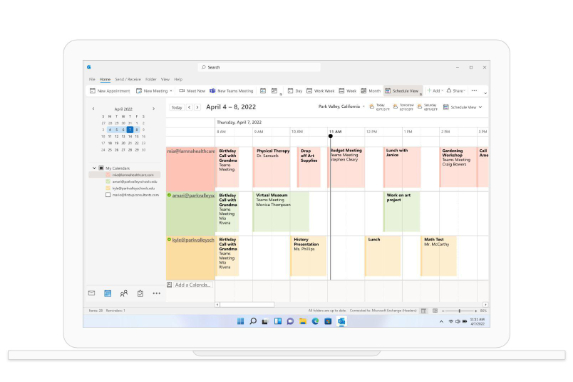
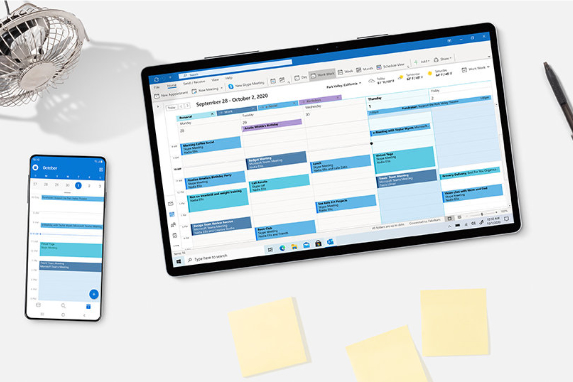
Connect your Outlook or Microsoft 365 calendar so Cal.com can check it for conflicts and add your bookings to it.
When you connect, Cal.com asks Microsoft for these permissions:
- Sign you in and read your profile (
User.Read) – to know which Microsoft account you connected. - Read and write your calendars (
Calendars.Read,Calendars.ReadWrite) – to check your calendars for busy times, and to create, update and cancel the events for your bookings. - Read your mailbox settings (
MailboxSettings.Read) – to use your Outlook time zone. - Keep access (
offline_access) – so your calendar stays connected without signing in again.
Cal.com does not ask for access to your email, contacts or files.
Pricing
FreeContact
Every app published on the Cal.com App Store is open source and thoroughly tested via peer reviews. Nevertheless, Cal.com, Inc. does not endorse or certify these apps unless they are published by Cal.com. If you encounter inappropriate content or behaviour please report it. Report app