

Roles and permissions are available for organizations. You need permission to manage roles, which owners and admins have by default.
Default roles
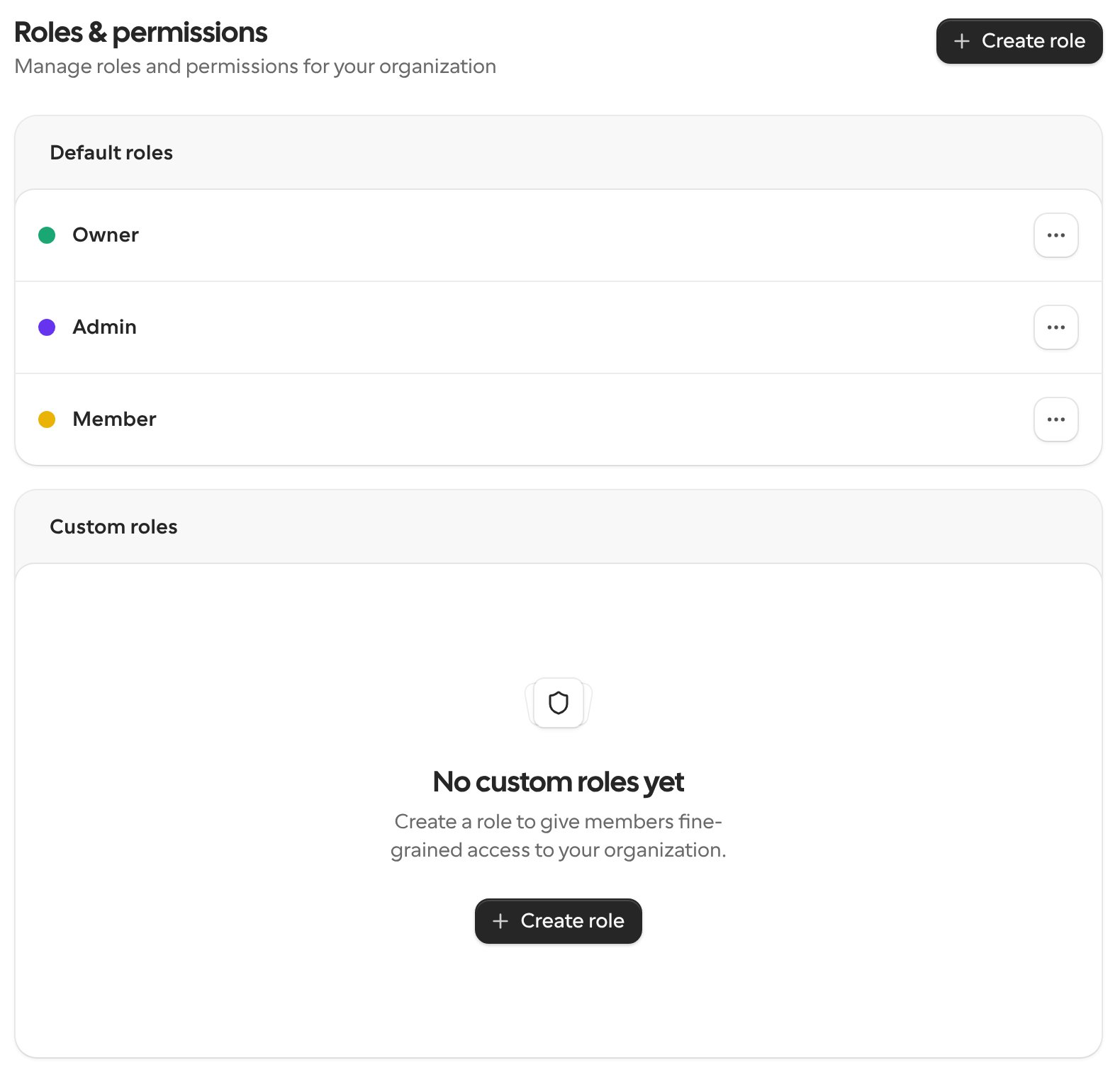
Go to Settings → Organization → Roles & permissions. The page lists two groups:- Default roles: Owner, Admin and Member, which every organization has.
- Custom roles: roles you create for your organization.
Create a custom role
1
Start a new role
On Roles & permissions, click Create role and enter a Role name.
2
Choose permissions
For each area, choose what the role can do. Use Read only to let people view without changing anything, or Custom to pick individual permissions. All permissions gives full access to that area. Use Search permissions to find a specific one.
3
Save the role
Save the role, then assign it to members from the Members page.