

Availabilities
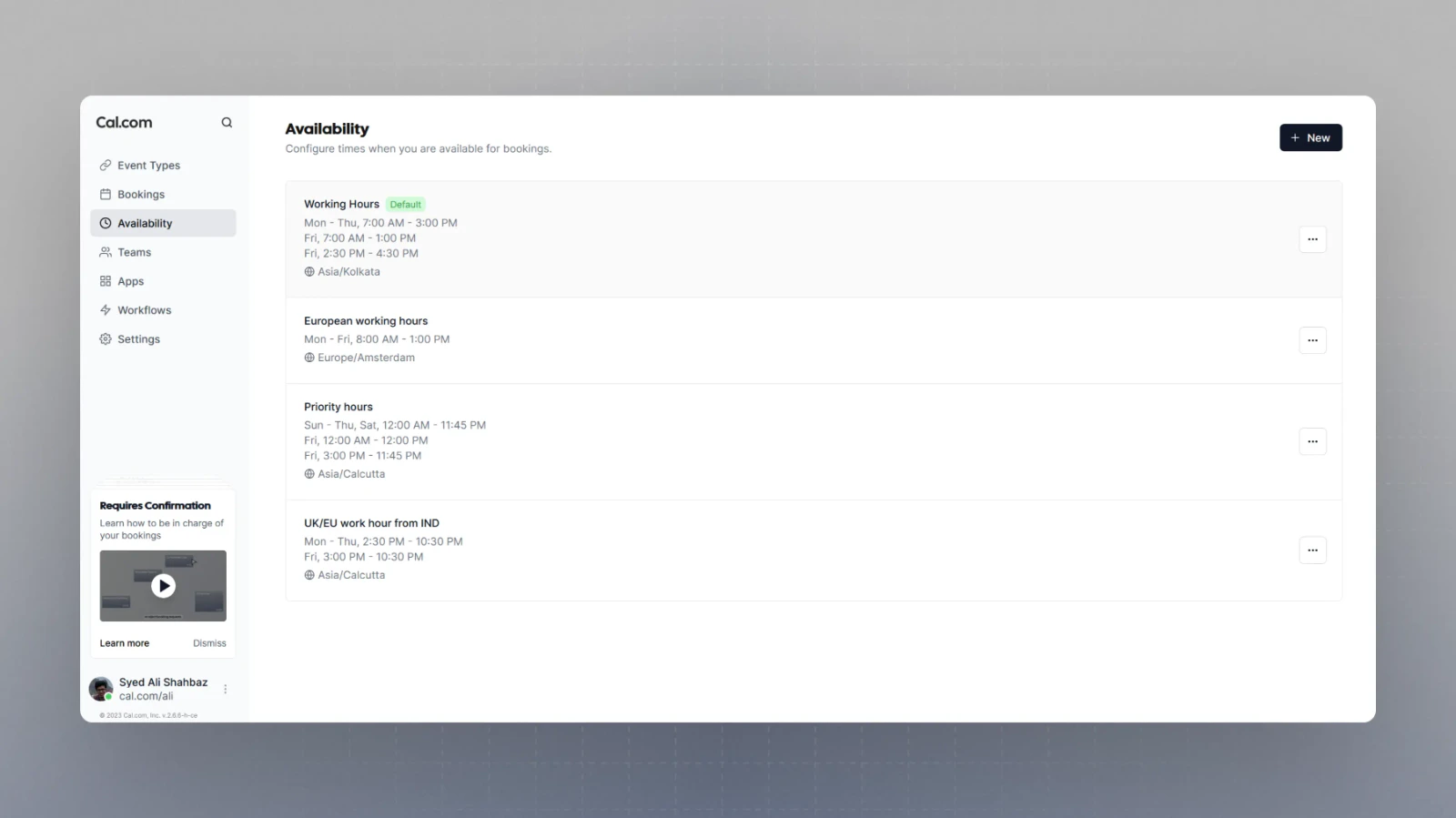
Multiple schedules
You can set multiple schedules in the availability section of the application and organize your booking links better by customizing your availability, quite simply, by selecting respective schedule as the availability for an individual booking link. You can check Setting up your availability to link your created availability schedule with a booking link.