

Start a one-off meeting
Go to cal.video, sign in, and click Start a one-off meeting. Cal Video creates a room with a short address made of three words. Share the link with the people you want to meet.Your personal room
On a paid plan, you also get a personal room atcal.video/<your-username>. The address never changes, so you can share it once and reuse it for every call. If you’re in an organization, your personal room is on your organization’s address, for example acme.cal.video/<your-username>.
Permanent team rooms
Every team in an organization has its own permanent room at<organization>.cal.video/<team-slug>. For example, the Sales team at Acme meets at acme.cal.video/sales.
- The room belongs to the team, not to one person, and it doesn’t expire.
- It’s created the first time a team member opens the link while signed in. After that, anyone with the link sees the join screen.
- Guests knock and wait for a host to let them in, unless a host has opened the room to anyone with the link.
- The room’s features follow the team’s plan.
- Recording isn’t available in team rooms.
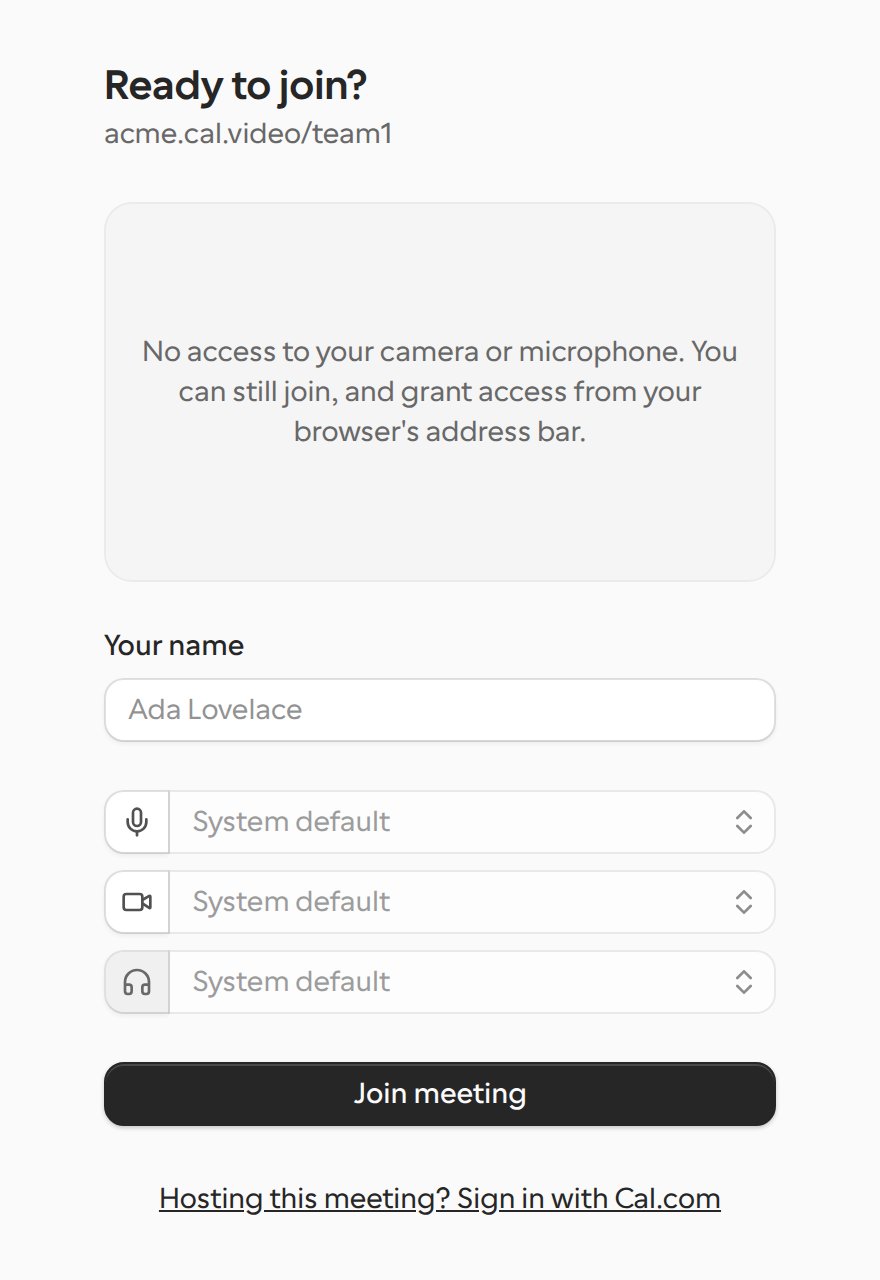
Team rooms are only available for organizations. Teams outside an organization don’t have a permanent room.
Cal Audio
Cal Audio works like Cal Video, but rooms are voice only. Use it for calls where you just need to talk, such as a quick check-in or a podcast-style conversation.- There’s no camera. People appear with their profile picture or initials.
- You can still share your screen.
- There’s no waiting screen. Opening the link puts you straight into the room, under your Cal.com name or a generated name such as “Quiet Otter”. You can change your name on your own tile.
- If the host requires approval, guests knock and wait to be let in, the same as on Cal Video.
- Recording and captions aren’t available.
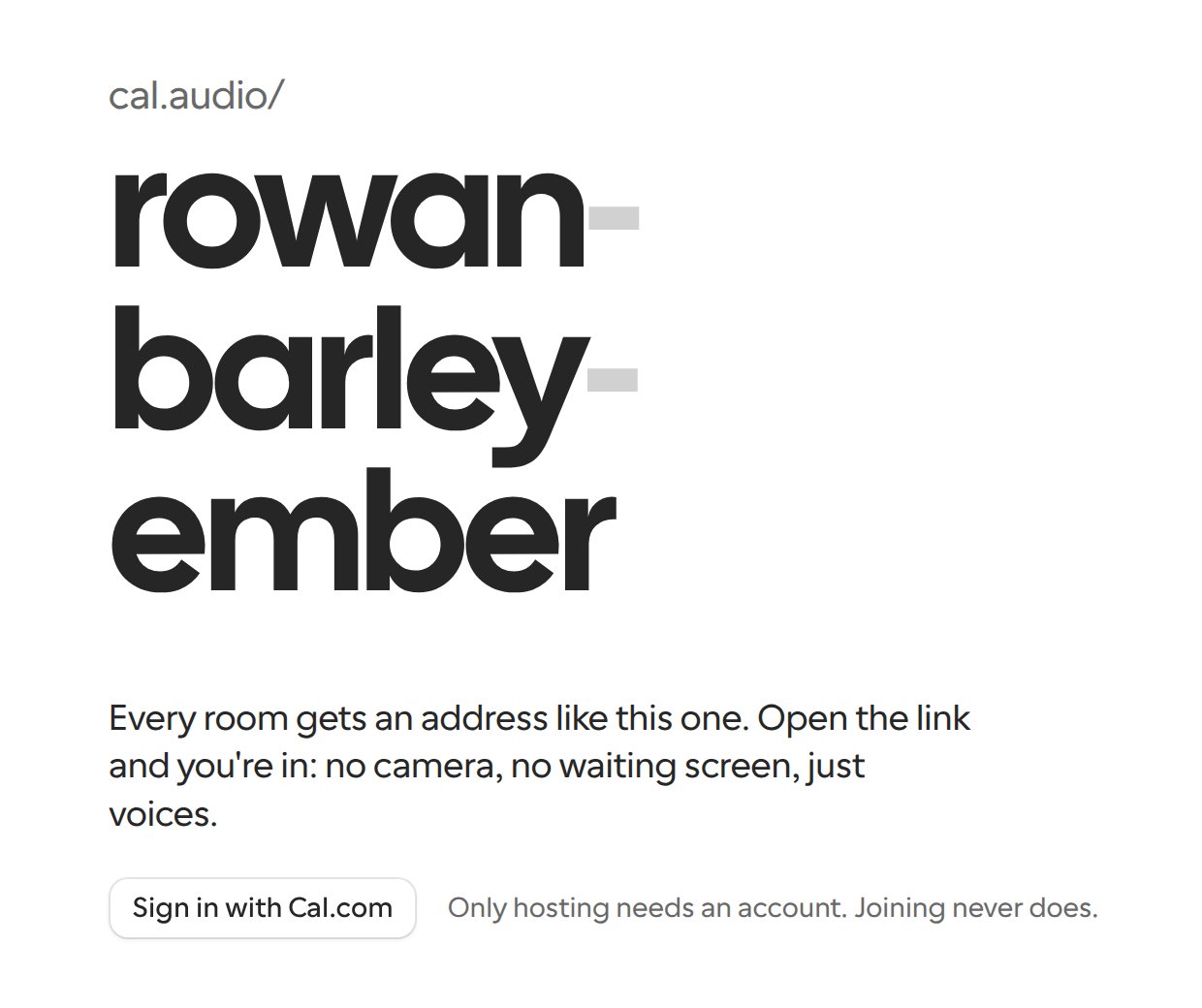
acme.cal.audio.
If your browser blocks sound when you join, Cal Audio shows a notice. Click it to hear the room.
Related
- Cal Video advanced settings: recording, transcription and Music mode for booked meetings.