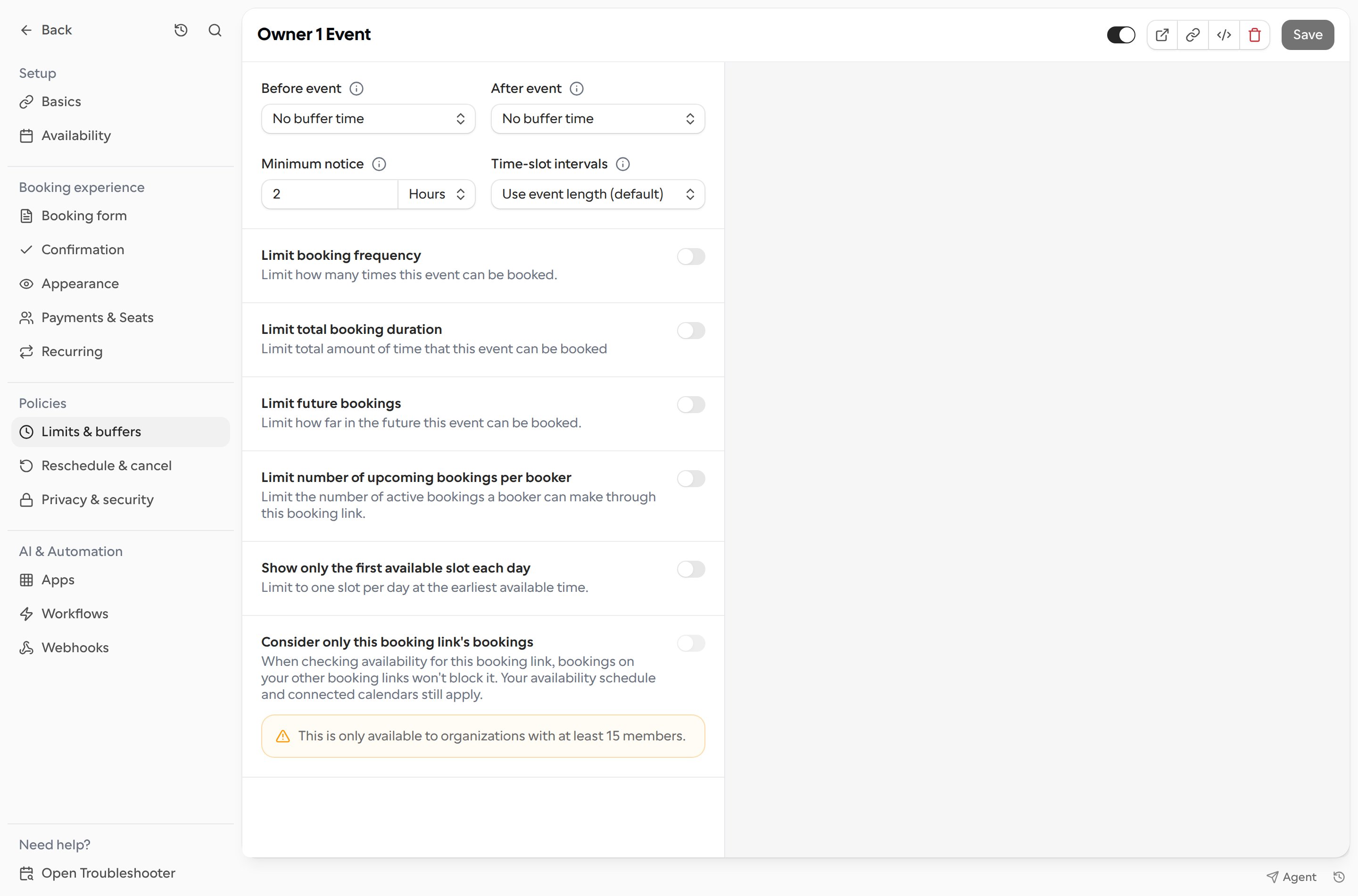
Set a minimum notice to control how far in advance bookers need to schedule.
Open Links and select the booking link.
Choose Limits & buffers.
Under Minimum notice, enter a value and choose minutes, hours, or days. Cal.com uses whichever is higher: this booking link’s value or the schedule minimum.
Select Save.
For example, if someone wants to book a meeting tomorrow at 5:00 PM and the minimum notice is 120 minutes, they need to submit the booking by 3:00 PM tomorrow.