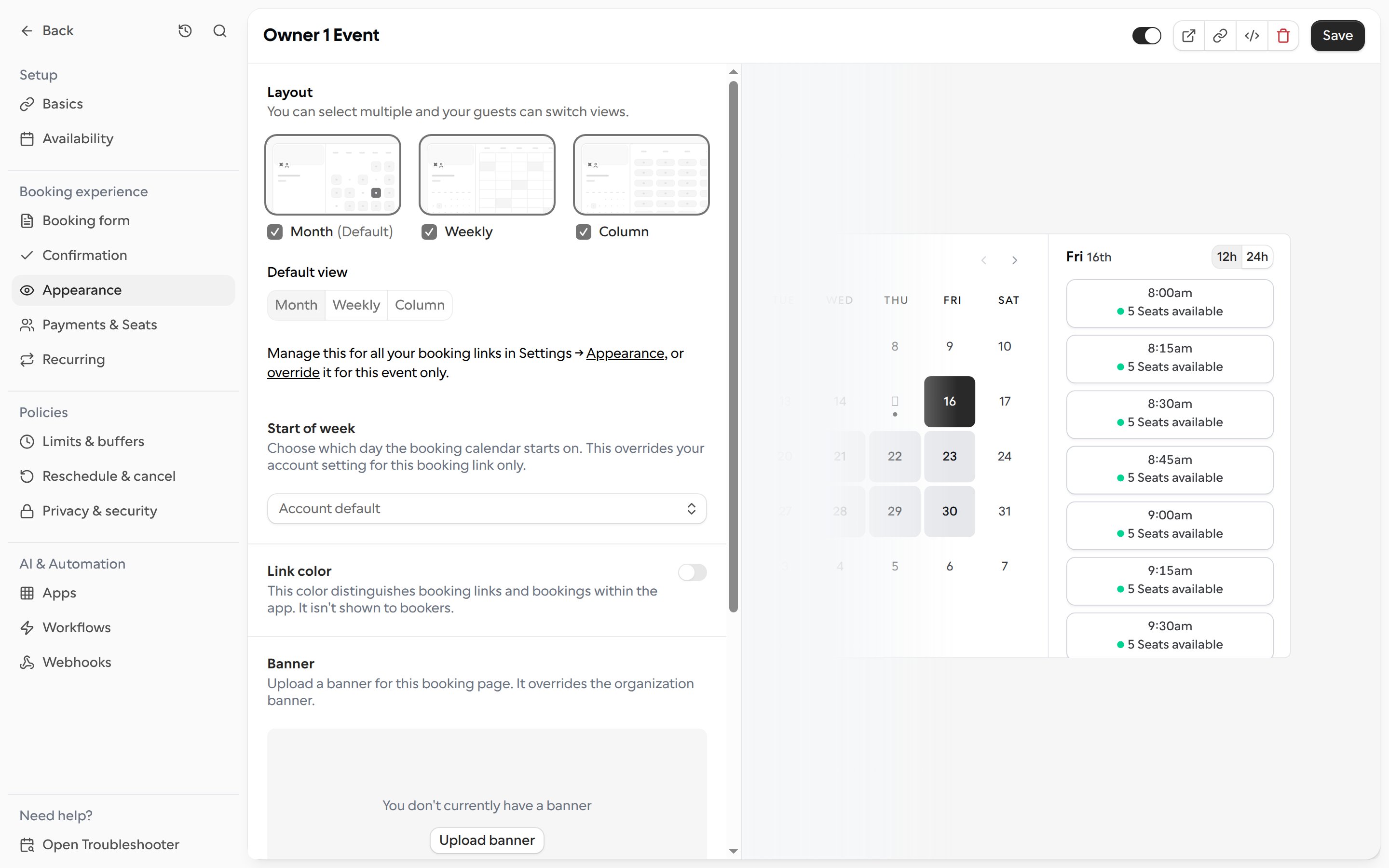
Choose which day the booking calendar starts on for a single booking link.
By default, the calendar on your booking pages starts the week on the day set in your account settings. You can change this for one booking link without affecting your other links.
Open the booking link and go to Appearance.
Under Start of week, choose the day you want the calendar to start on.
Click Save.
Choose Account default to go back to using your account setting. The preview next to the settings shows how the calendar will look to bookers.