

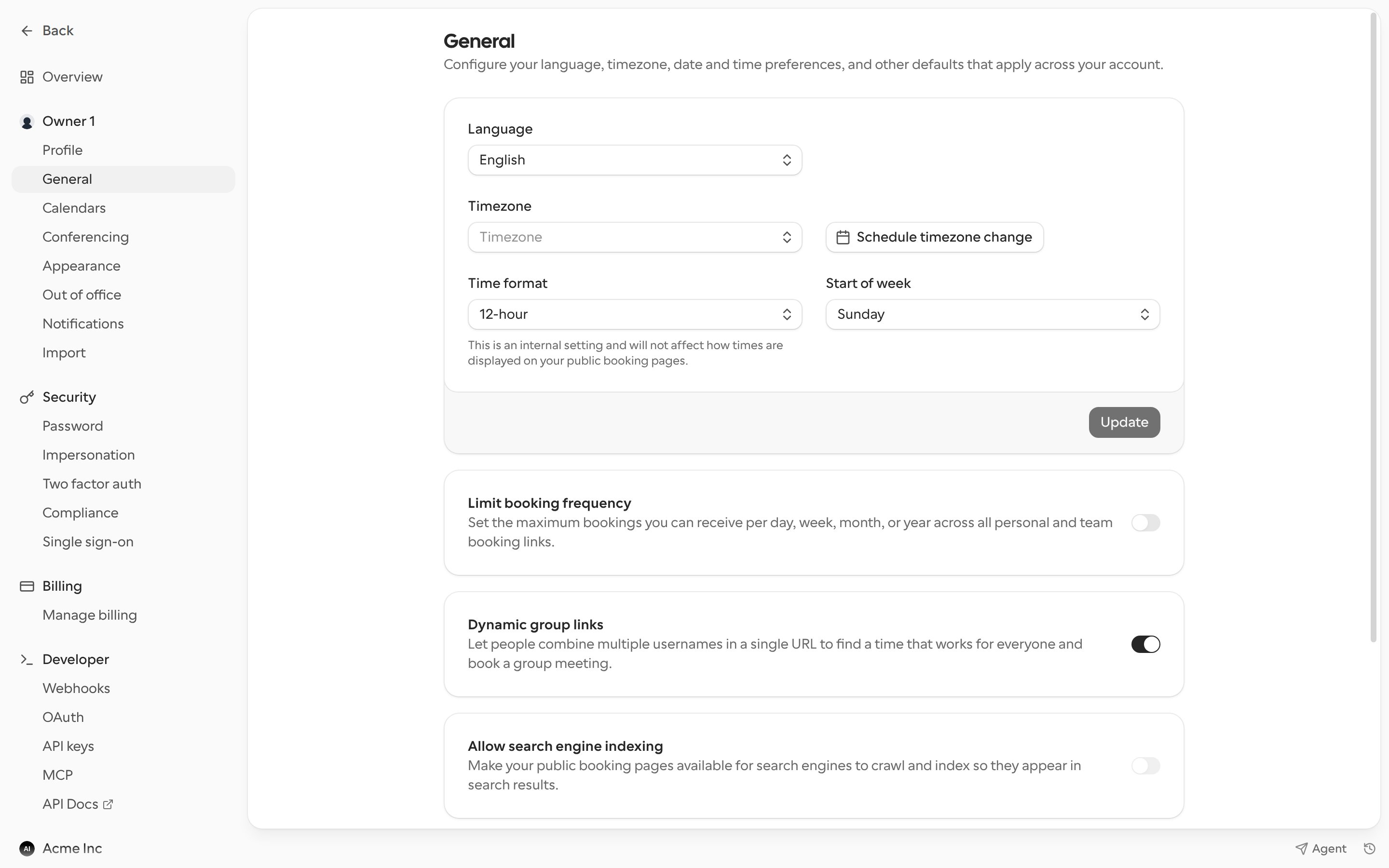
Language, timezone and time format
Click Update to save.
Travel schedule
If you’re travelling, you can schedule a timezone change so your availability follows you without editing your schedules.- Click Schedule timezone change.
- Pick the Time range of your trip, or turn on Schedule timezone without end date and pick a start date.
- Choose the Timezone you’ll be in and click Add.