

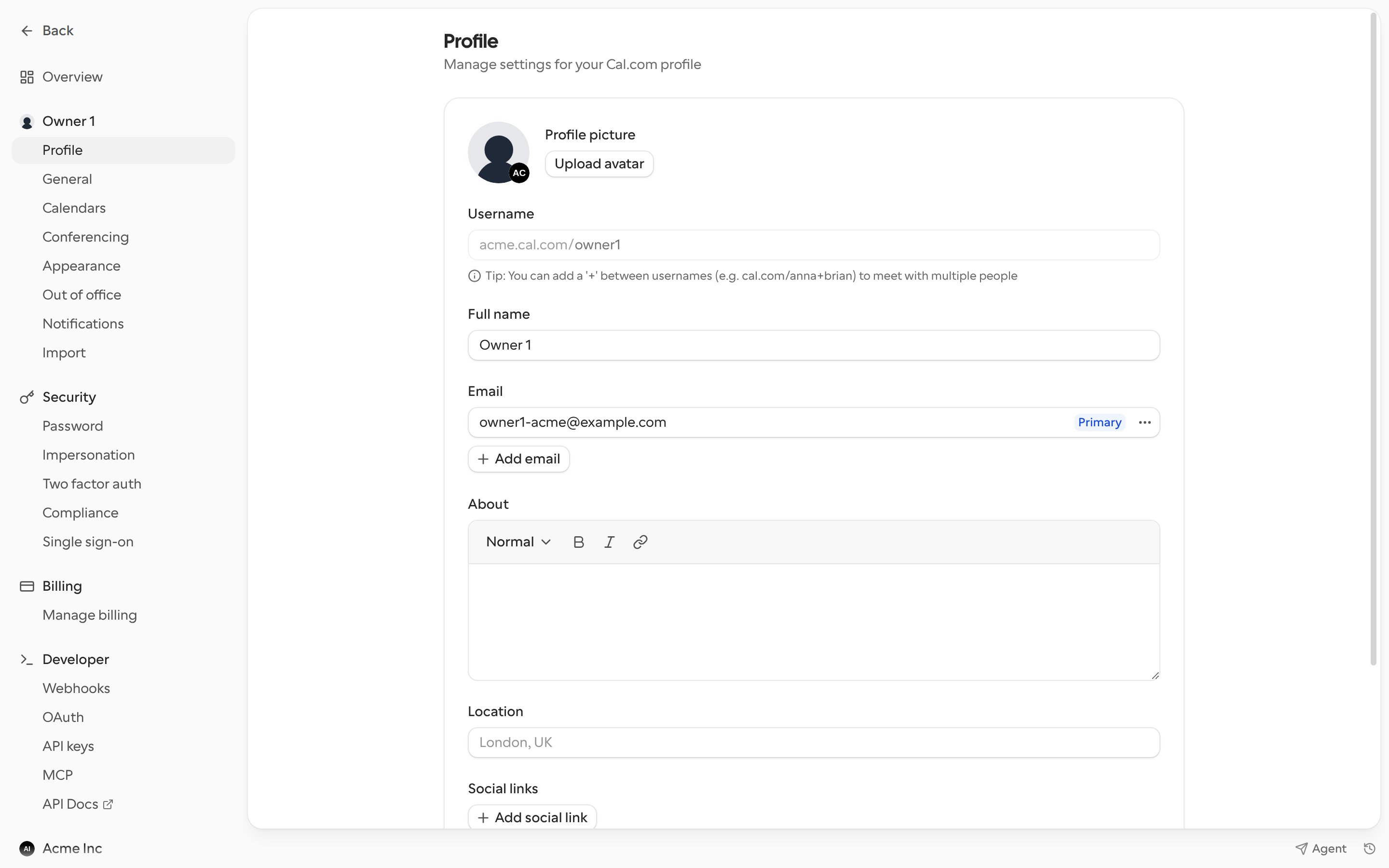
Profile details
- Profile picture: click Upload avatar to add or change it, or Remove to clear it.
- Username: your booking page URL, for example
cal.com/yourname. Changing it changes all your booking links, so update any links you’ve already shared. - Full name: the name bookers see.
- About: a short bio for your booking page.
- Location: a free-text location, for example “London, UK”.
- Social links: click Add social link to show links to your other profiles.
Email addresses
Your Primary email is where Cal.com sends booking emails and the address you sign in with.- Click Add email to add another address. Cal.com sends a verification link, and the address is marked Unverified until you click it.
- Open the menu next to an address to Make primary, Resend email or Delete it.