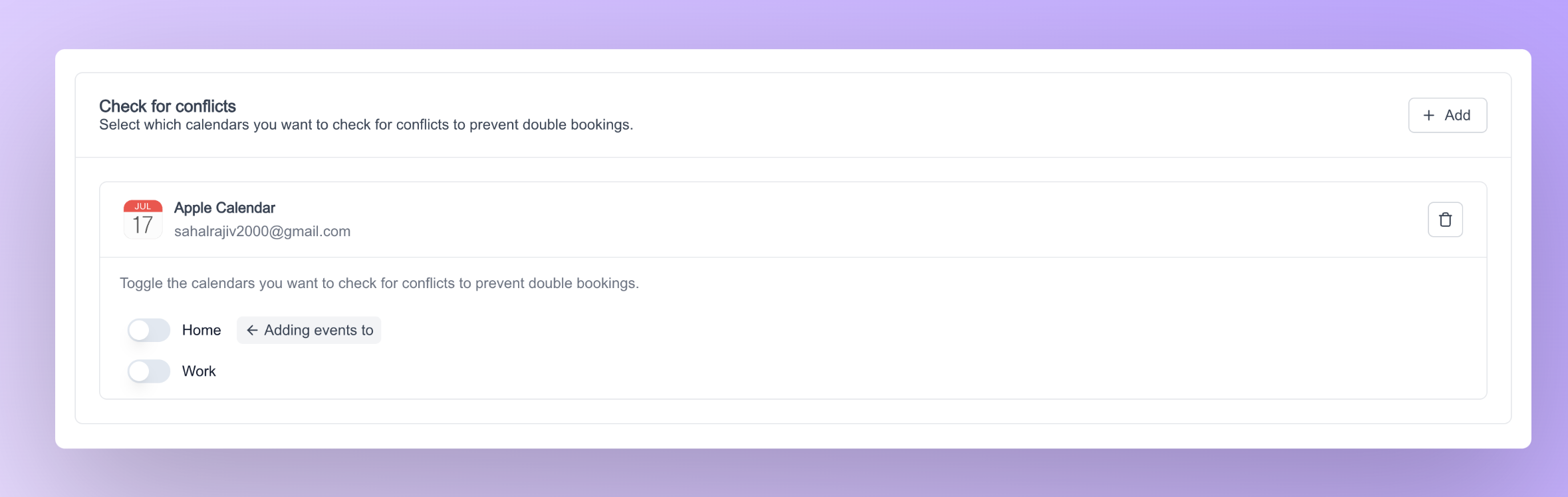
Customizations can be done to the calendar settings atom via props and classnames. Below is a list of props that can be passed to the calendar settings atom
Along with the props, calendar settings atom accepts custom styles via the classNames prop. Below is a list of props that fall under this classNames prop.
selectedCalendarSettingsClassNames Object Structure
TheselectedCalendarSettingsClassNames prop accepts an object with the following nested structure for granular styling of the selected calendars component:
destinationCalendarSettingsClassNames Object Structure
ThedestinationCalendarSettingsClassNames prop accepts an object with the following nested structure for granular styling of the destination calendar component:
Additionally, if you wish to select either the Destination Calendar or the Selected Calendar, we also provide atoms specifically designed for this purpose.
1. Destination calendar settings atom
The destination calendar settings atom lets you can select which calendar you want to add events to when you’re booked. Below code snippet can be used to render the destination calendar settings atom.
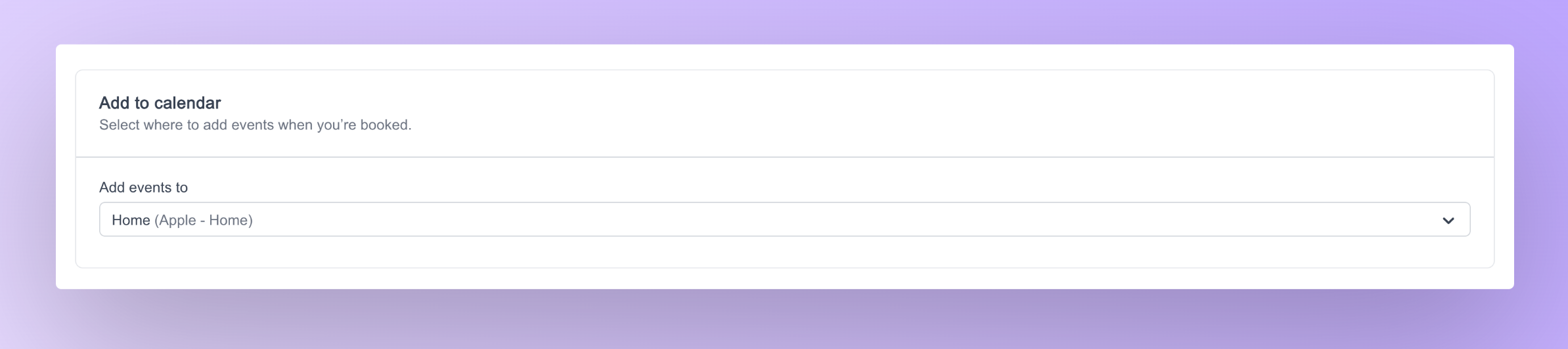
2. Selected calendar settings atom
The selected calendar settings atom lets you select which calendars you want to check for conflicts to prevent double bookings. Below code snippet can be used to render the selected calendar settings atom.