

Quick start
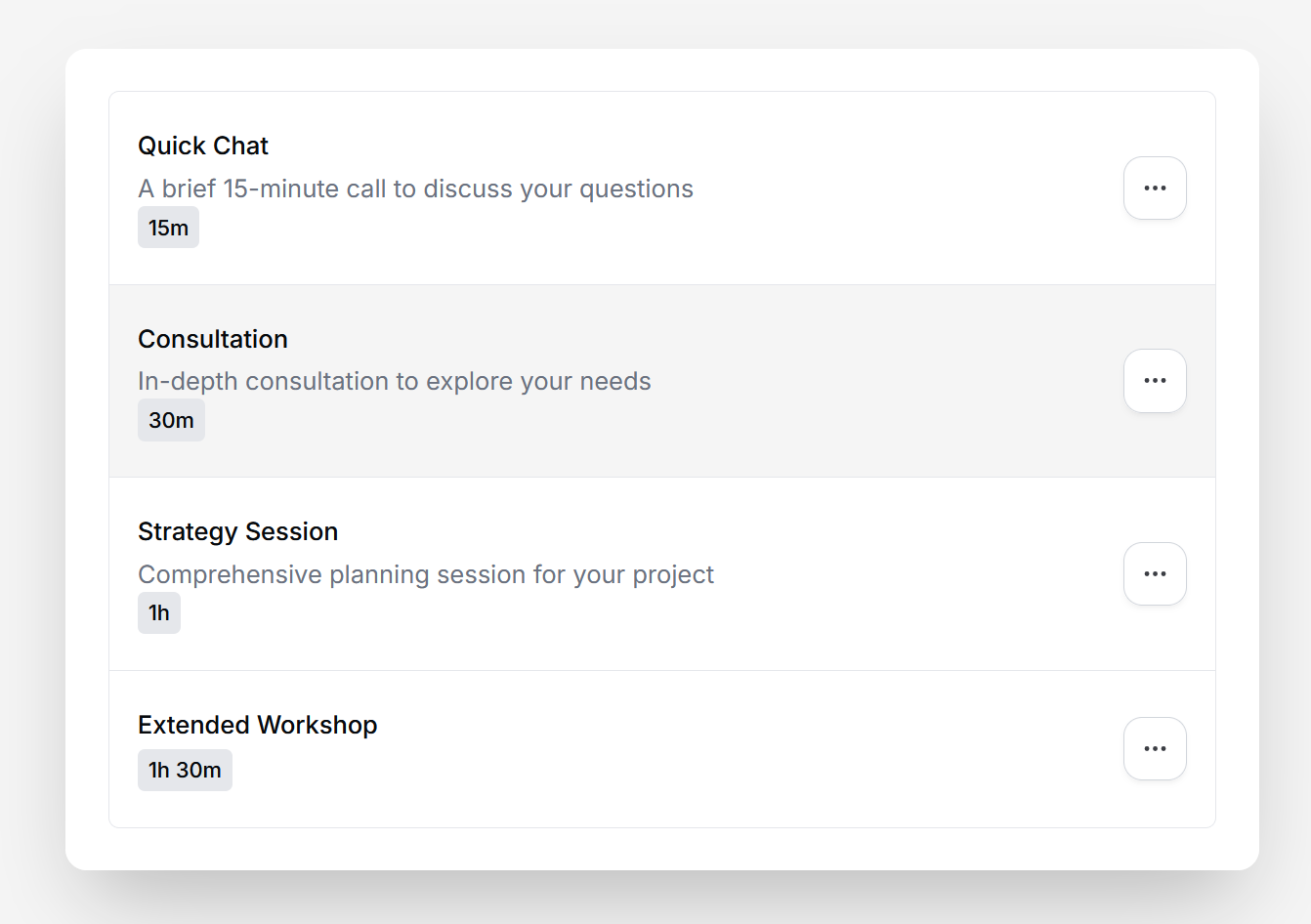
Below is a code snippet to render the ListEventTypes atom. ThegetEventTypeUrl prop receives the event type ID and should return the URL where users will be redirected when clicking on an event type.
The
ListEventTypes atom requires authentication. Make sure it’s wrapped in a CalProvider with a valid
accessToken.Props
Demo
Combining with EventTypeSettings
The ListEventTypes atom can be combined with the EventTypeSettings atom to provide a complete event type management experience. When a user clicks on an event type from the list, they are redirected to a settings page where they can edit the event type details.1
Create the list page
Use the quick start example above to set up a page that displays all event types. The
getEventTypeUrl prop should return the route where you’ll render the EventTypeSettings atom (e.g., /event-types/${eventTypeId}).2
Create the settings page
Set up a dynamic route page (e.g.,
/event-types/[eventTypeId]) that extracts the event type ID from the URL and passes it to the EventTypeSettings atom:For a complete implementation example, check out the example
app.