

- Date range filters by when the booking takes place.
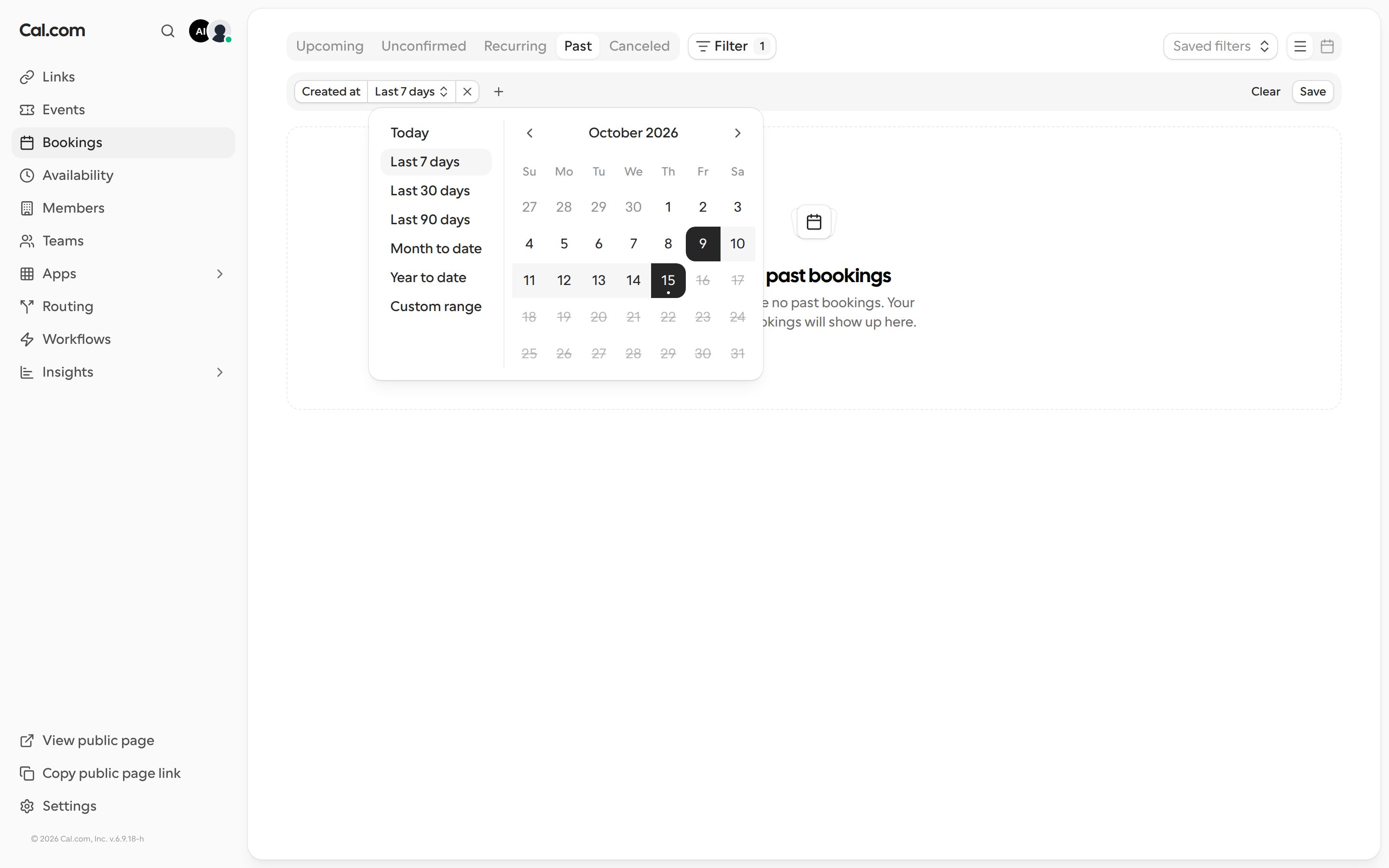
- Created at filters by when the booking was made, no matter when it’s scheduled.
Add a date filter
- Go to Bookings and pick a tab, such as Past.
- Click Filter and choose Date range or Created at.
- Choose one of the preset options, or pick your own start and end dates on the calendar:
- Today
- Last 7 days
- Last 30 days
- Last 90 days
- Month to date
- Year to date
- Custom range
How the date filters work
- Created at only offers past dates, because a booking can’t have been created in the future. It’s available on every bookings tab.
- Date range only offers dates that fit the tab you’re on: past dates on Past, future dates on Upcoming, Unconfirmed, and Recurring, and any date on Cancelled.
- Both filters include the whole first and last day you select.