Columns
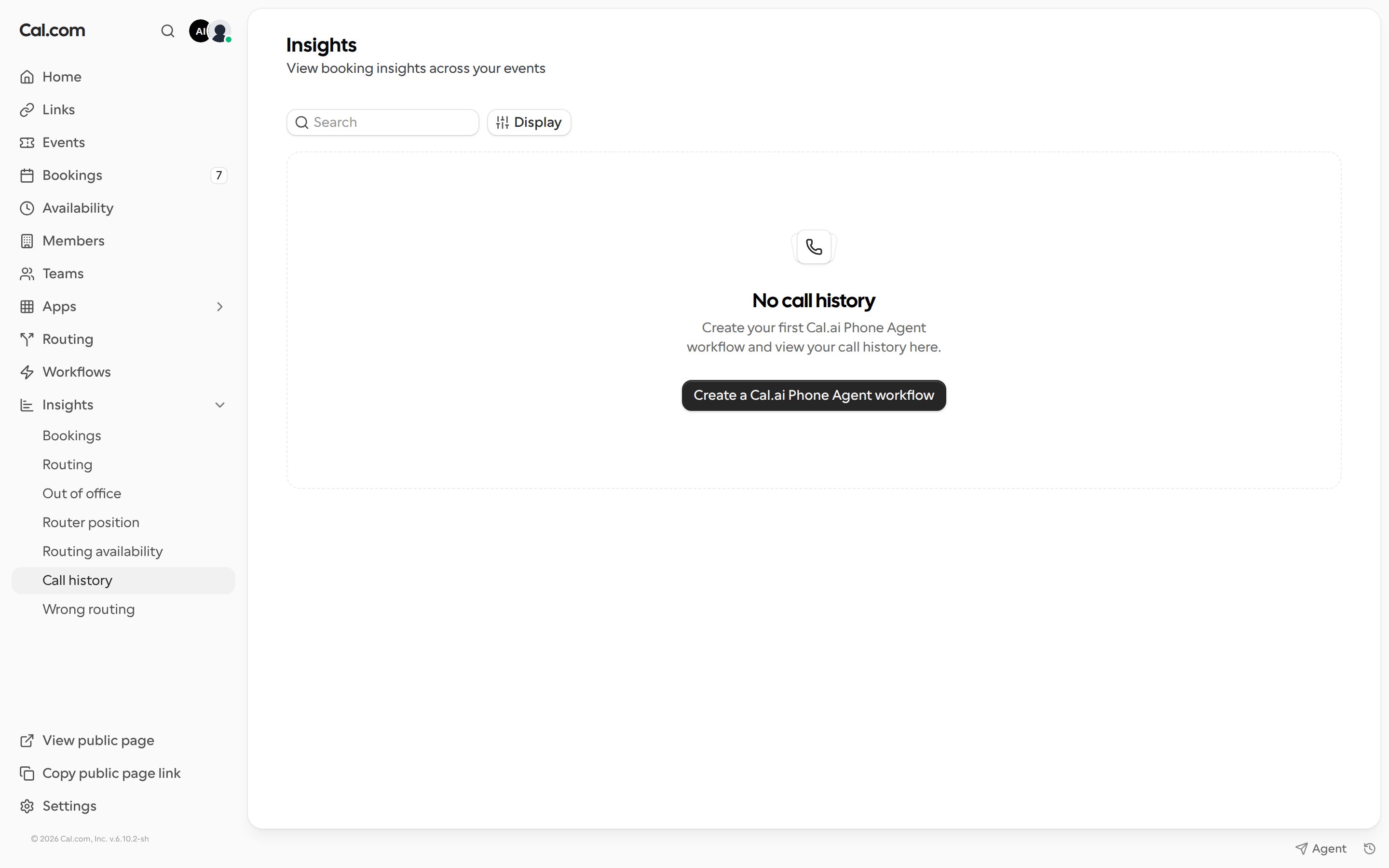
Use the search box to find a specific call, and Display to choose which columns to show.
If you have no calls yet, the page shows a Create a Cal.ai Phone Agent workflow button.

Documentation Index
Fetch the complete documentation index at: /help/llms.txt
Use this file to discover all available pages before exploring further.
Review the calls handled by your Cal.ai phone agents.
| Column | Description |
|---|---|
| Time | When the call took place |
| Duration | Length of the call |
| Channel type | How the call was handled, for example phone |
| Session ID | Unique ID of the call session |
| End reason | Why the call ended |
| Session status | Whether the call completed |
| User sentiment | How the caller came across during the call |
| From / To | The phone numbers on each side of the call |
| Call created | Whether the call was created successfully |
| Voicemail | Whether the call reached voicemail |