

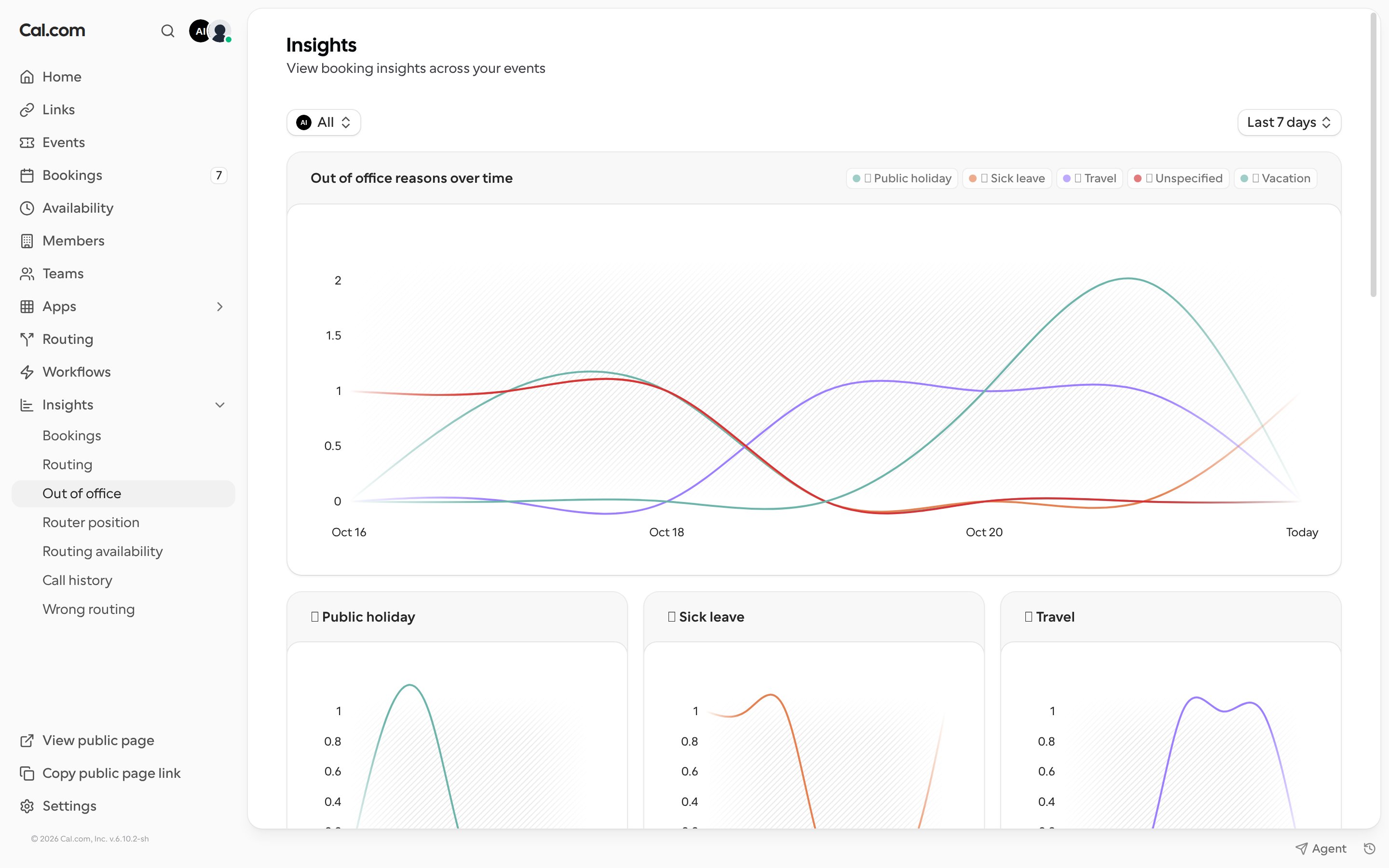
Filters
- Team: choose a team, or the whole organization.
- Date range: choose a preset or a custom range. The timezone badge next to it shows which timezone the dates use.
Charts and tables
Team-wide out-of-office data is only visible to team admins and owners.