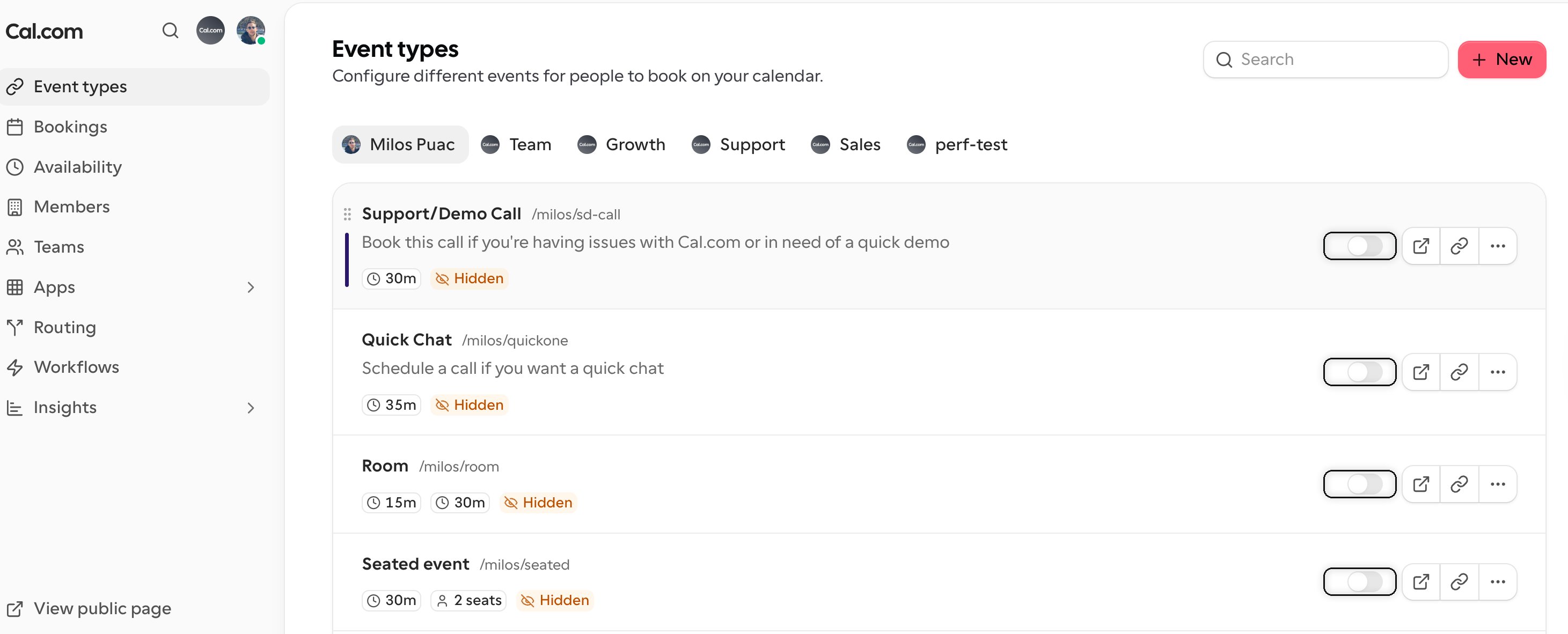
Click on the event type you wish to hide, or you can proceed to create a new event type. If this is your first event type, you can proceed by following the guide for**[Creating your first event type](https://cal.com/docs/how-to-guides/creating-your-first-event-type)**
/event-type where the list of all your event types shows up, and simply click on the toggle as shown in the image below to confirm if you wish them to show up on your public page. Please note that when this toggle is enabled, it means that the event type will show up in your public page and to hide them, they need to be toggled off