

Profile
Go to Settings > Organization > Profile.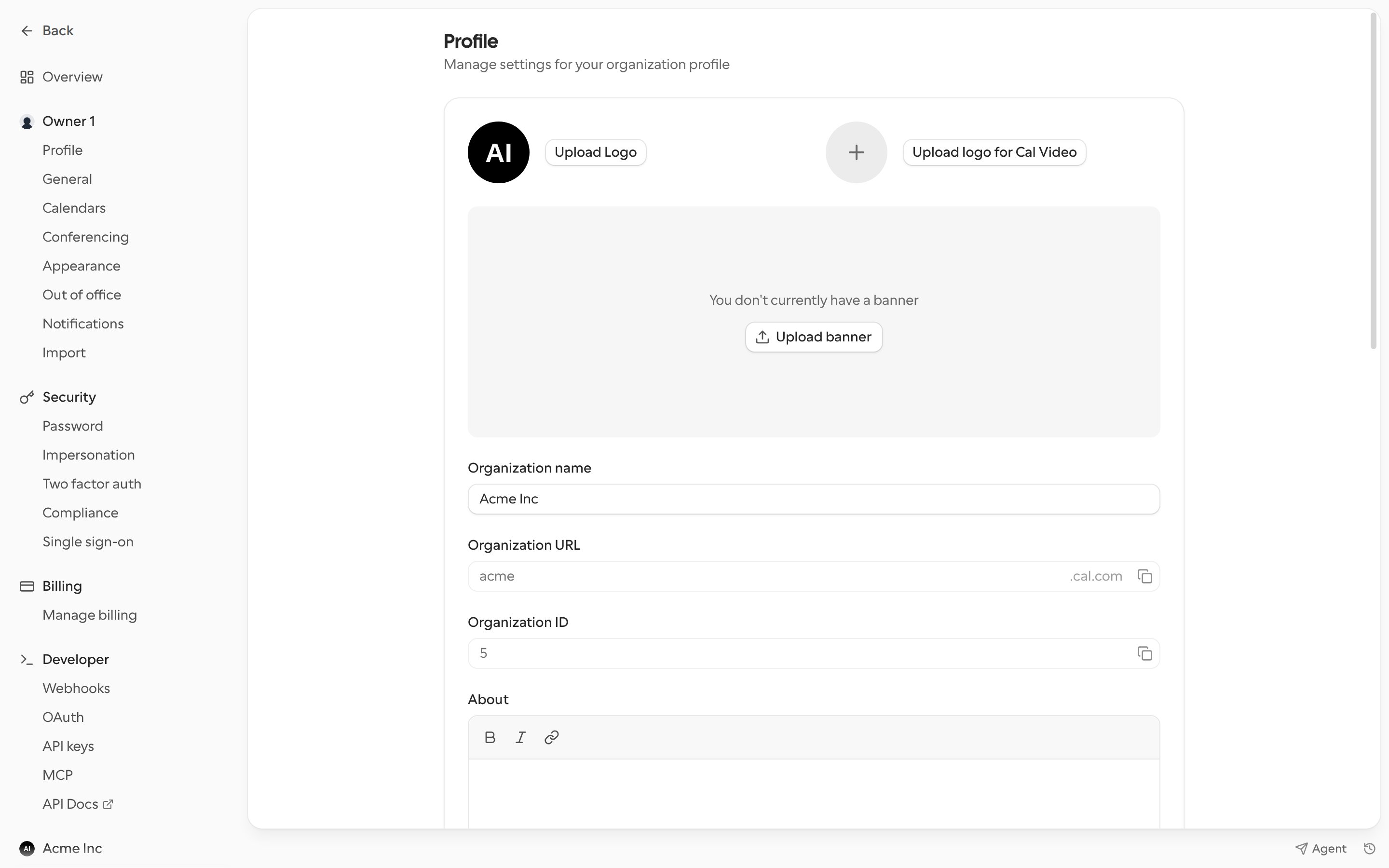
Click Update to save.
Branding and visibility
Lower on the Profile page, you can set how all booking pages in your organization look:- Booking page theme: light, dark or system.
- Custom brand colors: brand colors for the light and dark themes. Cal.com warns you if a color doesn’t have enough contrast.
- Corner style: how rounded buttons and cards are.
- Disable Cal.com branding: removes the “Powered by Cal.com” badge.
- Allow search engine indexing: lets search engines show your organization’s booking pages.
- Disable public organization profile and redirect: sends visitors of your organization URL to another address instead of showing your public profile.
General
Go to Settings > Organization > General to set the organization’s default Timezone, Time format (12-hour or 24-hour) and Start of week. Click Update to save. Time format only changes how times show inside Cal.com, not on public booking pages.Related settings
- Guest notification settings
- Calendar invites
- Blocklist, under Privacy & security
- Roles and permissions
- Delegation credential