

?hosts=username1,username2 to the booking URL. This narrows bookings made through that link
without changing the event type’s assigned hosts.
Choose hosts
Use a comma-separated list of up to 50 distinct Cal.com usernames. Usernames aren’t case-sensitive, and every username must belong to a host already assigned to the event type. If the team is part of an organization, use each host’s username in that organization.What invitees see
The booking page shows only the selected hosts in its host preview. Invitees can pick times when all selected hosts are free, and the booking includes only those hosts.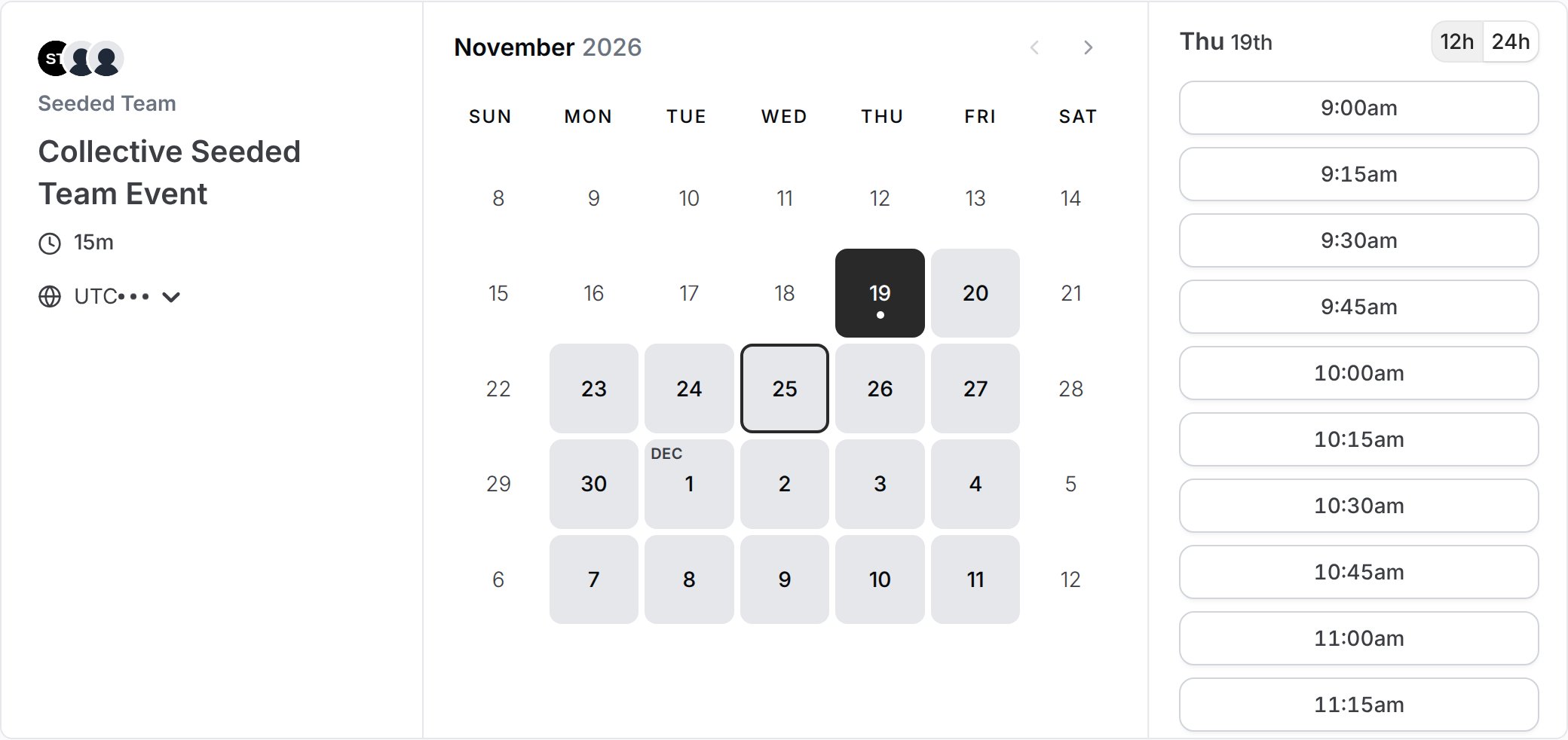
This link’s host list isn’t valid. Check the link with whoever shared it.
Limitations
- Round-robin, Managed, personal, and dynamic group links don’t narrow their hosts.
- Host selection isn’t supported for events with seats, recurring bookings, or instant meetings.
- Rescheduling ignores
hostsand keeps the original booking’s hosts.