7 beste Raumbuchungssoftware | Cal.com
Wenn du ein Meeting planst, müssen sowohl die Personen als auch der Raum verfügbar sein. Wenn eines von beiden nicht verfügbar ist, musst du das Meeting verschieben oder einen anderen Raum finden.
Jul 16, 2026
On this page
- Kurz gesagt: die Rangliste auf einen Blick
- Was ist Raumbuchungssoftware?
- Worauf du bei Raumbuchungssoftware achten solltest
- Die 7 beste Raumbuchungssoftware
- 1. Cal.com: am besten, um sowohl Räume als auch die Meetings darin zu buchen
- 2. Skedda: am besten für die Verwaltung der Räume selbst
- 3. Robin: am besten für Unternehmens-Analysen am Arbeitsplatz
- 4. Envoy: am besten für Besucherverwaltung neben Räumen
- 5. OfficeSpace: am besten für Flächenplanung und Büroumzüge
- 6. Archie: am besten für Coworking und geteilte Arbeitsplätze
- 7. Joan: am besten für E-Paper-Raumdisplays
- Raumbuchungssoftware: Schnellvergleichstabelle
- Fazit
- Häufig gestellte Fragen
Cal.com ermöglicht es dir, die Hosts und Räume einzurichten, die an deinen Meetings beteiligt sind, und prüft dann ihre Kalender, wenn jemand eine Zeit auswählt. Eine Zeit ist nur verfügbar, wenn sowohl der Host als auch der Raum frei sind. So buchst du kein Meeting, wenn der Raum bereits belegt ist, oder einen verfügbaren Raum, wenn der Host nicht verfügbar ist. Der kostenlose Plan umfasst unbegrenzte Eventtypen, die zweiseitige Kalendersynchronisierung und automatische Erinnerungen.
Wir haben Cal.com mit anderen Raumbuchungstools anhand von drei Kriterien verglichen:
-
Check-in-Durchsetzung: Kann es einen Raum freigeben, wenn niemand erscheint?
-
Buchungsregeln: Kannst du steuern, wer einen Raum buchen kann, wie weit im Voraus sie buchen können und ob eine Buchung genehmigt werden muss?
-
Preisklarheit: Kannst du die Kosten anhand der öffentlichen Preise verstehen?
Die Vergleichstabelle am Ende fasst zusammen, wie die sieben Tools bei diesen Kriterien abschneiden und ob jedes einen kostenlosen Plan hat.
Kurz gesagt: die Rangliste auf einen Blick
-
Cal.com: am besten, um Räume und Meetings gemeinsam zu buchen
-
Skedda: am besten für die Verwaltung von Räumen und gemeinsam genutzten Flächen
-
Robin: am besten für Unternehmens-Analysen am Arbeitsplatz und Auslastungsdaten
-
Envoy: am besten für die Verwaltung von Besuchern und Raumbuchungen
-
OfficeSpace: am besten für Flächenplanung und Büroumzüge
-
Archie: am besten für Coworking und gemeinsam genutzte Arbeitsräume
-
Joan: am besten für E-Paper-Raumdisplays und Buchungen an der Tür
Was ist Raumbuchungssoftware?
Raumbuchungssoftware hilft dir, gemeinsam genutzte Räume wie Besprechungsräume, Konferenzräume, Telefonboxen, Fokusräume, Labore und Klassenzimmer zu finden, zu reservieren und einzuchecken. Sie verbindet sich in der Regel mit deinem bestehenden Kalender, sodass du einen Raum reservieren kannst, während du ein Meeting planst.
Du kannst prüfen, ob ein Raum frei ist, ob er genug Kapazität und die Ausstattung hat, die du brauchst, und bestätigen, ob die Leute tatsächlich zu ihren Buchungen erschienen sind. So bekommst du ein klareres Bild davon, welche Räume genutzt werden und welche leer stehen.
Viele Raumbuchungsplattformen bieten außerdem Desk Booking, Parkplätze, Besuchermanagement, digitale Beschilderung und Wegführung. Je nach Tool zahlst du pro Nutzer, Fläche oder Raumdisplay oder musst ein individuelles Angebot anfordern.
Worauf du bei Raumbuchungssoftware achten solltest
Gute Raumbuchungssoftware sollte drei Dinge gut können: genaue Verfügbarkeit anzeigen, dir Kontrolle darüber geben, wer buchen kann, und Räume nach Stornierungen und No-Shows wieder freigeben. Welche Funktionen du darüber hinaus brauchst, hängt davon ab, wie deine Organisation ihre Flächen nutzt.
Vor diesem Hintergrund sind hier die wichtigsten Funktionen, auf die du achten solltest:
-
Zweiseitige Kalendersynchronisierung. Raumbuchungen beginnen oft im Kalender. Stell sicher, dass die Software mit Microsoft 365 und Google Workspace in beide Richtungen synchronisiert, einschließlich Buchungen, Stornierungen, Teilnehmern und Konferenzlinks.
-
Check-in und automatische Freigabe. Check-in hilft dabei, zu verhindern, dass No-Shows Räume blockieren. Achte auf QR-Codes, Tablets, E-Mail-Links oder WLAN-basierten Check-in sowie auf automatische Freigabe, wenn sich jemand nicht eincheckt.
-
Buchungsregeln, die zu deinen Richtlinien passen. Verschiedene Teams brauchen vielleicht unterschiedliche Regeln für unterschiedliche Räume. Achte auf Buchungsfenster, Kontingente, Puffer, Genehmigungen und Zugriffskontrollen, mit denen du festlegst, wer einen Raum buchen kann und wann.
-
Raumdisplays und Walk-up-Booking. Displays vor den Räumen zeigen, ob ein Raum verfügbar ist, und können es Leuten erlauben, eine Reservierung zu buchen, zu verlängern oder freizugeben. Prüfe, ob die Software mit Standard-Tablets funktioniert oder proprietäre Hardware erfordert.
-
Auslastungsanalysen. Achte auf Daten zu Belegung, No-Shows, Spitzenbedarf und Raumnutzung nach Team, Etage oder Standort. So siehst du, welche Räume gefragt sind und wo Flächen ungenutzt bleiben.
-
Planung für die Meetings selbst. Raumbuchung ist nur ein Teil des Prozesses. Wenn du auch Interviews, Kundengespräche, Demos oder Beratungen planst, suche nach einem Tool, das Personen und Räume gleichzeitig koordinieren kann. Gemeinsame Verfügbarkeit, Round-Robin-Planung, Routing-Formulare und Workflow-Automatisierung sind für solche Buchungen nützlich.
Die 7 beste Raumbuchungssoftware
1. Cal.com: am besten, um sowohl Räume als auch die Meetings darin zu buchen
| Kostenloser Plan? | Startpreis | Herausragende Funktion | Bester Anwendungsfall |
|---|---|---|---|
| Ja, für immer kostenlos | $16/user/month | Collective Eventtypen buchen Raum und Host gemeinsam | Büros, die Räume und die Meetings darin buchen müssen, auch mit externen Gästen |
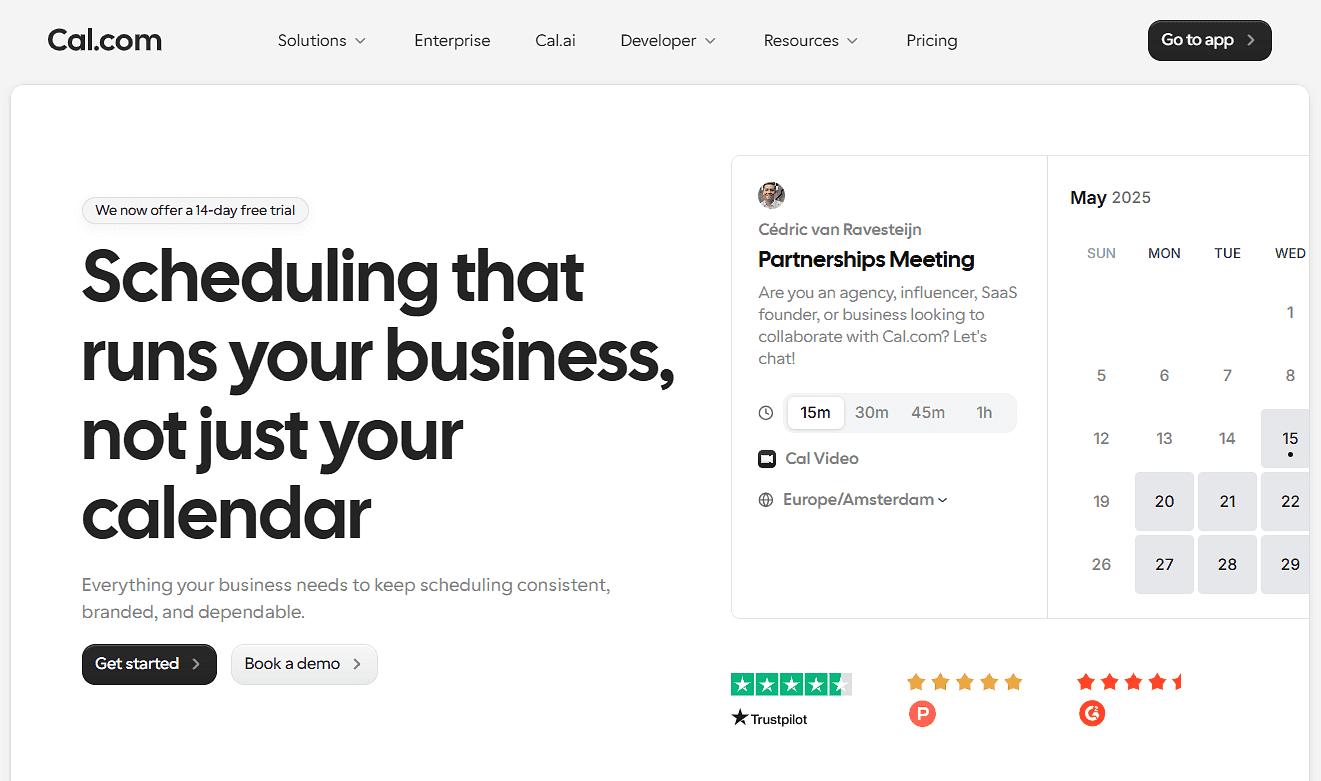
Was es ist: Mit Cal.com kannst du die Personen und den Raum für ein Meeting von derselben Buchungsseite aus planen. Richte deine Hosts und Räume ein, verbinde jeden Raum mit seinem Google Workspace-Ressourcenkalender oder Outlook-Raumpostfach, und Cal.com prüft ihre Verfügbarkeit, bevor jemand eine Zeit zur Buchung angezeigt bekommt.
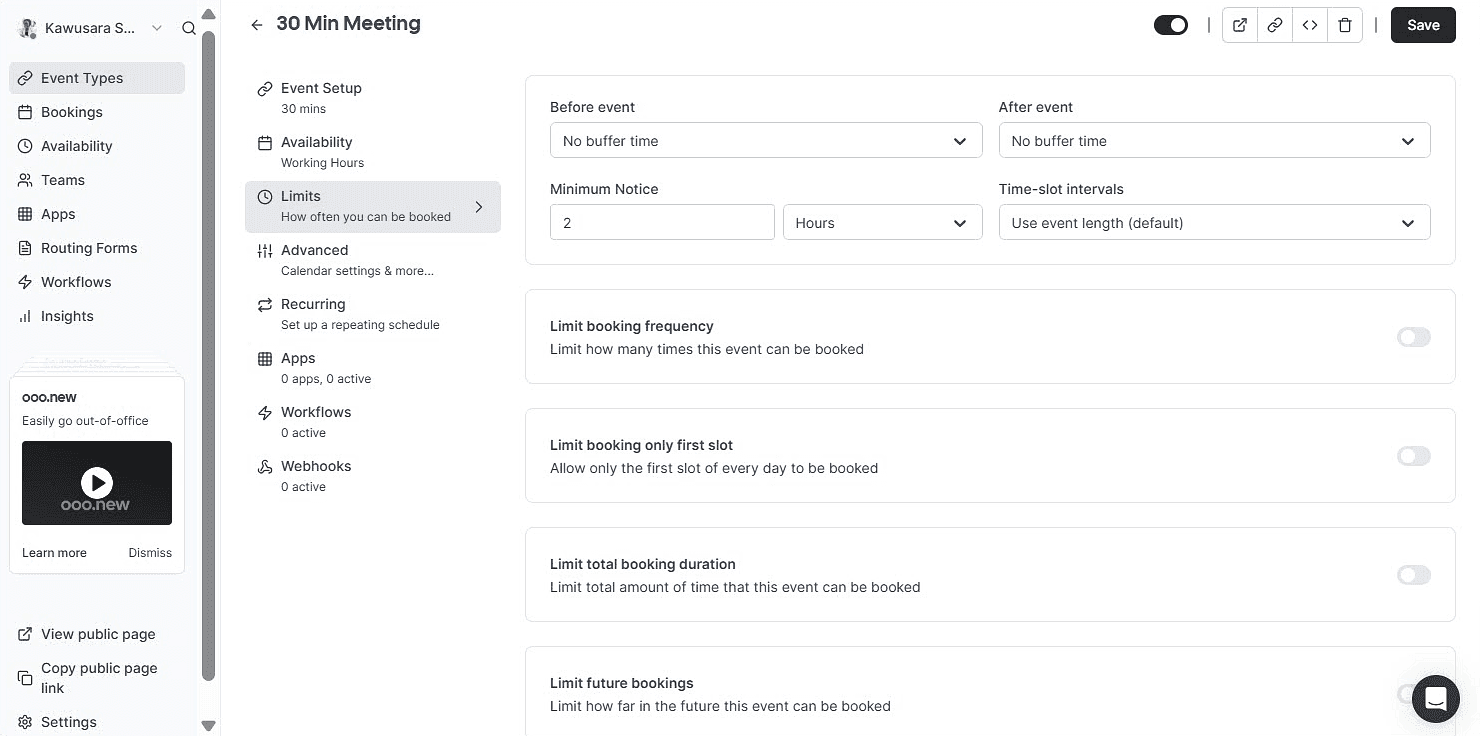
Wenn du zum Beispiel ein Interview planst, kannst du verlangen, dass die Interviewer und ein Raum verfügbar sind, bevor eine Zeit angeboten wird. Bei Meetings, die an verschiedene Personen oder Räume gehen könnten, helfen Routing und Round-Robin-Planung dabei, die Buchung an die richtige Option weiterzuleiten. Du kannst Grenzen festlegen, wie Räume gebucht werden, Genehmigungsschritte für bestimmte Räume hinzufügen und automatische Erinnerungen vor dem Meeting senden.
Warum es auf Platz eins steht: Cal.com gibt dir mehrere Möglichkeiten, zu steuern, wie Meetings Personen und Räumen zugewiesen werden. Collective Eventtypen verknüpfen Hosts und Räume, Routing-Formulare leiten Buchungen an das richtige Team oder den richtigen Raum weiter, und Round-Robin-Planung verteilt Buchungen auf verfügbare Optionen. Du kannst außerdem Buchungsgrenzen, Puffer und Genehmigungen für Räume hinzufügen, die strengere Regeln brauchen, damit du besser kontrollieren kannst, wie Räume genutzt werden.
Wichtige Funktionen:
-
Räume als buchbare Konten: Verbinde einen Google Workspace-Ressourcenkalender oder ein Outlook-Raumpostfach mit einem Raumkonto, lege seine Verfügbarkeit fest und mache den Raum buchbar.
-
Collective Eventtypen: Prüfe Host und Raum gleichzeitig, sodass ein Slot nur erscheint, wenn beide verfügbar sind.
-
Round-Robin-Verteilung: Bündle Räume und verteile Buchungen auf verfügbare Räume oder rotiere Hosts innerhalb eines Teams.
-
Routing-Formulare und attributbasiertes Routing: Leite Anfragen anhand von Faktoren wie Etage, Kapazität, Region oder Team weiter.
-
Genehmigungen: Verlange eine Genehmigung, bevor bestimmte Raumbuchungen bestätigt werden.
-
Buchungslimits und Puffer: Steuere, wie lange oder wie weit im Voraus Leute buchen können, und füge Pufferzeit zwischen Reservierungen hinzu.
-
Externe Buchung: Teile einen Link oder bette ein Widget ein, damit Leute außerhalb deines Unternehmens gegen Live-Verfügbarkeit buchen können.
-
Workflow-Automatisierung: Sende Bestätigungen, Erinnerungen und Follow-ups per E-Mail und SMS, um No-Shows zu reduzieren.
-
Buchungsanalysen: Verfolge Buchungsaktivitäten und sieh, wie deine Räume und Meeting-Kapazitäten genutzt werden.
-
100+ native Integrationen: Verbinde Cal.com mit den Tools, die dein Team für Kalender, Kommunikation, Zahlungen, CRM und Workflows nutzt.
-
Seats und Stripe-Zahlungen: Lass mehrere Personen denselben Slot buchen oder Zahlungen für Raumbuchungen einziehen.
-
API und React Atoms: Baue Raum- und Meetingplanung in deine eigene Anwendung oder dein Workplace-Portal ein.
-
White-Label und Sicherheit: Entferne das Cal.com-Branding und nutze deine eigene Domain. Cal.com unterstützt SOC 2, ISO 27001, GDPR, SAML Single Sign-on (SSO) und SCIM-Bereitstellung.
Preise: Cal.com hat einen kostenlosen Plan mit unbegrenzten Eventtypen, zweiseitiger Kalendersynchronisierung, externer Buchung und automatischen Erinnerungen. Bezahlte Pläne starten bei $16/user/month bzw. $12/user/month bei jährlicher Abrechnung und bieten Funktionen wie Round-Robin-Planung, Routing-Formulare, das Entfernen des Cal.com-Brandings und Buchungsanalysen. Höhere Pläne enthalten SAML SSO, SCIM-Bereitstellung und HIPAA mit einem BAA.

Am besten für: Teams, die Räume als Teil der Meetingplanung buchen müssen, einschließlich Interviews, Kundengesprächen und internen Meetings, bei denen sowohl der Host als auch der Raum verfügbar sein müssen.
Fazit: Mit Cal.com kannst du Räume zusammen mit Hosts einrichten und beides prüfen, wenn jemand ein Meeting bucht. Ein Interview kann zum Beispiel zwei Interviewer und einen bestimmten Raum erfordern, während ein Kundengespräch an einen verfügbaren Host und Raum weitergeleitet werden kann. Du kannst diese Buchungsseiten auch für externe Gäste öffnen und vor dem Meeting automatische Erinnerungen senden.
Starte mit dem kostenlosen Plan von Cal.com oder buche eine Demo, um zu sehen, wie es für dein Team funktionieren könnte.
2. Skedda: am besten für die Verwaltung der Räume selbst
| Kostenloser Plan? | Startpreis | Herausragende Funktion | Bester Anwendungsfall |
|---|---|---|---|
| Nein, und keine Testphase | $249/month | Buchungsregeln und interaktive Grundrisse | Mittelgroße bis große Büros und Universitäten, die detaillierte Raumkontrollen brauchen |
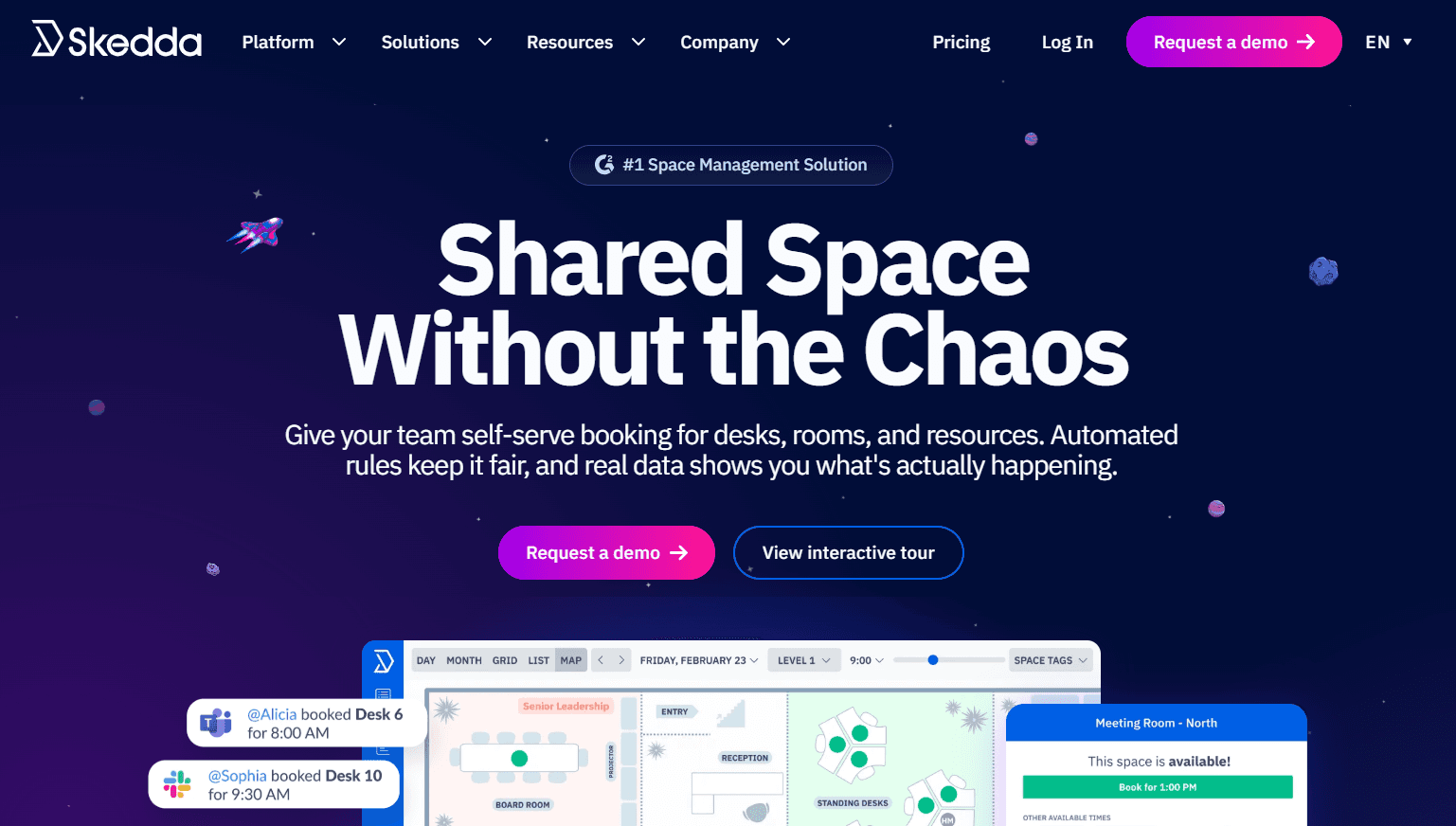
Was es ist: Skedda ist eine Terminplanungsplattform für gemeinsam genutzte physische Räume. Sie verbindet Raumbuchung mit interaktiven Grundrissen, Buchungsregeln, Check-in, Belegungs-Tracking und Tablet-Displays, die zeigen, ob ein Raum verfügbar oder belegt ist. Du kannst damit Besprechungsräume, Schreibtische und andere buchbare Flächen von einem System aus verwalten. Zum Beispiel kannst du Regeln festlegen, wer einen Raum buchen kann, wann sie ihn buchen können, wie lange sie ihn nutzen können und ob sie einchecken müssen. Grundrisse zeigen, welche Räume verfügbar sind, während das Belegungs-Tracking dir hilft zu sehen, wie oft Räume und andere Flächen tatsächlich genutzt werden.
Wichtige Funktionen:
-
Interaktive Grundrisse: Erstelle eine digitale Karte deines Büros, die den physischen Grundriss widerspiegelt. Mitarbeitende können verfügbare Räume und Schreibtische sehen und direkt von der Karte aus buchen.
-
Rules-and-Roles-Engine: Steuere, wer jeden Raum buchen kann und wann. Lege Buchungsfenster, Laufzeitlimits, Kontingente, Puffer, Stornierungsregeln und Genehmigungsanforderungen fest.
-
Zweiseitige Kalendersynchronisierung: Verbinde Skedda mit Microsoft 365, Outlook oder Google Workspace, um Raumbuchungen und Kalendereinträge synchron zu halten und Doppelbuchungen zu verhindern.
-
Check-in und Belegungs-Tracking: Verlange von Nutzern, ihre Ankunft per E-Mail, QR-Codes, Teams, Slack oder WLAN zu bestätigen. Wenn sich jemand nicht eincheckt, kann Skedda die Buchung automatisch freigeben.
-
Insights-Dashboard: Analysiere Buchungsaktivitäten, um zu sehen, wie Flächen genutzt werden, und erkenne Nachfragemuster in deinem Workplace.
Einschränkungen:
-
Flächenlimits können schnell knapp werden, wenn du Räume, Schreibtische, Parkplätze und andere Ressourcen verwaltest.
-
Check-in und erweiterte Buchungsregeln sind nicht in jedem Plan verfügbar.
-
Skedda ist weniger geeignet für die Planung von Meetings mit Hosts und Teilnehmern.
Preise: Skedda bietet keinen kostenlosen Plan und keine Testphase. Bezahlte Pläne starten bei $249/month bei jährlicher Abrechnung und enthalten 35 Flächen, unbegrenzte Nutzer und Buchungen, interaktive Grundrisse, eine grundlegende Rules-Engine und ein Insights-Dashboard.
Am besten für: Hybride Arbeitsplätze und Universitäten, die verschiedene Arten gemeinsamer Flächen mit Regeln für Verfügbarkeit, Buchungszeiten, Zugang und Nutzung verwalten müssen.
Vergleichsfazit: Skedda deckt Raum- und Flächenverwaltung mit Tools wie Grundrissen, Buchungsregeln, Check-in und Belegungs-Tracking ab. Cal.com unterstützt ebenfalls Raumbuchungen, verknüpft sie aber enger mit der Meetingplanung, sodass du Hosts und Räume koordinieren und externe Gäste buchen lassen kannst.
3. Robin: am besten für Unternehmens-Analysen am Arbeitsplatz
| Kostenloser Plan? | Startpreis | Herausragende Funktion | Bester Anwendungsfall |
|---|---|---|---|
| Nein, und keine Testphase | Individuelles Angebot | Sensorverifizierte Belegung und 100+ Analysemetriken | Unternehmen mit 150+ hybriden Mitarbeitenden an mehreren Standorten |
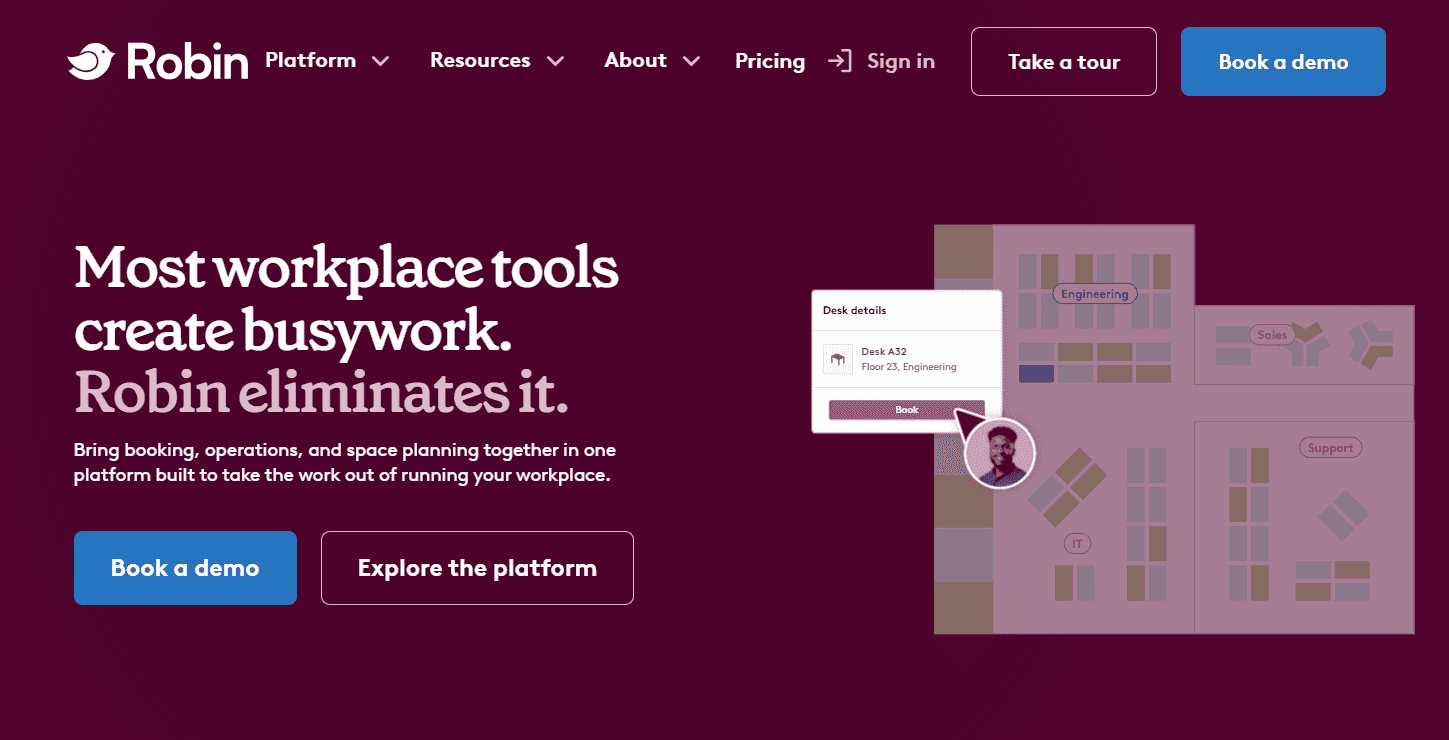
Was es ist: Robin ist eine Workplace-Management-Plattform für Organisationen mit komplexen Büros oder Büros an mehreren Standorten. Sie deckt die Buchung von Besprechungsräumen und Schreibtischen, Besucherverwaltung, Raumdisplays und Workplace Analytics ab. Ihre Analysen kombinieren Buchungsdaten mit Belegungsdaten aus verbundenen Sensoren und geben Teams so einen klareren Überblick darüber, wie ihre Flächen genutzt werden. Robin unterstützt außerdem mehr als 100 Workplace-KPIs und empfiehlt Räume auf Basis von Faktoren wie Meetinggröße und Teilnehmerpräferenzen, damit Teams besser planen können, wie sie ihre Büros nutzen.
Wichtige Funktionen:
-
Intelligente Raumvorschläge: Empfiehl verfügbare Räume basierend auf Meetingzeit, Teilnehmerzahl, Ausstattung und Buchungspräferenzen.
-
Interaktive Bürokarten: Zeige Räume, Schreibtische und andere Bereiche auf einer digitalen Grundrisskarte mit Live-Verfügbarkeit für eine schnelle Buchung.
-
Belegungsverfolgung: Nutze verbundene Sensoren und Check-in-Daten, um zu sehen, ob reservierte Flächen tatsächlich genutzt werden, und gib verlassene Buchungen wieder frei.
-
Raumdisplays: Zeige den aktuellen Status eines Raums auf einem Tablet an, mit Optionen, direkt vom Display aus zu buchen oder einzuchecken.
-
Workplace Analytics: Verfolge die Nutzung von Flächen und Schreibtischen über Büros, Gebäude, Etagen und Teams hinweg, um ungenutzte Flächen und veränderte Nachfrage zu erkennen.
Einschränkungen:
-
Änderungen an Büro-Layouts können umständlich sein und möglicherweise Hilfe vom Team von Robin erfordern.
-
Einige Nutzer berichten von Fehlern bei der Verfügbarkeit, der Oberfläche und der mobilen Performance.
Preise: Robin bietet weder einen kostenlosen Plan noch eine Testversion an. Die Preise werden auf der Website nicht veröffentlicht, daher musst du ein individuelles Angebot anfordern.
Am besten für: Große Unternehmen mit mehr als 150 hybriden Mitarbeitenden, mehreren Büros und komplexen Workplace-Richtlinien, die detaillierte Daten zu Belegung und Flächennutzung benötigen.
Fazit im Vergleich: Robin bietet umfassende Tools für die Verwaltung physischer Räume, einschließlich Belegungsverfolgung, Workplace Analytics und Raumverwaltung. Cal.com unterstützt ebenfalls die Buchung von Räumen, verbindet sie aber enger mit der Meeting-Planung, mit Funktionen wie externer Buchung, Routing, Round-Robin-Planung und teilbaren Buchungslinks.
4. Envoy: am besten für Besucherverwaltung neben Räumen
| Kostenloser Plan? | Startpreis | Herausragende Funktion | Bester Anwendungsfall |
|---|---|---|---|
| Nein, 14-tägige Testversion | 5 $/Ressource/Monat | Besucherverwaltung | Büros, die Besucher-Workflows neben der Buchung von Räumen benötigen |
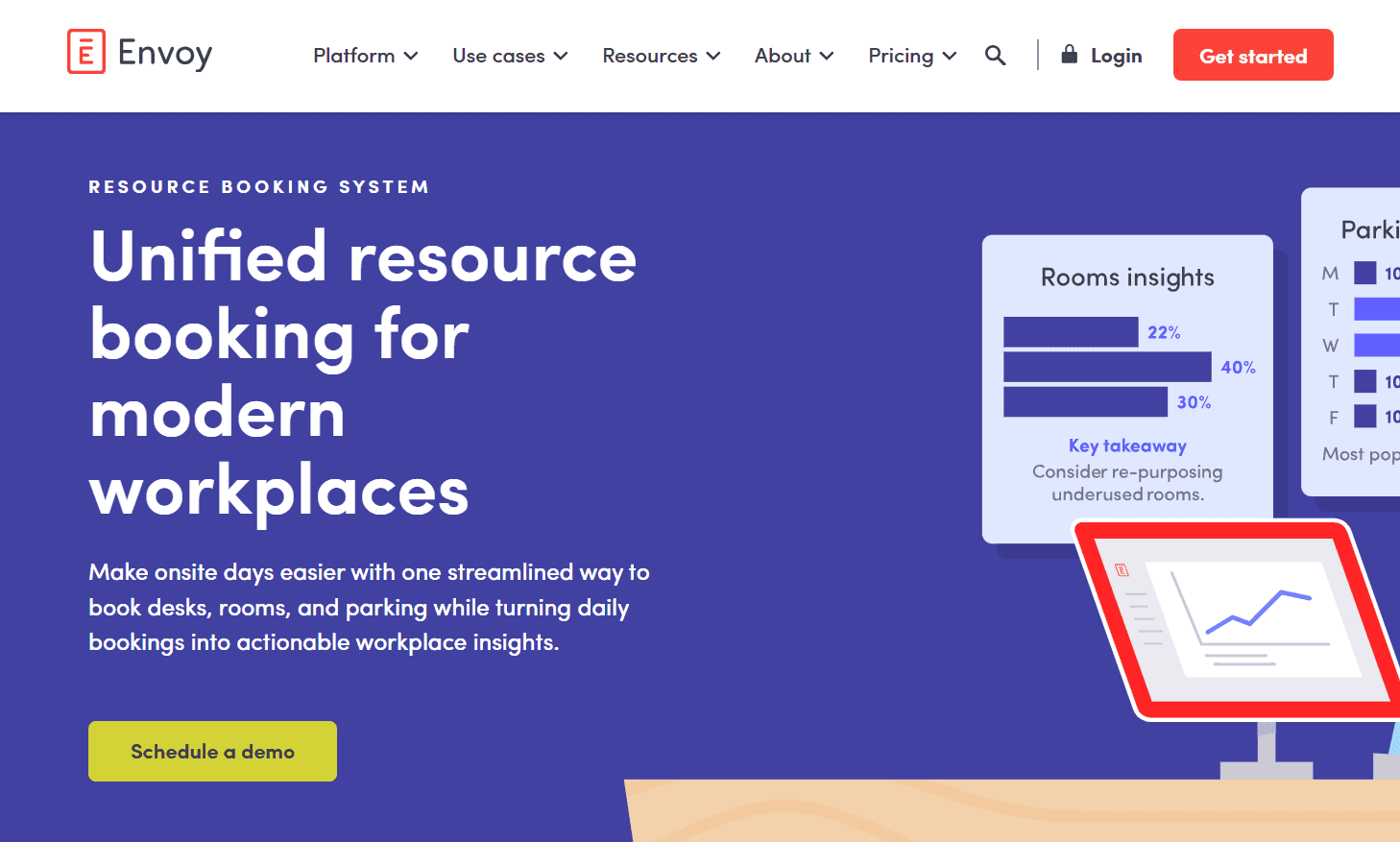
Was es ist: Envoy ist eine Workplace-Plattform für die Verwaltung von Besuchern und der Räume, die sie nutzen. Sie deckt den Check-in von Besuchern zusammen mit der Buchung von Räumen und Schreibtischen, Parkplätzen, Lieferungen und digitaler Beschilderung ab. Für die Raumbuchung können Mitarbeitende Räume reservieren, die Verfügbarkeit auf Bürokarten prüfen und auf Raumdisplays sehen, ob ein Raum frei ist. Check-in und automatische Freigabe helfen dabei, die Verfügbarkeit von Räumen korrekt zu halten, wenn jemand nicht auftaucht. Teams können außerdem die Ankunft eines Gasts und den Meetingraum, den er nutzen wird, über dieselbe Plattform verwalten.
Wichtige Funktionen:
-
Reservierungen für Räume, Schreibtische und Parkplätze: Buche verschiedene Workplace-Ressourcen über eine einzige Plattform, mit Optionen für stundenweise, mehrtägige und mobile Buchungen.
-
Walk-up-Buchung: Nutze Raum-Tablets, um den Tagesplan zu sehen, einen verfügbaren Raum zu buchen, einzuchecken oder ein Meeting direkt an der Tür zu beenden.
-
Intelligente automatische Freigabe: Öffne Räume, Schreibtische oder Parkplätze automatisch wieder, wenn jemand seinen Check-in verpasst, damit ungenutzte Buchungen keine anderen blockieren.
-
Echtzeit-Verfügbarkeit: Sieh verfügbare Räume, Schreibtische und Parkplätze auf interaktiven Karten oder buche über die Envoy-App, Google Calendar oder Outlook.
-
Besucherverwaltung: Registriere Gäste vorab, erfasse die erforderlichen Informationen, überprüfe Besucher, drucke Ausweise und benachrichtige Hosts, wenn sie ankommen.
Einschränkungen:
-
Du zahlst für zusätzliche Funktionen, selbst wenn du nur Raumbuchungen verwalten willst.
-
Komplexe Besucher-Workflows brauchen mehr Zeit für die Einrichtung.
Preise: Envoy hat keinen kostenlosen Plan, bietet aber eine 14-tägige kostenlose Testversion an. Die Raumbuchung ist im Reservations-Modul verfügbar und beginnt bei 5 $ pro buchbarer Ressource und Monat bei jährlicher Abrechnung. Andere Module, einschließlich der Besucherverwaltung, werden separat bepreist.
Am besten für: Büros, die Besucher, Raumbuchungen und Workplace-Zugang über eine einzige Plattform verwalten müssen.
Fazit im Vergleich: Envoy ist für Büros gebaut, die Besucher neben Räumen und anderen Workplace-Ressourcen verwalten müssen. Cal.com verknüpft Raumbuchungen mit Meetings, sodass externe Gäste buchen, an den passenden Host weitergeleitet werden und vor dem Meeting Erinnerungen erhalten können.
5. OfficeSpace: am besten für Flächenplanung und Büroumzüge
| Kostenloser Plan? | Startpreis | Herausragende Funktion | Bester Anwendungsfall |
|---|---|---|---|
| Nein, und keine Testversion | Individuelles Angebot | Szenarioplanung und Umzugsmanagement | Große Unternehmen mit häufigen Umzügen und Gebäudekomplexen mit mehreren Häusern |
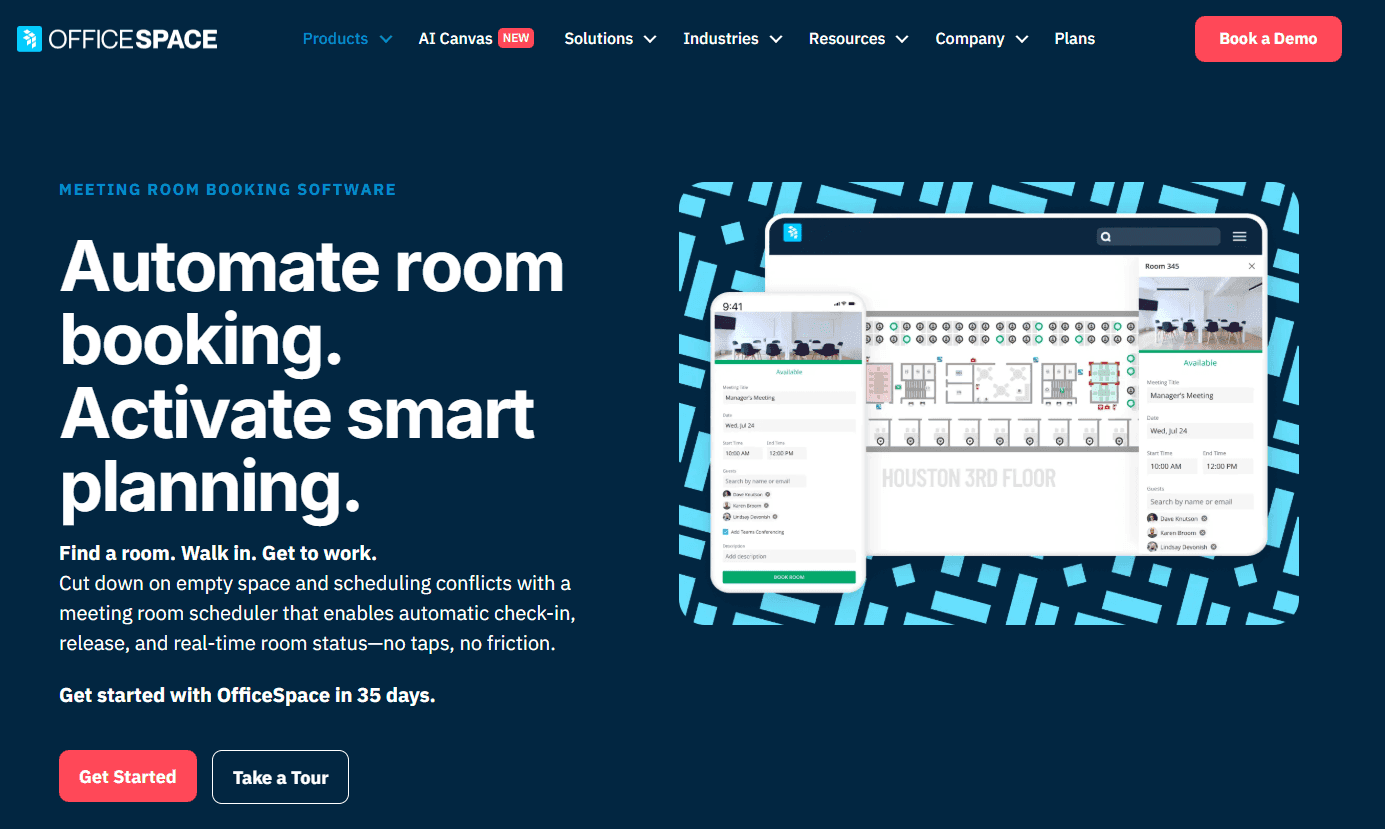
Was es ist: OfficeSpace ist eine Workplace-Management-Plattform für große Organisationen. Neben der Raumbuchung unterstützt sie Flächenplanung, Umzugsmanagement, Asset-Tracking, Grundrisse und Workplace Analytics. Mit den Tools für die Szenarioplanung können Facility-Teams ein Modell einer geplanten Büroänderung erstellen, etwa wenn eine Abteilung in eine andere Etage zieht oder Teams in weniger Flächen zusammengelegt werden, bevor die Änderung umgesetzt wird. So können Teams planen, wie sich ihre Büroflächen verändern werden, parallel zum täglichen Raum- und Workplace-Management.
Wichtige Funktionen:
-
Raumbuchung: Finde und reserviere Räume nach Verfügbarkeit, Standort, Kapazität oder Ausstattung über das Web, die Mobile App, Slack, Teams oder verbundene Kalender.
-
Automatische Raumfreigabe: Verlange einen Check-in und storniere ungenutzte Buchungen automatisch, wenn niemand erscheint, damit der Raum für andere frei wird.
-
Raumprofile: Füge Details wie Kapazität, Ausstattung und Amenities hinzu, damit Mitarbeitende einen Raum finden, der zu ihrem Meeting passt.
-
Kiosk- und Tablet-Check-in: Nutze iPads oder Android-Tablets, um die Raumverfügbarkeit zu sehen, Walk-up-Buchungen vorzunehmen und direkt am Raum einzuchecken.
-
Szenarioplanung und Umzugsmanagement: Erstelle und vergleiche vorgeschlagene Grundrisse und nutze sie dann, um Teamumzüge, Sitzplatzänderungen und Bürokonsolidierungen zu planen, bevor du Änderungen an der physischen Fläche vornimmst.
Einschränkungen:
-
Das Onboarding kann 1-2 Monate oder länger dauern.
-
Für neue Nutzer gibt es eine steile Lernkurve.
Preise: OfficeSpace bietet weder einen kostenlosen Plan noch eine Testversion an. Die Preise werden auf der Website nicht veröffentlicht, daher musst du ein individuelles Angebot anfordern.
Fazit im Vergleich: OfficeSpace kombiniert Raumbuchung mit Grundrissen, Flächenplanung, Umzugsmanagement und Workplace Analytics. Cal.com lässt dich einen Raum als Teil der Meetingplanung buchen, sodass Host und Raum vor der Auswahl einer Zeit gemeinsam geprüft werden können.
6. Archie: am besten für Coworking und geteilte Arbeitsplätze
| Kostenloser Plan? | Startpreis | Herausragende Funktion | Bester Anwendungsfall |
|---|---|---|---|
| Nein, 14-tägige Testversion | 159 $/Monat | Abrechnung und Mitgliedschaften für Coworking | Coworking-Betreiber und Multi-Tenant-Flächen |
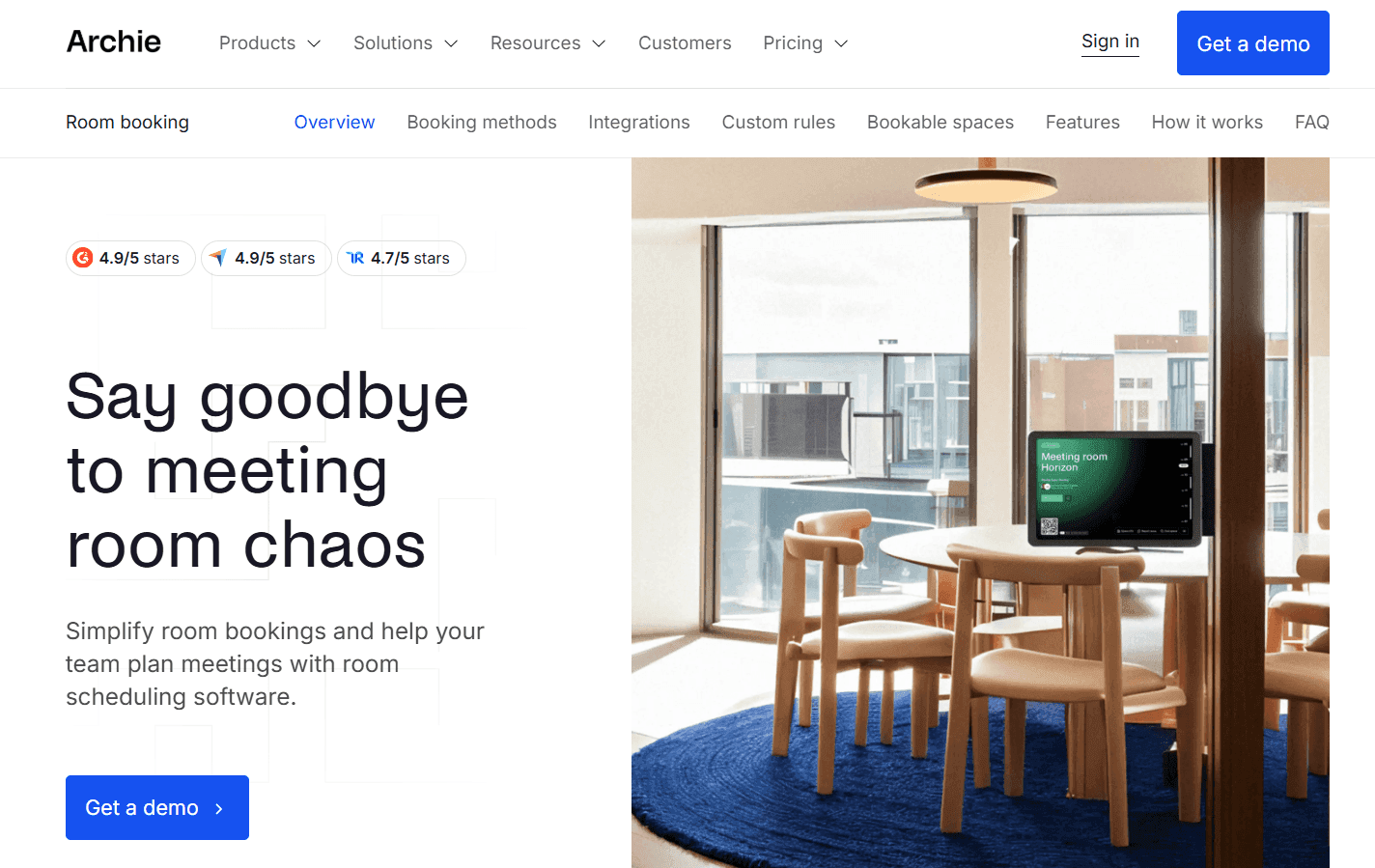
Was es ist: Archie ist eine Workspace-Management-Plattform für Coworking-Spaces und andere Unternehmen, die geteilte Büros und Räume vermieten. Sie verwaltet Buchungen für Räume und Schreibtische, Besucherverwaltung und den geschäftlichen Teil der Mitgliederverwaltung. Ein Coworking-Betreiber kann Mitgliedern zum Beispiel Buchungsguthaben geben, ihre Mitgliedschaften und Rechnungen verwalten, Zahlungen einziehen und die Finanzdaten von derselben Plattform aus mit Buchhaltungssoftware verbinden.
Wichtige Funktionen:
-
Buchung über verschiedene Plattformen hinweg: Reserviere Räume und Schreibtische über das Web oder die Mobile App, Raumdisplays, Google Calendar, Outlook oder Microsoft Teams. Slack unterstützt Buchungsbenachrichtigungen und Check-ins.
-
Raumdisplays und Kioske: Nutze Standard-Tablets, um die Raumverfügbarkeit anzuzeigen und Nutzern zu erlauben, Räume direkt im Raum oder an einem gemeinsamen Kiosk zu buchen.
-
QR-Check-in und automatische Freigabe: Verlange von Nutzern, sich für Raum- und Schreibtischbuchungen einzuchecken, und gib ungenutzte Flächen dann automatisch frei, wenn sie nicht erscheinen.
-
Buchungsregeln: Lege Buchungslimits im Voraus, Puffer, Stornierungsregeln, Freigaben und wiederkehrende Buchungen für verschiedene Flächen und Nutzergruppen fest.
-
Abrechnung und Mitgliedschaften für Coworking: Verwalte Mitgliedschaftspläne, Buchungsguthaben, Rechnungen und Zahlungen, mit Integrationen für QuickBooks und Xero.
Einschränkungen:
-
Die Einrichtung von Archie kann bis zu vier Wochen dauern.
-
Die Anpassungsmöglichkeiten des Dashboards sind begrenzt.
Preise: Archie bietet keinen kostenlosen Plan an, aber nach der Buchung einer Demo erhältst du eine 14-tägige kostenlose Testversion. Die Module für Raumplanung und Schreibtischbuchung starten bei 159 $/Monat pro Standort bei jährlicher Abrechnung, während das Modul für Coworking-Flächen bei 165 $/Monat startet. Für dein genaues Setup musst du trotzdem ein individuelles Angebot anfordern.
Am besten für: Coworking-Spaces, Innovationshubs und andere geteilte Arbeitsplätze, die Räume und Schreibtische vermieten und Buchungen und Zahlungen gemeinsam verwalten müssen.
Fazit im Vergleich: Archie ist für Unternehmen gebaut, die geteilte Flächen vermieten, mit Tools für die Verwaltung von Buchungen neben Mitgliedschaften und Abrechnung. Cal.com unterstützt ebenfalls die Buchung von Räumen, verbindet sie aber enger mit der Meeting-Planung, mit externer Buchung, Routing und Host-Verfügbarkeit.
7. Joan: am besten für E-Paper-Raumdisplays
| Kostenloser Plan? | Startpreis | Herausragende Funktion | Bester Anwendungsfall |
|---|---|---|---|
| Nein, 30-tägige Testversion | Individuelles Angebot | Batteriebetriebene E-Paper-Türdisplays | Büros, die dedizierte Displays außerhalb von Besprechungsräumen möchten |
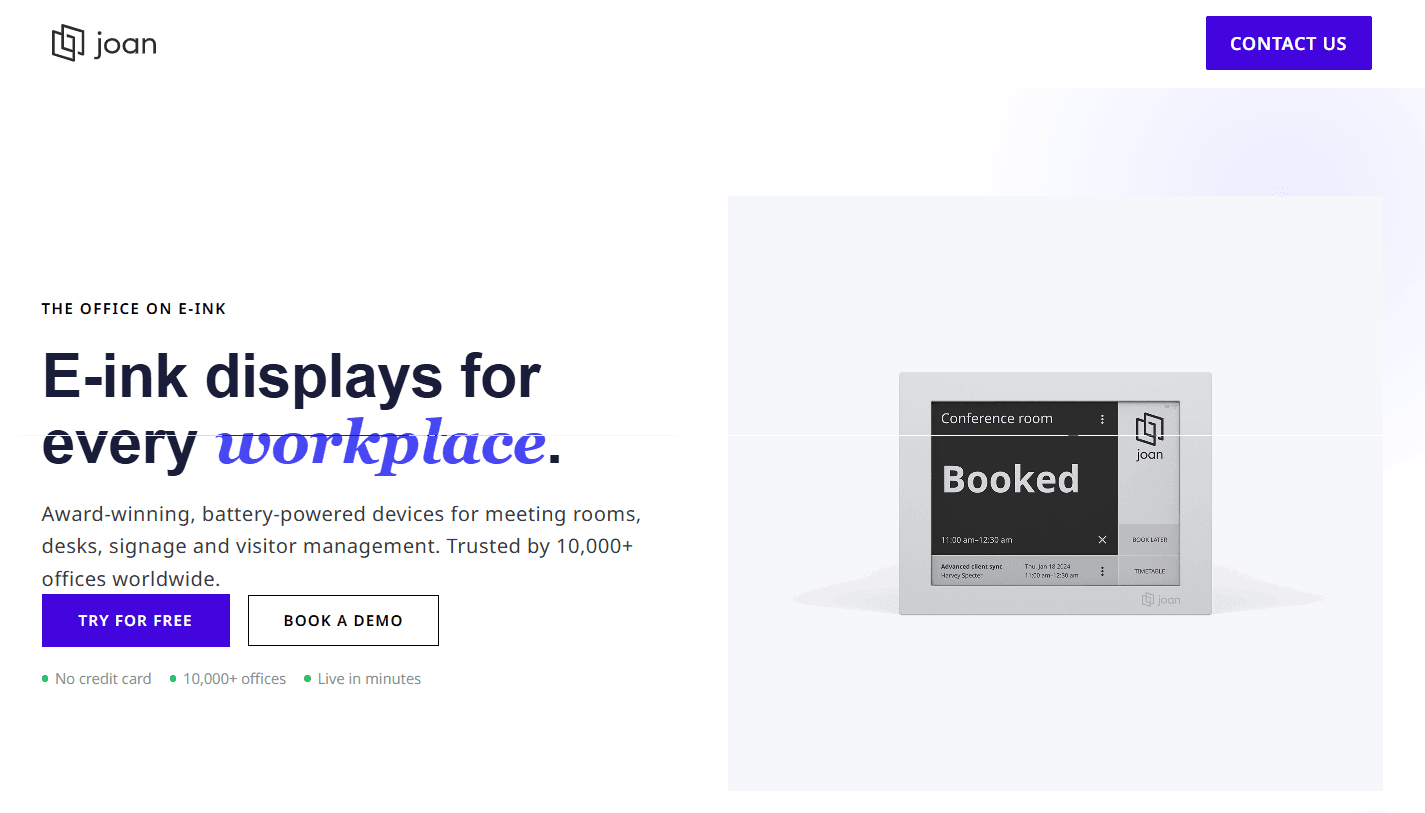
Was es ist: Joan ist eine Workplace-Management-Plattform, die vor allem für ihre E-Paper-Raumdisplays bekannt ist. Die batteriebetriebenen Panels hängen außerhalb von Besprechungsräumen, zeigen an, ob ein Raum verfügbar ist, und ermöglichen es, eine Reservierung zu buchen, zu verlängern oder freizugeben. Die Plattform unterstützt außerdem die Reservierung von Schreibtischen und Parkplätzen, Besucherverwaltung, digitale Beschilderung und Workplace Analytics, wobei die Raumdisplays der wichtigste Weg sind, wie Menschen mit dem System interagieren.
Wichtige Funktionen:
-
E-Paper-Raumdisplays: Die kabellosen, batteriebetriebenen Displays von Joan zeigen die Raumverfügbarkeit außerhalb jedes Raums an, ohne dass ein permanenter Stromanschluss nötig ist.
-
Walk-up-Buchung: Buche, verlängere oder gib einen Raum direkt vom Display aus frei, wenn du spontan einen Raum brauchst.
-
Kalendersynchronisierung: Verbinde Joan mit Microsoft 365, Google Workspace, Exchange, Slack oder Microsoft Teams, damit die Raumverfügbarkeit mit deinen bestehenden Kalendern synchron bleibt.
-
Raum- und Team-Gitter: Sieh mehrere Räume, Standorte und deren Verfügbarkeit auf einem Bildschirm, damit du leichter einen freien Raum findest.
-
Auslastungsberichte: Verfolge die Raumnutzung, Meetingmuster, beliebte Räume und No-Shows, um zu verstehen, wie deine Räume genutzt werden.
Einschränkungen:
-
Du musst die Raumdisplays separat bezahlen.
-
Einige Nutzer berichten von langsamen Ladezeiten und Verzögerungen beim Prüfen der Verfügbarkeit oder bei der Nutzung der Mobile App.
Preise: Joan hat keinen kostenlosen Plan, bietet aber eine 30-tägige kostenlose Testversion an. Die Preise sind nicht öffentlich, daher musst du ein individuelles Angebot anfordern.
Am besten für: Büros, die dedizierte physische Displays außerhalb von Besprechungsräumen möchten und Hardware und Software über einen Anbieter verwalten wollen.
Fazit im Vergleich: Joan kombiniert Raumbuchung mit dedizierten Displays, über die Mitarbeitende die Verfügbarkeit sehen und Buchungen außerhalb des Raums verwalten können. Cal.com ermöglicht ebenfalls die Buchung von Räumen, verknüpft sie aber mit Hosts und Meetings, einschließlich externer Buchungen und Routing. Die beiden können zusammenarbeiten, wenn du sowohl Raumdisplays als auch Meetingplanung brauchst.
Raumbuchungssoftware: Schnellvergleichstabelle
So schneiden die sieben Raumbuchungs-Softwares bei den wichtigsten Funktionen, kostenlosen Plänen und der Preistransparenz ab:
| Tool | Kostenloser Plan | Check-in-Durchsetzung | Buchungsregeln | Preistransparenz |
|---|---|---|---|---|
| Cal.com | ✅ Für immer kostenlos | ⚠️ Kein Check-in, aber Erinnerungen und Freigaben helfen, No-Shows zu reduzieren | ✅ Buchungslimits, Puffer, Routing, Freigaben | ✅ Veröffentliche Preise |
| Skedda | ❌ Kein kostenloser Plan oder Testversion | ✅ Ja | ✅ Buchungsfenster, Zugriffsregeln, Freigaben | ✅ Veröffentliche Preise |
| Robin | ❌ Kein kostenloser Plan oder Testversion | ✅ Ja | ✅ Zugriffskontrollen, Buchungslimits, Freigaben | ❌ Individuelles Angebot |
| Envoy | ❌ Kein kostenloser Plan, 14-tägige Testversion | ✅ Ja | ✅ Buchungsrichtlinien und Zugriffskontrollen | ⚠️ Veröffentliche Preise, aber du brauchst trotzdem ein individuelles Angebot |
| OfficeSpace | ❌ Kein kostenloser Plan oder Testversion | ✅ Ja | ✅ Zugriffskontrollen, Buchungsregeln, Freigaben | ❌ Individuelles Angebot |
| Archie | ❌ Kein kostenloser Plan, 14-tägige Testversion | ✅ Ja | ✅ Zugriffs- und Buchungsregeln | ⚠️ Veröffentliche Preise, aber du brauchst trotzdem ein individuelles Angebot |
| Joan | ❌ Kein kostenloser Plan, 30-tägige Testversion | ✅ Ja | ⚠️ Einfache Buchungssteuerung | ❌ Individuelles Angebot |
Fazit
Wenn du dich für Software zur Raumreservierung entscheidest, überlege, ob du Räume und Meetings zusammen planen willst oder hauptsächlich die Räume selbst verwalten möchtest.
Cal.com ist die beste Wahl, wenn du beides brauchst. Es prüft die Verfügbarkeit von Raum und Host, bevor es Buchungszeiten anzeigt, und unterstützt externe Buchungen, Routing, Round-Robin-Planung und automatisierte Erinnerungen. Der Free-Plan umfasst unbegrenzte Ereignistypen und eine beidseitige Kalendersynchronisierung.
Wenn du vor allem Raumverwaltung brauchst, schau dir Skedda, Robin oder OfficeSpace an. Envoy ist sinnvoller, wenn Besucherverwaltung Teil der Anforderungen ist. Archie passt zu Coworking-Spaces, die auch Buchungen, Mitgliedschaften und Abrechnung brauchen, während Joan eine gute Option ist, wenn du dedizierte Raumdisplays willst.
Wenn du Räume zusammen mit Meetings koordinieren willst, starte mit dem kostenlosen Plan von Cal.com oder buche eine Demo.
Häufig gestellte Fragen
-
Was ist die beste Software zur Raumreservierung? Wenn du sowohl den Raum als auch die Teilnehmenden planen musst, ist Cal.com eine starke Option. Die kollektiven Ereignistypen prüfen Host- und Raumverfügbarkeit gemeinsam, während Routing und Round-Robin dabei helfen, Buchungen an die richtigen Personen und Räume weiterzuleiten.
-
Wie viel kostet Software zur Raumreservierung? Die Preise variieren je nach Tool und können auf Nutzern, Räumen, Ressourcen oder einem individuellen Angebot basieren. Cal.com hat einen kostenlosen Plan, während kostenpflichtige Pläne bei $16/user/month starten. Skedda startet bei $249/Monat, Envoy Reservations bei $5/resource/month und Archie bei $159/Monat. Robin, OfficeSpace und Joan erfordern ein individuelles Angebot.
-
Kann Cal.com Besprechungsräume direkt buchen oder nur die Meetings? Ja. Du kannst einen Raum mit seinem Google Workspace-Ressourcenkalender oder dem Outlook-Raumpostfach verbinden. Cal.com prüft dann bei einer Buchung den Raum zusammen mit dem Host (oder den Hosts).
-
Welche Software zur Raumreservierung ist am besten für kleine Unternehmen? Wenn du vor allem Meetings und Räume planen musst, umfasst der kostenlose Plan von Cal.com unbegrenzte Ereignistypen, bidirektionale Kalendersynchronisierung, externe Buchung und automatisierte Erinnerungen. Skedda, Robin und OfficeSpace eignen sich besser für Teams, die auch Tools für die Verwaltung von Räumen, Etagen, Auslastung oder Büroflächen brauchen.
-
Brauchen wir Raum-Displays und Belegungssensoren? Nicht unbedingt. Raum-Displays können Walk-up-Buchungen unterstützen, während Belegungs-Tracking zeigt, wie die Räume genutzt werden. Wenn du diese Funktionen nicht brauchst, kannst du Software wählen, die Verfügbarkeit, Buchungsregeln und Check-in ohne spezielle Hardware abdeckt.