" height="18.016311920580208px" id="GKXyVanMq" stroke-dasharray="0" stroke-linecap="butt" stroke-linejoin="miter" stroke-miterlimit="10" stroke-width="0.5" stroke="rgb(0, 0, 0)" transform="translate(3 3)" width="18px"/></svg>)
"/><stop offset="1" stop-color="rgb(227, 224, 244)"/></linearGradient><linearGradient id="CBS1bzkxF-2031533640-linear-gradient" x1="0.49751243781094523" x2="0.5024875621890548" y1="0" y2="1"><stop offset="0" stop-color="rgb(255, 255, 255)"/><stop offset="1" stop-color="rgb(227, 224, 244)"/></linearGradient><linearGradient id="Jd7AK81w9-2031533640-linear-gradient" x1="0.49751243781094523" x2="0.5024875621890548" y1="0" y2="1"><stop offset="0" stop-color="rgb(255, 255, 255)"/><stop offset="1" stop-color="rgb(227, 224, 244)"/></linearGradient></defs><g d="M 0 16 L 0 0 L 16 0 L 16 16 Z M 9.167 5.167 C 9.167 4.891 8.943 4.667 8.667 4.667 C 8.391 4.667 8.167 4.891 8.167 5.167 C 8.167 6.784 7.809 7.834 7.155 8.488 C 6.501 9.143 5.451 9.5 3.833 9.5 C 3.557 9.5 3.333 9.724 3.333 10 C 3.333 10.276 3.557 10.5 3.833 10.5 C 5.451 10.5 6.501 10.857 7.155 11.512 C 7.809 12.166 8.167 13.216 8.167 14.833 C 8.167 15.109 8.391 15.333 8.667 15.333 C 8.943 15.333 9.167 15.109 9.167 14.833 C 9.167 13.216 9.524 12.166 10.178 11.512 C 10.832 10.857 11.883 10.5 13.5 10.5 C 13.776 10.5 14 10.276 14 10 C 14 9.724 13.776 9.5 13.5 9.5 C 11.883 9.5 10.832 9.143 10.178 8.488 C 9.524 7.834 9.167 6.784 9.167 5.167 Z M 4 3.667 C 4 3.483 3.851 3.333 3.667 3.333 C 3.483 3.333 3.333 3.483 3.333 3.667 C 3.333 4.32 3.189 4.715 2.952 4.952 C 2.715 5.189 2.32 5.333 1.667 5.333 C 1.483 5.333 1.333 5.483 1.333 5.667 C 1.333 5.851 1.483 6 1.667 6 C 2.32 6 2.715 6.145 2.952 6.382 C 3.189 6.618 3.333 7.013 3.333 7.667 C 3.333 7.851 3.483 8 3.667 8 C 3.851 8 4 7.851 4 7.667 C 4 7.013 4.145 6.618 4.382 6.382 C 4.618 6.145 5.013 6 5.667 6 C 5.851 6 6 5.851 6 5.667 C 6 5.483 5.851 5.333 5.667 5.333 C 5.013 5.333 4.618 5.189 4.382 4.952 C 4.145 4.715 4 4.32 4 3.667 Z M 7.333 1 C 7.333 0.816 7.184 0.667 7 0.667 C 6.816 0.667 6.667 0.816 6.667 1 C 6.667 1.422 6.573 1.65 6.445 1.778 C 6.317 1.906 6.089 2 5.667 2 C 5.483 2 5.333 2.149 5.333 2.333 C 5.333 2.517 5.483 2.667 5.667 2.667 C 6.089 2.667 6.317 2.761 6.445 2.889 C 6.573 3.016 6.667 3.244 6.667 3.667 C 6.667 3.851 6.816 4 7 4 C 7.184 4 7.333 3.851 7.333 3.667 C 7.333 3.244 7.427 3.016 7.555 2.889 C 7.683 2.761 7.911 2.667 8.333 2.667 C 8.517 2.667 8.667 2.517 8.667 2.333 C 8.667 2.149 8.517 2 8.333 2 C 7.911 2 7.683 1.906 7.555 1.778 C 7.427 1.65 7.333 1.422 7.333 1 Z" fill="transparent" height="16px" id="aoZYv33vR" width="16px"><path d="M 0 16 L 0 0 L 16 0 L 16 16 Z" fill="transparent" height="16px" id="Z2uGmhW9f" width="16px"/><g d="M 7.833 4.5 C 7.833 4.224 7.609 4 7.333 4 C 7.057 4 6.833 4.224 6.833 4.5 C 6.833 6.117 6.476 7.168 5.822 7.822 C 5.168 8.476 4.117 8.833 2.5 8.833 C 2.224 8.833 2 9.057 2 9.333 C 2 9.61 2.224 9.833 2.5 9.833 C 4.117 9.833 5.168 10.191 5.822 10.845 C 6.476 11.499 6.833 12.549 6.833 14.167 C 6.833 14.443 7.057 14.667 7.333 14.667 C 7.609 14.667 7.833 14.443 7.833 14.167 C 7.833 12.549 8.191 11.499 8.845 10.845 C 9.499 10.191 10.549 9.833 12.167 9.833 C 12.443 9.833 12.667 9.61 12.667 9.333 C 12.667 9.057 12.443 8.833 12.167 8.833 C 10.549 8.833 9.499 8.476 8.845 7.822 C 8.191 7.168 7.833 6.117 7.833 4.5 Z M 2.667 3 C 2.667 2.816 2.517 2.667 2.333 2.667 C 2.149 2.667 2 2.816 2 3 C 2 3.654 1.855 4.048 1.618 4.285 C 1.382 4.522 0.987 4.667 0.333 4.667 C 0.149 4.667 0 4.816 0 5 C 0 5.184 0.149 5.333 0.333 5.333 C 0.987 5.333 1.382 5.478 1.618 5.715 C 1.855 5.952 2 6.346 2 7 C 2 7.184 2.149 7.333 2.333 7.333 C 2.517 7.333 2.667 7.184 2.667 7 C 2.667 6.346 2.811 5.952 3.048 5.715 C 3.285 5.478 3.68 5.333 4.333 5.333 C 4.517 5.333 4.667 5.184 4.667 5 C 4.667 4.816 4.517 4.667 4.333 4.667 C 3.68 4.667 3.285 4.522 3.048 4.285 C 2.811 4.048 2.667 3.654 2.667 3 Z M 6 0.333 C 6 0.149 5.851 0 5.667 0 C 5.483 0 5.333 0.149 5.333 0.333 C 5.333 0.756 5.239 0.984 5.112 1.112 C 4.984 1.239 4.756 1.333 4.333 1.333 C 4.149 1.333 4 1.483 4 1.667 C 4 1.851 4.149 2 4.333 2 C 4.756 2 4.984 2.094 5.112 2.222 C 5.239 2.35 5.333 2.578 5.333 3 C 5.333 3.184 5.483 3.333 5.667 3.333 C 5.851 3.333 6 3.184 6 3 C 6 2.578 6.094 2.35 6.222 2.222 C 6.35 2.094 6.578 2 7 2 C 7.184 2 7.333 1.851 7.333 1.667 C 7.333 1.483 7.184 1.333 7 1.333 C 6.578 1.333 6.35 1.239 6.222 1.112 C 6.094 0.984 6 0.756 6 0.333 Z" fill="transparent" height="14.66671286102295px" id="ae6ccdFme" transform="translate(1.333 0.667)" width="12.66663px"><path d="M 5.833 0.5 C 5.833 0.224 5.609 0 5.333 0 C 5.057 0 4.833 0.224 4.833 0.5 C 4.833 2.117 4.476 3.168 3.822 3.822 C 3.168 4.476 2.117 4.833 0.5 4.833 C 0.224 4.833 0 5.057 0 5.333 C 0 5.61 0.224 5.833 0.5 5.833 C 2.117 5.833 3.168 6.191 3.822 6.845 C 4.476 7.499 4.833 8.549 4.833 10.167 C 4.833 10.443 5.057 10.667 5.333 10.667 C 5.609 10.667 5.833 10.443 5.833 10.167 C 5.833 8.549 6.191 7.499 6.845 6.845 C 7.499 6.191 8.549 5.833 10.167 5.833 C 10.443 5.833 10.667 5.61 10.667 5.333 C 10.667 5.057 10.443 4.833 10.167 4.833 C 8.549 4.833 7.499 4.476 6.845 3.822 C 6.191 3.168 5.833 2.117 5.833 0.5 Z" fill="url(%23t2lXByE48-2031533640-linear-gradient)" height="10.66671px" id="t2lXByE48" transform="translate(2 4)" width="10.66663px"/><path d="M 2.667 0.333 C 2.667 0.149 2.517 0 2.333 0 C 2.149 0 2 0.149 2 0.333 C 2 0.987 1.855 1.382 1.618 1.618 C 1.382 1.855 0.987 2 0.333 2 C 0.149 2 0 2.149 0 2.333 C 0 2.517 0.149 2.667 0.333 2.667 C 0.987 2.667 1.382 2.811 1.618 3.048 C 1.855 3.285 2 3.68 2 4.333 C 2 4.517 2.149 4.667 2.333 4.667 C 2.517 4.667 2.667 4.517 2.667 4.333 C 2.667 3.68 2.811 3.285 3.048 3.048 C 3.285 2.811 3.68 2.667 4.333 2.667 C 4.517 2.667 4.667 2.517 4.667 2.333 C 4.667 2.149 4.517 2 4.333 2 C 3.68 2 3.285 1.855 3.048 1.618 C 2.811 1.382 2.667 0.987 2.667 0.333 Z" fill="url(%23CBS1bzkxF-2031533640-linear-gradient)" height="4.66667px" id="CBS1bzkxF" transform="translate(0 2.667)" width="4.66667px"/><path d="M 2 0.333 C 2 0.149 1.851 0 1.667 0 C 1.483 0 1.333 0.149 1.333 0.333 C 1.333 0.756 1.239 0.984 1.112 1.112 C 0.984 1.239 0.756 1.333 0.333 1.333 C 0.149 1.333 0 1.483 0 1.667 C 0 1.851 0.149 2 0.333 2 C 0.756 2 0.984 2.094 1.112 2.222 C 1.239 2.35 1.333 2.578 1.333 3 C 1.333 3.184 1.483 3.333 1.667 3.333 C 1.851 3.333 2 3.184 2 3 C 2 2.578 2.094 2.35 2.222 2.222 C 2.35 2.094 2.578 2 3 2 C 3.184 2 3.333 1.851 3.333 1.667 C 3.333 1.483 3.184 1.333 3 1.333 C 2.578 1.333 2.35 1.239 2.222 1.112 C 2.094 0.984 2 0.756 2 0.333 Z" fill="url(%23Jd7AK81w9-2031533640-linear-gradient)" height="3.333333px" id="Jd7AK81w9" transform="translate(4 0)" width="3.3333399999999997px"/></g></g></svg>)
" height="24px" id="WCm44spAV" width="24px"/><path d="M 3.892 7.742 C 1.674 7.742 0 6.014 0 3.882 C 0 1.738 1.589 0 3.892 0 C 5.107 0 5.951 0.374 6.623 1.173 L 5.566 2.09 C 5.118 1.621 4.564 1.386 3.892 1.386 C 2.452 1.386 1.547 2.517 1.547 3.882 C 1.547 5.246 2.452 6.356 3.924 6.356 C 4.649 6.356 5.193 6.111 5.63 5.63 L 6.718 6.558 C 6.153 7.24 5.193 7.742 3.892 7.742 Z" fill="rgb(255, 255, 255)" height="7.741500000000002px" id="XEPpGD7l5" transform="translate(4 8.25)" width="6.717999999999989px"/><path d="M 2.74 7.922 C 1.215 7.922 0 6.632 0 5.032 C 0 3.433 1.215 2.122 2.74 2.122 C 3.7 2.122 4.201 2.516 4.5 3.113 L 4.5 2.239 L 5.928 2.239 L 5.928 7.784 L 4.531 7.784 L 4.531 6.877 C 4.233 7.507 3.731 7.922 2.74 7.922 Z M 1.439 5.023 C 1.439 5.865 2.057 6.622 2.975 6.622 C 3.924 6.622 4.531 5.897 4.531 5.033 C 4.531 4.169 3.924 3.423 2.975 3.423 C 2.057 3.423 1.439 4.159 1.439 5.022 Z M 6.784 7.784 L 6.784 0 L 8.224 0 L 8.224 7.784 L 6.784 7.784 Z" fill="rgb(255, 255, 255)" height="7.9224997406005855px" id="lGDJupIUR" transform="translate(10.5 8)" width="8.223500194549558px"/></g></svg>)
" width="18px"><path d="M 2 8 C 0.895 8 0 7.105 0 6 L 0 2 C 0 0.895 0.895 0 2 0 L 6 0 C 7.105 0 8 0.895 8 2 L 8 6 C 8 7.105 7.105 8 6 8 Z" fill="transparent" height="8px" id="ZrCrI93dV" stroke-dasharray="" stroke-linecap="round" stroke-linejoin="round" stroke-width="2" stroke="rgb(0, 0, 0)" width="8px"/><path d="M 0 0 L 0 4 C 0 5.105 0.895 6 2 6 L 6 6" fill="transparent" height="6px" id="emltWYAiE" stroke-dasharray="" stroke-linecap="round" stroke-linejoin="round" stroke-width="2" stroke="rgb(0, 0, 0)" transform="translate(4 8)" width="6px"/><path d="M 2 8 C 0.895 8 0 7.105 0 6 L 0 2 C 0 0.895 0.895 0 2 0 L 6 0 C 7.105 0 8 0.895 8 2 L 8 6 C 8 7.105 7.105 8 6 8 Z" fill="transparent" height="8px" id="WpBecYDfi" stroke-dasharray="" stroke-linecap="round" stroke-linejoin="round" stroke-width="2" stroke="rgb(0, 0, 0)" transform="translate(10 10)" width="8px"/></g></svg>)


10 Stripe Payment Scheduling Software for Paid Meetings
Payment scheduling for paid meetings and appointments is generally an operational challenge for most businesses. Either they have to maintain manual records and accept payments on arrival through cash or card.
Or they have to integrate a complete payment system for online payments, where you’d need to match payment IDs with order IDs manually to keep track of payment status and revenue. This system takes time to operate, and the manual data entry process slows down the check-in time for attendees visiting your premises for the appointment.
Not to mention the risk of human error, which can mistakenly mark the payment status wrongly for appointments. To tackle all these hurdles, modern scheduling software now comes with the capability of accepting payments directly at the time of booking. It helps manage clear and automated payment records for each booking.
Stripe, being one of the most commonly used payment gateways, is more often than not the payment system that’s used by businesses. So, modern scheduling software offers Stripe integrations to help you optimize revenue operations and manage paid meetings.
On average, a scheduling and payment app offers the following features and benefits:
It can collect payments before the meeting
It can minimize the risk of no-shows with upfront payment
Eliminate back-and-forth for payment in an appointment booking workflow
Sync bookings with Google Calendar, Outlook, Apple Calendar, and other scheduling tools
Support different payment options for different event types, such as package appointments, subscriptions, and deposits
Deliver an end-to-end, friction-free booking experience
To help you set up the most convenient and flexible Stripe scheduling and payment apps, we’ve ranked the 10 best scheduling platforms for the job available today. We’ve compared them against each other based on their payment capabilities, ease of setup, integrations, automation options, overall value, and long-term scalability.
Top 10 Stripe payment scheduling software, ranked and compared
Rank | Tool | Best for | Stripe/Payment support | Free plan? | Starting price |
1 | Cal.com | Paid meetings tied to a real scheduling infrastructure | Native Stripe & PayPal payments on bookings | ✅ Yes (free forever) | $12/user/month billed annually |
2 | Acuity Scheduling | Service businesses taking deposits and packages | Stripe, Square, PayPal | ❌ No | $16/month |
3 | Calendly | Fastest setup for paid meetings | Stripe, PayPal | ✅ Yes | $10/user/month billed annually |
4 | SimplyBook.me | Free booking websites that accept payments | Stripe and other payment gateways | ✅ Yes | $11.9/month billed annually |
5 | Square Appointments | In-person + online payments (POS) | Square Payments (not Stripe) | ✅ Yes | $49/month per location |
6 | Setmore | Free-friendly solo professionals | Stripe, Square, PayPal | ✅ Yes | $5/user/monthly billed annually |
7 | Book Like a Boss | All-in-one paid booking page | Stripe, PayPal, Square | ❌ No | $8.33/month billed annually |
8 | Amelia | WordPress Stripe appointment booking | Stripe, PayPal, WooCommerce | ❌ Lite version only | $49/year |
9 | Simply Schedule Appointments | Premium WordPress Stripe booking forms | Stripe | ❌ No | $99/year |
10 | Koalendar | Simple, budget scheduler with payments | Stripe | ✅ Yes | $6.99/user/month billed annually |
What is a scheduling and payment app?
A scheduling and payment app is basically a scheduling app with the added capabilities of collecting payments before confirming the booking. It works as a part of a single workflow inside one application, which simplifies your booking workflow.
The general standard of scheduling apps is that they help customers/clients book appointments, and then the payment for the appointments (if any) is collected in person or separately before the appointment for online meetings.
The scheduling and payment app combines these two separate processes and allows your scheduling software to directly accept payments for bookings and confirm the booking status only when the payment is received on your end.
This helps reduce the administrative burden of managing bookings and payments separately for your team. Thanks to the scheduling and payment app, customers get a smoother booking experience, and your team is not overwhelmed.
How it works
The way a scheduling and payment app works is very simple; it combines the native capabilities of a scheduling software, and it adds on the payment collection capabilities with the use of a secure connection to one of the leading payment aggregator platforms, Stripe. Here’s how the connection functions in a workflow:
Clients choose an available time slot from your booking page
They are redirected to the Stripe payment page to complete the payment for their appointment booking
Once the payment is complete, the booking is confirmed automatically. It is done by verifying the payment ID against the meeting ID generated by your scheduling software.
With the booking confirmed, it is added to your calendar as well as the calendar of the meeting attendee
To take it one step forward, the scheduling app also sends automated confirmations and reminders to limit the risk of appointment no-shows.
This workflow differs from that of a traditional scheduling platform. However, the improvements offered by a scheduling and payment app are perfect to meet the growing demands of modern businesses that function on a hybrid model.
What makes a good scheduling and payment app?
Not every booking platform offers the same level of functionality. So, you should have some non-negotiables in terms of the features you want from your scheduling and payment app. Here’s a look at the top features you should look for in your online scheduling software.
Flexible payment collection: Your scheduling platform should be able to handle full payments, deposits, and no-show fees separately. It should also ideally cover the payment processing required for recurring and package appointments.
Real-time availability: Though it is not connected to payment systems directly, this is one of the features that helps keep the scheduling workflow operational at all times. Real-time availability across all your calendars and devices at all times helps prevent double bookings. Your scheduling software should offer live calendar syncing across Google Calendar, Outlook, and Apple Calendar.
Calendar and CRM integrations: In line with the previous point, reliable integrations with a calendar app are crucial for the successful operation of your scheduling workflow. Similarly, CRM integrations are essential for accurate client data and business management. Lastly, you should also look for scheduling platforms that have good integrations with video conferencing platforms.
Automated reminders and workflows: Modern scheduling is more about automation and creating automated workflows than it is about managing individual calls and enquiries. So, make sure you’re not left behind and choose a scheduling tool that offers strong automation features, including automated reminders, confirmations, and follow-ups on different platforms.
Transparent pricing: This is something we’re very passionate about at Cal.com, as we believe tools with transparent pricing are business-friendly and help clients decide their expenses upfront. It works as a lead qualification measure by itself.
Scalability: No matter where your business is today, in the next five years, it should grow, so we take scalability into account when we’re choosing the top 10 Stripe payment scheduling software for paid meetings.
The 10 best scheduling and payment apps (ranked)
1. Cal.com: Best scheduling and payment app overall
What it is: Cal.com is more than an appointment scheduler; it works as an end-to-end scheduling automation and workflow management software. It is built for businesses of all sizes on an API-first architecture. This means Cal.com integrates seamlessly with other workflow tools, and it can easily be introduced into any existing workflow without any friction.
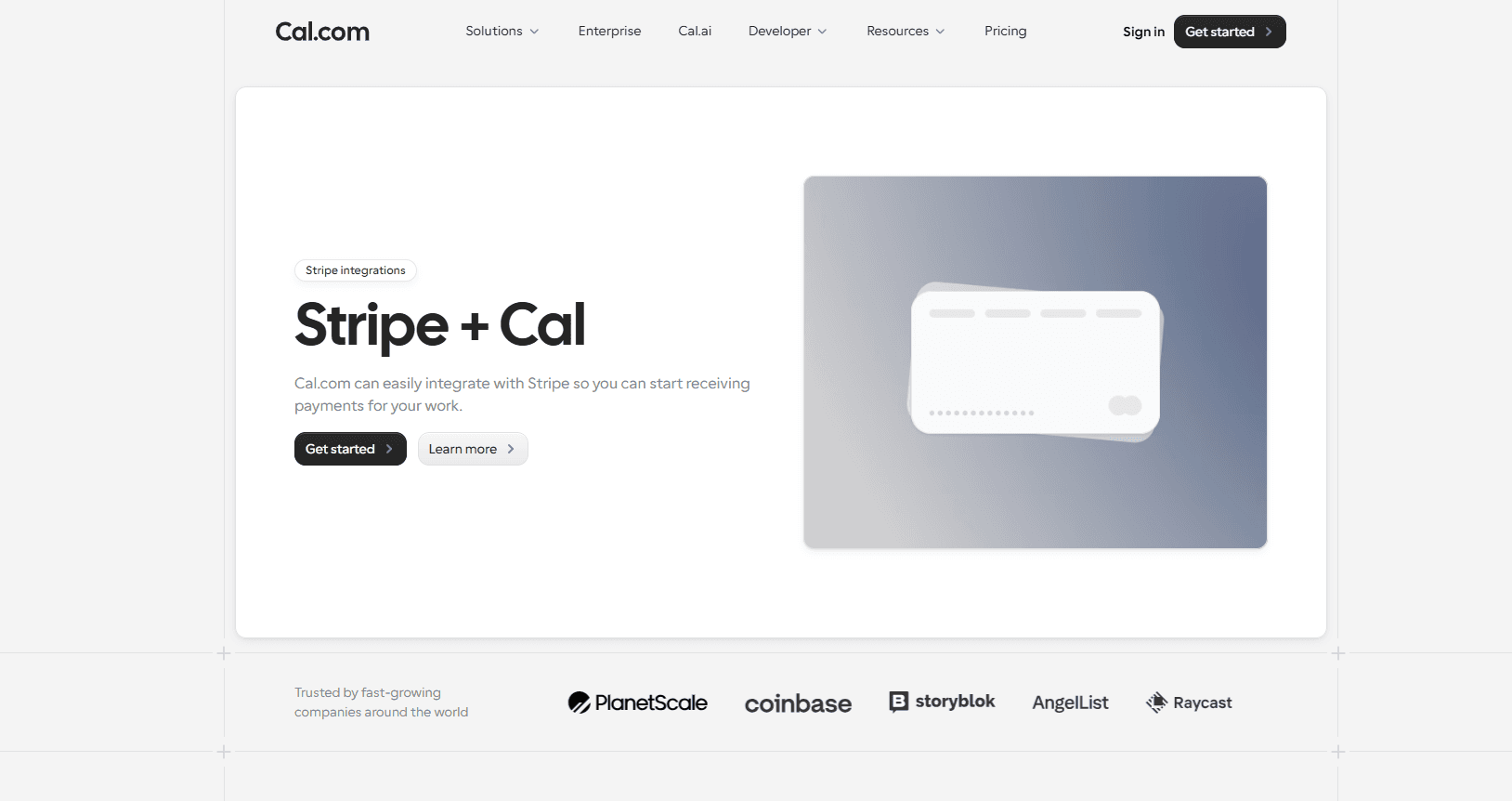
The platform offers native-level two-way integration with Google Calendar, Outlook, Apple Calendar, as well as CRMs, like Salesforce and HubSpot. For payment support, Cal.com supports native-level integration with Stripe and PayPal. It allows users to accept payments in the booking process. The enterprise-grade security features of Cal.com and its exquisite feature-depth of Cal.com makes it the best scheduling and payment app overall.
Why it ranks #1
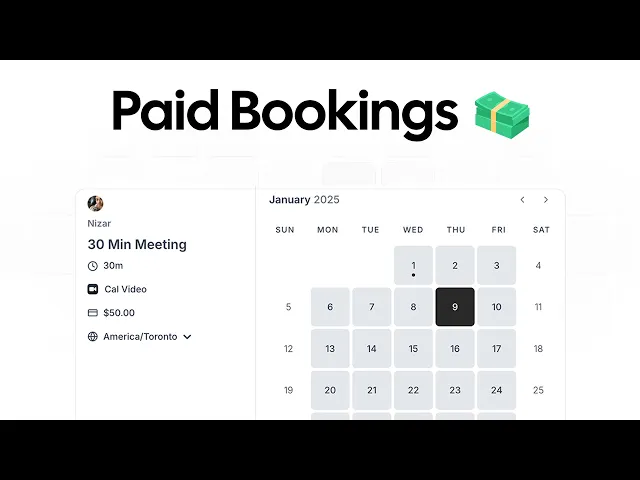
Cal.com earns the top spot as the best scheduling and payment app because it offers excellent features and a hard-to-beat free forever plan for individuals. Cal.com is among the very few scheduling platforms in the world that allow users to accept paid bookings through its Stripe or PayPal integration without a paid plan.
So, if you’re just starting an online business, the free account of Cal.com gives you everything you need to start your online freelancing or consulting business. Apart from one of the best free plans in the world, Cal.com also offers:
Direct Stripe payments for client bookings
Scalability for solo practitioners to enterprise organizations without requiring a platform migration
Automation features, which include intelligent team assignment, automated routing, and workflows
Two-way integration with the top calendar and CRM platforms. It also has its own native video conferencing platform known as Cal Video
Deep customization options to help users personalize and optimize their booking pages and workflows to meet their business requirements
Core features
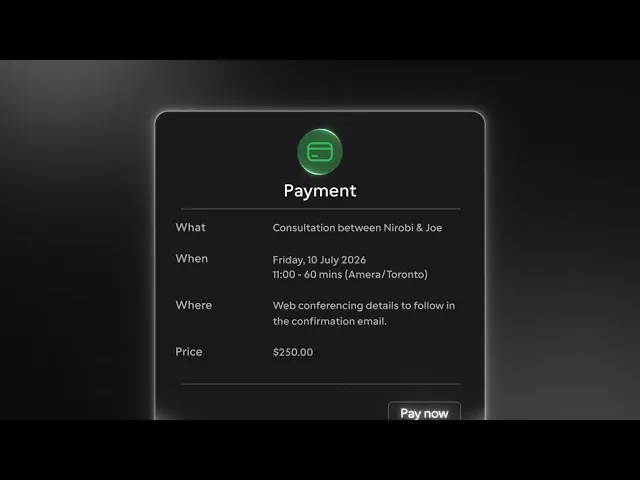
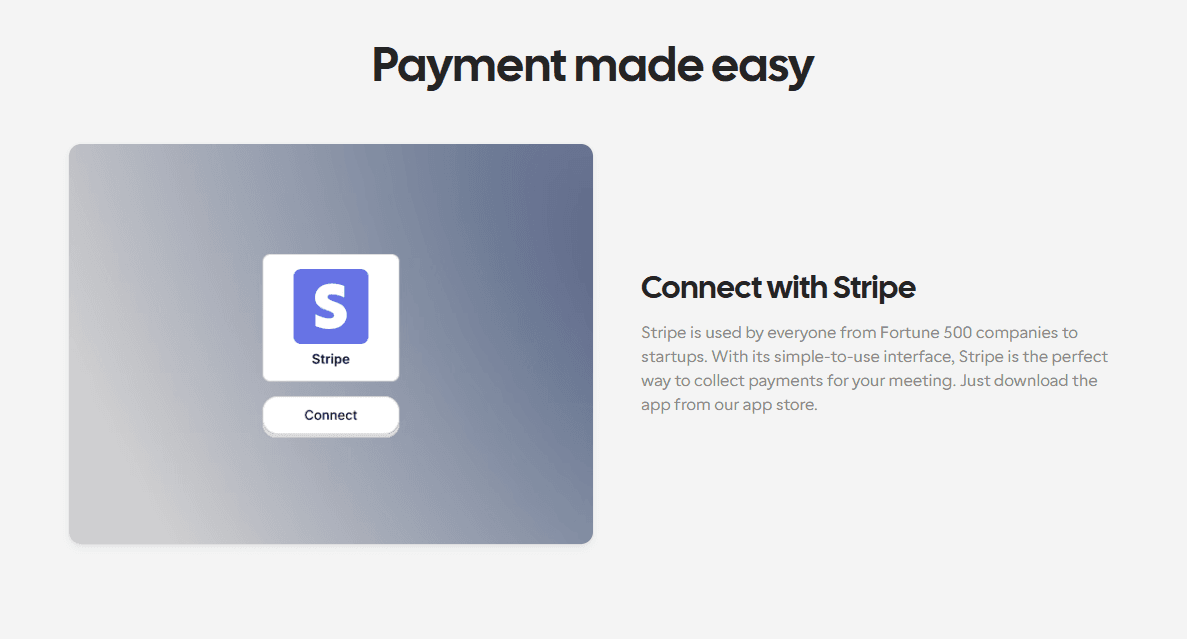
Native Stripe payments: Cal.com’s Stripe integration ensures you won’t have to use separate invoices or payment links for your online meeting bookings
Unlimited event types: Available as a part of Cal.com’s free plan itself, you can create one-on-one meetings, team roundups, paid consultations, and recurring sessions with Cal.com
Calendar sync: Cal.com provides two-way calendar sync with all the top calendar platforms online, including Google Calendar, Microsoft Outlook, and Apple Calendar, to prevent double bookings
Advanced lead routing: Automatically assign bookings using round-robin routing feature, attribute-based routing, or conditional logic for teams
Managed events: For organizations with multiple teams and users, Cal.com offers managed events, which are perfect for organizing complex scheduling workflows across locations, multiple users, and departments
Automated reminders: Not only does Cal.com offer automated reminders, but it also offers multi-channel distribution of confirmations, reminders, and follow-ups. The supported platforms include emails, SMS, and WhatsApp
Cal Video: Instead of being dependent on integration with video conferencing platforms, Cal.com has its own native video conferencing platform known as Cal Video
Embeddable booking widgets: To help you add your booking page directly into your website, app, or PWAs, Cal.com offers embeddable widgets and React Atoms
Enterprise-grade security: Cal.com offers enterprise-grade security and compliance support for organizations, including support for compliance standards like ISO 27001, SOC 2 Type II, GDPR compliance, SSO, SCIM, and SAML compliance support
HIPAA support: To ensure healthcare organizations and practitioners can confidently use Cal.com as their scheduling platform, Cal.com offers HIPAA compliance with every plan. The Business Associate Agreements (BAAs) are available at a fixed monthly charge.
What makes Cal.com stand out
Complete white-label customization capabilities for marketplaces, SaaS platforms, and enterprise deployments
HIPAA compliance with signed BAAs for free on the Organizations plan
Active-user billing, which ensures you only pay for the users who have booked a meeting in the current month
API-first architecture for building custom scheduling experiences and integrations
Integration with over 3,000 workplace applications
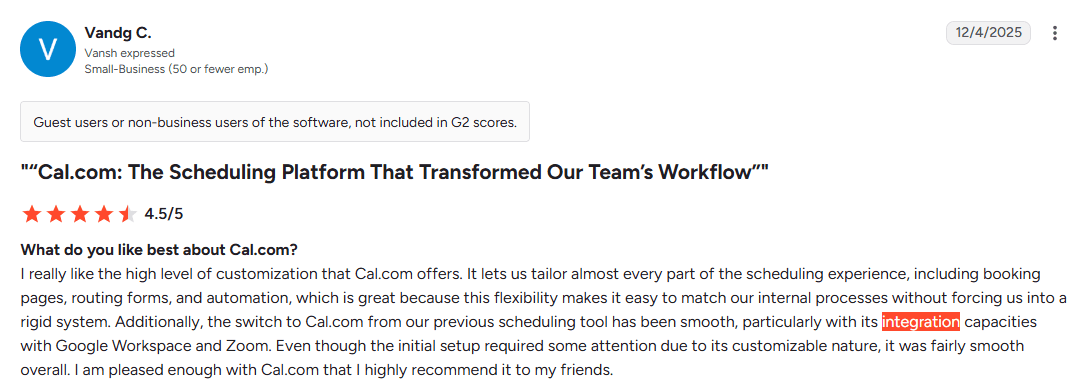
Vandg C. review of Cal.com
Best for
Cal.com is the ideal scheduling and payment application for consultants, agencies, healthcare providers, SaaS companies, marketplaces, sales teams, and enterprise businesses. It helps anyone who wants to be able to accept payments while building a scalable scheduling workflow. From its free forever plan for individuals, which includes features that are offered as paid features by other scheduling platforms, to its powerful teams and organizations plans, Cal.com easily ranks as the best scheduling and payment app overall.
Pricing
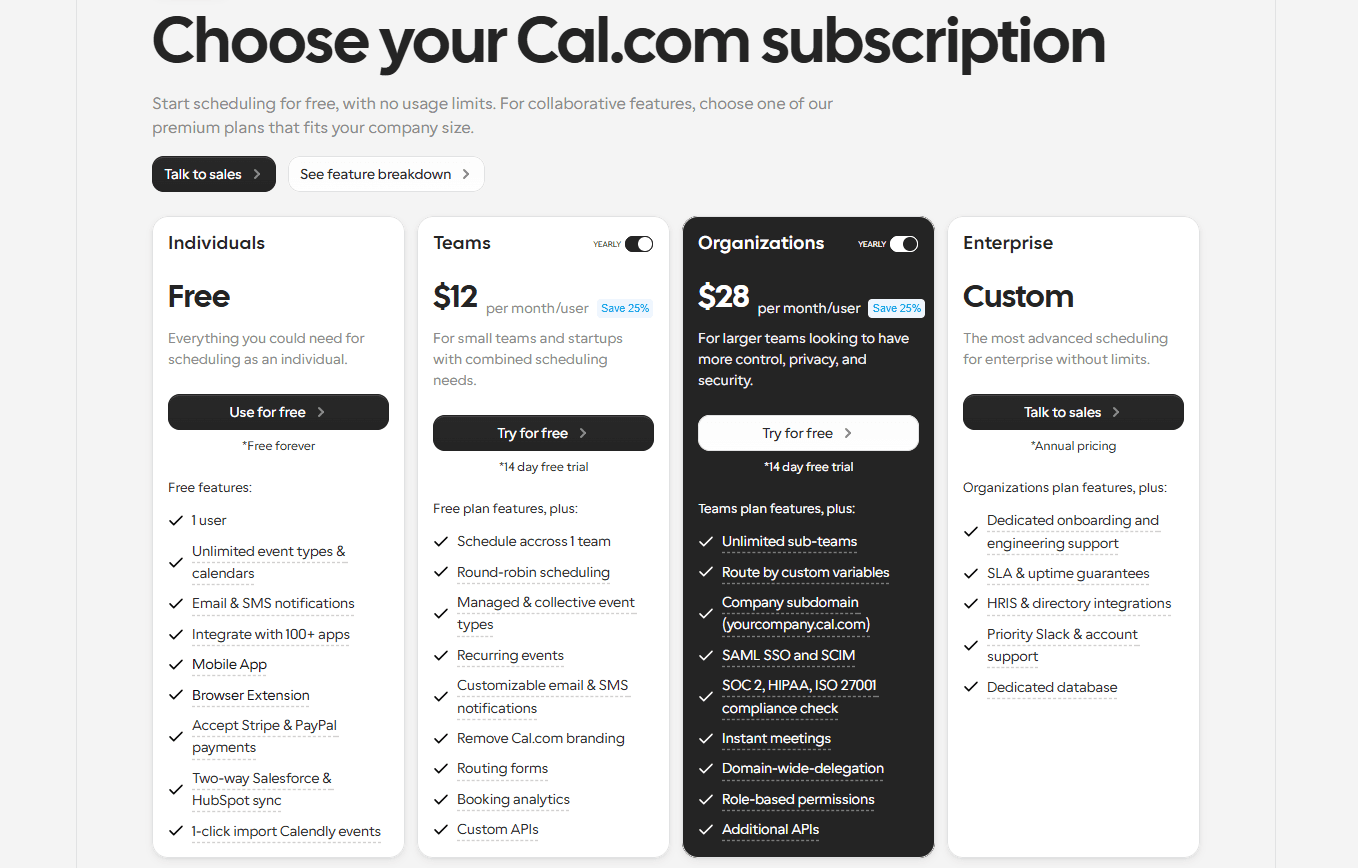
Cal.com has four plans, here’s the details of each:
Free: The free plan is free forever for individuals. It supports unlimited event types, Stripe payments, Cal Video, and core scheduling features
Teams: Pricing starts at $12/user per month, billed annually. It includes team-focused features like custom routing logic and round-robin scheduling capabilities.
Organizations: Pricing starts at $28/user per month, billed annually. It includes free signed BAAs for HIPAA compliance as well as compliance support for ISO 27001, SSO, SAML, SCIM, and SCO
Enterprise: This plan has custom quote-based pricing, based on your integration requirements. It includes self-hosting capability for Cal.com as well as a dedicated database for hosted users.
Verdict
If you’re looking for the best scheduling and payment app, Cal.com is the way to go. It has the strongest feature set, use case flexibility, and scalability support for growing businesses. From native-level payment collection integrations to powerful scheduling automation features and a generous free tier, there’s very little that Cal.com doesn’t offer. For all these reasons, Cal.com is a service that’s hard to refuse, specifically if you don’t want to have to migrate to a different platform as your business scales.
2. Acuity Scheduling: Best for service businesses taking deposits

What it is: Acuity Scheduling is a leading scheduling platform that’s built specifically for service-based businesses. It is a part of Squarespace, which makes it a good option if you plan on using Squarespace for building your website. From a feature POV, Acuity Scheduling offers payment collection using Stripe, PayPal, and even in-person Square POS machines. This is why it works as a good solution for in-person and virtual service-based businesses. The platform offers users the option to set up a full payment before booking or to make a deposit payment before booking as the two primary payment modes. Additionally, it also supports package booking payment and gift card redemption on booking options.
Key features
Accepts payments at booking: When you use Acuity Scheduling, you can collect full payments, deposits, or cancellation fees through Stripe, Square, or PayPal at the time of booking.
Supports packages, memberships, and gift certificates: There are a number of payment options available, including prepaid sessions, service bundles, subscriptions, and gift cards. You can set them up on your booking page.
Custom intake forms: These forms can be used to gather client information, get consent, create questionnaires, and collect appointment details before the meeting.
Automatic reminders: Reduce no-shows with email and SMS appointment reminders and confirmations.
Calendar synchronization: Sync with Google Calendar, Outlook, and Microsoft 365 to prevent scheduling conflicts.
Pricing
Acuity Scheduling does not have a free plan. The paid plans offered are as follows:
Starter: $16/month
Standard: $27/month
Premium: $49/month
Pros
Supports memberships, deposits, and service packages
Supports multiple payment gateways, Stripe, PayPal, and Square
Supports client intake forms and appointment questionnaires
Cons
No free plan, only a free trial option
No self-hosting or white-label deployment option
Limited routing capabilities
Limited API and customization options
Best for
Acuity Scheduling is best for solo professionals and small service businesses. In fact, it is best for in-person service-based businesses that already use the Square ecosystem for payments.
Verdict vs Cal.com
Acuity Scheduling has been around for some time now, so you can confidently say that it represents the previous generation of scheduling apps. Considering its dated design, UI, and UX, the payment integration features are actually quite good for its category. However, Acuity Scheduling does not stand out when compared to Cal.com. The modern platform, which is Cal.com, was developed to specifically improve upon the limitations of platforms like Calendly and Acuity Scheduling. So, Cal.com offers better customization options, more developer-friendly features, better and more seamless payment integrations, and a clean UI and polished UX that makes scheduling look and feel seamless.
3. Calendly: Best for fast paid meeting setup
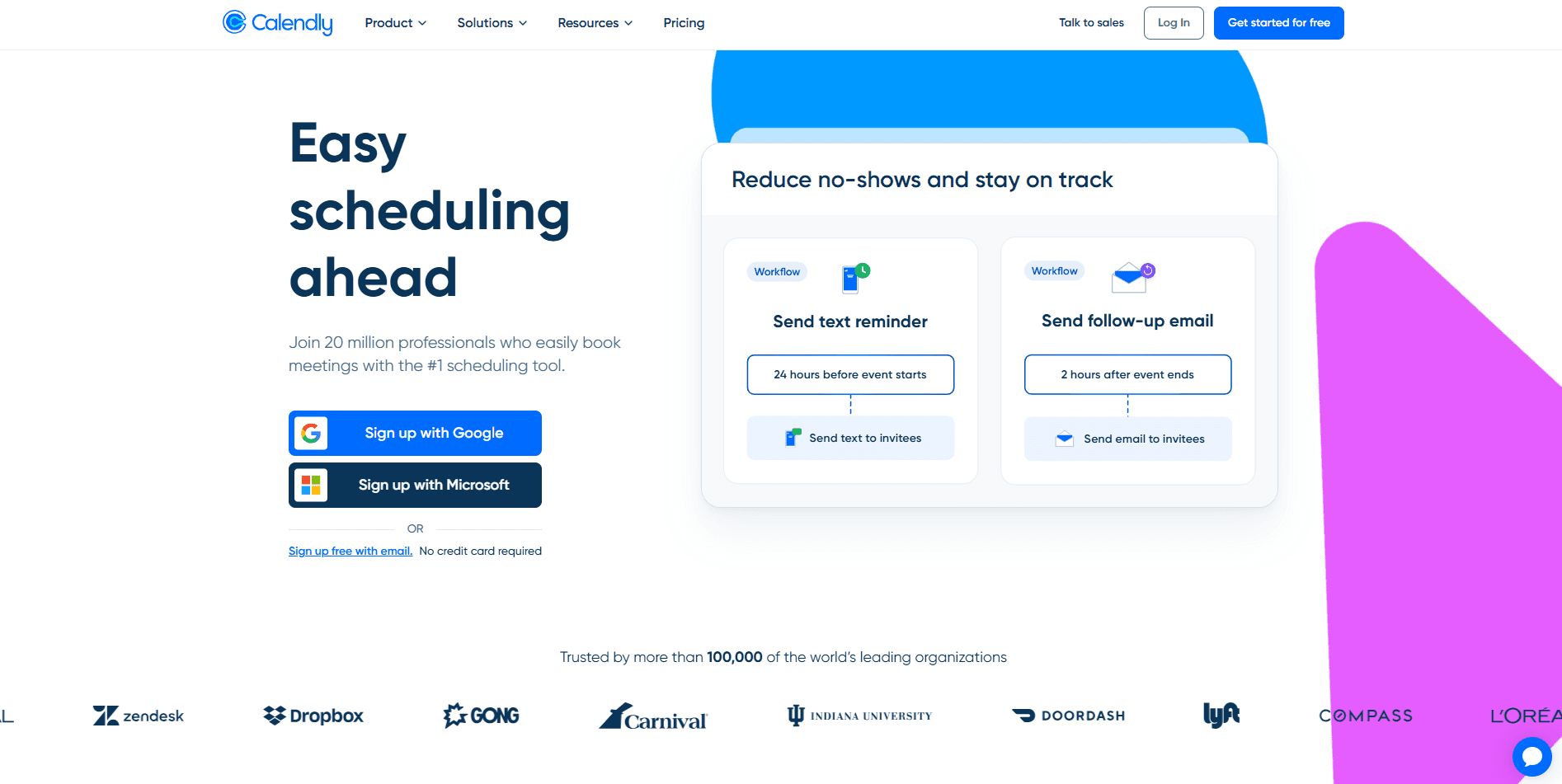
What it is: Calendly is a popular scheduling platform that’s commonly used by individuals for basic personal scheduling. The reason Calendly enjoys its popularity is that it has a free forever plan for individuals that allows users to quickly set up a booking page and start accepting appointment requests. It is a smooth workflow that’s easy to use, even for people with no experience using scheduling software. However, what you should know is that, even though Calendly’s claim to fame is its free tier, the platform does not allow users to book paid meetings on the free tier. You are forced to purchase a paid Calendly subscription to be able to create paid meetings with Calendly.
Key features
Simple event creation: You can build different event types, such as one-on-one meetings, group discussions, and collective events with minimal setup.
Accept payments at booking: When you use a paid plan, you can collect payments before booking through Stripe or PayPal.
Calendar sync: Calendly allows you to connect with different calendar apps such as Google Calendar, Microsoft Outlook, and iCloud.
Automated notifications: With Calendly, you can send automated email reminders and follow-ups to your clients/meeting attendees.
Video conferencing integrations: Calendly integrates with Google Meet, Microsoft Teams, and Zoom for virtual meetings.
Pricing
Free plan: Always free for individuals
Standard: Starts at $10/user per month (annual billing)
Teams: Starts at $16/user per month (annual billing)
Enterprise: Starts at $15,000/year (annual billing)
Pros
Very easy to set up
Supports Stripe and PayPal integration
The free plan is free forever for individuals
Cons
Paid meetings require an active Calendly subscription
Per-user pricing becomes expensive as teams grow
Limited customization options on lower tiers
Limited integration options and compliance support on lower tiers
Best for
Calendly is a business tool, but over the years, the company has shifted towards individual users more than businesses. So, today, the primary use case for Calendly is for freelancers, consultants, educators, and recruiters.
Verdict vs Cal.com
Calendly is an easy and simple way to get started scheduling. However, it requires an active subscription to start setting up paid meetings. Cal.com, on the other hand, doesn’t require an active subscription to set up paid meetings; the Stripe integration feature is available as a part of the free plan itself. Additionally, Cal.com was developed specifically as a better and improved version of Calendly, so the two don’t compare. If you’re migrating from Calendly, Cal.com offers a one-click migration service, which allows Cal.com to import all booked events in one click. Lastly, Cal.com has far more customization, integration, scalability, and B2B features, which make it the standout choice between the two as a payment scheduling software.
4. SimplyBook.me: Best free booking website that accepts payments
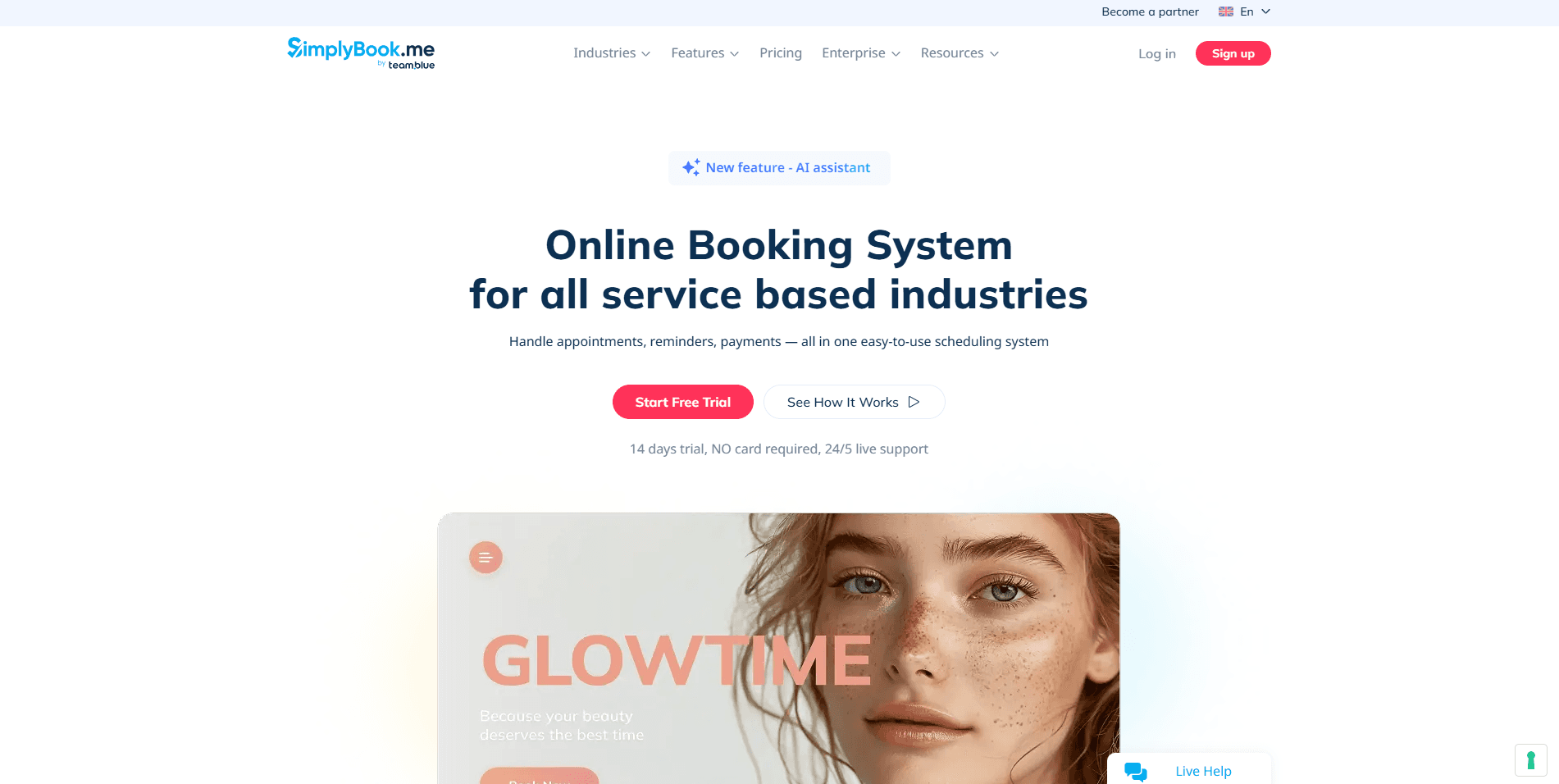
What it is: SimplyBook.me, as the name suggests, is a simple personal scheduling platform. It is commonly used by professionals and service-based businesses. The booking page you create with this platform has decent customization features and can even be white-labelled. In fact, the booking page resembles a website more than just being an embeddable widget. In terms of payment processing, SimplyBook.me has the most integration options, including Stripe and up to 15 other payment gateway integrations. As a free booking website platform, SimplyBook.me works fine, but to book paid meetings, you’ll need an active paid subscription.
Key features
Customizable booking website: SimplyBook.me offers branding options for booking pages with support for custom domain, colors, and business information.
Membership and package support: With SimplyBook.me, you can sell memberships, gift cards, service bundles, and recurring appointments.
Accept online payments: Get access to up to 15 payment gateway integrations, including Stripe and PayPal.
Client management: The platform allows you to maintain customer profiles, booking history, notes, and preferences, much like a CRM.
Automated reminders: Send automated email and SMS reminders to reduce no-shows.
Pricing
Free: Free forever for individuals
Basic: Starts at $11.9/month for up to 100 bookings billed annually
Standard: Starts at $24.9/month for up to 500 bookings billed annually
Premium: Starts at $49.9/month for up to 2000 bookings billed annually
Enterprise: Custom quote-based pricing
Pros
Extensive customization options for the booking page appearance
Offers a fully branded online booking website
Free plan available for businesses with limited scheduling needs
Cons
User interface feels dated compared to competitors
Less suitable for businesses needing embedded scheduling
Pricing scales as you add more features
Advanced functionality is hidden behind paywalls
Best for
As an online booking software, SimplyBook.me works for small businesses with limited scheduling requirements. However, you may have to migrate as your business grows to keep your expenses in check.
Verdict vs Cal.com
If you want a free booking website that looks polished and has good branding options, SimplyBook.me can work well. However, it lacks the flexibility that’s offered by Cal.com. With Cal.com, you can get a free booking website as well as embeddable scheduling widgets as per your requirements. This is because Cal.com is much more developer-friendly. Also, add in the fact that you can’t set up paid meetings without an active paid SimplyBook.me subscription, and you’ll quickly notice why this platform, much like Calendly, doesn’t stand out against Cal.com.
Square Appointments: Best for in-person service businesses

What it is: Square Appointments is built for businesses that combine online bookings with in-person services. It works as a part of the broader Square ecosystem, which helps users integrate Square booking pages into their websites built with Squarespace. Additionally, the platform connects natively with Square’s payment processing and POS hardware systems. This helps users allow online appointment self-booking for customers while still using in-person payment systems without needing manual data entry. Square Appointments is a popular choice among service-based businesses, such as salons, barbershops, spas, fitness studios, healthcare clinics, and other local businesses. So, if you want to use Square Payments rather than Stripe, this is one of the better ones.
Key features
Integrated Square payments: If you have an in-person practice, you can use Square Appointments to accept deposits and full payments through Square before or after appointments.
Built-in POS integration: You can connect bookings with Square’s POS system to match bookings with payment confirmation, as well as maintain customer profiles.
Online booking page: Let’s customers view availability, schedule appointments, and receive automatic confirmations.
Automated reminders: You can send automated reminders via email to reduce no-shows.
Multi-location and staff scheduling: Square Appointments supports multi-location and multi-user businesses from a single dashboard.
Pricing
Square Free: Free forever for businesses
Square Plus: Starts from $49/month per location
Square Premium: Starts from $149/month per location
Pros
Excellent integration with Square’s POS ecosystem
Free plan available for solopreneurs
Simple setup with online booking and payment collection
Cons
Only supports Square Payments, not Stripe
Less suitable for online businesses
Limited developer customization options
Suitable only if you use the Square ecosystem
Best for
Square Appointments is best suited for in-person service-based businesses that are already using the Square ecosystem. This includes salons, spas, tattoo studios, and other brick-and-mortar businesses.
Verdict vs Cal.com
Square Appointments works well for businesses that are already using the Square ecosystem, especially for businesses that depend heavily on POS payments. However, for businesses that want better online payment integration support, Cal.com works as a better option. Cal.com has better API integrations and more use case flexibility to ensure you’re not pigeonholed in your work. Also, Cal.com offers better features for internal team scheduling that businesses also need alongside client-facing scheduling. For all these reasons and more, Cal.com ranks as the better of the two.
6. Setmore: Best free-friendly option for solo professionals
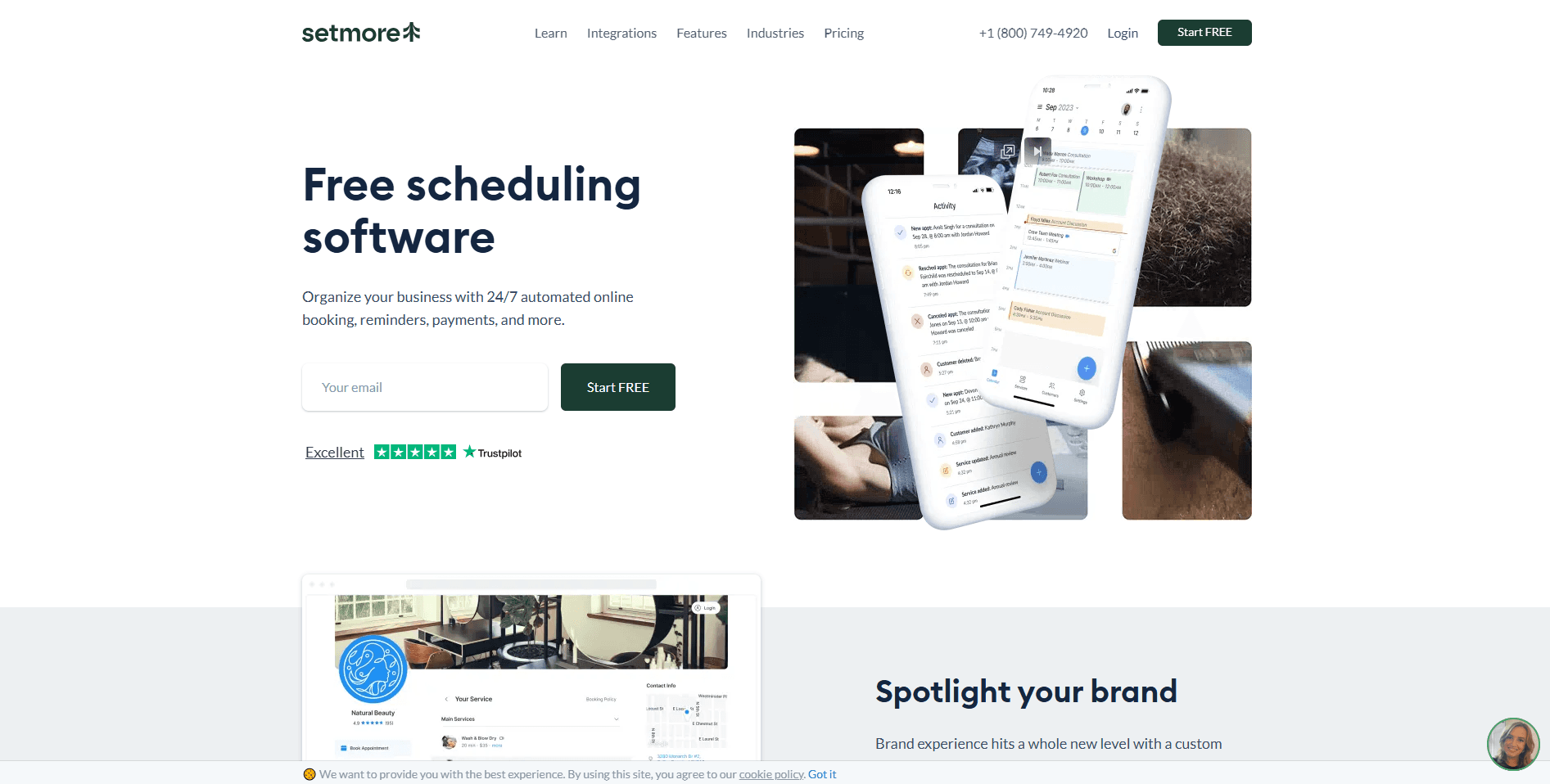
What it is: Setmore is an easy-to-use and affordable scheduling platform that’s specifically designed for freelancers and small businesses. You can set up your booking page using Setmore in just a few minutes and start accepting meetings. It has a generous free plan like Cal.com. However, it has limited features compared to some of the other platforms on this list. In terms of payment support, Setmore can integrate with Stripe, Square, and PayPal, which is great for online businesses and freelancers. As your business grows, you can use its paid plans to unlock additional team management, integrations, and automation features.
Key features
Free online booking page: Create a branded booking page that clients can access 24/7
Accept payments online: Collect appointment fees through Stripe, Square, or PayPal during the booking process
Automatic reminders: Send email reminders and confirmations to reduce no-shows
Video meeting integrations: You can integrate Setmore with Zoom, Google Meet, and Microsoft Teams to automatically create meeting links for virtual appointments
Calendar synchronization: Connect with Google Calendar and Microsoft Outlook to keep your schedule up-to-date
Pricing
Free: Free forever for up to 4 users per account
Pro: Starts from $5/user per month, billed annually
Pros
Generous free plan that’s useful
Simple interface that’s easy to use and learn
Supports multiple payment gateways
Cons
Automation and reporting features are relatively basic
Fewer integration options than other scheduling software
Limited routing and customization options
Not ideal for larger teams or businesses with complex scheduling needs
Best for
Setmore is ideally built for freelancers and solopreneurs who need scheduling and online payments without a large investment. So, if you’re looking for an easy-to-use, free appointment scheduler or scheduling app free of unnecessary complexity.
Verdict vs Cal.com
Setmore is a good starting point for a scheduling platform; however, you’ll need to move to a more powerful platform sooner or later because it has several limitations that come with affordable platforms. Firstly, it has limited automation features and routing options. This makes it unsuitable for your business as it grows. A platform like Cal.com that’s built specifically to meet the specific business requirements of modern industries is far more suited to offer a complete end-to-end service to businesses.
7. Book Like a Boss: Best all-in-one paid booking page
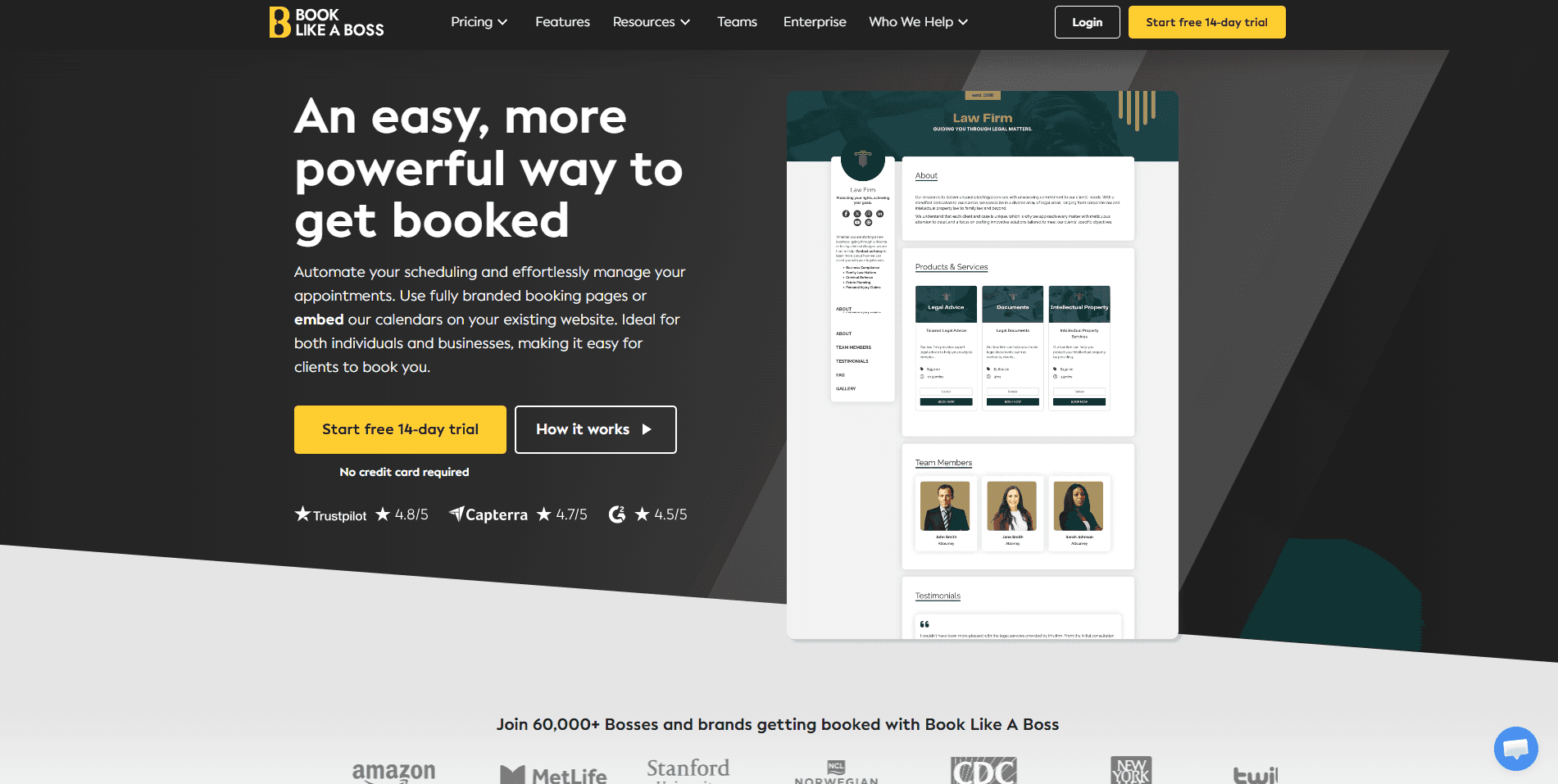
What it is: The platform, Book Like a Boss, is an appointment scheduling platform that combines online bookings, payment collection, and a custom landing page into a single solution. Instead of simply sharing a booking link, users can build a branded page to showcase their services, sell digital products, host webinars, and accept paid appointments. It supports Stripe, PayPal, and Square. It is popularly used by consultants, coaches, and freelancers who want an all-in-one business management booking page.
Key features
Sell products and services: Offer consultations, digital downloads, webinars, memberships, and other paid offerings from the same page
Custom booking page: Create a branded landing page with your services, availability, testimonials, videos, and contact information
Accept payments during bookings: Collect payments through Stripe, PayPal, or Square before confirming appointments
Automated reminders: Book Like a Boss supports automated reminders to help you reduce no-shows with email and SMS reminders
Workplace app integrations: Sync with Google Calendar, Outlook, iCloud, Zoom, and other business tools
Pricing
Espresso: Starts from $8.33/user per month, billed annually
Mocha: Starts from $10/user per month, billed annually
Cappuccino: Starts from $16.66/user per month, billed annually
Latte: Starts from $25/user per month, billed annually
Pros
Combines booking, payments, and personal business pages in one platform
Supports, Stripe, and PayPal for payment collection
Easy to customize without needing design skills
Cons
No permanent free plan
Paid bookings require higher-paid plans
Team scheduling and collaboration features are limited
Less suited for businesses that require API-driven integrations
Best for
Book Like a Boss is best suited for freelancers, coaches, consultants, and solopreneurs. It allows you to create an all-in-one booking page where clients can discover your services, schedule appointments, and pay without leaving the website.
Verdict vs Cal.com
Book Like a Boss is a newer choice among the other more established platforms mentioned in our rankings so far. The reason BLAB ranks where it does on our rankings is that even though the platform speaks proudly of itself, it doesn’t deliver the value it promises to users. You need to get one of the higher-paid plans to even get started with accepting payments for your bookings. So, that paywall is already somewhere it already loses to Cal.com, it even loses to Calendly on that, and that’s a real low for a platform that is trying to make it in a market as a booking app.
8. Amelia: Best WordPress plugin for Stripe appointment booking
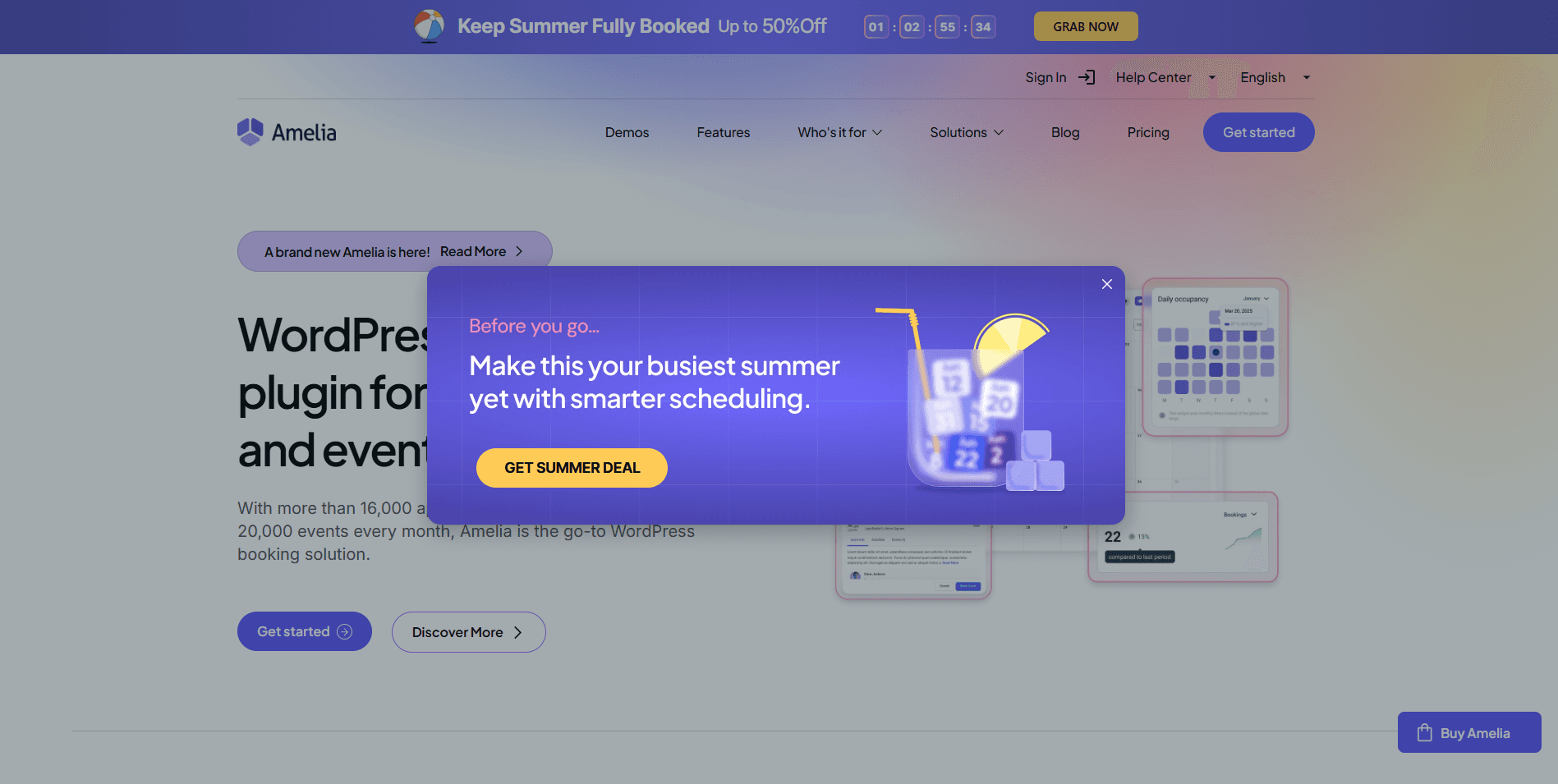
What it is: Amelia is a WordPress appointment booking plugin, so it is not a standalone platform. You’ll need your own domain and hosted website with WordPress installed to use Amelia. This is something you must know before you invest in Amelia. However, considering a lot of websites are built on the WordPress platform, so if you’re a WordPress user and you want a native booking solution, Amelia works well. It supports Stripe, PayPal, and WooCommerce for payment processing. As you can imagine, it is not a very flexible platform, as it is not usable outside the WordPress environment.
Key features
Solid appointment management: Handle one-on-one appointments, group bookings, recurring services, and events from a single dashboard
Employee and resource scheduling: You can manage staff availability, work hours, breaks, and multiple business locations using Amelia
Accept online payments: Collect appointment payments through Stripe, PayPal, or WooCommerce integrations
Automated notifications: Send appointment confirmations, reminders, follow-ups, and status updates via email and SMS
Google Calendar synchronization: Keep employee calendars updated automatically to avoid double bookings
Pricing
Starter: $49/month, billed annually to be used on 1 domain
Standard: $89/month, billed annually to be used on 1 domain
Pro: $199/month, billed annually to be used on 5 domains
Elite: $339/month, billed annually to use on unlimited domains
Pros
Excellent booking experience for WordPress websites
Supports Stripe, PayPal, and WooCommerce payments
One-time annual licensing instead of per-user pricing
Cons
Requires a WordPress website to use
Initial setup can be more involved than cloud-based scheduling
Advanced customization requires thorough WordPress knowledge
Domain limitations may be problematic for businesses
Best for
Without a shadow of doubt, Amelia is suited for WordPress users because it literally does not have any other use case apart from working as a WordPress plugin. So, if you want a complete appointment booking app, this is not the solution you’re looking for.
Verdict vs Cal.com
Comparing Amelia and Cal.com is like comparing Apples to Oranges. One is a platform-specific plugin, and the other is an end-to-end scheduling platform. Cal.com widgets can be embedded into WordPress websites even without coding knowledge, but you can’t use Amelia on a Squarespace website. So, the lack of flexibility of Amelia makes the comparison somewhat pointless; Cal.com wins here by a major margin.
9. Simply Schedule Appointments: Best premium WordPress Stripe booking form
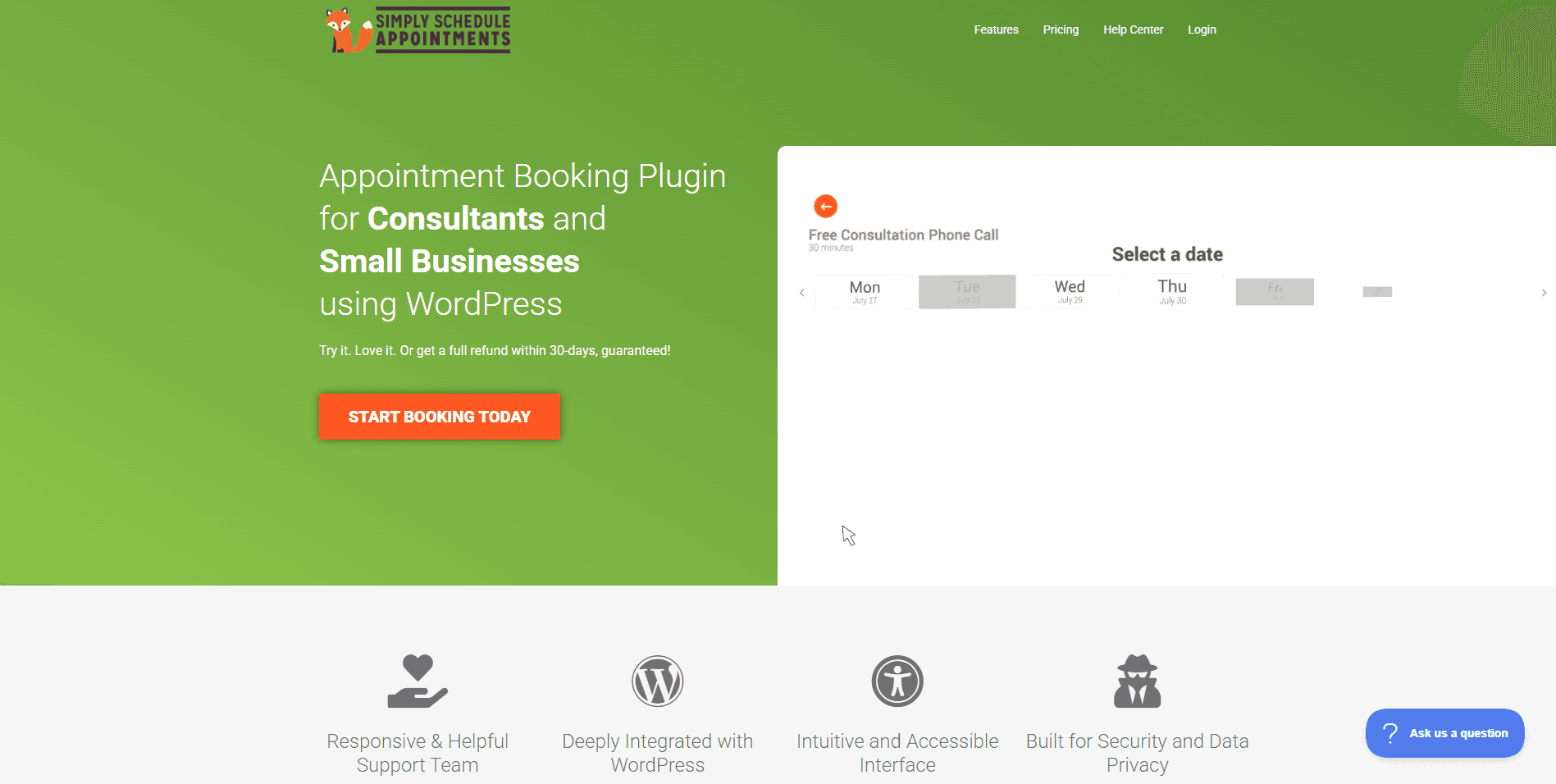
What it is: Much like Amelia, Simply Schedule Appointments is a WordPress plugin and not a standalone platform. However, the method by which Simply Schedule Appointments works is different from Amelia. SSA prioritizes clean booking forms, straightforward setup, and seamless integration with existing WordPress websites. Stripe payment integration support is available on higher-tier plans. While it is not ideal, it at least allows payment integration.
Key features
Stripe payment integration: You can use Stripe very easily to collect online payments during bookings on supported premium plans
Google Calendar synchronization: This sync helps you automatically avoid appointment scheduling conflicts and double bookings
Customizable booking forms: As a form builder, you can use SSA to create booking forms
Flexible booking options: Support multiple appointment types, staff calendars, and booking restrictions
Automation options: Send confirmation emails, reminders, cancellations, and follow-up notifications automatically
Pricing
Plus: Starts from $99/year
Professional: Starts from $199/year
Business: Starts from $399/year
Pros
Lightweight and easy to set up on WordPress
Reliable Stripe integration on premium plans
Clean, user-friendly booking experience
Cons
Stripe payments require higher-paid plans
Only available for WordPress websites
Limited team collaboration and enterprise scheduling features
Lacks API flexibility and infrastructure capabilities of standalone scheduling platforms
Best for
SSA is best for WordPress users, much like Amelia. It doesn’t have flexibility beyond WordPress anyway.
Verdict vs Cal.com
Simply Schedule Appointments doesn’t compare well against Cal.com. This is because Cal.com is a standalone end-to-end scheduling platform that’s powerful and offers a complete scheduling solution for both client-facing and internal team scheduling. Cal.com also offers complete enterprise-level data security and scalability features that are crucial for flexibility and scalability.
10. Koalendar: Best simple, budget scheduler with payments
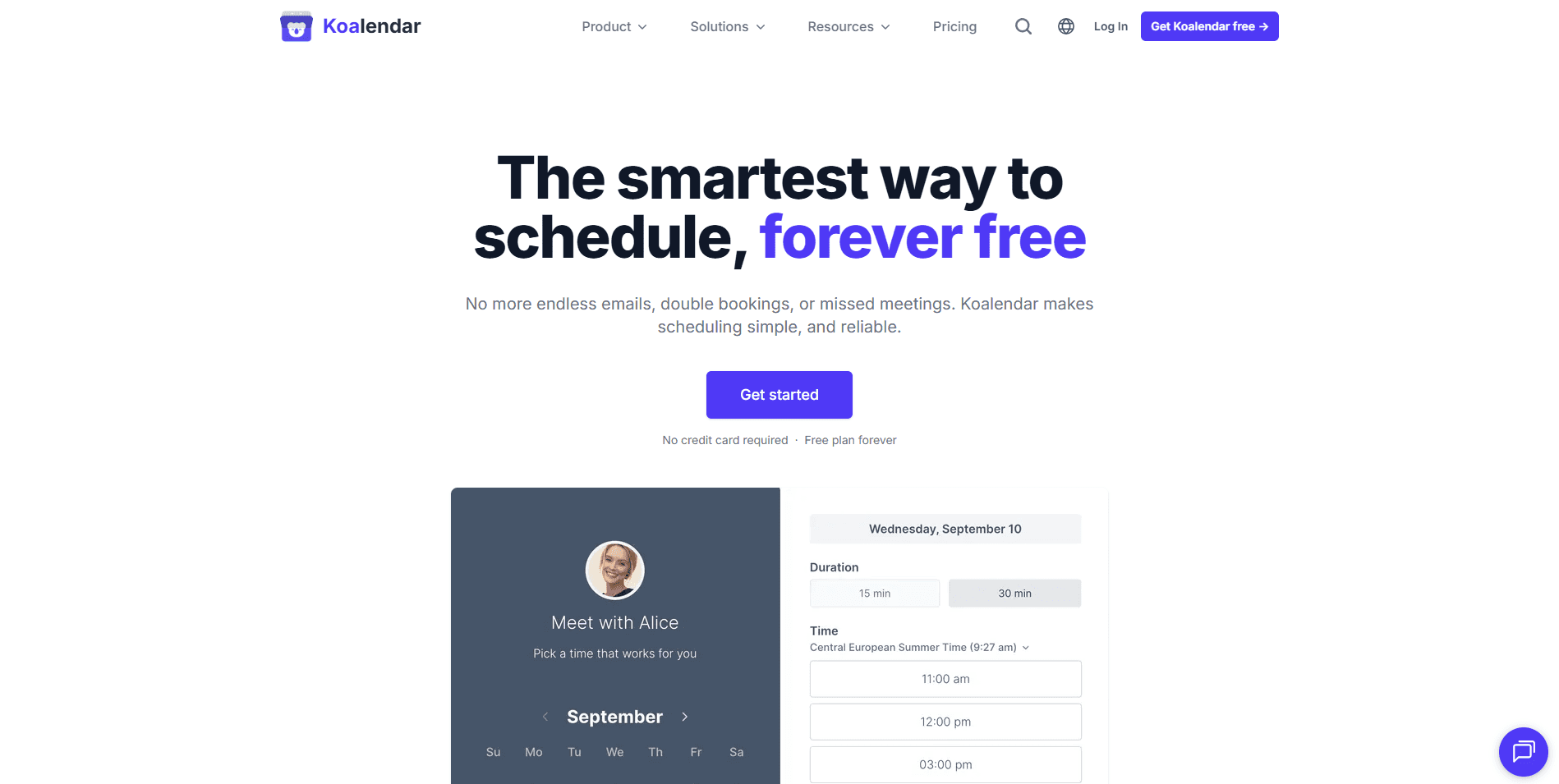
What it is: Koalendar is a lightweight appointment scheduling platform built for individuals and small businesses that want an uncomplicated way to accept bookings and online payments. Koalendar features a clean UI and quick setup, which makes it popular among freelancers, tutors, consultants, and coaches. It has a reliable Stripe integration for payment integration on appointment bookings. You won’t get many advanced features with Koalendar, as it focuses primarily on simple personal and individual scheduling requirements.
Key features
Calendar sync: Koalendar connects with Google Calendar, Microsoft Outlook, and Apple Calendar
Automated confirmations and reminders: You can send booking confirmations and reminder emails to help reduce no-shows
Video meeting integrations: You can integrate with Google Meet and Zoom to create links for virtual appointments
Custom booking page: Share a personalized booking link where clients can view availability and schedule appointments
Stripe payment integration: You can collect payments securely during the booking process
Pricing
Free: Free forever for individuals
Pro: Starts from $6.99/user per month, billed annually
Team: Custom quote-based pricing
Pros
Affordable paid plan for professionals on a budget
Works well for freelancers and solo businesses
Quick and intuitive setup with minimal learning curve
Cons
Limited automation and workflow customization options
Basic reporting and analytics capabilities
Fewer integrations than other scheduling platforms
Not designed for enterprise scheduling
Best for
Koalendar is ideal for freelancers, tutors, consultants, coaches, and small businesses looking for a straightforward appointment scheduling app.
Verdict vs Cal.com
As stated previously, Koalendar is built for simple individual scheduling. It does not support enterprise-level scheduling requirements. Cal.com not only supports enterprise-level scheduling requirements, but it thrives in large-scale integrations because of its API-first architecture and highly customizable workflow. The platform also offers all the necessary enterprise-level compliance support to ensure businesses can confidently choose Cal.com over the competition.
Scheduling and payments app: quick comparison table
Tool | Payment depth | Integrations/API | Value |
Cal.com | Advanced | Advanced | Very high |
Acuity Scheduling | Advanced | Moderate | Moderate |
Calendly | Strong | Strong | Moderate |
SimplyBook.me | Advanced | Moderate | Average |
Square Appointments | Strong | Moderate | Average |
Setmore | Strong | Moderate | Excellent |
Book Like a Boss | Strong | Basic | Moderate |
Amelia | Strong | Moderate | Average |
Simply Schedule Appointments | Strong | Basic | Average |
Koalendar | Strong | Basic | High |
Final verdict
The best scheduling and payment app should do more than simply let clients book time on your calendar. It should make it easy to collect payments upfront, reduce no-shows, automate scheduling tasks, and scale alongside your business as your needs evolve.
After comparing the leading platforms, Cal.com stands out as the best overall choice. It combines native Stripe payments, a generous free-forever plan, enterprise-grade security, and powerful scheduling capabilities in a platform that works equally well for solo professionals, growing teams, and large organizations. Unlike many competitors that become restrictive as your business grows, Cal.com’s API-first architecture and advanced routing support ensure you won’t outgrow the platform.
If your business has more specific needs, there are several excellent options, including:
Acuity Scheduling, which is ideal for service businesses that rely on deposits, packages, and client intake forms
Calendly, which is perfect if you want a quick personal scheduling solution
SimplyBook.me, which is a great choice for businesses looking for a feature-rich free booking website
Square Appointments, which is a natural fit for businesses already using Square’s POS ecosystem
Setmore and Koalendar, which are both affordable, beginner-friendly scheduling solutions for freelancers and solo professionals
And lastly, Amelia and Simple Schedule Appointments, which are excellent options for businesses committed to building their booking experience within WordPress
If you’re looking for a platform that balances ease of use today with the flexibility to support your business tomorrow, Cal.com remains the strongest recommendation. You can start with its free plan and start accepting paid bookings today.
Frequently asked questions
What is the best scheduling and payment app?
Cal.com is the best scheduling and payment app for most businesses because it combines online booking with native Stripe payments, automated scheduling workflows, and a generous free-forever plan. It also scales its use case from covering solo professionals to enterprise organizations with advanced routing, API integrations, white-label options, and enterprise-grade security.
Is Cal.com free? How much does Cal.com cost?
Cal.com has a generous free forever plan that’s free for individuals. However, Cal.com is not entirely free. It has paid plans that start at just $12/user per month, billed annually. With the free plan, users can create unlimited bookings, unlimited event types, integrate with Stripe and PayPal for payments, and most importantly, get two-way synchronization with calendar apps like Google Calendar and Microsoft Outlook, as well as CRM software like Salesforce and HubSpot.
What’s the best scheduling software for a small business?
For most small businesses, Cal.com is the best scheduling software for small businesses. This is because it offers a free plan, accepts online payments on that plan, automates reminders, and grows with your business. If you run a service-based business that depends on packages or deposits, you can look at other options like Acuity Scheduling or Square Appointments, but none of them have the feature depth and scalability of Cal.com.
Can I take Stripe payments when clients book a meeting?
Yes, many modern scheduling platforms let customers pay during the booking process through Stripe. The top option in this department is Cal.com, which offers native integration with Stripe and PayPal to accept payments during a booking. It allows you to accept a deposit, a refundable fee, and a full upfront booking fee from the customer at the time of booking.
Is there a free scheduling and payment app?
This is a bit of a misnomer because there are no scheduling and payment apps that are entirely free. You have platforms like Cal.com and Setmore that offer generous free tiers for their customers. However, they, too, are paid platforms with paid plans. Even platforms that allow you to accept payments on the free plan have to charge payment processing fees on every payment you accept. So, there are truly no free scheduling and payment apps.
Is it safe to collect payments through a booking app?
Yes, a reputable scheduling platform processes payments through secure, PCI-compliant payment gateways, such as Stripe or Square, rather than storing your customers’ payment information directly. Many providers also offer additional security features, like Cal.com, which offers enterprise-grade protections such as SOC 2 Type II compliance, GDPR compliance, and HIPAA support on eligible plans.
Can I use a scheduling and payment app for my business?
Absolutely, you can use a scheduling and payment app to accept paid meetings for your business, no matter if you’re a freelancer, consultant, coach, healthcare provider, agency, or enterprise. A scheduling and payment app helps you accept bookings, collect payments upfront, reduce no-shows, and automate appointment management.

Beginnen Sie noch heute kostenlos mit Cal.com!
Erleben Sie nahtlose Planung und Produktivität ohne versteckte Gebühren. Melden Sie sich in Sekunden an und beginnen Sie noch heute, Ihre Planung zu vereinfachen, ganz ohne Kreditkarte!







