Coworking Booking Software: 5 Best Picks
Not everyone who books space at your coworking facility will be a member. They might need a meeting room for a few hours, a day pass, a tour, or your event space.
Oct 20, 2026
On this page
- TL;DR: the best coworking booking software
- What is coworking booking software?
- What to look for in coworking booking software
- The 5 best coworking booking software platforms
- 1. Cal.com: best for paid room rentals, tours, and day passes
- 2. Nexudus: best for multi-location coworking operations
- 3. OfficeRnD Flex: best for operators who sell private offices on contracts
- 4. Optix: best for mobile-first coworking management
- 5. Cobot: best for smaller spaces that want simple pricing
- Coworking booking software: quick comparison
- Final verdict
- Frequently asked questions
Cal.com makes it easy to put those bookings on your website. You can create a booking page for each room or resource, embed it on your site, show available times, and collect payment before confirming the booking. Visitors don't need an account to book.
This makes Cal.com a good choice if you want to handle room rentals, day passes, tours, or workshops online without replacing the platform you use for memberships and billing.
But Cal.com isn’t the only option. We compared Cal.com with four other coworking booking platforms based on:
-
Resource booking: Can you book desks, offices, rooms, and other resources?
-
Access rules: Can you control who can book what and when?
-
Member billing: Can the platform handle memberships, credits, and invoices?
The comparison table near the end shows how all five platforms stack up against these criteria.
TL;DR: the best coworking booking software
-
Cal.com: best for paid room rentals, tours, and day passes
-
Nexudus: best for multi-location coworking operations
-
OfficeRnD Flex: best for operators who sell private offices on contracts
-
Optix: best for mobile-first coworking management
-
Cobot: best for smaller spaces that want simple pricing
What is coworking booking software?
Coworking booking software lets people reserve desks, offices, meeting rooms, and other resources and pay for their use. It tracks available space, applies the rules attached to each membership, and records each booking.
It also connects bookings to other parts of your operation. For members, that might mean checking their remaining credits, applying them to a booking, charging for extra time, and unlocking the space for the booking.
Not every booking comes from a member. Coworking spaces also take bookings for tours, day passes, meeting rooms, workshops, and other services from people who aren't members.
Those bookings usually start on your website. Visitors need to see what's available, choose a time, and complete the booking without signing into a member account. Some platforms handle both member and non-member bookings, while others work better for public bookings or for managing memberships, billing, and access.
What to look for in coworking booking software
There’s no point choosing a platform that looks good on paper but doesn't work well with how you handle booking for your coworking space. So, look at what each platform includes, what it costs, and whether it fits the way you work.
Here’s what to check before you choose.
-
Bookable resources: Make sure you can add the spaces you actually offer, including desks, offices, meeting rooms, phone booths, parking, and event space.
-
Resource rules: Each resource should support its own rate, capacity, buffer time, and booking window. Availability should update across the platform when someone makes a booking.
-
Non-member bookings: Look for a booking page or website widget that lets visitors book without logging in. If you charge for these bookings, check whether the platform collects payment upfront and whether it charges extra for the feature.
-
Memberships and credits: If you sell memberships, look for recurring plans, day passes, credit allowances, and deposits. Check how the platform applies credits to bookings and handles additional charges.
-
Invoicing and payments: Look for automatic invoicing and payment support through Stripe or your local payment gateway. You shouldn't have to fix booking charges in a spreadsheet at the end of each month.
-
Access control and hardware: Check whether bookings connect to your door locks, Wi-Fi, and printing systems. Also check which integrations are included and which add a monthly fee.
-
Usage and revenue reports: Look for reports that show how often each room is used, when it's busiest, revenue by plan, and no-show rates. These numbers help you see which spaces are earning their keep and where you have unused capacity.
-
Who counts toward your bill: Check whether you're charged for your team or for everyone who books your space. Some platforms count outside bookers as active users, so a busy month of room rentals could increase your overall costs.
The 5 best coworking booking software platforms
1. Cal.com: best for paid room rentals, tours, and day passes
| Free plan? | Starting price | Standout feature | Best use case |
|---|---|---|---|
| Yes, with Stripe and PayPal payments included | $16/user/month | Paid booking pages you embed on your own site | Room rentals, tours, and day passes for non-members |
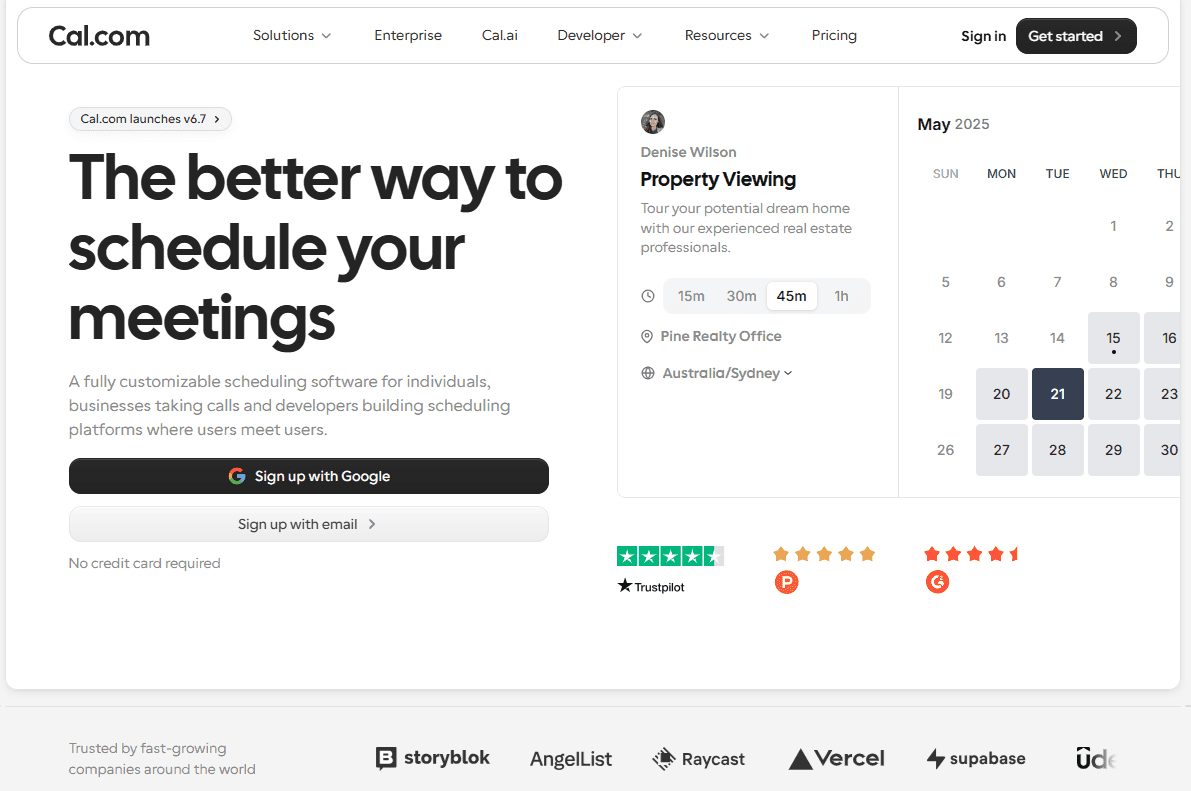
What it is: Cal.com lets you create booking pages for the spaces and services you offer, from boardrooms and podcast studios to day passes and tours. Each page displays available times and checks your connected calendars to prevent double bookings. You can embed these pages on your website so visitors can book and pay without creating an account. Cal.com also supports connections to other systems through its API, webhooks, and tools such as Zapier.
Why it ranks first: Cal.com makes it easier to take paid bookings from people outside your membership base without increasing your software costs for every new booker. You can collect payment before confirming a booking, distribute tour requests across your front-desk team, and use routing forms to direct inquiries based on location or team size. You can also connect bookings to your membership, CRM, or accounting systems through webhooks, Zapier, or the API, so booking details flow into the tools you already use.
Key features:
-
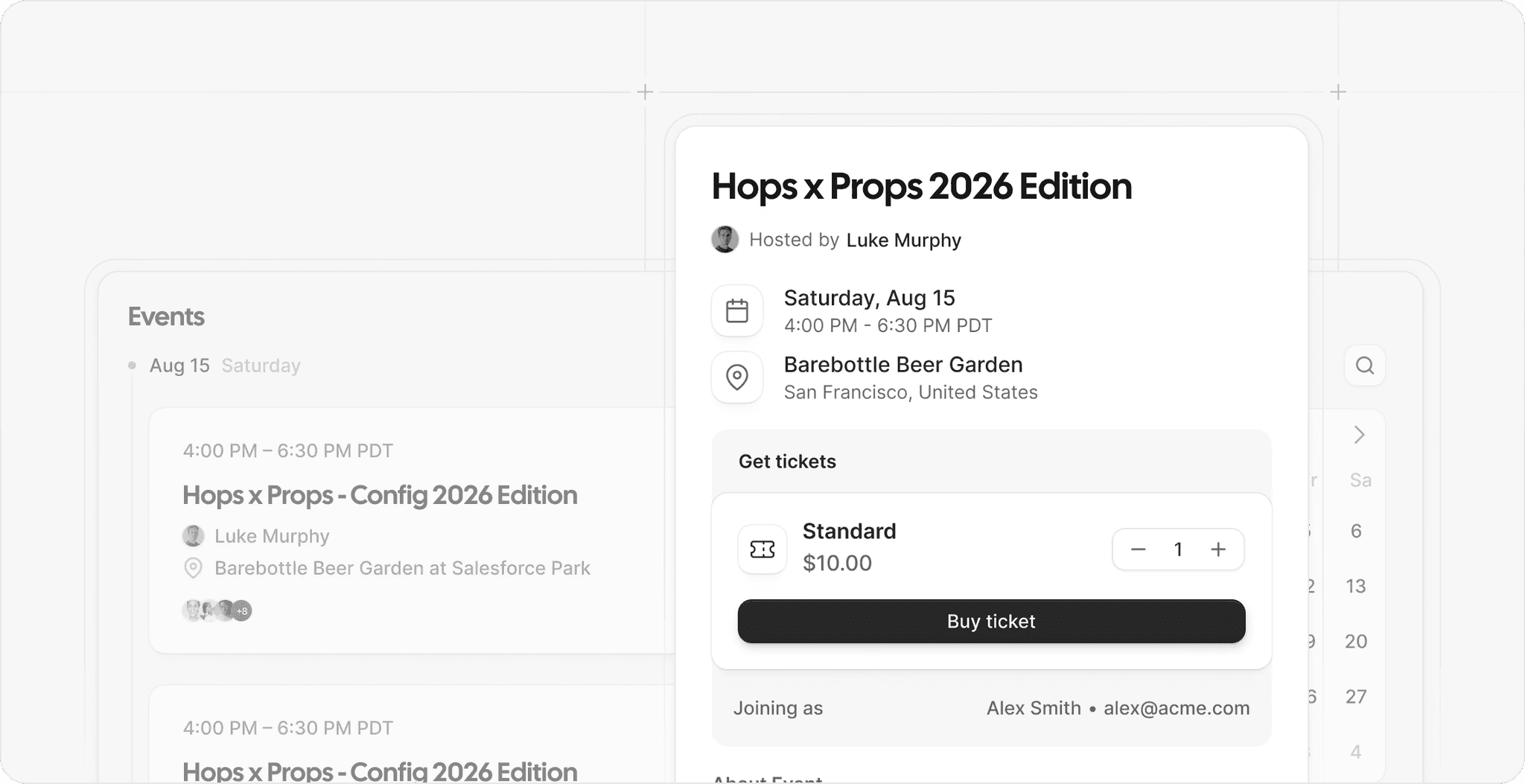
Upfront payments: Charge for rooms, day passes, or workshops through Stripe or PayPal when someone books. Available on the free plan.
-
Website embeds: Add booking calendars to your website or WordPress. Bookers don't need a Cal.com account.
-
Calendar sync: Connect Google, Outlook, and Apple calendars to prevent double bookings.
-
Booking limits and buffers: Set minimum notice, booking windows, and time between reservations.
-
Booking approvals: Review requests before confirming bookings, such as full-day event space rentals.
-
Group bookings: Let multiple people reserve the same slot for workshops, open houses, and orientations.
-
Reminders and follow-ups: Send booking confirmations, reminders, and follow-ups by email or text.
-
Routing forms: Ask about location, team size, or dates, then direct requests to the right person or booking page.
-
Tour distribution: Share tour bookings across your front-desk team instead of assigning every request to one person.
-
System integrations: Send booking data to your membership, CRM, or accounting tools through webhooks, Zapier, or the API.
Pricing: Cal.com's free plan supports one user with unlimited event types and calendars, plus Stripe and PayPal payments. Teams costs $16/user/month, or $12/user/month when billed annually, and adds features such as round-robin scheduling, routing forms, recurring events, booking analytics, and custom APIs.
Best for: Coworking operators that want to take paid bookings for rooms, tours, workshops, and day passes from their own website, alongside a separate platform that manages memberships.
Verdict: Cal.com is the best fit when your priority is selling bookable space to non-members. It is free to start, collects payment during booking, and works alongside the platform you already use for memberships and billing.
Get started with Cal.com’s free plan or request a demo for your team.
2. Nexudus: best for multi-location coworking operations
| Free plan? | Starting price | Standout feature | Best use case |
|---|---|---|---|
| No, 21-day free trial | $150/location/month (79 users) | Centralized back-office tools | Established coworking networks with multiple locations |
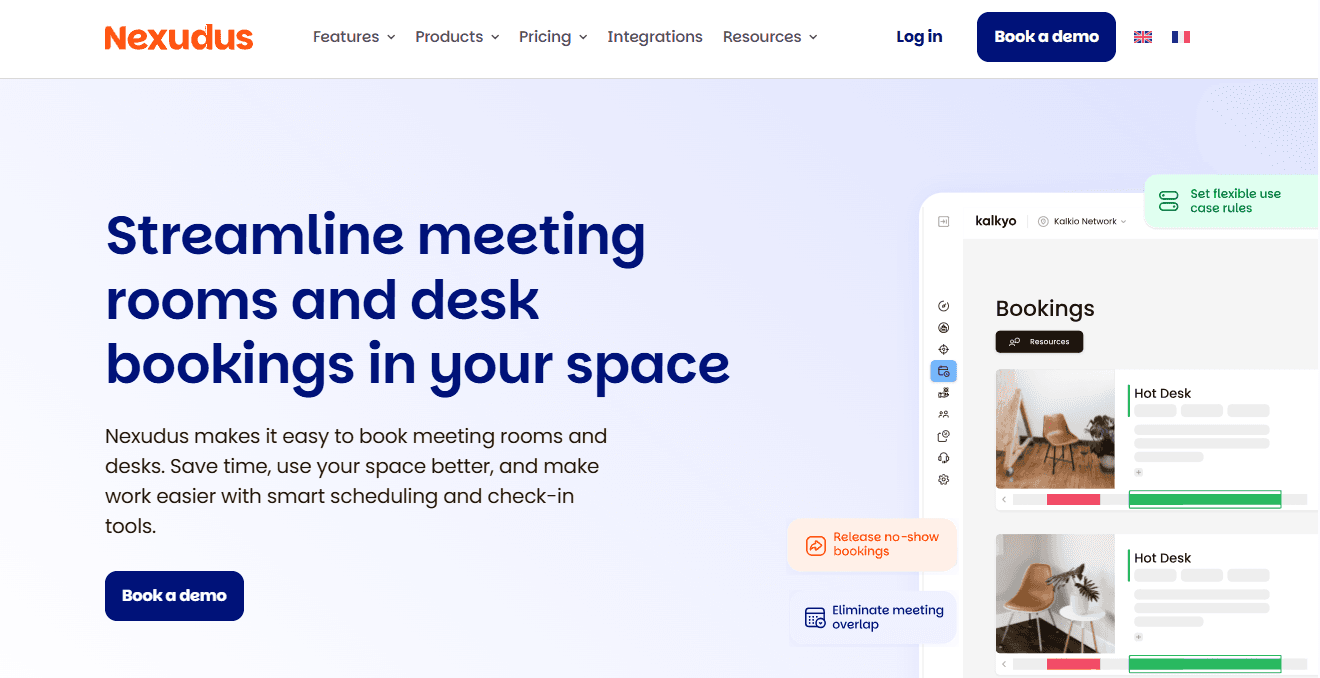
What it is: Nexudus manages coworking memberships, bookings, invoicing, customer relationships, events, visitor check-in, door access, and reporting across multiple locations. You can also let people book and pay through your website, keeping member services and outside bookings in one system. Because it covers so many parts of your operation, setup takes time as you configure locations, membership plans, booking rules, and access requirements.
Key features:
-
Resource management: Add desks, offices, and meeting rooms to floor plans, with membership benefits, credits, and usage limits.
-
Billing and payments: Generate invoices, collect card payments and direct debits, and connect Stripe, GoCardless, or PayPal.
-
Door access and integrations: Connect access control systems, Wi-Fi, and printing tools to manage entry and automate check-ins.
-
Member and visitor apps: Use Passport for member bookings and payments, NexIO for visitor check-in, and NexBoard for room availability and tablet bookings.
-
Multi-location reporting: Compare resource usage, occupancy, revenue, and other operational metrics across locations.
Limitations:
-
The white-label version of the member app costs extra.
-
Setting up the platform takes time and comes with a steep learning curve.
-
A person who makes a booking counts as an active user for that location during the billing period, which increases costs when bookings are high.
Pricing: Nexudus doesn’t have a free plan, but offers a 21-day free trial. Paid plans start at $150/location/month, for up to 79 users, and unlocks access to all core features and free integrations.
Best for: Established operators running multiple locations that need memberships, billing, bookings, access control, and reporting in one system.
Verdict (vs. Cal.com): Choose Nexudus if you need to manage memberships, billing, bookings, and door access across several locations. If you mainly want people to book and pay for rooms, day passes, and tours on your website, Cal.com lets you do that without charging for each person who books.
3. OfficeRnD Flex: best for operators who sell private offices on contracts
| Free plan? | Starting price | Standout feature | Best use case |
|---|---|---|---|
| No, 14-day trial | $129/month (1 location, 50 members) | Contract management and website checkout | Operators leasing private offices on fixed-term contracts |
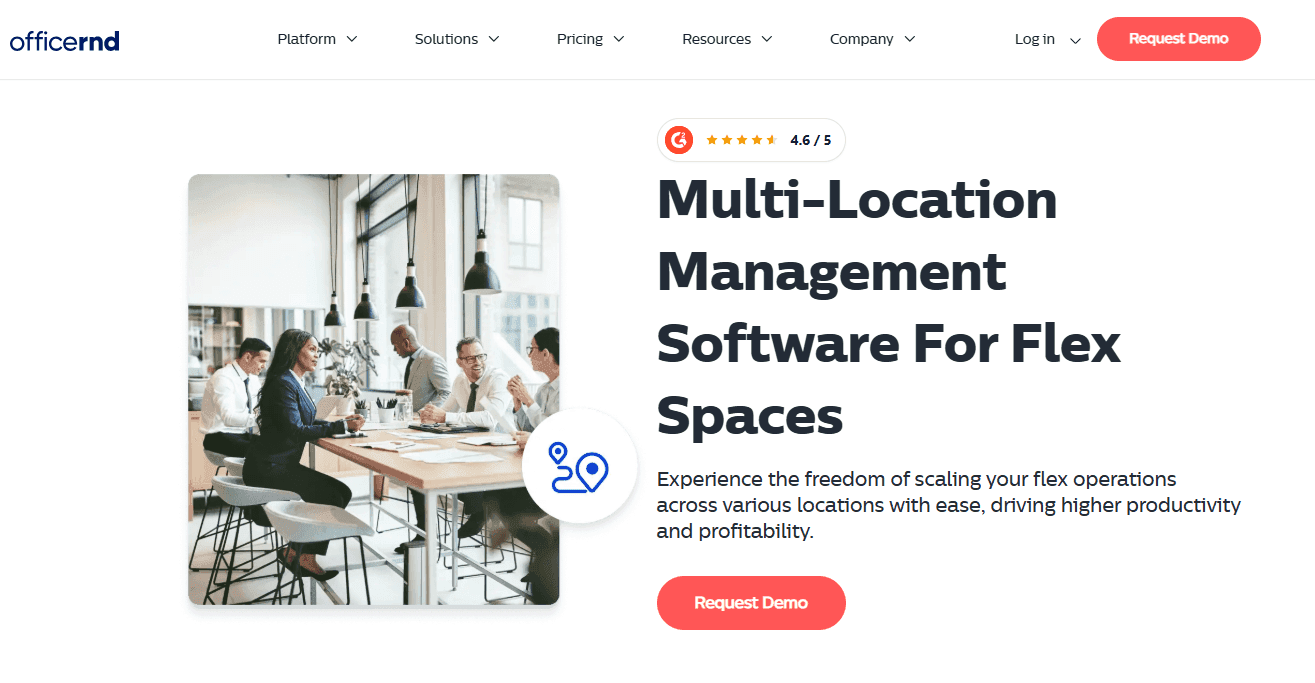
What it is: OfficeRnD Flex helps flexible workspace operators manage private offices, desks, meeting rooms, memberships, and contracts in one platform. You can set up membership plans, track agreements, manage resource availability, and automate recurring billing and one-off charges. Its floor plans help you see how your space is arranged and which offices or desks are available or assigned. OfficeRnD Flex also offers a branded website checkout where customers can browse spaces, make reservations, and pay online.
Key features:
-
Contracts and memberships: Create custom agreements, set tiered contract pricing, and route contracts for approval.
-
Billing and payments: Automate recurring and one-off invoices, collect payments, and sync financial records with accounting tools such as Xero and QuickBooks.
-
Meeting room bookings: Set room rates, allocate booking credits to memberships, and define how far in advance members can book and when cancellations incur fees.
-
Interactive floor plans: View your desks and offices on a floor plan, check availability, and see which spaces are assigned to members or companies.
-
Website checkout: Let visitors browse, book, and pay for desks, rooms, and offices through your website.
Limitations:
-
Webhooks and API access are only available on highest plans.
-
Branded apps, visitor management, and some other capabilities are paid add-ons or available on higher plans.
-
A person who books a room can count as an active member for that month, which increases costs if you rely heavily on outside bookings.
Pricing: OfficeRnD doesn’t have a free plan, but offers a 14-day free trial. Paid plans start at $129/month, and unlock access to core features, however, it’s limited to one location and 50 members.
Best for: Coworking businesses that lease private offices and manage recurring membership contracts.
Verdict (vs. Cal.com): Choose OfficeRnD Flex if you manage private offices, recurring memberships, and contract-based agreements. Choose Cal.com if you mainly need to accept paid bookings for rooms, tours, workshops, and day passes without requiring visitors to create an account.
4. Optix: best for mobile-first coworking management
| Free plan? | Starting price | Standout feature | Best use case |
|---|---|---|---|
| No, 14-day free trial | $229/month (1 location, 50 active users) | Member app with built-in automations | Mobile-first coworking spaces |
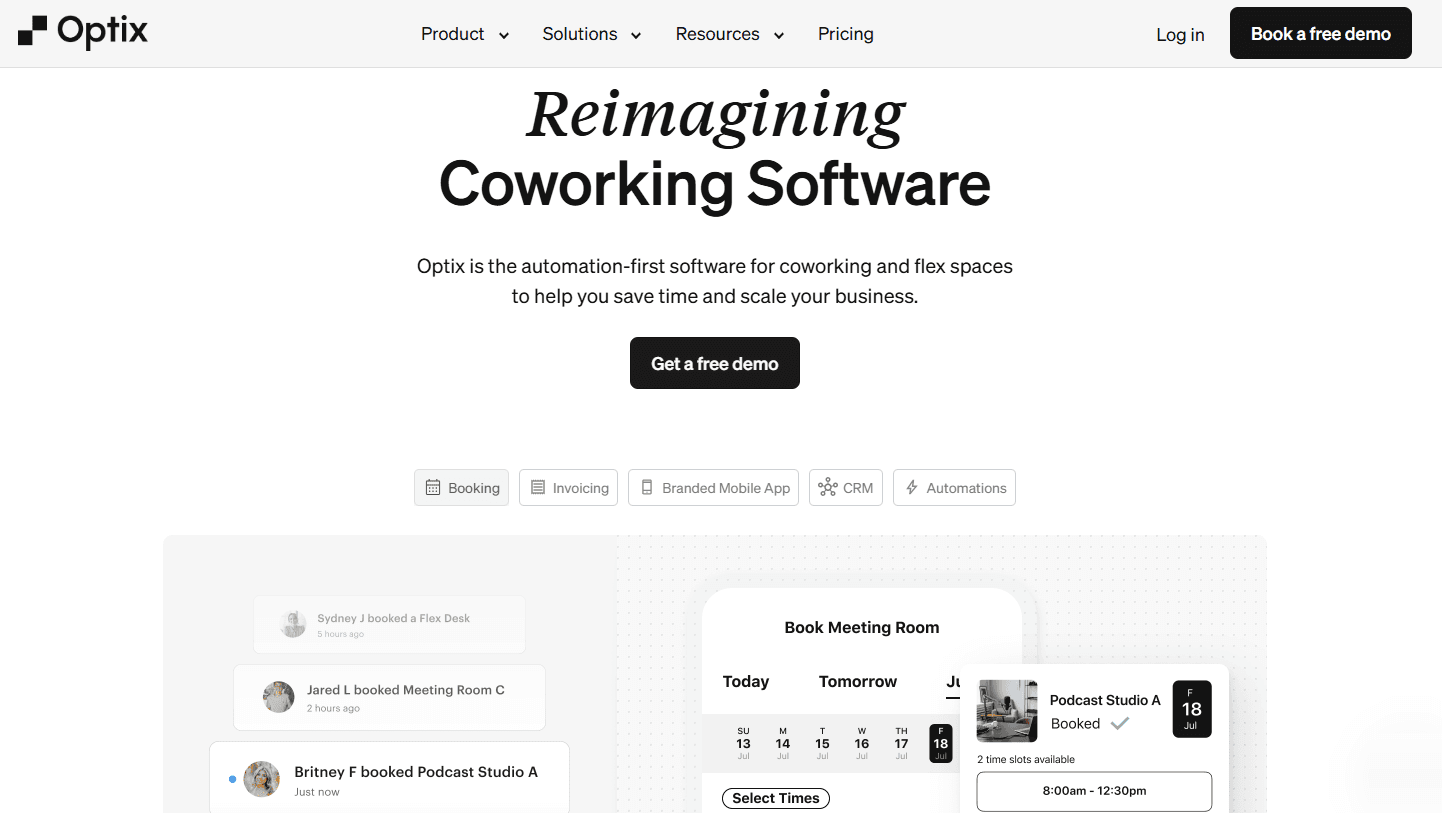
What it is: Optix helps coworking operators manage their spaces and give members an easy way to book desks, meeting rooms, and other resources from their phones. Members can also pay and check in through the app, while operators automate tasks such as reminders, onboarding, and follow-ups. Website booking forms let non-members reserve spaces, book tours, sign up, or send inquiries, so you can manage member activity and visitor bookings in one platform.
Key features:
-
Mobile booking: Let members check availability and reserve desks, meeting rooms, and other resources by the hour through your app.
-
Automated workflows: Automate onboarding emails, booking reminders, invoice follow-ups, and post-tour messages using triggers and actions.
-
Website booking widgets: Let prospective members book tours, reserve resources, and sign up directly through your website.
-
Billing and payments: Generate recurring invoices, collect payments, set up automatic charges, and sell membership plans and day passes through Stripe.
-
Community tools: Give members a directory to find and message each other, a feed for announcements and discussions, and access to upcoming events.
Limitations:
-
Payment gateways other than Stripe cost an extra $49/month.
-
Anyone who signs up and uses your space counts as an active user.
-
Additional locations, the white-label app, and some automation features cost extra.
Pricing: Optix doesn’t offer a free plan, but offers a 14-day free trial. Paid plans start at $229/month and include core features and integrations, one location, 50 active users, and 100 automation actions. Additional users and locations cost extra.
Best for: Single-site and small multi-site coworking spaces that prioritize a smooth mobile booking experience and automation for routine tasks.
Verdict (vs. Cal.com): Choose Optix if you want members to book spaces, pay invoices, check in, and connect with other members through a mobile app. Choose Cal.com if you mainly need booking pages for rooms, tours, and day passes, with payment collected before confirmation.
5. Cobot: best for smaller spaces that want simple pricing
| Free plan? | Starting price | Standout feature | Best use case |
|---|---|---|---|
| No, 30-day free trial | $89/month (up to 10 paying members) | Pricing based only on paying members | Independent single-site spaces |
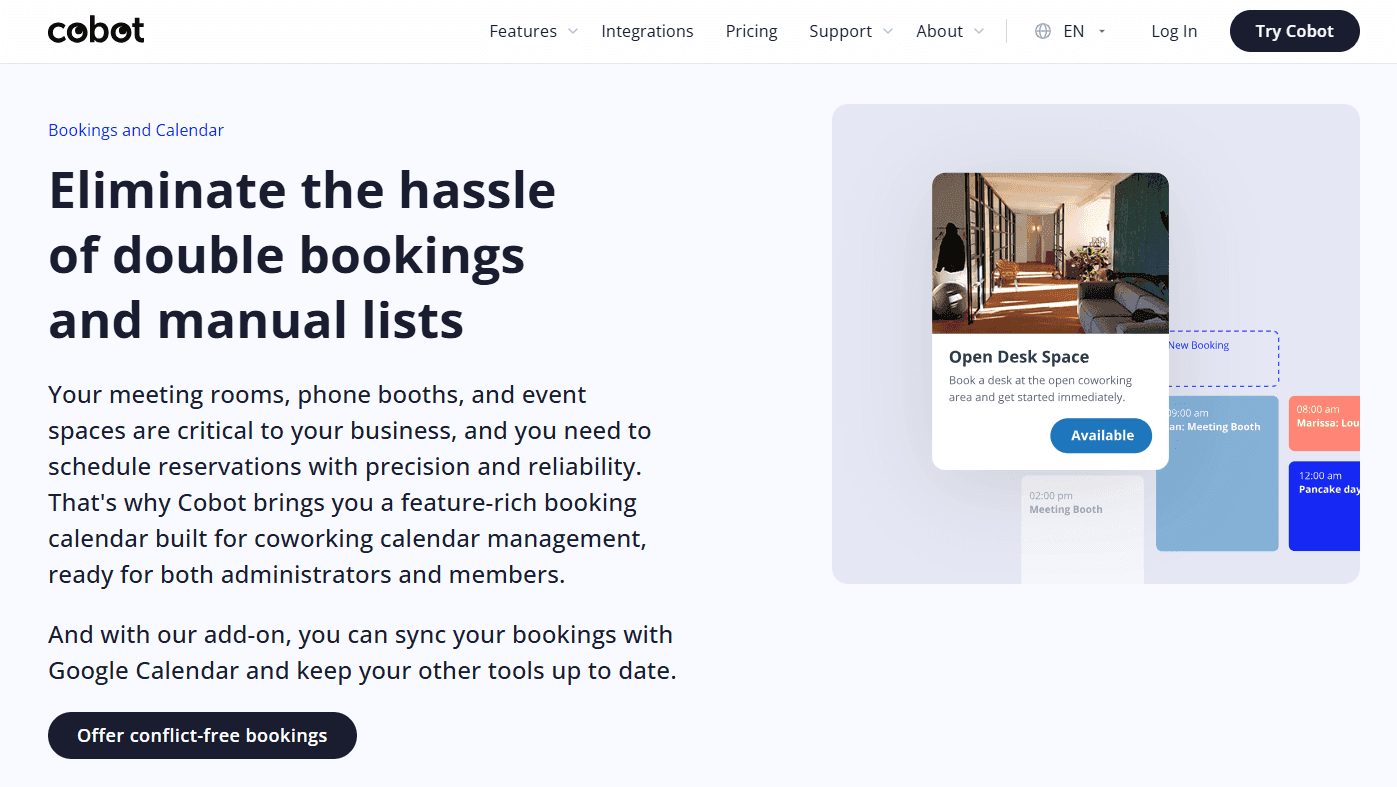
What it is: Cobot helps you manage coworking memberships, bookings, invoicing, and access control in one platform. Its subscription price depends on the number of paying members (active members, team members, and tenants), so drop-ins, visitors, and people making external bookings don't increase your membership count. You can also sell memberships, day passes, and other services while managing recurring payments and bookings from the same system.
Key features:
-
Resource bookings: Manage desks, offices, and meeting rooms in a shared calendar, with availability updates and Google Calendar or Outlook sync.
-
Memberships and invoicing: Set up recurring memberships, day passes, and drop-in rates, with automatic invoicing and booking credits.
-
Member app and portal: Let members book resources, view invoices, manage payments, and update profiles through a mobile app or branded portal.
-
Access control: Connect compatible door locks and entry systems to manage access based on memberships and bookings, with Wi-Fi and printing integrations.
-
API and integrations: Connect Cobot to other systems through its API or integrations such as Zapier, accounting tools, and access control systems.
Limitations:
-
Reporting is less extensive than on larger coworking platforms.
-
External bookings require an add-on costing $19/month plus a 9% fee on revenue from those bookings.
-
Drop-in passes incur a 5% fee, while event tickets incur a 3% fee.
Pricing: Cobot doesn’t have a free plan, but offers a 30-day free trial. Paid plans include all features, such as room and resource booking, a member mobile app, a white-label portal, and multi-location management. Pricing starts at $89/month for up to 10 members and increases with your paying-member count.
Best for: Small, independent coworking spaces that want simple software and pricing based on paying members.
Verdict (vs. Cal.com): Choose Cobot if you need to manage memberships, recurring billing, resource bookings, and member access in one platform. Cal.com is a better fit if you mainly want to accept paid bookings for rooms, day passes, and tours through your website, with no percentage fee on bookings.
Coworking booking software: quick comparison
Here’s how the five coworking booking software stack up on key features and free plans:
| Tool | Free plan | Resource booking | Access rules | Member billing |
|---|---|---|---|---|
| Cal.com | ✅ Free forever for one user | ⚠️ One booking page per room or desk pool, no floor plans | ⚠️ Notice, limits, and approval rules, no door-access integration listed | ❌ No memberships or credits, pairs with a workspace platform |
| Nexudus | ❌ 21-day trial | ✅ Desks, offices, rooms, and floor plans with credits | ✅ Booking rules plus Salto KS, Brivo, and Kisi doors | ✅ Memberships, credits, and invoicing |
| OfficeRnD Flex | ❌ 14-day trial | ✅ Room inventory, custom resources, and floor plans | ✅ Booking and cancellation rules, Salto KS, Kisi, and Brivo doors | ✅ Memberships, contracts, and invoicing |
| Optix | ❌ 14-day trial | ✅ Desks, rooms, and resources with assignments | ✅ Bookings unlock Kisi doors 5 minutes before start | ✅ Plans, passes, and invoicing |
| Cobot | ❌ 30-day trial | ✅ Desks, rooms, and resources on conflict-free calendars | ✅ Salto opens only booked resources, no integration fee | ✅ Memberships, day passes, and invoicing |
Final verdict
Choose coworking booking software based on whether you need to accept bookings from non-members, manage memberships and billing, or handle both.
Cal.com is the best fit if you want to sell room rentals, day passes, tours, and workshops through your website. Visitors can check availability and pay when booking without creating an account. You also avoid setup and implementation fees, per-location fees, and percentage charges on booking revenue. Cal.com works alongside your existing coworking platform, so you don't have to replace the system that handles memberships and invoicing.
For day-to-day coworking operations, Nexudus, OfficeRnD Flex, and Optix combine bookings with membership and billing tools. Cobot is worth considering if you run a smaller independent space and want your software costs tied to paying members.
If paid visitor bookings are your main priority, start with Cal.com’s free plan, or request a demo for your team.
Frequently asked questions
-
How much does coworking booking software cost? Cobot starts at $89/month for up to 10 paying members. Optix starts at $229/month for one location and 50 active users, while OfficeRnD Flex starts at $129/month for one location and 50 members. Nexudus starts at $150/location/month for up to 79 users. Meanwhile, Cal.com offers a free plan, with paid plans starting at $16/user/month. It has no setup, implementation, or per-location fees, and doesn't charge a percentage of booking revenue.
-
Can I use Cal.com alongside Nexudus, OfficeRnD, Optix, or Cobot? Yes. Cal.com handles booking pages on your website while your coworking platform manages memberships, billing, and other operations. You can connect booking data to other systems through Cal.com's API, webhooks, or Zapier.
-
Which coworking booking software is best for a small independent space? Cobot is a good fit if you need membership billing and want your software costs tied to paying members. If you mainly want to accept paid bookings for rooms, tours, workshops, and day passes through your website, Cal.com lets you do that without per-location fees or a percentage charge on booking revenue.
-
Does Cal.com charge fees on coworking bookings? Cal.com doesn't charge setup or implementation fees, per-location fees, or a percentage of your booking revenue. You can collect payments through Stripe or PayPal when visitors book, without paying Cal.com a cut of each booking. You only pay the payment processing fees charged by Stripe or PayPal.
-
Which platform suits a multi-location coworking brand? Nexudus is the strongest fit for a network that wants memberships, invoicing, and door access for every site in one admin panel. Budget for setup time, and check how outside bookings affect each location's active-user count.