


9:41
Event Types
15 Minute Meeting
Let's do a quick meme review
30 Minute Meeting
Excited to make time for you
Sales Demo
A brief call with our team
Dance lessons
Never gonna give you up!
Secret
How did you find this?
Walk and talk
No video, just vibes
Event Types
Bookings
Availability
"/><stop offset="1" stop-color="rgb(227, 224, 244)"/></linearGradient><linearGradient id="CBS1bzkxF-2031533640-linear-gradient" x1="0.49751243781094523" x2="0.5024875621890548" y1="0" y2="1"><stop offset="0" stop-color="rgb(255, 255, 255)"/><stop offset="1" stop-color="rgb(227, 224, 244)"/></linearGradient><linearGradient id="Jd7AK81w9-2031533640-linear-gradient" x1="0.49751243781094523" x2="0.5024875621890548" y1="0" y2="1"><stop offset="0" stop-color="rgb(255, 255, 255)"/><stop offset="1" stop-color="rgb(227, 224, 244)"/></linearGradient></defs><g d="M 0 16 L 0 0 L 16 0 L 16 16 Z M 9.167 5.167 C 9.167 4.891 8.943 4.667 8.667 4.667 C 8.391 4.667 8.167 4.891 8.167 5.167 C 8.167 6.784 7.809 7.834 7.155 8.488 C 6.501 9.143 5.451 9.5 3.833 9.5 C 3.557 9.5 3.333 9.724 3.333 10 C 3.333 10.276 3.557 10.5 3.833 10.5 C 5.451 10.5 6.501 10.857 7.155 11.512 C 7.809 12.166 8.167 13.216 8.167 14.833 C 8.167 15.109 8.391 15.333 8.667 15.333 C 8.943 15.333 9.167 15.109 9.167 14.833 C 9.167 13.216 9.524 12.166 10.178 11.512 C 10.832 10.857 11.883 10.5 13.5 10.5 C 13.776 10.5 14 10.276 14 10 C 14 9.724 13.776 9.5 13.5 9.5 C 11.883 9.5 10.832 9.143 10.178 8.488 C 9.524 7.834 9.167 6.784 9.167 5.167 Z M 4 3.667 C 4 3.483 3.851 3.333 3.667 3.333 C 3.483 3.333 3.333 3.483 3.333 3.667 C 3.333 4.32 3.189 4.715 2.952 4.952 C 2.715 5.189 2.32 5.333 1.667 5.333 C 1.483 5.333 1.333 5.483 1.333 5.667 C 1.333 5.851 1.483 6 1.667 6 C 2.32 6 2.715 6.145 2.952 6.382 C 3.189 6.618 3.333 7.013 3.333 7.667 C 3.333 7.851 3.483 8 3.667 8 C 3.851 8 4 7.851 4 7.667 C 4 7.013 4.145 6.618 4.382 6.382 C 4.618 6.145 5.013 6 5.667 6 C 5.851 6 6 5.851 6 5.667 C 6 5.483 5.851 5.333 5.667 5.333 C 5.013 5.333 4.618 5.189 4.382 4.952 C 4.145 4.715 4 4.32 4 3.667 Z M 7.333 1 C 7.333 0.816 7.184 0.667 7 0.667 C 6.816 0.667 6.667 0.816 6.667 1 C 6.667 1.422 6.573 1.65 6.445 1.778 C 6.317 1.906 6.089 2 5.667 2 C 5.483 2 5.333 2.149 5.333 2.333 C 5.333 2.517 5.483 2.667 5.667 2.667 C 6.089 2.667 6.317 2.761 6.445 2.889 C 6.573 3.016 6.667 3.244 6.667 3.667 C 6.667 3.851 6.816 4 7 4 C 7.184 4 7.333 3.851 7.333 3.667 C 7.333 3.244 7.427 3.016 7.555 2.889 C 7.683 2.761 7.911 2.667 8.333 2.667 C 8.517 2.667 8.667 2.517 8.667 2.333 C 8.667 2.149 8.517 2 8.333 2 C 7.911 2 7.683 1.906 7.555 1.778 C 7.427 1.65 7.333 1.422 7.333 1 Z" fill="transparent" height="16px" id="aoZYv33vR" width="16px"><path d="M 0 16 L 0 0 L 16 0 L 16 16 Z" fill="transparent" height="16px" id="Z2uGmhW9f" width="16px"/><g d="M 7.833 4.5 C 7.833 4.224 7.609 4 7.333 4 C 7.057 4 6.833 4.224 6.833 4.5 C 6.833 6.117 6.476 7.168 5.822 7.822 C 5.168 8.476 4.117 8.833 2.5 8.833 C 2.224 8.833 2 9.057 2 9.333 C 2 9.61 2.224 9.833 2.5 9.833 C 4.117 9.833 5.168 10.191 5.822 10.845 C 6.476 11.499 6.833 12.549 6.833 14.167 C 6.833 14.443 7.057 14.667 7.333 14.667 C 7.609 14.667 7.833 14.443 7.833 14.167 C 7.833 12.549 8.191 11.499 8.845 10.845 C 9.499 10.191 10.549 9.833 12.167 9.833 C 12.443 9.833 12.667 9.61 12.667 9.333 C 12.667 9.057 12.443 8.833 12.167 8.833 C 10.549 8.833 9.499 8.476 8.845 7.822 C 8.191 7.168 7.833 6.117 7.833 4.5 Z M 2.667 3 C 2.667 2.816 2.517 2.667 2.333 2.667 C 2.149 2.667 2 2.816 2 3 C 2 3.654 1.855 4.048 1.618 4.285 C 1.382 4.522 0.987 4.667 0.333 4.667 C 0.149 4.667 0 4.816 0 5 C 0 5.184 0.149 5.333 0.333 5.333 C 0.987 5.333 1.382 5.478 1.618 5.715 C 1.855 5.952 2 6.346 2 7 C 2 7.184 2.149 7.333 2.333 7.333 C 2.517 7.333 2.667 7.184 2.667 7 C 2.667 6.346 2.811 5.952 3.048 5.715 C 3.285 5.478 3.68 5.333 4.333 5.333 C 4.517 5.333 4.667 5.184 4.667 5 C 4.667 4.816 4.517 4.667 4.333 4.667 C 3.68 4.667 3.285 4.522 3.048 4.285 C 2.811 4.048 2.667 3.654 2.667 3 Z M 6 0.333 C 6 0.149 5.851 0 5.667 0 C 5.483 0 5.333 0.149 5.333 0.333 C 5.333 0.756 5.239 0.984 5.112 1.112 C 4.984 1.239 4.756 1.333 4.333 1.333 C 4.149 1.333 4 1.483 4 1.667 C 4 1.851 4.149 2 4.333 2 C 4.756 2 4.984 2.094 5.112 2.222 C 5.239 2.35 5.333 2.578 5.333 3 C 5.333 3.184 5.483 3.333 5.667 3.333 C 5.851 3.333 6 3.184 6 3 C 6 2.578 6.094 2.35 6.222 2.222 C 6.35 2.094 6.578 2 7 2 C 7.184 2 7.333 1.851 7.333 1.667 C 7.333 1.483 7.184 1.333 7 1.333 C 6.578 1.333 6.35 1.239 6.222 1.112 C 6.094 0.984 6 0.756 6 0.333 Z" fill="transparent" height="14.66671286102295px" id="ae6ccdFme" transform="translate(1.333 0.667)" width="12.66663px"><path d="M 5.833 0.5 C 5.833 0.224 5.609 0 5.333 0 C 5.057 0 4.833 0.224 4.833 0.5 C 4.833 2.117 4.476 3.168 3.822 3.822 C 3.168 4.476 2.117 4.833 0.5 4.833 C 0.224 4.833 0 5.057 0 5.333 C 0 5.61 0.224 5.833 0.5 5.833 C 2.117 5.833 3.168 6.191 3.822 6.845 C 4.476 7.499 4.833 8.549 4.833 10.167 C 4.833 10.443 5.057 10.667 5.333 10.667 C 5.609 10.667 5.833 10.443 5.833 10.167 C 5.833 8.549 6.191 7.499 6.845 6.845 C 7.499 6.191 8.549 5.833 10.167 5.833 C 10.443 5.833 10.667 5.61 10.667 5.333 C 10.667 5.057 10.443 4.833 10.167 4.833 C 8.549 4.833 7.499 4.476 6.845 3.822 C 6.191 3.168 5.833 2.117 5.833 0.5 Z" fill="url(%23t2lXByE48-2031533640-linear-gradient)" height="10.66671px" id="t2lXByE48" transform="translate(2 4)" width="10.66663px"/><path d="M 2.667 0.333 C 2.667 0.149 2.517 0 2.333 0 C 2.149 0 2 0.149 2 0.333 C 2 0.987 1.855 1.382 1.618 1.618 C 1.382 1.855 0.987 2 0.333 2 C 0.149 2 0 2.149 0 2.333 C 0 2.517 0.149 2.667 0.333 2.667 C 0.987 2.667 1.382 2.811 1.618 3.048 C 1.855 3.285 2 3.68 2 4.333 C 2 4.517 2.149 4.667 2.333 4.667 C 2.517 4.667 2.667 4.517 2.667 4.333 C 2.667 3.68 2.811 3.285 3.048 3.048 C 3.285 2.811 3.68 2.667 4.333 2.667 C 4.517 2.667 4.667 2.517 4.667 2.333 C 4.667 2.149 4.517 2 4.333 2 C 3.68 2 3.285 1.855 3.048 1.618 C 2.811 1.382 2.667 0.987 2.667 0.333 Z" fill="url(%23CBS1bzkxF-2031533640-linear-gradient)" height="4.66667px" id="CBS1bzkxF" transform="translate(0 2.667)" width="4.66667px"/><path d="M 2 0.333 C 2 0.149 1.851 0 1.667 0 C 1.483 0 1.333 0.149 1.333 0.333 C 1.333 0.756 1.239 0.984 1.112 1.112 C 0.984 1.239 0.756 1.333 0.333 1.333 C 0.149 1.333 0 1.483 0 1.667 C 0 1.851 0.149 2 0.333 2 C 0.756 2 0.984 2.094 1.112 2.222 C 1.239 2.35 1.333 2.578 1.333 3 C 1.333 3.184 1.483 3.333 1.667 3.333 C 1.851 3.333 2 3.184 2 3 C 2 2.578 2.094 2.35 2.222 2.222 C 2.35 2.094 2.578 2 3 2 C 3.184 2 3.333 1.851 3.333 1.667 C 3.333 1.483 3.184 1.333 3 1.333 C 2.578 1.333 2.35 1.239 2.222 1.112 C 2.094 0.984 2 0.756 2 0.333 Z" fill="url(%23Jd7AK81w9-2031533640-linear-gradient)" height="3.333333px" id="Jd7AK81w9" transform="translate(4 0)" width="3.3333399999999997px"/></g></g></svg>)
Benefits
1
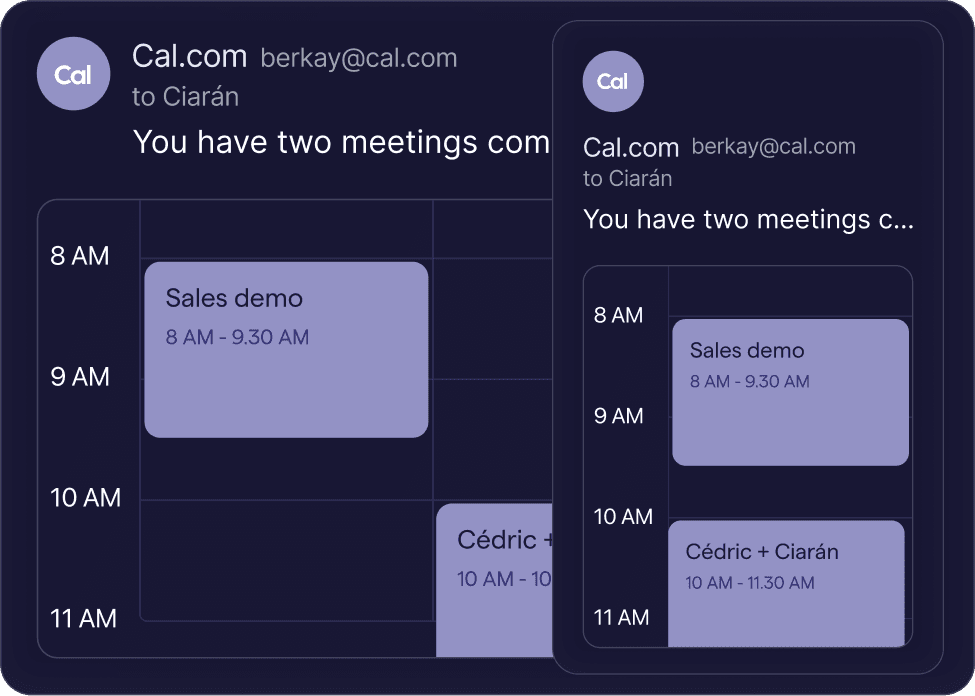
Stay organized across all devices
Access your calendar on mobile, desktop, or browser, and stay synchronized across all platforms for maximum convenience.
2
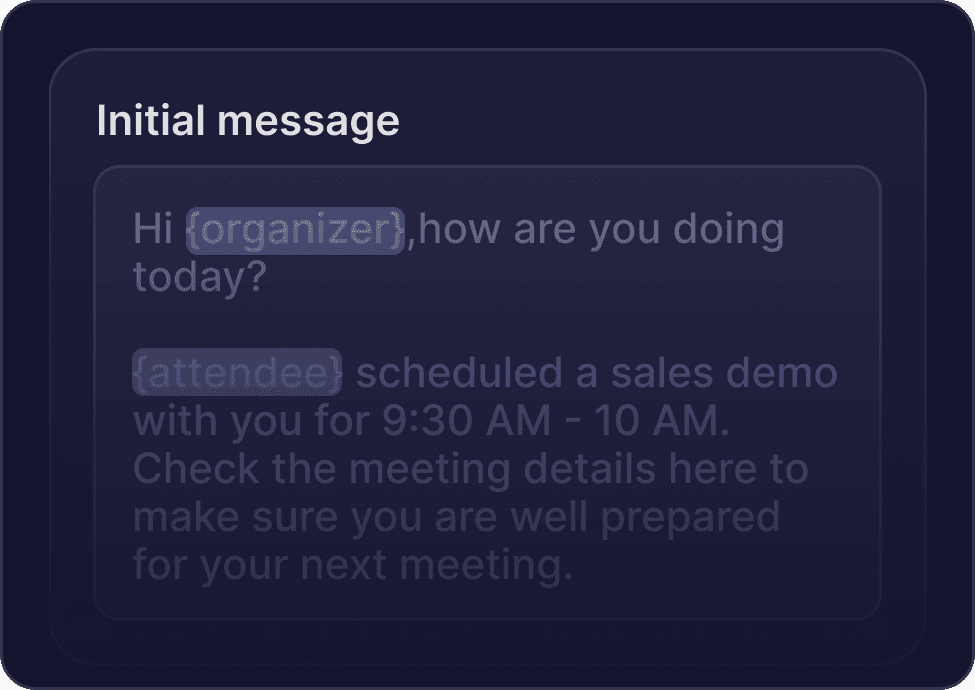
Effortless scheduling & customization
Personalize alerts, time zones, and meeting settings to your needs, making scheduling easier and more efficient.
3
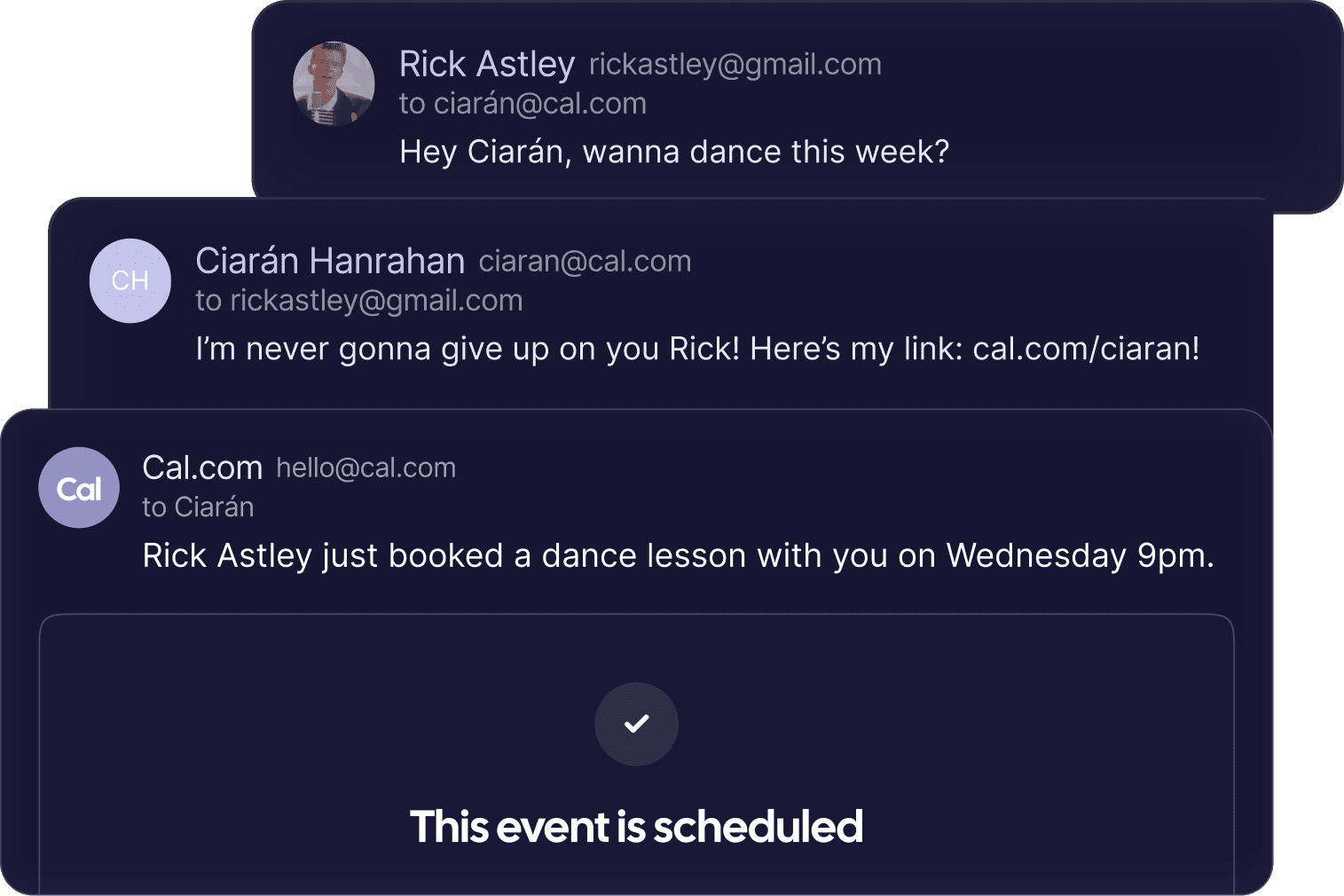
Boost your productivity
Save time and reduce scheduling conflicts with automated scheduling and fast access across all devices.
"/><stop offset="1" stop-color="rgb(227, 224, 244)"/></linearGradient></defs><path d="M 0 96 L 0 0 L 96 0 L 96 96 Z" fill="url(%23GkV9LuY_H-4083151129-linear-gradient)" height="96px" id="GkV9LuY_H" width="96px"/><path d="M 11.68 23.776 C 5.024 23.776 0 18.592 0 12.192 C 0 5.76 4.768 0.544 11.68 0.544 C 15.328 0.544 17.856 1.664 19.872 4.064 L 16.704 6.816 C 15.36 5.408 13.696 4.704 11.68 4.704 C 7.36 4.704 4.64 8.096 4.64 12.192 C 4.64 16.288 7.36 19.616 11.776 19.616 C 13.952 19.616 15.584 18.88 16.896 17.44 L 20.16 20.224 C 18.464 22.272 15.584 23.776 11.68 23.776 Z M 28.314 23.776 C 23.738 23.776 20.09 19.904 20.09 15.104 C 20.09 10.304 23.738 6.368 28.314 6.368 C 31.194 6.368 32.698 7.552 33.594 9.344 L 33.594 6.72 L 37.882 6.72 L 37.882 23.36 L 33.69 23.36 L 33.69 20.64 C 32.794 22.528 31.29 23.776 28.314 23.776 Z M 24.41 15.072 C 24.41 17.6 26.266 19.872 29.018 19.872 C 31.866 19.872 33.69 17.696 33.69 15.104 C 33.69 12.512 31.866 10.272 29.018 10.272 C 26.266 10.272 24.41 12.48 24.41 15.072 Z M 40.449 23.36 L 40.449 0 L 44.769 0 L 44.769 23.36 Z" fill="rgb(0, 0, 0)" height="23.776000030517572px" id="KLemVsRUZ" transform="translate(25.3 35.64)" width="44.768799133300774px"/></svg>)
Available everywhere
Mobile app
Take your schedule on the go with the Cal.com Companion mobile app. Available on both Android and iOS, the app lets you schedule meetings, check availability, and receive real-time updates, all from the palm of your hand.


Browser extension
The Cal.com Companion browser extension brings your scheduling tools directly to Chrome, enhancing your web experience. It lets you schedule and view meetings without ever leaving your browser.






Cal.com
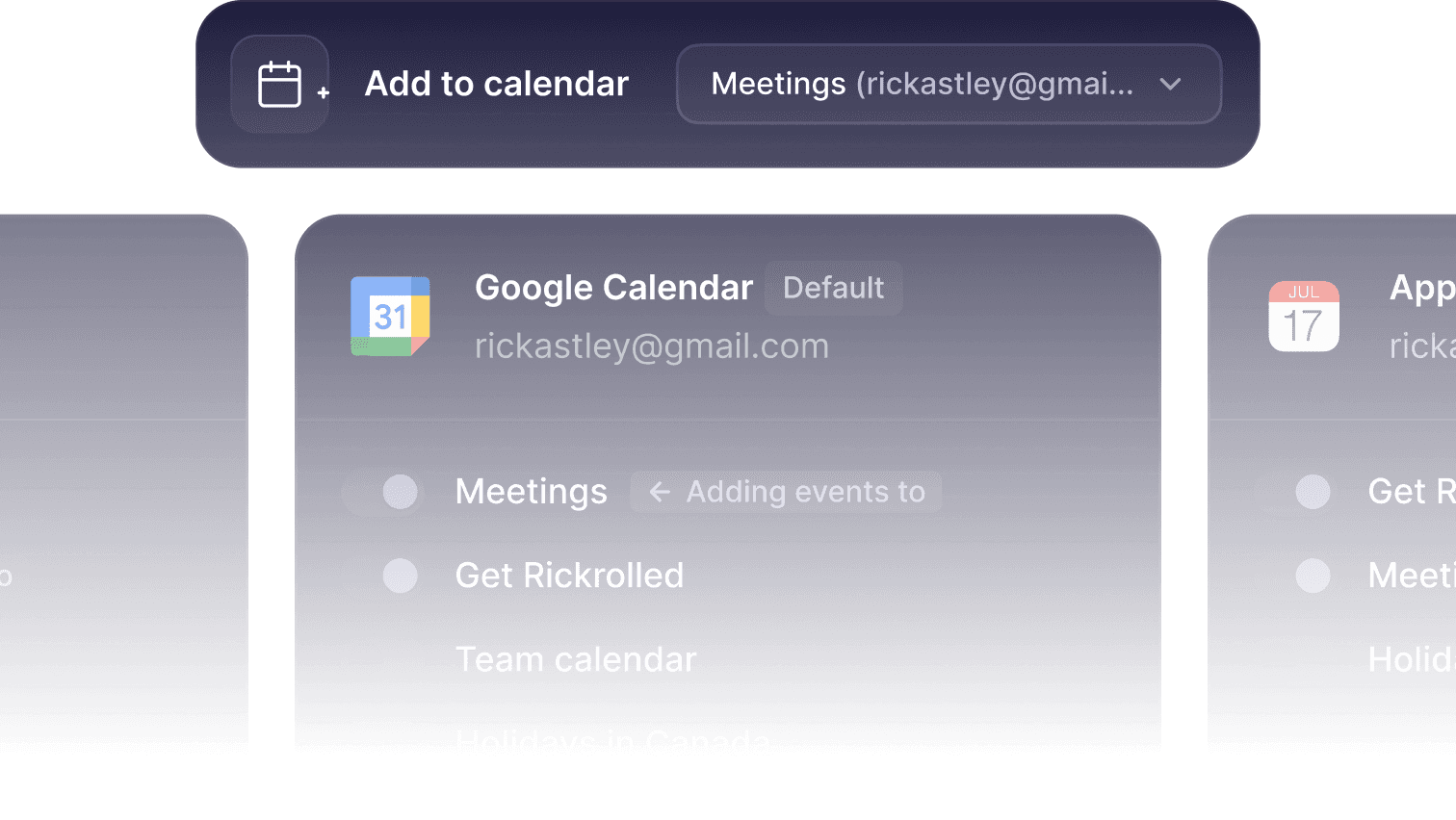
Connect all your calendars
Sync Google Calendar, Outlook, and more with Cal.com to keep your schedule organized and avoid double-booking.
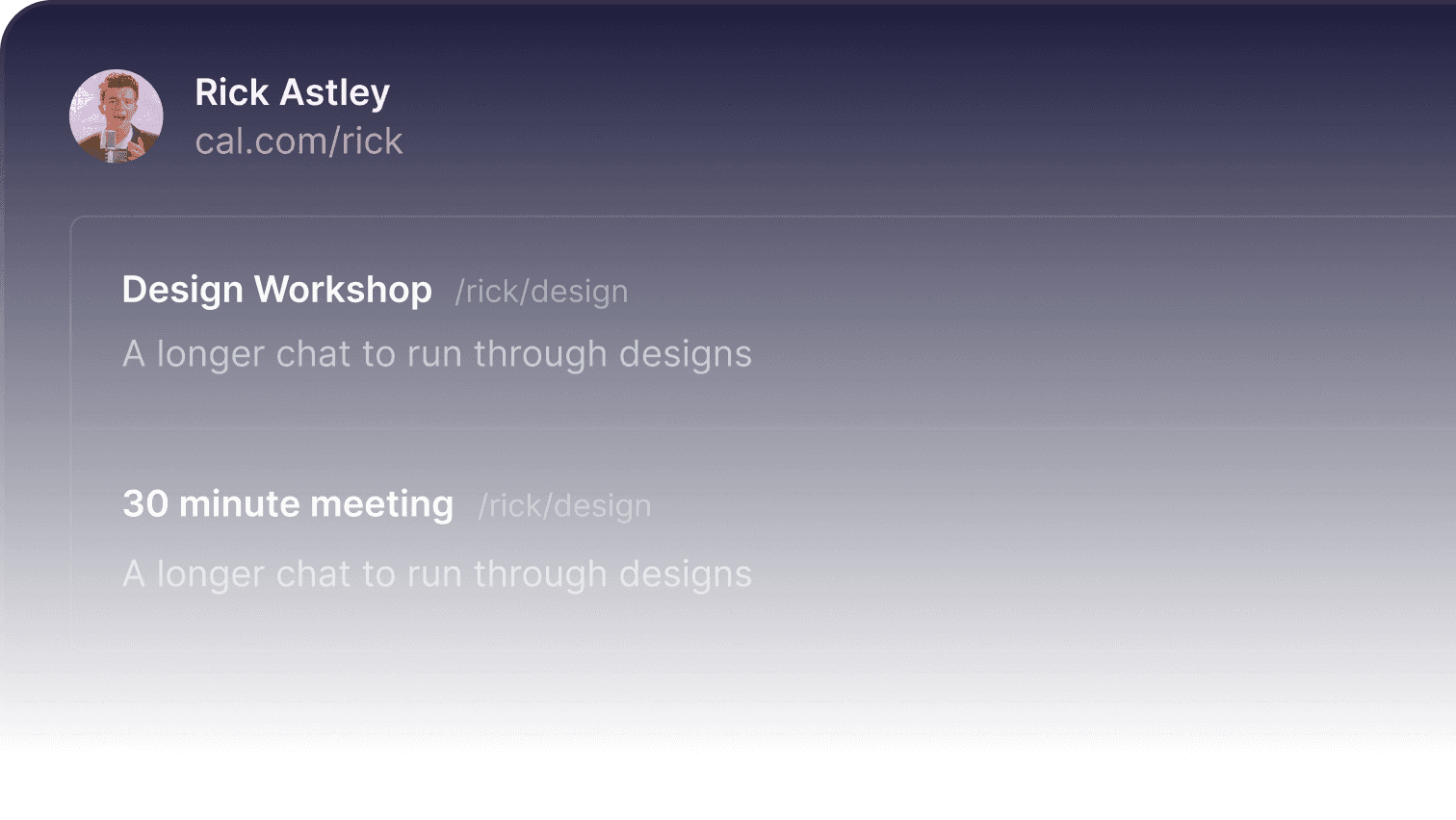
A tailored link ready for every scenario
Generate custom scheduling links for meetings, events, or consultations, and manage all your bookings with ease.
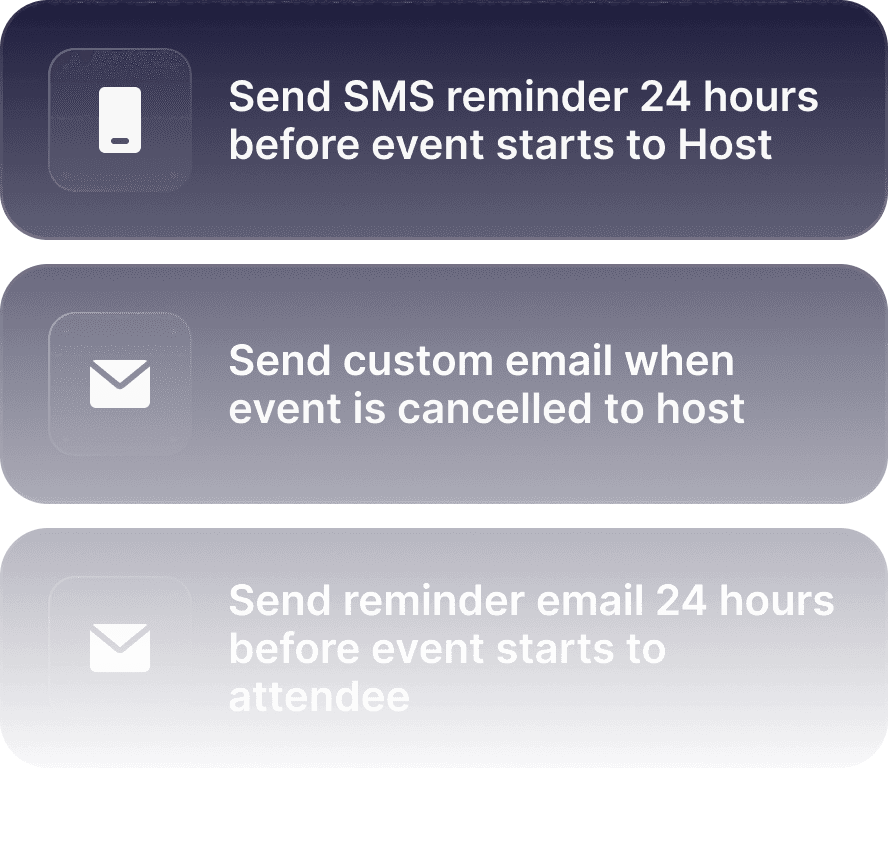
Workflow automation
Automate reminders, follow-ups, and cancellations to save time and streamline your scheduling process.
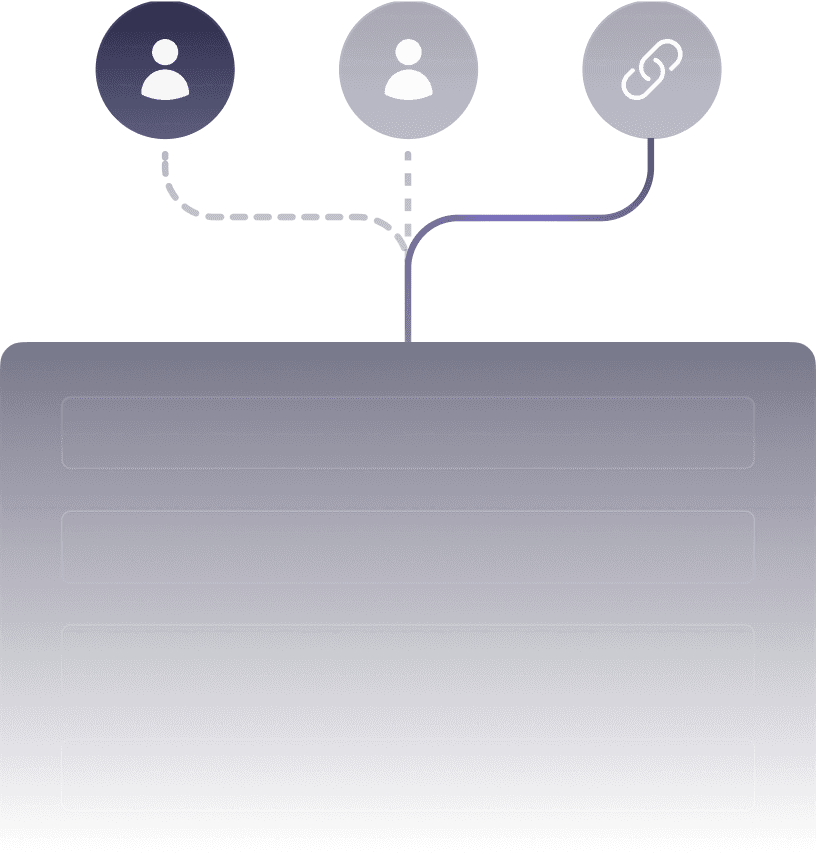
Route bookers to the right person
Automatically direct bookers to the right person based on team availability or event type.
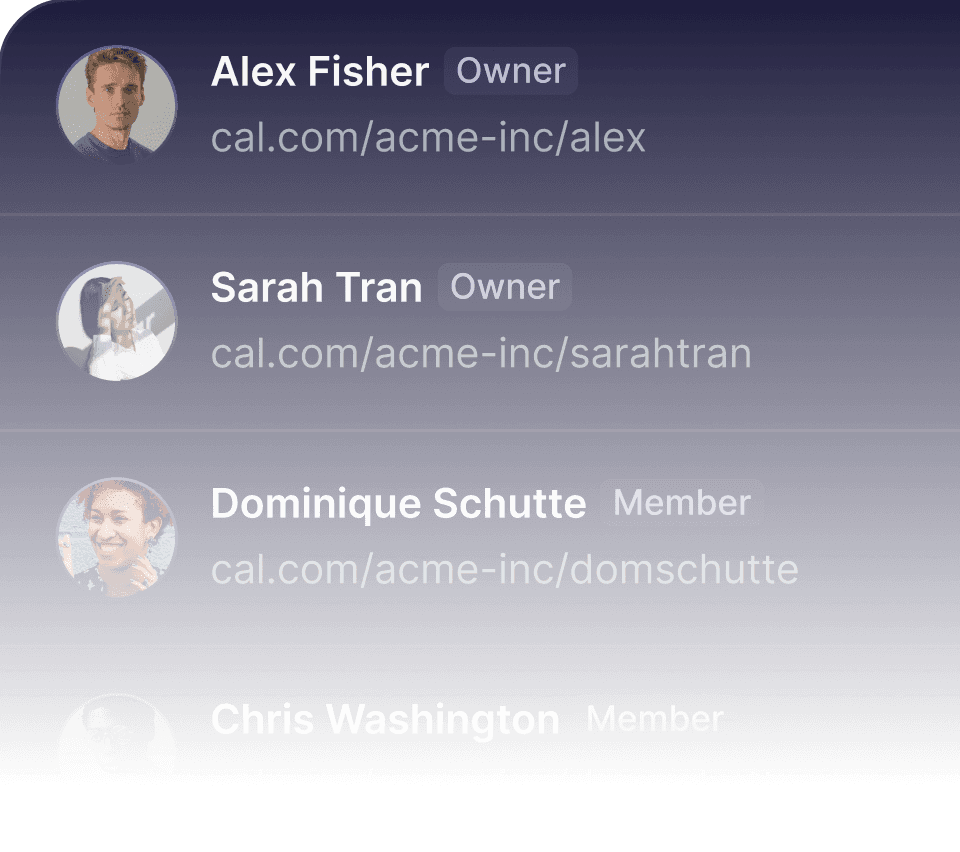
Scheduling for your team
Allow team members to manage availability and automate group scheduling, all in one platform.
"/><stop offset="1" stop-color="rgb(227, 224, 244)"/></linearGradient></defs><path d="M 11 0 C 17.075 0 22 4.925 22 11 C 22 17.075 17.075 22 11 22 C 4.925 22 0 17.075 0 11 C 0 4.925 4.925 0 11 0 Z M 11 15 C 10.448 15 10 15.448 10 16 C 10 16.552 10.448 17 11 17 L 11.01 17 C 11.562 17 12.01 16.552 12.01 16 C 12.01 15.448 11.562 15 11.01 15 Z M 11.596 5.053 C 10.665 4.893 9.708 5.068 8.894 5.547 C 8.079 6.025 7.46 6.777 7.146 7.668 C 6.963 8.189 7.237 8.76 7.758 8.943 C 8.279 9.127 8.85 8.852 9.033 8.331 C 9.19 7.886 9.499 7.51 9.906 7.271 C 10.313 7.031 10.793 6.944 11.258 7.023 C 11.723 7.103 12.146 7.346 12.45 7.707 C 12.754 8.068 12.921 8.526 12.92 8.998 L 12.92 9 C 12.92 9.469 12.555 9.958 11.865 10.418 C 11.551 10.628 11.229 10.789 10.982 10.898 C 10.861 10.953 10.76 10.993 10.692 11.019 C 10.659 11.031 10.634 11.041 10.618 11.046 C 10.611 11.048 10.606 11.05 10.604 11.051 L 10.602 11.052 L 10.602 11.051 C 10.079 11.226 9.797 11.792 9.971 12.315 C 10.145 12.839 10.712 13.123 11.236 12.948 L 11.237 12.948 L 11.239 12.947 C 11.24 12.947 11.242 12.947 11.243 12.946 C 11.246 12.945 11.25 12.944 11.254 12.942 C 11.263 12.939 11.274 12.935 11.288 12.93 C 11.317 12.92 11.356 12.905 11.404 12.887 C 11.501 12.85 11.636 12.796 11.795 12.726 C 12.111 12.585 12.539 12.372 12.975 12.082 C 13.734 11.576 14.78 10.655 14.907 9.28 L 14.92 9 C 14.921 8.056 14.588 7.141 13.98 6.419 C 13.371 5.697 12.527 5.212 11.596 5.053 Z" fill="url(%23RoVPdmSmJ-1884318321-linear-gradient)" height="22px" id="RoVPdmSmJ" width="22px"/></svg>)
FAQ
Does Cal.com Companion cost anything?
No. Cal.com Companion is completely free to use. All apps and extensions are included as part of your existing Cal.com plan at no additional cost.
There are no hidden fees, no separate subscriptions, and no feature limitations for Companion tools. If you already use Cal.com, Companion simply makes it easier to use everywhere.
Is the Cal.com Companion available for browsers other than Chrome?
Yes. The browser extensions are available for Chrome, Safari, Microsoft Edge, and Firefox.
You can join the waitlist for each browser to get early access and updates as soon as they are released.
Will Cal.com Companion continue to get updates and new features?
Absolutely. Cal.com Companion is actively developed as an open source project and continuously improved. New features, performance upgrades, and platform expansions are released on a regular basis.
Because Cal.com is API first and open by design, Companion tools evolve alongside the core scheduling platform, ensuring long term reliability and flexibility.
Do I need a Cal.com account to use Companion?
Yes. Cal.com Companion works as an extension of your Cal.com account. Once you sign in, your availability, bookings, and preferences are automatically synced across all devices.
If you do not have an account yet, you can create one in minutes and start using Companion right away.
Who is Cal.com Companion made for?
Cal.com Companion is built for anyone who relies on scheduling as part of their daily work. It is ideal for individuals, teams, and organizations that want quick, reliable access to their Cal.com schedule across devices.
Whether you are a freelancer managing client calls, a team coordinating meetings, or an organization handling scheduling at scale, Cal.com Companion fits naturally into your workflow and helps you stay efficient wherever you work.