7 meilleurs logiciels de planification de recrutements | Cal.com
La planification des recrutements prend beaucoup de votre temps : vous coordonnez les calendriers, trouvez des créneaux disponibles et gérez les réservations et reprogrammations des candidats. Les logiciels de planification pour le recrutement prennent cette coordination en charge pour vous, afin que vous puissiez consacrer plus de temps à vos autres priorités de recrutement.
Sep 2, 2026
On this page
- TL;DR : les 7 meilleurs outils de logiciel de planification de recrutements
- Qu’est-ce qu’un logiciel de planification de recrutements ?
- Que rechercher dans un logiciel de planification de recrutements
- Les 7 meilleurs outils de logiciel de planification de recrutements
- 1. Cal.com : idéal pour intégrer la planification dans votre workflow de recrutement existant
- 2. GoodTime : idéal pour les équipes enterprise qui doivent automatiser la planification des entretiens
- 3. candidate.fyi : idéal pour une expérience candidat à l’image de votre marque
- 4. Greenhouse : le meilleur pour une planification intégrée à votre système de suivi des candidatures
- 5. VidCruiter : le meilleur pour planifier et héberger des entretiens vidéo
- 6. Calendly : le meilleur pour les recruteurs qui ont besoin de liens de réservation simples
- 7. Paradox : idéal pour le recrutement à grand volume par texte
- Comparatif des logiciels de planification pour le recrutement
- Verdict final
- Questions fréquentes
Cal.com est le meilleur logiciel de planification de recrutements pour les équipes qui réservent des entretiens avec plusieurs intervieweurs. Il peut répartir les entretiens sur votre pool d’intervieweurs, limiter le nombre d’entretiens que chaque personne prend en charge et planifier des panels en fonction de la disponibilité de chacun. Si quelqu’un devient indisponible, vous pouvez aussi réaffecter un entretien réservé à un autre host. L’offre gratuite couvre un utilisateur avec un nombre illimité de event types et de connexions au calendrier, tandis que les offres payantes ajoutent des fonctionnalités de planification d’équipe.
Nous avons comparé Cal.com avec six autres outils pour vous aider à trouver le meilleur logiciel de planification de recrutements pour votre processus de recrutement.
Nous nous sommes concentrés sur trois questions clés :
-
Échanges d’intervieweurs : pouvez-vous remplacer un intervieweur lorsqu’il devient indisponible ?
-
Limites de charge de travail : pouvez-vous contrôler le nombre d’entretiens que chaque intervieweur prend en charge ?
-
Tarifs publiés : pouvez-vous voir le prix sans réserver une démo ?
Le tableau comparatif à la fin montre comment les sept outils se comparent sur ces questions et s’ils proposent une offre gratuite.
TL;DR : les 7 meilleurs outils de logiciel de planification de recrutements
-
Cal.com : idéal pour intégrer la planification dans votre workflow de recrutement existant
-
GoodTime : idéal pour les équipes enterprise qui doivent automatiser la planification des entretiens
-
candidate.fyi : idéal pour une expérience candidat à l’image de votre marque
-
Greenhouse : idéal pour une planification intégrée à votre ATS
-
VidCruiter : idéal pour la planification et l’animation d’entretiens vidéo
-
Calendly : idéal pour les recruteurs qui ont besoin de simples liens de réservation
-
Paradox : idéal pour le recrutement à grand volume par SMS
Qu’est-ce qu’un logiciel de planification de recrutements ?
Un logiciel de planification de recrutements vous aide à coordonner les candidats et les intervieweurs sans échanges d’e-mails sans fin. Il vérifie les calendriers, affiche aux candidats les créneaux disponibles, réserve les entretiens, ajoute des liens vidéo et envoie des rappels.
La planification des entretiens peut aussi impliquer des besoins plus complexes. Les entretiens peuvent faire intervenir plusieurs personnes, qu’elles participent à un panel ou se relaient dans un cycle d’entretien. Vous devez aussi faire remonter les détails de l’entretien à votre ATS pour que personne n’ait à les saisir manuellement.
Les logiciels de planification de recrutements se répartissent généralement en deux types :
-
Plateformes de recrutement dédiées : elles sont conçues spécifiquement pour le recrutement et la planification des entretiens. Elles gèrent les cycles d’entretien et les panels, et s’intègrent étroitement aux ATS.
-
Plateformes de planification flexibles : elles vous donnent des outils comme la synchronisation bidirectionnelle du calendrier, la disponibilité, le routing, la planification round robin et les limites de réservation que vous pouvez adapter à vos besoins de recrutement. Certaines proposent des intégrations natives et des API pour se connecter à votre stack technique.
Si vous gérez de gros volumes d’entretiens ou un processus de recrutement complexe, une plateforme de recrutement dédiée peut vous faire gagner plus de temps. Si vos besoins en planification sont plus simples ou si vous voulez davantage de flexibilité, une plateforme de planification tout-en-un peut être un meilleur choix.
Que rechercher dans un logiciel de planification de recrutements
Le bon logiciel de planification de recrutements doit faciliter la coordination entre candidats et intervieweurs, de la réservation à la reprogrammation.
Quand vous comparez vos options, faites attention à ces cinq points :
-
Synchronisation fiable des calendriers. Recherchez une synchronisation bidirectionnelle avec Google, Outlook et Apple Calendar pour tous vos intervieweurs. L’outil doit vérifier la disponibilité au moment de la réservation pour éviter les conflits.
-
Gestion des panels et des cycles. Recherchez des outils capables de planifier des panels avec plusieurs intervieweurs et de répartir les entretiens individuels entre un pool d’intervieweurs qualifiés. Cela aide à équilibrer la charge de travail.
-
Auto-planification côté candidat. Les candidats devraient pouvoir choisir un créneau disponible sur une page de réservation à l’image de votre marque et recevoir une confirmation instantanée. Cela réduit les allers-retours avec les recruteurs.
-
Reprogrammation facile. Les candidats devraient pouvoir reprogrammer eux-mêmes, tandis que les recruteurs peuvent remplacer un intervieweur indisponible tout en conservant les limites de réservation.
-
Connexions à vos outils existants. Recherchez des liens vidéo intégrés, une API ou des webhooks pour envoyer les réservations à votre ATS, et des embeds si vous souhaitez que les candidats réservent depuis votre page carrières.
Les 7 meilleurs outils de logiciel de planification de recrutements
1. Cal.com : idéal pour intégrer la planification dans votre workflow de recrutement existant
| Offre gratuite ? | Prix de départ | Fonctionnalité phare | Meilleur cas d’usage |
|---|---|---|---|
| Oui, gratuit à vie | $16/user/month | Round-robin, limites de réservation et réaffectation des réunions | Équipes de recrutement qui veulent personnaliser leur processus d’entretien |
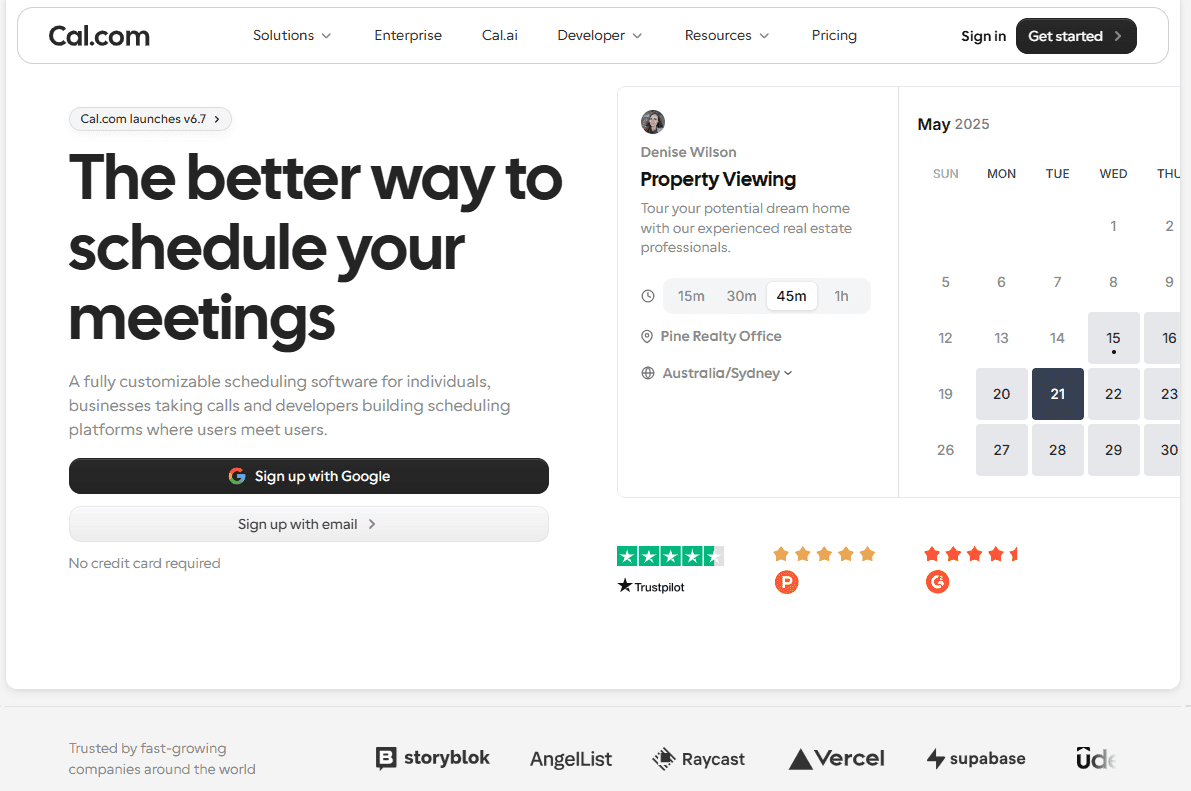
Ce que c’est : Cal.com est une plateforme de planification flexible que vous pouvez connecter aux outils et aux workflows que vous utilisez déjà. Pour le recrutement, cela signifie que vous pouvez mettre en place la planification des entretiens autour de votre processus, au lieu de modifier votre processus pour l’adapter au logiciel.
Pourquoi c’est un bon choix : Cal.com vous aide à gérer les parties de la planification des entretiens qui demandent souvent le plus de travail manuel. Vous pouvez répartir les entretiens entre un pool d’intervieweurs, définir des limites sur le nombre d’entretiens que chaque personne prend en charge, planifier des panels selon la disponibilité de chacun et réaffecter un entretien réservé lorsqu’une personne devient indisponible.
Fonctionnalités clés :
-
Planification round robin répartit les entretiens entre un pool d’intervieweurs selon des pondérations, des priorités ou des règles du type dernier réservé, premier servi.
-
Événements collectifs trouvent un créneau où plusieurs intervieweurs requis sont disponibles.
-
Réaffectation d’entretien vous permet de transférer un entretien réservé à un autre membre de l’équipe si besoin.
-
Limites de réservation et buffers contrôlent le nombre d’entretiens réservables et évitent les réunions dos à dos.
-
Routing forms orientent les candidats vers le bon intervieweur ou la bonne équipe selon les informations qu’ils fournissent.
-
Synchronisation bidirectionnelle du calendrier vérifie vos calendriers Google, Outlook et Apple connectés lors de l’affichage des disponibilités.
-
Auto-planification et reprogrammation côté candidat permet aux candidats de réserver des entretiens depuis une page de planification à l’image de votre marque.
-
Workflows automatise les confirmations, les rappels et les suivis.
-
Cal Video fournit la visioconférence intégrée pour les entretiens à distance.
-
API, webhooks, et embeds connectent la planification à vos outils existants et à votre page carrières.
Tarifs** :** Cal.com propose une offre gratuite à vie pour un utilisateur, avec un nombre illimité de event types et de calendriers. Les offres payantes commencent à $16/user/month et ajoutent des fonctionnalités d’équipe comme la planification round robin, les événements collectifs et les routing forms.
Idéal pour : les équipes de recrutement internes et les cabinets de recrutement qui veulent configurer la planification des entretiens autour de leur processus existant et la connecter au reste de leur stack de recrutement.
Verdict : Cal.com est le meilleur choix pour les équipes qui doivent garder la planification des entretiens bien organisée à mesure que le recrutement se complexifie. Il vous aide à répartir les entretiens dans votre équipe, à coordonner les panels et à transmettre rapidement les réservations lorsqu’un intervieweur est indisponible.
Essayez l’offre gratuite, ou réservez une démo pour voir ce que Cal.com peut faire pour votre équipe.
2. GoodTime : idéal pour les équipes enterprise qui doivent automatiser la planification des entretiens
| Offre gratuite ? | Prix de départ | Fonctionnalité phare | Meilleur cas d’usage |
|---|---|---|---|
| Non, et pas d’essai | Non disponible publiquement | Planification automatisée des entretiens et coordination des intervieweurs | Grandes équipes talents qui gèrent des processus d’entretien complexes |
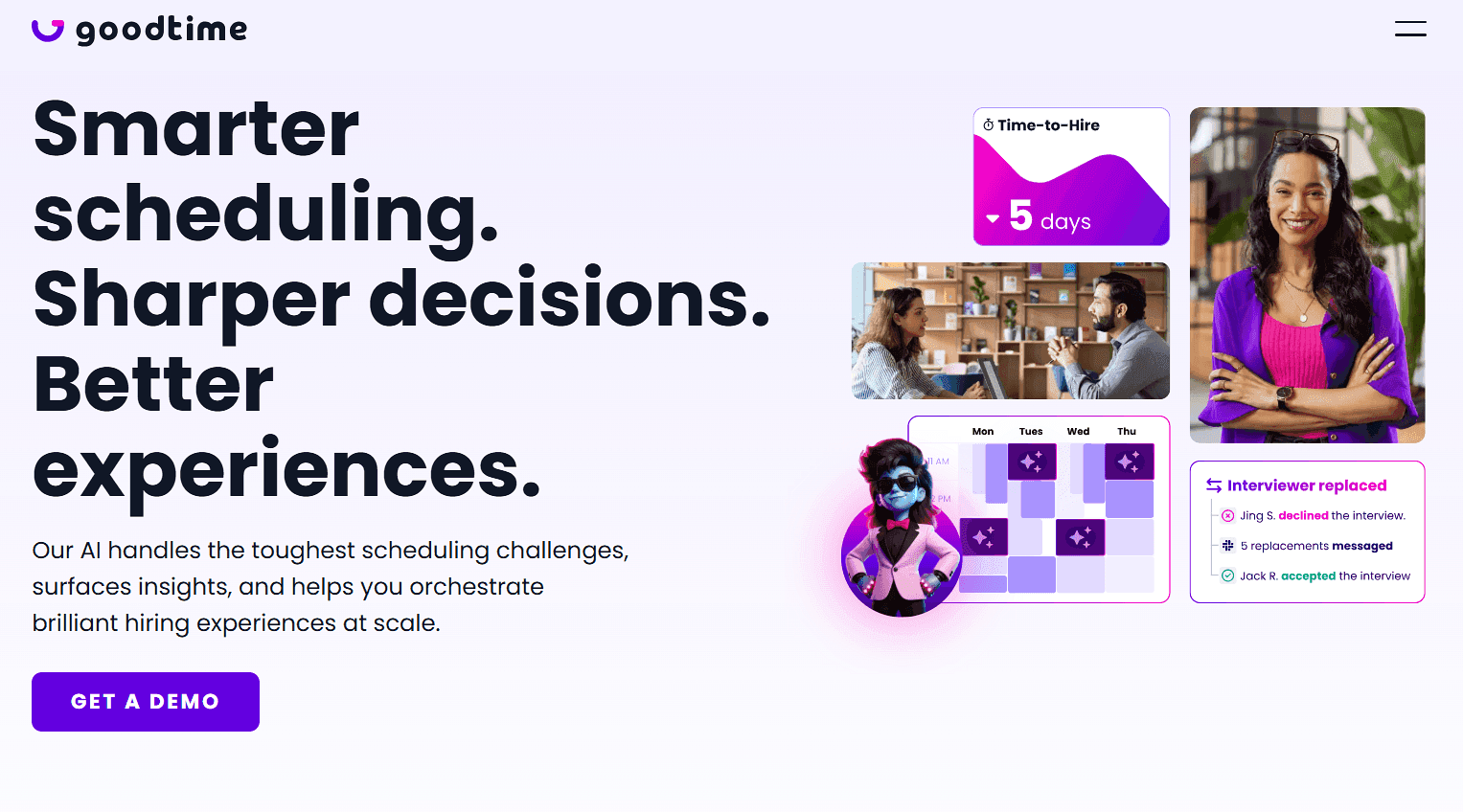
Ce que c’est : GoodTime est une plateforme de logistique d’entretien conçue spécifiquement pour le recrutement. Elle automatise la planification des entretiens, aide les coordinateurs à gérer la disponibilité des intervieweurs et équilibre la charge de travail entre eux. Elle prend aussi en charge la planification automatique lorsqu’un candidat fournit ses disponibilités.
Fonctionnalités clés :
-
Workflows de disponibilité des candidats collectent les disponibilités avant la planification.
-
Planification automatisée associe les disponibilités des candidats aux calendriers des intervieweurs et peut planifier les entretiens automatiquement.
-
Équilibrage de la charge des intervieweurs aide à répartir les entretiens entre les pools d’intervieweurs.
-
Intégrations ATS avec Greenhouse, Lever, Workday, SmartRecruiters, iCIMS et SuccessFactors.
-
Messagerie SMS et WhatsApp atteint les candidats là où ils sont le plus susceptibles de répondre
Tarifs : GoodTime ne publie pas ses tarifs. Sa page de tarification vous renvoie vers une démo, et les avis le décrivent comme un produit coûteux qui devient rentable à fort volume d’entretiens. Prévoyez un cycle de vente avant de pouvoir le comparer à quoi que ce soit.
Avantages :
-
Automatise les tâches de planification complexes pour les équipes de recrutement
-
Inclut des intégrations ATS (applicant tracking system) approfondies
-
Prend en charge l’auto-planification et la reprogrammation côté candidat
Inconvénients :
-
Pas de tarifs publics
-
Courbe d’apprentissage raide
-
Peut être excessif pour les petites équipes
Idéal pour : les grandes équipes talents qui ont besoin d’une coordination automatisée des entretiens et disposent d’un volume de recrutement suffisant pour justifier une plateforme de recrutement dédiée.
Verdict comparatif : GoodTime convient mieux à la coordination complexe des entretiens. Cal.com est plus adapté si vous voulez davantage de contrôle sur la manière dont les entretiens sont planifiés, si vous utilisez la planification entre équipes, et si vous voulez voir les tarifs dès le départ.
3. candidate.fyi : idéal pour une expérience candidat à l’image de votre marque
| Plan gratuit ? | Prix de départ | Fonctionnalité phare | Cas d’usage idéal |
|---|---|---|---|
| Non, et aucun essai | Non disponible publiquement | Portail candidat brandé sans connexion requise | Équipes enterprise axées sur l’expérience candidat |
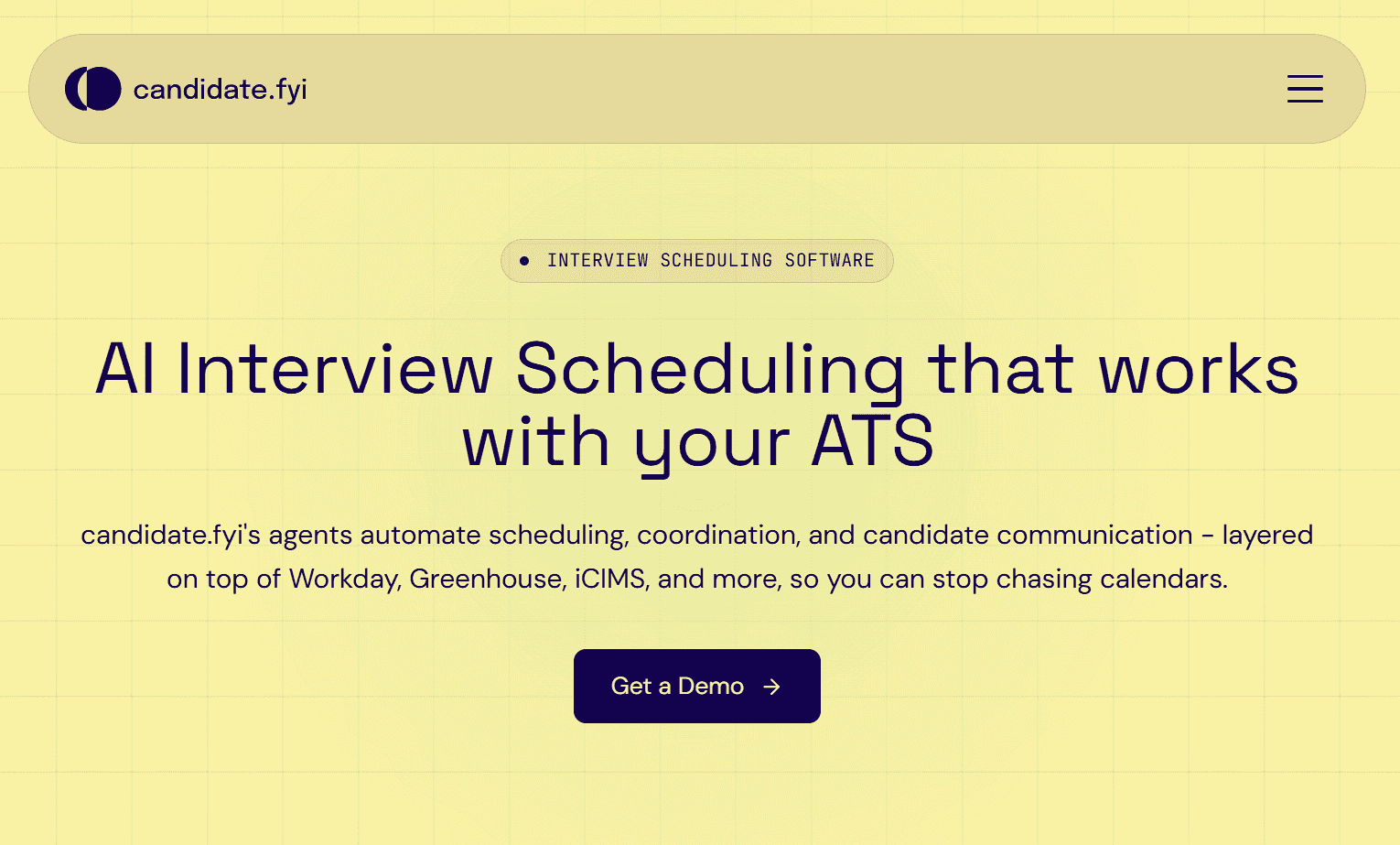
Ce que c’est : candidate.fyi est une plateforme de planification pour le recrutement axée sur l’expérience candidat. Elle offre aux candidats un espace brandé pour gérer leurs entretiens sans se connecter, tandis que son agent de planification gère les réservations et trouve un remplaçant lorsqu’un intervieweur n’est pas disponible. Elle se connecte aussi aux systèmes de suivi des candidatures populaires afin de réduire le travail manuel des recruteurs.
Fonctionnalités clés :
-
Portail candidat brandé offre aux candidats un seul endroit pour consulter et gérer leurs entretiens.
-
Planification sans connexion permet aux candidats d’accéder aux détails de leur entretien sans créer de compte.
-
Remplacement automatique des intervieweurs aide à maintenir le rythme des entretiens lorsqu’une personne n’est pas disponible.
-
Intégrations ATS relient la planification des entretiens à vos outils de recrutement existants.
-
Enquêtes candidats vous aident à recueillir des retours sur l’expérience d’entretien.
Tarification : candidate.fyi ne propose ni plan gratuit ni essai gratuit. Les tarifs ne sont pas publiés, vous devrez donc les contacter pour obtenir un devis.
Avantages :
-
Le portail candidat facilite la gestion des entretiens pour les candidats
-
Le remplacement automatique fait avancer la planification lorsqu’un intervieweur se désiste
-
Les évaluateurs signalent une prise en main rapide et un support réactif
Inconvénients :
-
Tarification non transparente
-
La configuration demande plus de travail qu’un simple outil de planification
-
Conçu pour les grandes équipes de recrutement, donc les plus petites peuvent payer pour des fonctionnalités dont elles n’ont pas besoin
Idéal pour : les équipes de recrutement enterprise qui veulent offrir aux candidats une expérience de planification soignée et brandée.
Verdict comparatif : candidate.fyi est au mieux lorsqu’une grande partie de votre processus de recrutement repose sur l’expérience candidat. Le portail brandé, l’accès sans connexion et la planification automatisée facilitent la gestion des entretiens pour les candidats. De son côté, Cal.com vous offre une expérience de réservation entièrement white-label, une réaffectation en un clic et des tarifs publiés, tout en fonctionnant aussi pour la planification dans le reste de votre entreprise.
4. Greenhouse : le meilleur pour une planification intégrée à votre système de suivi des candidatures
| Plan gratuit ? | Prix de départ | Fonctionnalité phare | Meilleur cas d’usage |
|---|---|---|---|
| Non, et pas d’essai gratuit | Non disponible publiquement | Planification intégrée à la plateforme de recrutement | Teams qui achètent un nouveau système de suivi des candidatures |
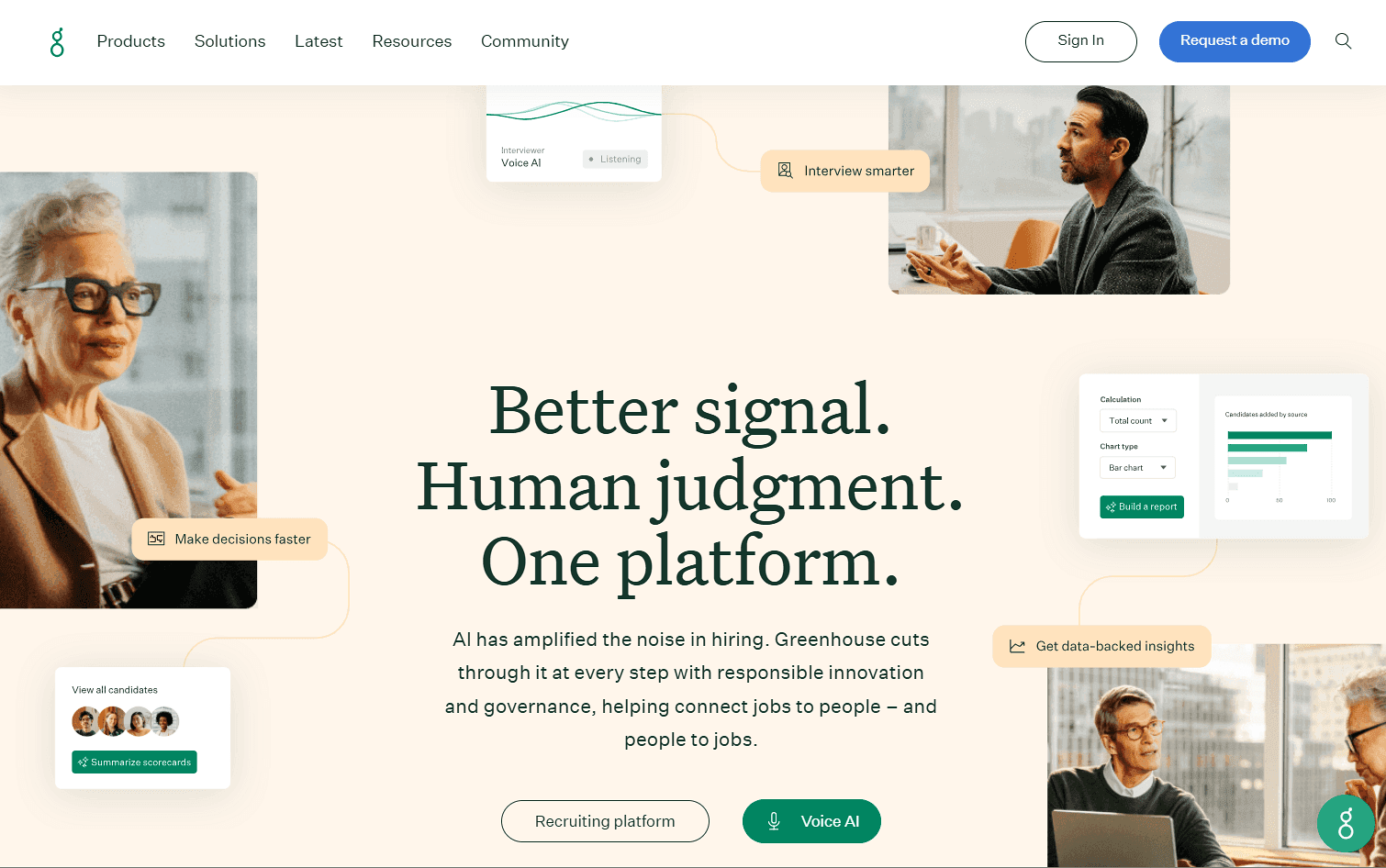
Ce que c’est : Greenhouse est un système de suivi des candidatures avec la planification intégrée au workflow de recrutement. Comme la planification se trouve aux côtés des dossiers candidats, des interview kits, des scorecards et des étapes de recrutement, les recruteurs n’ont pas besoin de maintenir un système de planification distinct ni de synchroniser les détails des entretiens vers l’ATS.
Fonctionnalités clés :
-
Planification native conserve les réservations d’entretiens dans le workflow de recrutement.
-
Auto-planification côté candidat permet aux candidats de choisir des créneaux d’entretien disponibles.
-
Interview kits et scorecards aident les intervieweurs à être prêts et structurent les retours.
-
Intégrations de calendrier relient la planification aux calendriers des intervieweurs.
-
Workflows de recrutement structurés standardisent les entretiens entre les rôles et les équipes.
Tarification : Greenhouse n’a ni plan gratuit ni essai. La planification est incluse dans le plan d’entrée de gamme, mais les tarifs ne sont pas publiés.
Avantages :
-
Fonctionne avec d’autres outils de recrutement
-
Automatise la disponibilité des intervieweurs et la réservation des entretiens
-
Le recrutement structuré maintient la cohérence des questions et des évaluations d’entretien
Inconvénients :
-
Nécessite d’utiliser Greenhouse comme ATS
-
Pas idéal pour des besoins de planification complexes
-
Les tarifs ne sont pas publics, donc le coût de la planification n’est pas clair
Idéal pour : Teams qui choisissent un nouveau système de suivi des candidatures et veulent la planification des entretiens incluse.
Verdict comparatif : Greenhouse convient bien si vous voulez réunir votre ATS et la planification au même endroit. Si vous avez déjà un ATS et que vous voulez ajouter ou personnaliser la planification sans le remplacer, Cal.com vous offre un système de planification séparé qui se connecte via son API et ses webhooks.
5. VidCruiter : le meilleur pour planifier et héberger des entretiens vidéo
| Plan gratuit ? | Prix de départ | Fonctionnalité phare | Meilleur cas d’usage |
|---|---|---|---|
| Non, et pas d’essai gratuit | Non disponible publiquement | Entretiens vidéo en direct et enregistrés avec planification | Teams qui ont besoin d’entretiens vidéo et d’un recrutement structuré |
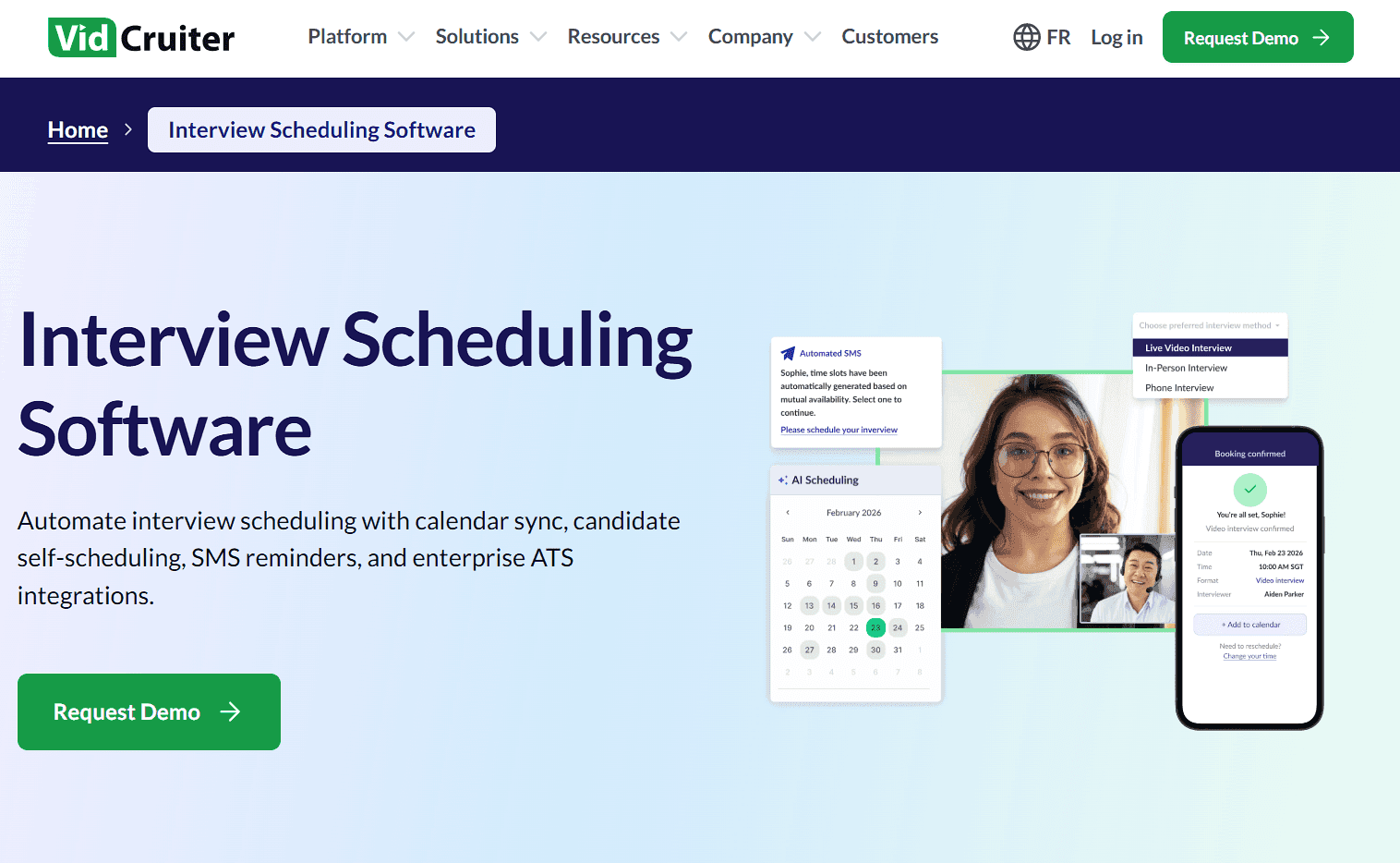
Ce que c’est : VidCruiter combine la planification pour le recrutement avec des entretiens vidéo en direct et enregistrés, des évaluations, des entretiens structurés et d’autres outils de recrutement. Cette combinaison en fait une solution utile lorsque la planification s’inscrit dans un processus d’entretien plus large et structuré plutôt que dans un besoin isolé.
Fonctionnalités clés :
-
Entretiens vidéo en direct et enregistrés réunissent entretien et planification sur une seule plateforme.
-
Planification automatisée prend en charge les processus d’entretien en plusieurs étapes.
-
Entretiens structurés et notation aident à standardiser les évaluations des candidats.
-
Intégrations enterprise relient la plateforme aux systèmes ATS et RH.
-
Évaluations et vérification des références couvrent d’autres étapes du processus de recrutement.
Tarification : VidCruiter ne propose ni plan gratuit ni essai. Les tarifs ne sont pas non plus publiés sur son site web.
Avantages :
-
Combine la planification avec des entretiens vidéo en direct et enregistrés
-
Prend en charge les entretiens structurés et les évaluations
-
Couvre davantage de processus de recrutement dans une seule plateforme
Inconvénients :
-
Long à configurer et à prendre en main
-
Trop complet si vous avez seulement besoin de planification
-
Vous devez contacter le service commercial pour obtenir les tarifs
Idéal pour : Teams qui ont besoin de la planification des entretiens, ainsi que d’entretiens vidéo, d’évaluations et de workflows de recrutement structurés.
Verdict comparatif : VidCruiter convient bien aux équipes qui ont besoin d’entretiens vidéo et d’évaluations structurées. Si votre besoin principal est la planification, Cal.com vous fournit les outils nécessaires sans vous faire payer des fonctionnalités supplémentaires que vous n’utiliserez jamais.
6. Calendly : le meilleur pour les recruteurs qui ont besoin de liens de réservation simples
| Plan gratuit ? | Prix de départ | Fonctionnalité phare | Cas d’usage idéal |
|---|---|---|---|
| Oui, un type d’événement, un calendrier | 12 $/siège/mois | Expérience de réservation familière | Appels de premier tour et entretiens |
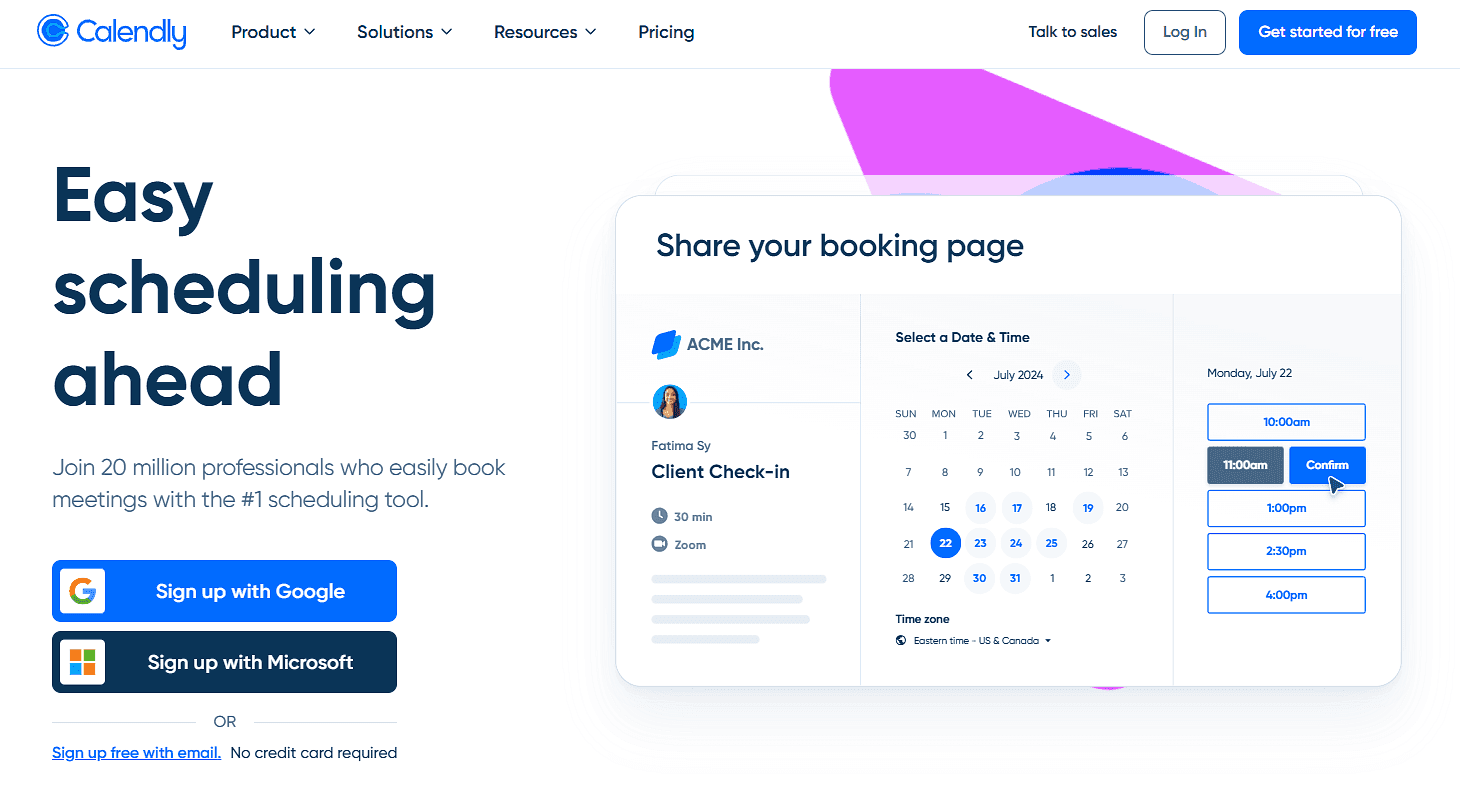
Ce que c’est : Calendly est un outil de planification généraliste qui permet aux recruteurs de partager des pages de réservation où les candidats peuvent choisir un créneau disponible. Il prend aussi en charge les rappels et d’autres fonctionnalités de planification de base. Les équipes peuvent utiliser des réunions multi-personnes et le round robin sur le plan Teams, ce qui rend Calendly utile pour les entretiens impliquant plusieurs intervieweurs.
Fonctionnalités clés :
-
Liens de réservation permettent aux candidats de planifier sans créer de compte.
-
Synchronisation du calendrier vérifie les calendriers connectés pour éviter les conflits.
-
Réunions multi-personnes et round robin prennent en charge la planification d’équipe sur les offres payantes.
-
Rappels automatisés réduisent le suivi manuel.
-
Limites de réunion aident à contrôler la fréquence à laquelle un événement peut être réservé.
Tarification : Calendly propose un plan gratuit avec un type d’événement et un calendrier connecté. Les offres payantes commencent à 12 $/siège/mois et ajoutent des fonctionnalités comme la planification round robin, le routing et la planification d’équipe.
Avantages :
-
Rapide à configurer
-
Les tarifs publiés facilitent la budgétisation
-
Des pages de réservation familières facilitent la réservation pour les candidats
Inconvénients :
-
La planification d’équipe nécessite une offre payante
-
Il n’offre pas les mêmes outils spécifiques aux entretiens que les plateformes de recrutement dédiées
Idéal pour : les recruteurs et les petites équipes de recrutement qui ont besoin de liens de réservation simples pour les premiers appels et entretiens.
Verdict comparatif : Calendly fonctionne bien pour planifier des appels de présélection simples et directs. Quand vous avez besoin de pools d’intervieweurs, de limites de charge de travail ou de processus de recrutement plus flexibles, Cal.com vous donne plus de contrôle sur la planification.
7. Paradox : idéal pour le recrutement à grand volume par texte
| Plan gratuit ? | Prix de départ | Fonctionnalité phare | Meilleur cas d’usage |
|---|---|---|---|
| Non, et pas d’essai gratuit | Non disponible publiquement | Planification conversationnelle par SMS et chat | Teams qui recrutent à grande échelle |
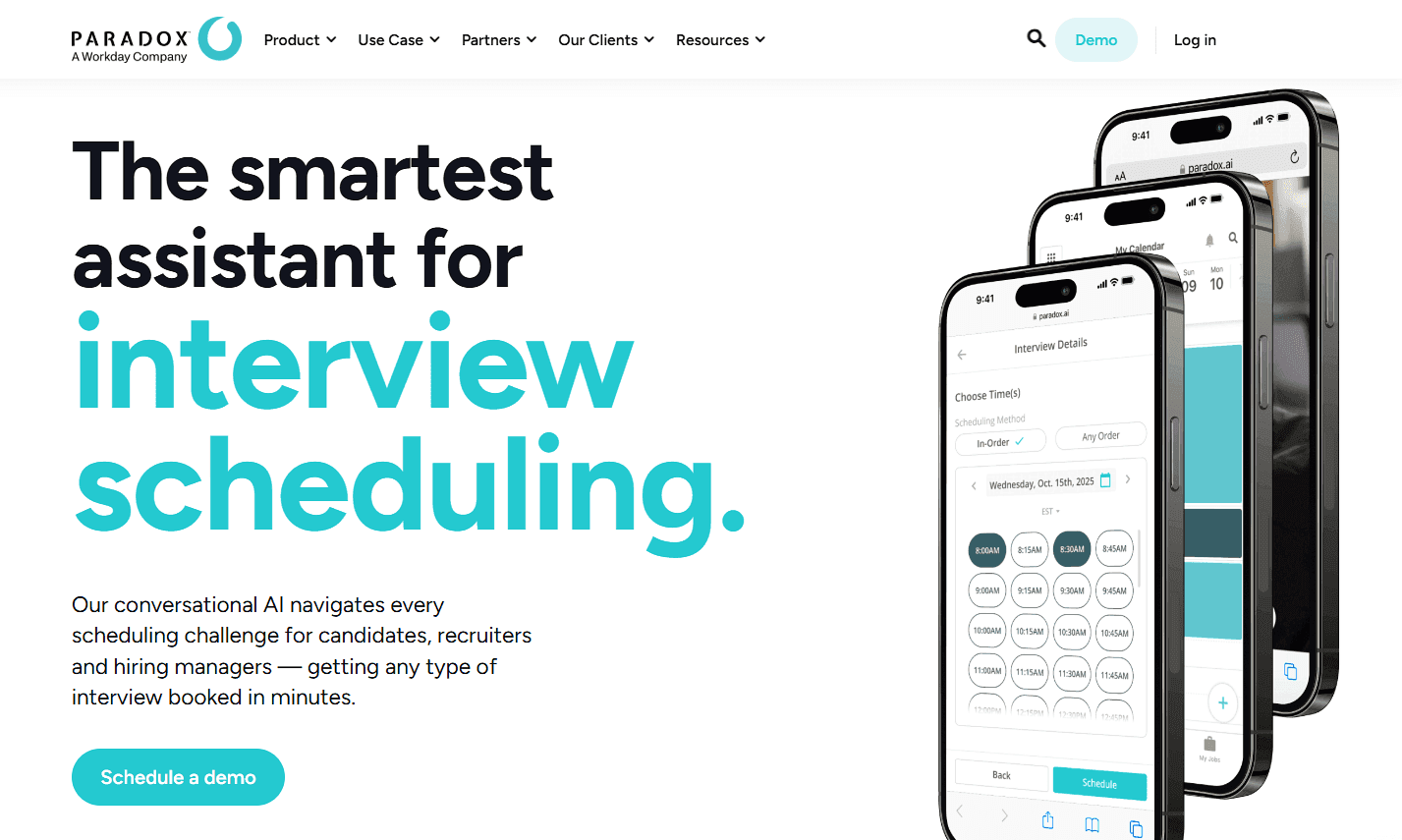
Ce que c’est : Paradox utilise son assistant IA conversationnel, Olivia, pour gérer les tâches de recrutement via le chat et les SMS. Les candidats peuvent répondre aux questions de présélection et planifier des entretiens en discutant avec Olivia, au lieu d’échanges d’e-mails aller-retour. Paradox prend aussi en charge les entretiens avec plusieurs intervieweurs et les entretiens en plusieurs étapes, ce qui aide les recruteurs à coordonner des plannings d’entretien plus complexes.
Fonctionnalités clés :
-
La planification conversationnelle permet aux candidats de choisir des créneaux d’entretien par texte ou chat.
-
Le filtrage automatisé vérifie les critères des candidats avant la planification.
-
La planification d’entretiens multi-personnes et séquentiels prend en charge des processus d’entretien plus complexes.
-
La reprogrammation et les rappels réduisent le suivi manuel des recruteurs.
-
Les intégrations ATS renvoient les informations de planification vers le système de recrutement.
Tarifs : Paradox ne propose ni plan gratuit ni essai gratuit, et ses tarifs ne sont pas publiés sur son site. Vous devrez demander un devis personnalisé.
Avantages :
-
Bien adapté au recrutement à grand volume
-
Automatise le filtrage et la planification dans une seule conversation
-
La prise en charge multilingue aide les équipes à engager des candidats sur différents marchés
Inconvénients :
-
Vous devez contacter le service commercial pour connaître les tarifs
-
Ses nombreuses fonctionnalités peuvent dépasser les besoins des petites équipes
-
Une expérience basée sur le chat ne conviendra pas à tous les processus de recrutement
Idéal pour : les équipes de recrutement Enterprise qui veulent que l’IA automatise la présélection des candidats et la planification des entretiens.
Verdict comparatif : Paradox est mieux adapté au recrutement à grand volume et à l’engagement conversationnel des candidats. Cal.com est plus simple si vous avez surtout besoin de gérer la planification des entretiens, les panels et la capacité des intervieweurs.
Comparatif des logiciels de planification pour le recrutement
Voici comment les sept logiciels de planification pour le recrutement se comparent sur les fonctionnalités clés, les plans gratuits et les tarifs publiés :
| Outil | Plan gratuit | Remplacement des intervieweurs | Limites de charge de travail | Tarifs publiés |
|---|---|---|---|---|
| Cal.com | ✅ Gratuit à vie | ✅ Réattribuer un entretien réservé | ✅ Oui | ✅ Tarifs affichés |
| GoodTime | ❌ Non, et pas d’essai gratuit | ✅ Remplace automatiquement les intervieweurs | ✅ Oui | ❌ Non publiés |
| candidate.fyi | ❌ Non, et pas d’essai gratuit | ✅ Remplace automatiquement les intervieweurs | ❌ Non | ❌ Non publiés |
| Greenhouse | ❌ Non, et pas d’essai gratuit | ✅ Remplace automatiquement les intervieweurs ayant refusé | ❌ Non | ❌ Non publiés |
| VidCruiter | ❌ Non, et pas d’essai gratuit | ❌ Pas de fonctionnalité de remplacement documentée | ❌ Non | ❌ Non publiés |
| Calendly | ✅ Gratuit à vie | ❌ Pas de fonctionnalité de remplacement dédiée | ✅ Oui | ✅ Tarifs affichés |
| Paradox | ❌Non, et pas d’essai gratuit | ❌ Pas de fonctionnalité de remplacement documentée | ❌ Non | ❌ Non publiés |
Verdict final
Le bon logiciel de planification pour le recrutement dépend de vos besoins en recrutement.
GoodTime convient aux grandes équipes qui automatisent des planifications complexes, candidate.fyi se concentre sur l’expérience candidat, Greenhouse garde la planification dans votre ATS, VidCruiter la combine avec des entretiens vidéo, Calendly reste simple, et Paradox est conçu pour le recrutement à grand volume.
Pour les équipes qui planifient des entretiens avec plusieurs intervieweurs, Cal.com est le meilleur choix. Il vous offre la flexibilité nécessaire pour adapter la planification à votre processus de recrutement, sans ajouter une plateforme de recrutement supplémentaire.
Commencez avec le plan gratuit de Cal.com, ou réservez une démo pour voir comment cela pourrait fonctionner pour votre équipe.
Questions fréquentes
-
Quel est le meilleur logiciel de planification pour le recrutement ? Cal.com est le meilleur choix pour les équipes qui veulent créer leur propre processus de planification des entretiens. Il prend en charge les événements collectifs, le round robin pondéré, les limites de réservation, le routage et l’attribution d’intervieweurs.
-
Combien coûte un logiciel de planification pour le recrutement ? Les tarifs publiés vont des plans gratuits à environ 10 $–16 $ par siège et par mois pour des outils comme Cal.com et Calendly. Les plateformes de recrutement comme GoodTime, candidate.fyi, Greenhouse, VidCruiter et Paradox utilisent une tarification personnalisée.
-
Cal.com est-il gratuit, et combien coûtent les formules payantes ? Cal.com propose un plan gratuit pour un utilisateur avec un nombre illimité de types d’événements et de calendriers. Les formules payantes commencent à 16 $/utilisateur/mois et ajoutent des fonctionnalités comme le round robin, les événements collectifs et les formulaires de routage.
-
Quel outil de planification pour le recrutement est le meilleur pour le recrutement horaire à grand volume ? Cela dépend de vos besoins en recrutement. Paradox se concentre sur le recrutement à grand volume avec une présélection et une planification conversationnelles. GoodTime convient à la coordination complexe d’entretiens en entreprise, tandis que Cal.com offre aux équipes davantage de flexibilité sur la façon dont les entretiens sont planifiés.
-
Cal.com fonctionne-t-il avec notre système de suivi des candidatures et nos calendriers ? Oui. Cal.com prend en charge les connexions de calendrier, une API, des webhooks, le routage et des intégrations qui relient la planification aux systèmes déjà utilisés par votre équipe de recrutement.