" height="24px" id="WCm44spAV" width="24px"/><path d="M 3.892 7.742 C 1.674 7.742 0 6.014 0 3.882 C 0 1.738 1.589 0 3.892 0 C 5.107 0 5.951 0.374 6.623 1.173 L 5.566 2.09 C 5.118 1.621 4.564 1.386 3.892 1.386 C 2.452 1.386 1.547 2.517 1.547 3.882 C 1.547 5.246 2.452 6.356 3.924 6.356 C 4.649 6.356 5.193 6.111 5.63 5.63 L 6.718 6.558 C 6.153 7.24 5.193 7.742 3.892 7.742 Z" fill="rgb(255, 255, 255)" height="7.741500000000002px" id="XEPpGD7l5" transform="translate(4 8.25)" width="6.717999999999989px"/><path d="M 2.74 7.922 C 1.215 7.922 0 6.632 0 5.032 C 0 3.433 1.215 2.122 2.74 2.122 C 3.7 2.122 4.201 2.516 4.5 3.113 L 4.5 2.239 L 5.928 2.239 L 5.928 7.784 L 4.531 7.784 L 4.531 6.877 C 4.233 7.507 3.731 7.922 2.74 7.922 Z M 1.439 5.023 C 1.439 5.865 2.057 6.622 2.975 6.622 C 3.924 6.622 4.531 5.897 4.531 5.033 C 4.531 4.169 3.924 3.423 2.975 3.423 C 2.057 3.423 1.439 4.159 1.439 5.022 Z M 6.784 7.784 L 6.784 0 L 8.224 0 L 8.224 7.784 L 6.784 7.784 Z" fill="rgb(255, 255, 255)" height="7.9224997406005855px" id="lGDJupIUR" transform="translate(10.5 8)" width="8.223500194549558px"/></g></svg>)
" width="18px"><path d="M 2 8 C 0.895 8 0 7.105 0 6 L 0 2 C 0 0.895 0.895 0 2 0 L 6 0 C 7.105 0 8 0.895 8 2 L 8 6 C 8 7.105 7.105 8 6 8 Z" fill="transparent" height="8px" id="ZrCrI93dV" stroke-dasharray="" stroke-linecap="round" stroke-linejoin="round" stroke-width="2" stroke="rgb(0, 0, 0)" width="8px"/><path d="M 0 0 L 0 4 C 0 5.105 0.895 6 2 6 L 6 6" fill="transparent" height="6px" id="emltWYAiE" stroke-dasharray="" stroke-linecap="round" stroke-linejoin="round" stroke-width="2" stroke="rgb(0, 0, 0)" transform="translate(4 8)" width="6px"/><path d="M 2 8 C 0.895 8 0 7.105 0 6 L 0 2 C 0 0.895 0.895 0 2 0 L 6 0 C 7.105 0 8 0.895 8 2 L 8 6 C 8 7.105 7.105 8 6 8 Z" fill="transparent" height="8px" id="WpBecYDfi" stroke-dasharray="" stroke-linecap="round" stroke-linejoin="round" stroke-width="2" stroke="rgb(0, 0, 0)" transform="translate(10 10)" width="8px"/></g></svg>)

7 Best Nylas Alternatives for Scheduling Infrastructure
Nylas gives developers one API for email, calendars, and contacts. That unified approach works well when your product needs all three, but it can become expensive and unnecessarily complex when scheduling is your primary requirement.

If your product mainly needs calendar connections, availability checks, conflict-free booking, and reminders, a dedicated scheduling platform may be a better fit. After reviewing the options, Cal.com leads the list with its in-depth scheduling toolkit. Its Atoms React components, API v2, and OAuth-managed users cover more of the booking workflow than competing options, saving teams months of development work.
In this guide, we compare seven Nylas alternatives, covering their scheduling capabilities, pricing models, API flexibility, and infrastructure requirements to help you find the right fit for your product.
Why Developers Look for a Nylas Alternative
These three factors push teams toward a Nylas alternative, and each tends to emerge early in the evaluation.
Pricing that scales with you: Per-connected-account pricing can become expensive as usage grows. Nylas charges a base fee plus a rate for every connected mailbox or calendar beyond the included allowance. Current documentation also shows billing based on the peak account count during the month. A product growing from 50 users to 5,000 carries those costs at every stage.
Migrations that leave a mark: Nylas retired its v2 API and moved customers to v3, requiring teams to rebuild webhooks, re-authenticate Microsoft accounts, and manage the risk of lost synced objects during the transition. Nylas now documents v3 exclusively, with v2 archived and unsupported. Teams with one major migration behind them may prefer a provider with stronger backward-compatibility guarantees.
More infrastructure than you need: Many teams need only booking, availability, conflict checks, and reminders. An email and contacts sync API can add capabilities a product never uses. For teams evaluating a Nylas scheduler alternative, paying per connected account for unused functionality can add unnecessary infrastructure costs.
What to Look for in Scheduling Infrastructure
These eight criteria can help you separate a good fit from a poor one when choosing scheduling infrastructure.
Per-connected-account cost: Understand how the bill scales before you commit, since account-based pricing can become expensive as your product grows.
API stability: A provider's migration history often reveals more than its roadmap, so ask how the last major version change affected existing customers before you commit to a platform.
Scope fit: Decide early if you need scheduling alone or a full email, calendar, and contacts stack. Extra capabilities can raise costs without adding value.
Self-hosting and data residency: Regulated industries such as healthcare and fintech often need calendar data on infrastructure they control. Closed, cloud-only SaaS cannot support every such requirement, which gives an open-source scheduling API a clear appeal for buyers who need greater control, even after Cal.com's shift to a closed-source model.
White-label and embeddable UI: Pre-built booking components with customization options can save months of development compared with building a scheduler from scratch. A strong Nylas scheduler alternative should give developers enough control to match the product experience.
Calendar-provider coverage: Google, Microsoft 365, Apple, and CalDAV support form the baseline for many products. Missing one can rule out a provider for a significant part of your user base.
Docs quality and time to first booking: See how quickly a developer can authenticate, connect a calendar, and create a booking. A short path to the first successful booking usually points to a smoother integration.
Pricing transparency: Clear flat or usage-based pricing makes cost planning easier. An unclear contact sales page makes it harder to compare Nylas alternatives and forecast your infrastructure spend.
The 7 Best Nylas Alternatives At a Glance
The best Nylas alternative depends on how much scheduling functionality you need, how much control you want over your infrastructure, and how your costs scale with usage.
The comparison below covers the main options, from full scheduling platforms to open frameworks and direct calendar APIs.
Tool | Open source? | Self-host? | Pricing model | Calendar providers | White-label UI? | Best for |
Cal.com | No. Closed source, previously AGPL through April 2026 | No. Cloud only, US/EU residency | Subscription plus usage, Free; Teams $12/user/mo; Organization $28/user/mo [billed annually] | Google, Microsoft 365, Apple, CalDAV | Atoms (React) | Embedded, white-label scheduling with the deepest feature set |
Cronofy | No. Closed-source, managed software service | No. Fully managed, cloud-hosted calendar and scheduling API service | Tiered by synced calendar volume, quote-based | Google, Microsoft 365, Apple, iCloud | Embeddable scheduler | Managed scheduling with a stable, long-lived API |
Aurinko | No. Proprietary, closed-source Unified Mailbox API with some open-source code and SDK samples | No. Does not support open-source self-hosting | Per connected account; contact sales | Google, Microsoft 365 | Partial | Budget unified email and calendar for CRM/ATS tools |
Unipile | No. Commercial, proprietary unified API product | No. Does not offer self-hosting and is only available as a fully managed cloud SaaS | Per connected account, from about $5/account/month | Google, Microsoft 365 | Partial | Multi-channel messaging across LinkedIn and WhatsApp, plus calendar |
EmailEngine | Source-available, commercial | Yes. Self-hosted email gateway | Flat, $1,450/year | Email only, no calendar | No | Self-hosted email sync without a scheduling engine |
Nango | Yes. Open source, Elastic License | Yes. Offers free self-hosting with Docker Compose and enterprise self-hosting with Helm on AWS, GCP, or Azure | Free self-host, paid managed cloud | Via integrations you configure | No | Teams building their own sync logic on an open framework |
Google Calendar API + Microsoft Graph | Proprietary platform APIs | N/A | Free within usage quotas | Google, Microsoft only | No | Single-provider DIY builds where a full engine adds unnecessary scope |
Nylas, for reference, runs closed-source with no self-hosting option, a base fee plus per-connected-account overage, and full email, calendar, and contacts sync across Google, Microsoft 365, Apple, and IMAP.
For teams focused specifically on scheduling, a Nylas scheduler alternative can offer a narrower stack and a closer product fit. Teams seeking an open-source scheduling API can look toward open frameworks, while developers who need broader communication infrastructure can consider other Nylas alternatives.
1. Cal.com: Best Open-source-rooted, Embeddable Scheduling
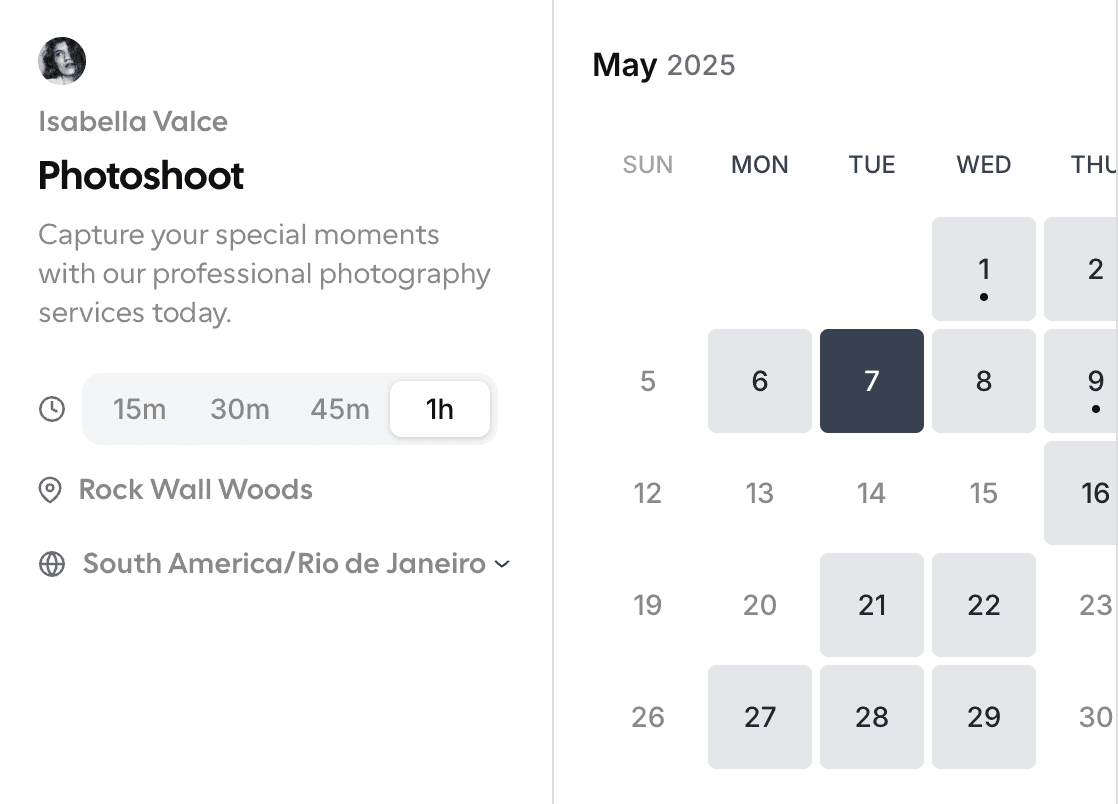
Cal.com gives you the scheduling engine as a set of building blocks you can assemble into a finished product. Customizable React components such as a booker, availability grid, and calendar settings drop directly into your app and inherit its styling, giving users a native experience. The Cal.com developer docs cover the components and APIs you need to build around the scheduling engine.
API v2 exposes event types, bookings, availability, and slots through REST endpoints. OAuth-managed users also let you provision end-user accounts under your own OAuth client, which removes the need to manage individual logins manually. Calendar sync supports Google, Microsoft 365, Apple, and CalDAV, while webhooks notify your backend when users create, reschedule, or cancel bookings. Your backend can then stay in sync without polling. Plume, a healthcare scheduling platform, used these building blocks to move off its Healow EMR by June 2026, cutting scheduling costs from over $60K a year to roughly $25K while keeping white-label branding at around 5,000 bookings a month
Cal.com operated as an open-source, AGPL-licensed project for five years before the company moved to closed source in April 2026, citing AI-driven vulnerability scanning of public codebases as the trigger. Cal.diy, an MIT-licensed community fork, keeps the core scheduling engine, app store, and API v2 open for self-hosters, and a single-tenant team can still self-host its own booking pages, event types, and calendar sync end-to-end on it. When a product needs to serve multiple organizations or tenants under one deployment, though, Cal.com provides that capability, along with the Organizations, Routing Forms, Workflows, and SSO that Cal.diy leaves out.
Cal.com gives developers far deeper component-level control over the booking UI than Cronofy offers, shaping every part of the scheduling experience down to individual components. Cronofy counters with a longer API track record, but that history buys stability, not the flexibility Cal.com's Atoms give your product team. Cal.com builds specifically for scheduling, availability, booking, and calendar sync, and that focus is exactly why it handles this workflow more completely than anything else on this list. Pair it with a dedicated email API like EmailEngine, and you cover the same ground as Nylas, Aurinko, or Unipile, without carrying their per-account overhead for areas your product never touches.
Best for: Teams that want to embed white-label booking and keep control of their stack/data.
Free: $0/month. 1 user, unlimited event types and calendars, 100+ app integrations, full API access, email and SMS notifications, mobile app, and two-way Salesforce and HubSpot sync.
Teams: $12/user/month, billed annually, or $16/user/month, month-to-month. Round-robin scheduling, managed and collective event types, and custom APIs.
Organizations: $28/user/month, billed annually, or $37/user/month, month-to-month. Attribute-based routing, instant meetings, SAML SSO and SCIM, SOC 2 and HIPAA compliance, and additional Platform APIs.
Enterprise: Custom pricing. Dedicated onboarding, SLA guarantees, and a dedicated database for Platform deployments at scale. Platform-specific API usage may carry additional overage pricing on top of these seat-based tiers.
2. Cronofy: Best for Pure Scheduling With a Stable API
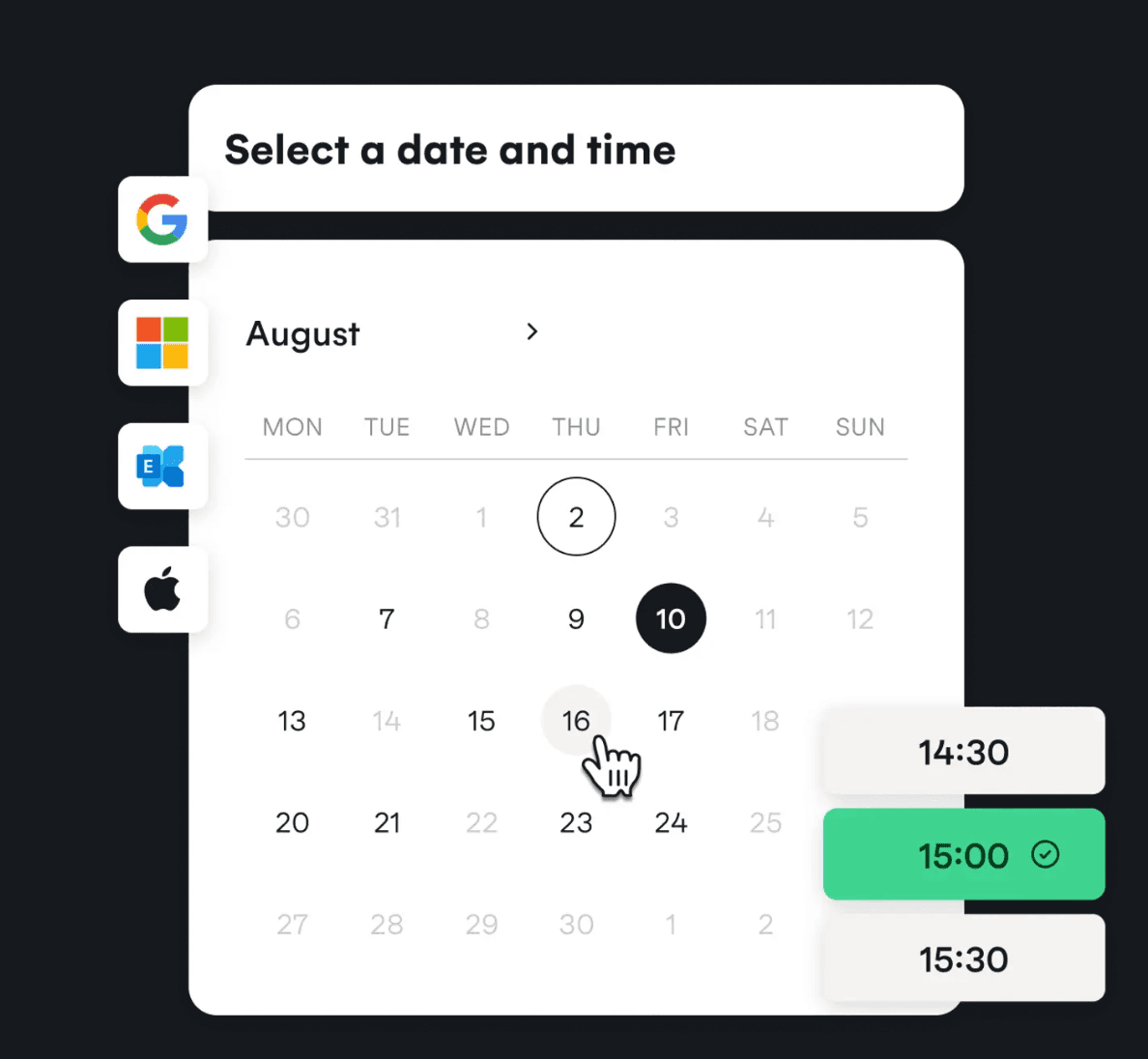
Cronofy packages scheduling into composable pieces, including availability queries, working-hours management, and UI elements. Developers can add a booking layer to their products without running a calendar server. Its White-Label API offers three plans, Emerging, Growth, and Strategic, with pricing based on synced calendar account volume instead of seat count.
The tool has maintained the same API contract since its early years and uses that stability as a key differentiator for developers planning long-lived integrations. The platform supports Google, Microsoft 365, Apple, and iCloud. Cronofy holds a 4.7 out of 5 rating across 51 reviews on G2, with reviewers repeatedly citing that same API stability.
Compared with Cal.com, Cronofy gives developers less component-level control over the booking UI but offers a longer API track record. For teams evaluating a Nylas scheduler alternative, Cronofy makes a strong case for API stability and calendar coverage.
Best for: Teams that want managed scheduling and prize API stability, but don't need self-hosting.
Pricing:
Cronofy offers separate pricing for Scheduler and API products, with plans designed around different scheduling needs.
Scheduler pricing
Team: $15/seat/month, month-to-month. Includes dynamic seat billing, unlimited calendar connections and event bookings, multi-user scheduling, browser and Outlook extensions, and integrations with tools such as Lever, Zoom, Zendesk, HubSpot, and Okta.
Business: $799/month, billed annually. Includes all Team features, Scheduler API access, custom domains and branding, business integrations with Greenhouse and SmartRecruiters, personalized onboarding, and up to 50 assigned seats. Additional seats cost $15/month.
Enterprise: $2,999/month, billed annually. Includes all Business features, custom reporting, enterprise integrations such as SuccessFactors, a dedicated account manager, and up to 200 assigned seats. Additional seats cost $12/month.
API pricing
Emerging: $819/month, billed annually. Includes unlimited API calls, two-way calendar sync, the Availability API, conferencing, six data center options, a 99.99% uptime guarantee, up to 1,000 synced accounts, 2,000 Smart Invites, 1,000 application calendars, and 200 assigned Embedded Scheduler seats.
Growth: $2,399/month, billed annually. Includes all Emerging features plus Enterprise Connect, meeting rooms, up to 6,000 synced accounts, 10,000 Smart Invites, 6,000 application calendars, and 1,200 assigned Embedded Scheduler seats.
Strategic: Custom pricing. Includes all Growth features, priority support, and integration consultancy for large-scale scheduling projects.
3. Aurinko: Best Budget Unified Email and Calendar
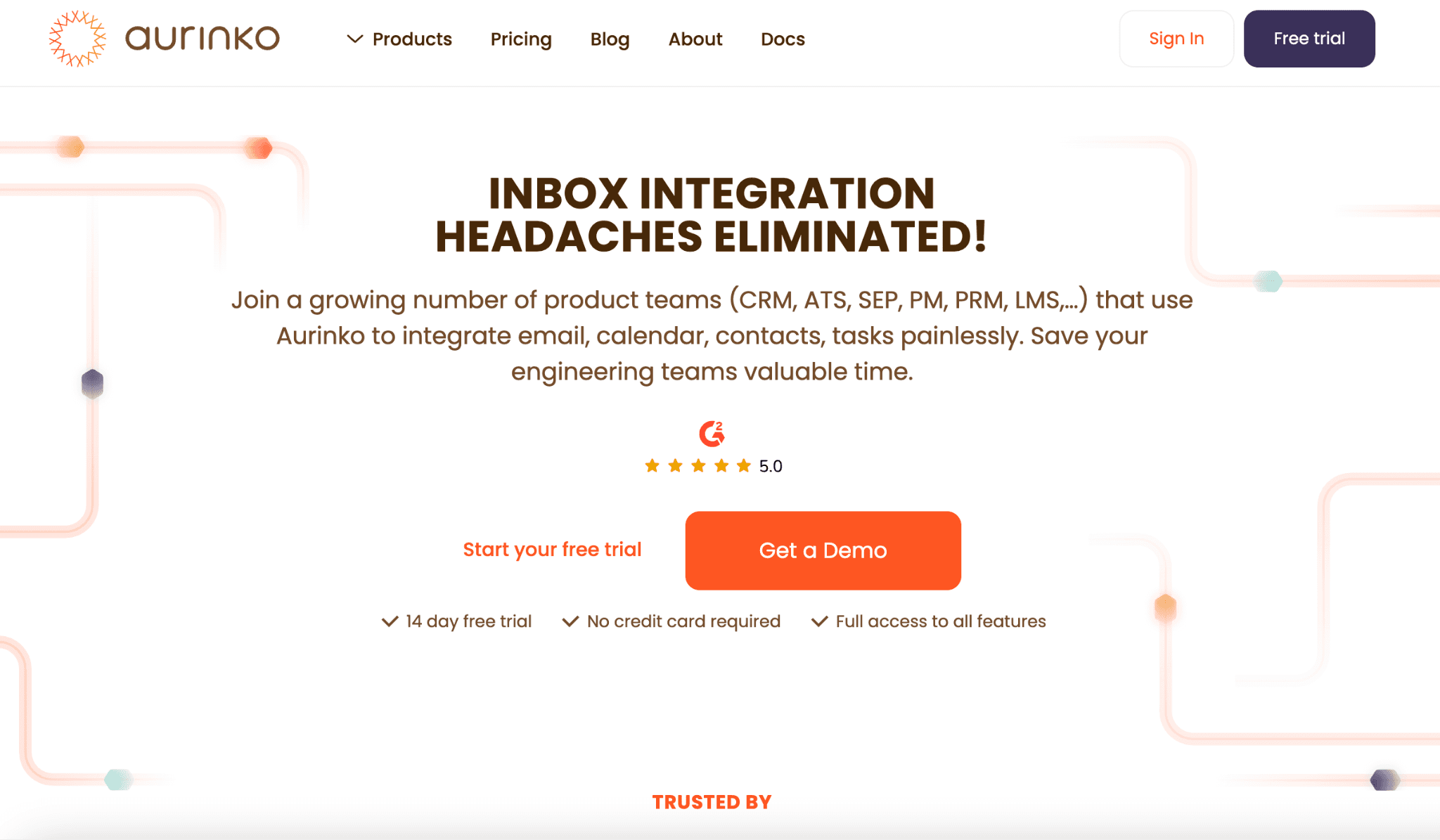
Aurinko positions itself as an affordable unified mailbox API for CRM and ATS platforms that need calendar, email, and contacts through one integration layer. Its Email, Calendar, Contacts, and Tasks APIs share a single OAuth flow, while the Calendar API adds dedicated Booking and Group Booking APIs. Aurinko supports Google and Microsoft 365, and its Bubble.io and no-code plugin support gives developers options that Cronofy and Cal.com lack.
It runs as a cloud-only, closed-source platform and uses a per-connected-account pricing model similar to Nylas, with a lower entry point for CRM and ATS products. For teams comparing Nylas alternatives, Aurinko makes a strong case when a product needs calendar, email, and contacts under one API. It also works as a Nylas scheduler alternative for products that need broader mailbox capabilities alongside scheduling.
Best for: CRM/ATS products needing calendar + email + contacts on a budget.
Pricing:
Aurinko uses pay-as-you-go pricing for its unified APIs, with costs based on account usage and data transfers.
Unified API: Starting at $1/account/month. Email, Calendar, Contacts, and Tasks APIs with pricing based on data transfers. Accounts with less than 1 GB of transfers cost $1 each per month, accounts with less than 5 GB cost $1.50, and accounts with unlimited data transfers cost $2.
BrightSync: Starting at $2/user/month. Adds CRM sync logic deployed on Aurinko servers. Calendar, Contacts, and Tasks sync costs $2/user/month; email-only sync costs $3/user/month; and multiple active sync types cost $4/user/month.
Custom: Custom pricing based on volume and use case. Options include Outlook and Gmail add-ons with Backend API access, a virtualized unified CRM API for platforms such as Salesforce, SugarCRM, HubSpot, NetSuite, and Pipedrive, plus help with Zoom, Webex, Microsoft Teams, and other custom integrations.
4. Unipile: Best for Multi-Channel Messaging Plus Calendar
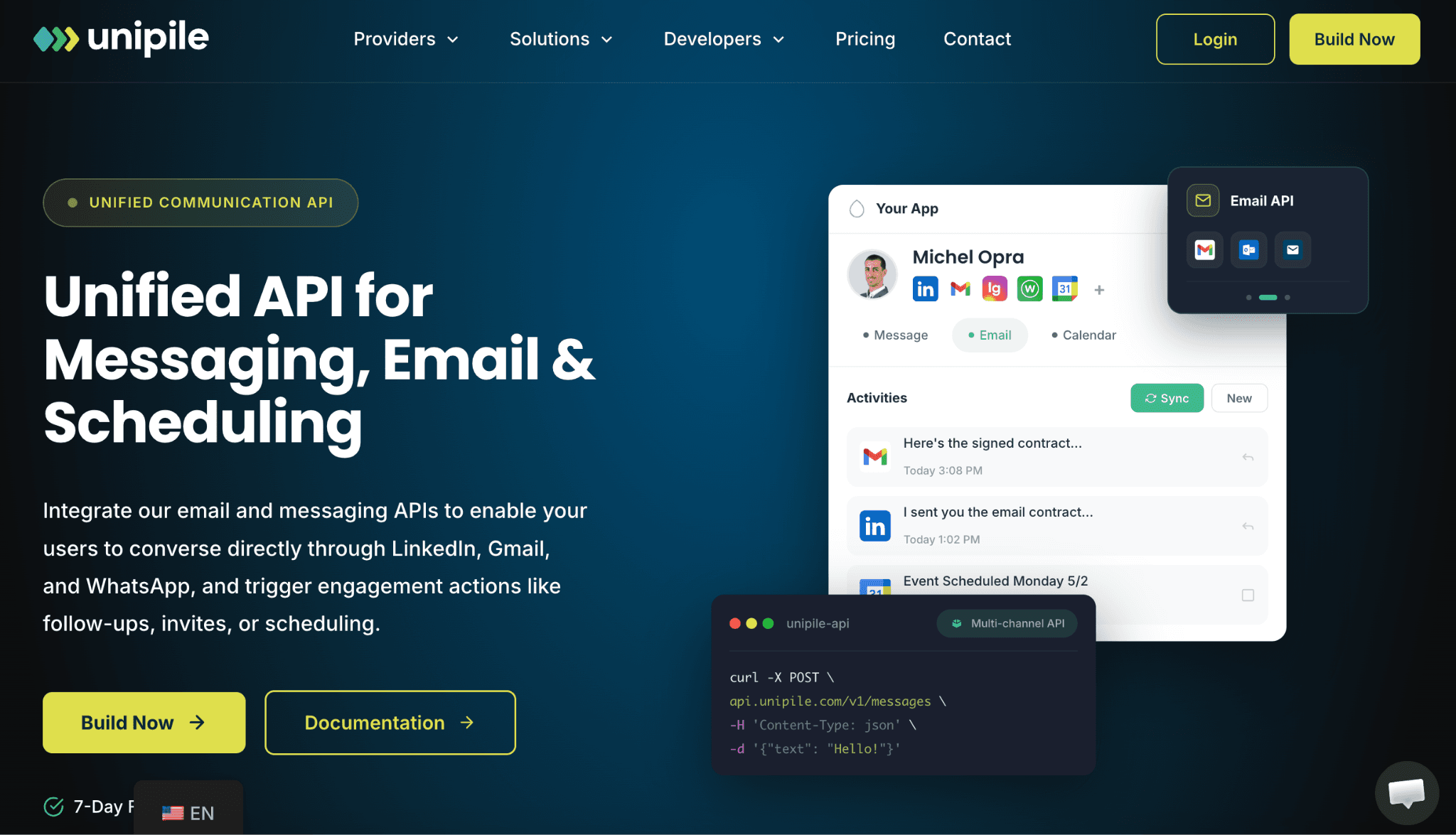
Unipile covers more channels than a typical calendar API, which makes it a strong fit for sales and recruiting products built around LinkedIn, WhatsApp, and email. One unified API handles LinkedIn messaging, WhatsApp, Instagram, Telegram, Gmail, Outlook, IMAP email, and Google and Outlook calendar sync through a single set of credentials.
Its developer docs state that pricing depends on the peak number of connected accounts during the billing period. The platform also includes unlimited API calls and webhook events after an account connects. Compared with Nylas, Unipile offers less Contacts API depth but adds social and messaging channels Nylas doesn't cover.
Best for: Outreach/sales-engagement tools that need messaging channels alongside calendar.
Pricing:
Unipile uses pay-as-you-go pricing based on connected accounts, with no usage-based fees.
11 to 50 connected accounts: $5.50/account/month.
51 to 200 connected accounts: Contact Unipile for pricing.
201 to 1,000 connected accounts: Contact Unipile for pricing.
1,001 to 5,000 connected accounts: Contact Unipile for pricing.
5,000+ connected accounts: Contact Unipile for pricing.
All plans include full API access across messaging, email, and calendar endpoints, unlimited usage subject to provider limits, and a 7-day free trial with no credit card required. Unipile also offers live support and founder calls for technical and product discussions.
5. EmailEngine: Best Self-hosted Email API, Email Only
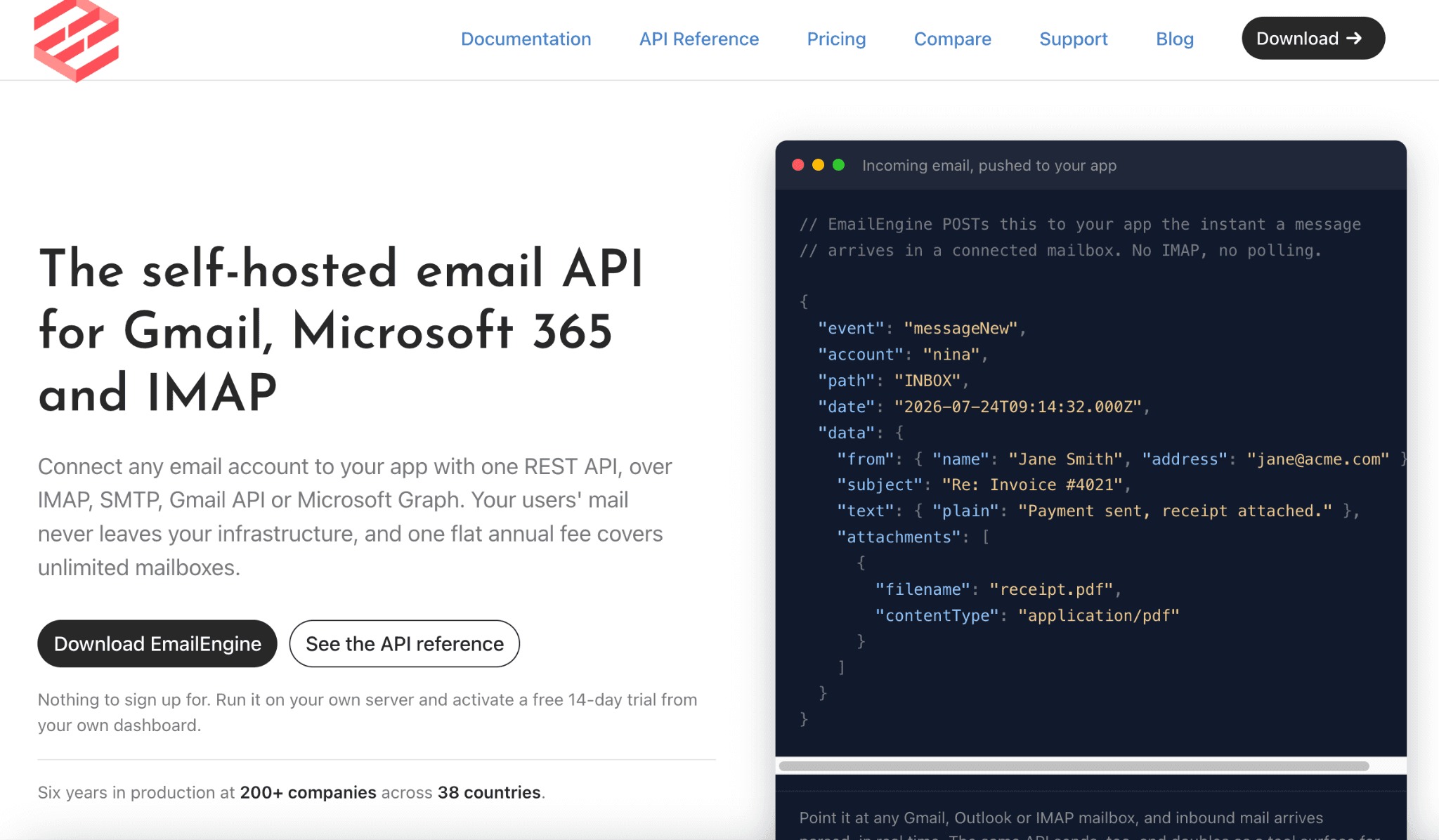
EmailEngine takes a different approach from the other tools on this list. It runs as a Node.js server you host yourself, built by the maintainer of Nodemailer, a widely used email library. It connects to IMAP, SMTP, the Gmail API, and Microsoft Graph, then exposes send, receive, search, and sync through one REST API and webhook feed. Your infrastructure keeps message content, while EmailEngine fetches it on demand, which suits strict data residency requirements.
EmailEngine has no calendar or contacts API, and you manage Redis and on-call operations because it scales vertically on one node. For email sync alone, it offers a lower-cost Nylas alternative.
Best for: Teams that only need email sync and want to self-host.
Pricing:
EmailEngine charges one subscription per company, regardless of mailbox, instance, or message volume.
Annual: $1,450/year. Includes unlimited connected mailboxes, production, staging, and development instances, API calls and webhooks, license keys, updates during the active subscription, and direct developer support.
Enterprise: Custom pricing. Includes a perpetual license, offline license verification, invoice or wire transfer payments, custom contract and license terms, plus the same features and support as the annual plan.
6. Nango: Best Open-source Unified-integrations Framework
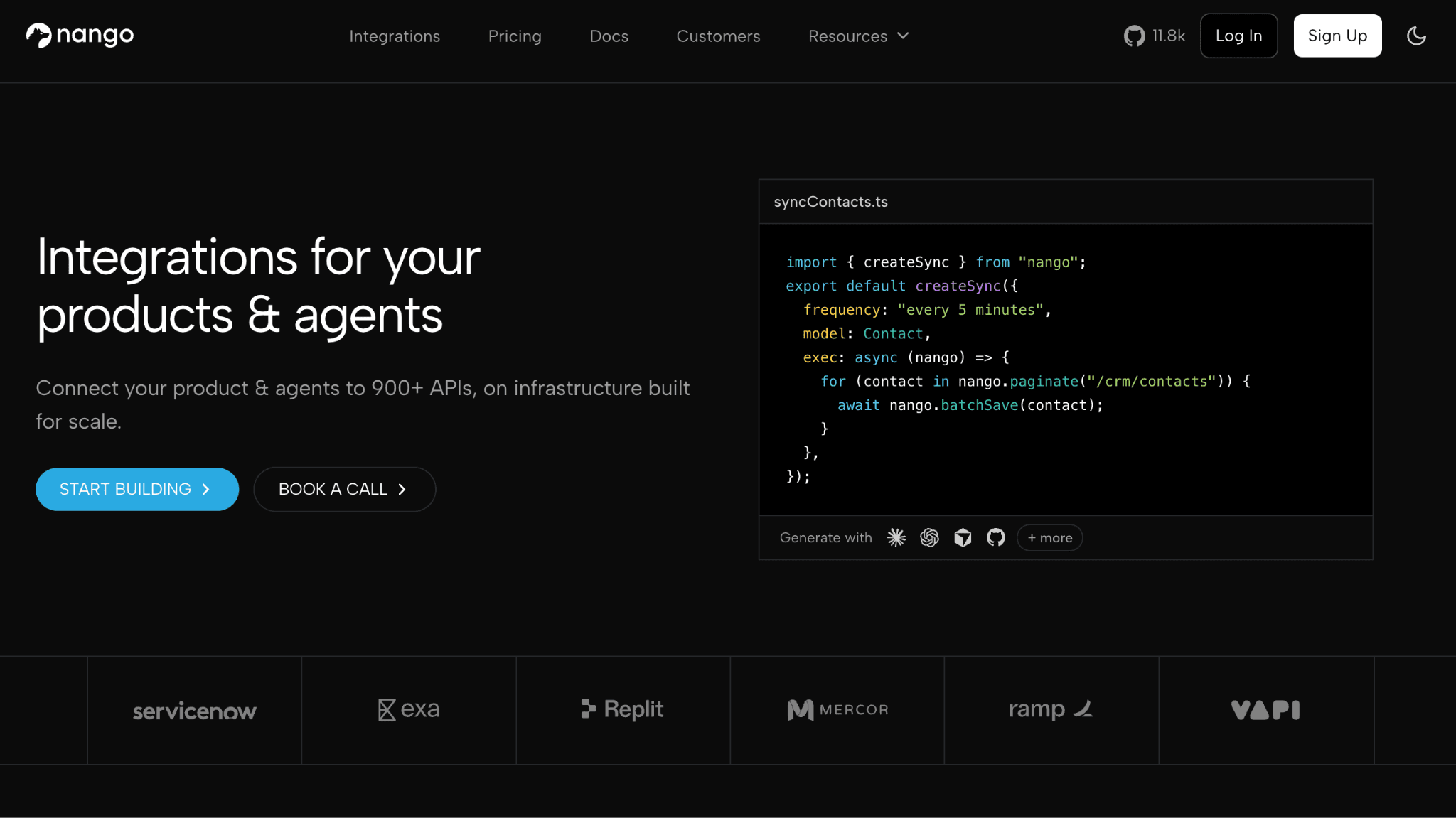
Nango takes a different approach from the rest of the list. It gives you an open-source, self-hostable framework for building your own integrations, including calendar sync, rather than a finished scheduling or sync product. The project is Elastic-licensed and publicly maintained on GitHub, so you can inspect exactly what self-hosting includes before committing. You write the sync logic and own the data model, while Nango handles OAuth flows, credential storage, and connector infrastructure underneath.
The tradeoff means more upfront engineering work than a managed API, but it gives teams more control over their sync logic and codebase. For teams looking to avoid vendor lock-in, Nango offers a genuine open-source scheduling api foundation and a strong Nylas scheduler alternative for teams with the engineering capacity to build on it.
Best for: Teams that want an open framework and are willing to build the scheduling logic themselves.
Pricing:
Free: $0/month. Includes API and MCP auth, tools, and syncs with hard-capped limits that reset monthly.
Pay-as-you-go: $50/month. Includes $50 in monthly credits and pay-as-you-go rates.
Enterprise: Custom pricing. Includes commitment discounts, self-hosting, MSA, and SLA support.
7. Google Calendar API + Microsoft Graph: The DIY Option
Sometimes the right Nylas alternative is no vendor at all. Google Calendar API and Microsoft Graph expose the calendar data that Nylas, Cronofy, and Aurinko sync for you, directly from the source, with generous free usage quotas for most volumes. The API calls cost little. The real cost comes from the engineering work Nylas or Cal.com would handle, including OAuth flows, token refresh, time zone availability, conflict detection, and reminder delivery.
The DIY route works well for single-provider products with simple scheduling needs. Once you add Apple Calendar or multiple calendar providers, the engineering workload grows quickly.
Best for: Single-provider, low-complexity needs where a full engine is overkill.
Pricing:
Free within Google and Microsoft's standard API usage quotas. Costs come entirely from your own engineering time and infrastructure.
Nylas vs. Cal.com: Which Should You Choose?
Choose Nylas if your product needs email, calendar, and contacts sync through one integration, and the per-connected-account cost justifies avoiding three separate vendor relationships. Choose Cal.com if scheduling drives the product, with availability, conflict-free booking, and calendar sync available through a white-label UI you can embed into your app.
Cal.com is the strongest pick on this list for scheduling-focused products that need enterprise features out of the box, from Atoms' component-level control to SOC 2 and HIPAA compliance. The one honest caveat is that Cal.com moved to closed source in April 2026, so it's no longer the open-source option it once was. Teams that specifically need an open-source, self-hosted core can still look at Cal.diy, but for the full experience described in this article, Cal.com is the pick.
Frequently Asked Questions About Nylas Alternatives
Is there an open-source Nylas alternative?
Nango is the clearest open-source Nylas alternative, an Elastic-licensed framework you self-host and build your own calendar and email sync logic on top of. Cal.diy, an MIT-licensed fork of Cal.com's scheduling engine, works as a second option and the honest Nylas scheduler alternative for teams that want self-hosted scheduling specifically, though it drops Organizations, Teams, Routing Forms, and SSO. Cal.com moved to closed source in April 2026 and no longer qualifies as open source, though it remains the strongest option for teams that value depth and enterprise features over open-source status.
How much does Nylas cost?
Nylas charges a base fee plus a per-connected-account rate, with higher rates once usage exceeds the plan's included allowance. The billing meter uses peak connected-account volume for each month, linking costs directly to user growth. Pricing often pushes teams to explore Nylas alternatives.
Why did developers leave Nylas after the v3 migration?
Nylas retired its v2 API and forced a migration to v3 that involved rebuilding webhooks, re-authenticating Microsoft accounts, and risking lost synced objects along the way. Nylas's current developer documentation covers v3 exclusively, with v2 fully retired. The disruption pushed some teams toward providers with a longer track record of backward compatibility.
Is Cal.com a full Nylas replacement?
Cal.com replaces Nylas for the scheduling layer alone, covering booking, availability, and calendar sync, but it leaves out the email and contacts sync that Nylas, Aurinko, and Unipile all provide. You can pair Cal.com with a dedicated email API if you need mailbox sync, too. For scheduling specifically, Platform replaces Nylas directly and adds white-label React components Nylas doesn't offer.
Can I self-host a scheduling API in 2026?
Yes, you can self-host a scheduling API in 2026 through Nango if you want to build your own sync logic on open-source infrastructure, or through Cal.diy, the MIT-licensed fork of Cal.com's scheduling engine, if you want scheduling specifically out of the box. Cal.com now runs cloud-only, a direct result of the security-driven move to closed source in April 2026 that also protects the codebase from automated vulnerability scanning. As a result, self-hosting Cal.com isn't available on any plan tier. EmailEngine offers self-hosting for email sync specifically, without a calendar engine attached.

¡Comienza con Cal.com gratis hoy!
Experimenta una programación y productividad sin problemas, sin tarifas ocultas. ¡Regístrate en segundos y comienza a simplificar tu programación hoy, sin necesidad de tarjeta de crédito!