Changelog: Cal.com v7.0 - Cal.com Events, Discover, Desktop app, Cal Video update, & more...
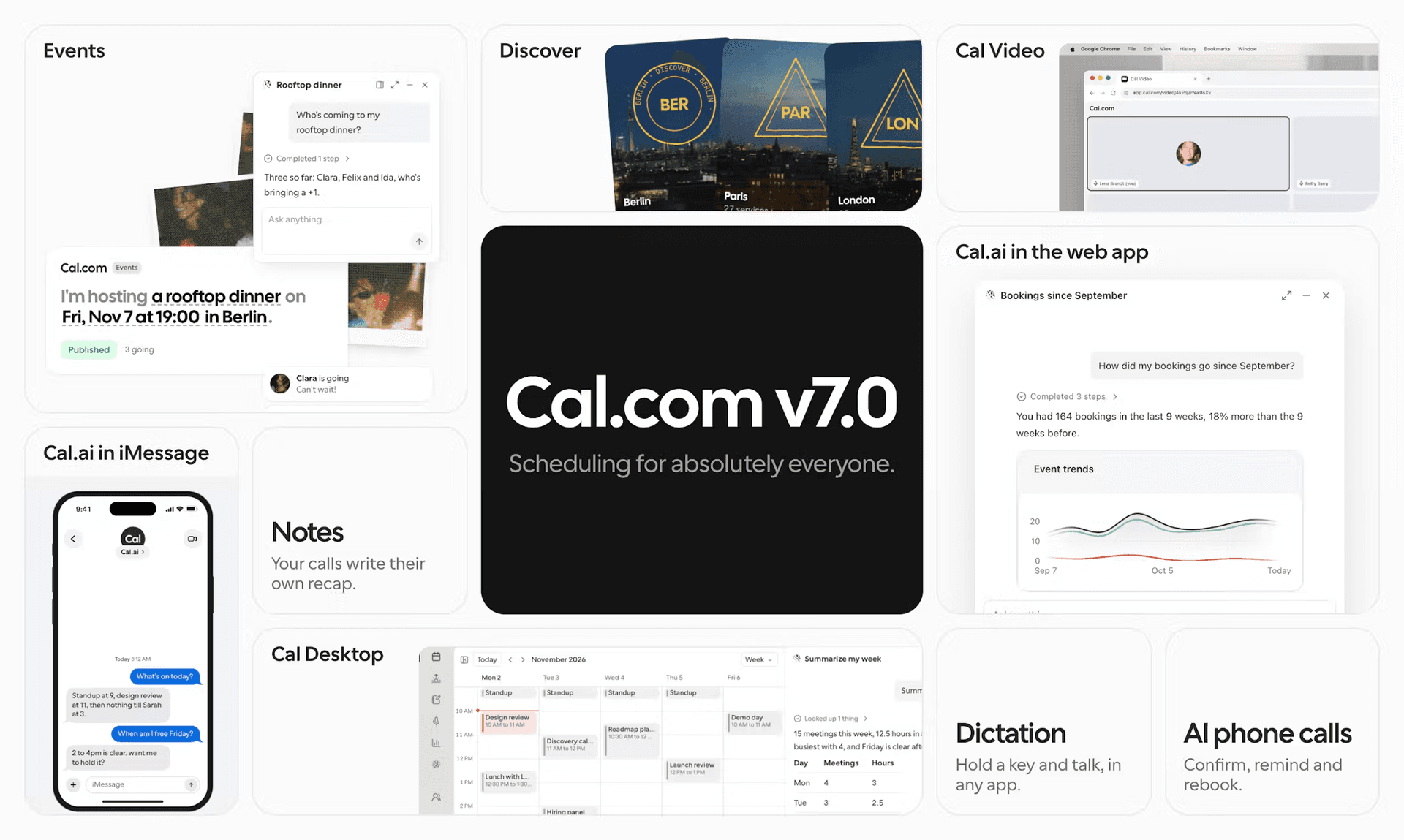
Hello, welcome to one of our biggest updates yet! Here is some of the stuff we worked on over the past month to improve your experience:

Summarize with AI
By the Cal.com Product Team - Issue #55
Cal.com Events
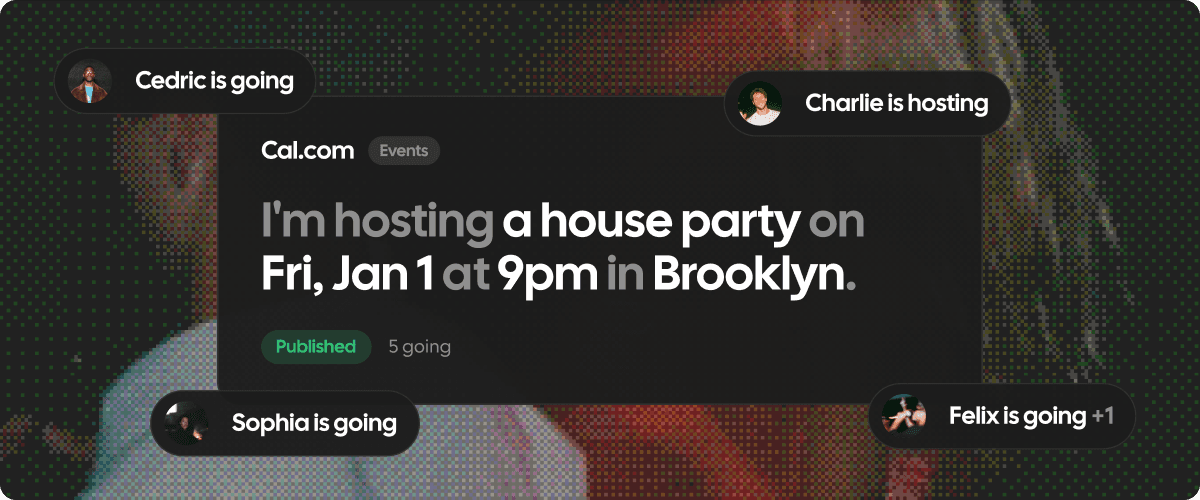
We previewed Events in v6.8. Today it’s officially out, and it’s free for both hosts and guests. Put your run club, supper club, or company all-hands on one page, share the link, and see who’s coming. Make it public for the whole city or private for twelve friends. Guests RSVP with just a name and email. No account, no app, and the event goes straight onto their calendar.
As your event grows, Events grows with it:
- Set a capacity and a waitlist
- Sell tickets with Cal Pay
- Open and close registration on a schedule
- Add co-hosts
- Message guests by email or text, right from the guest list
- Give guests a group chat so they can meet before the day
- Check people in at the door with a QR code, and let in-person guests keep their ticket in Apple Wallet.
- Publish your event on Discover and people nearby can find it too.
Cal.com Discover
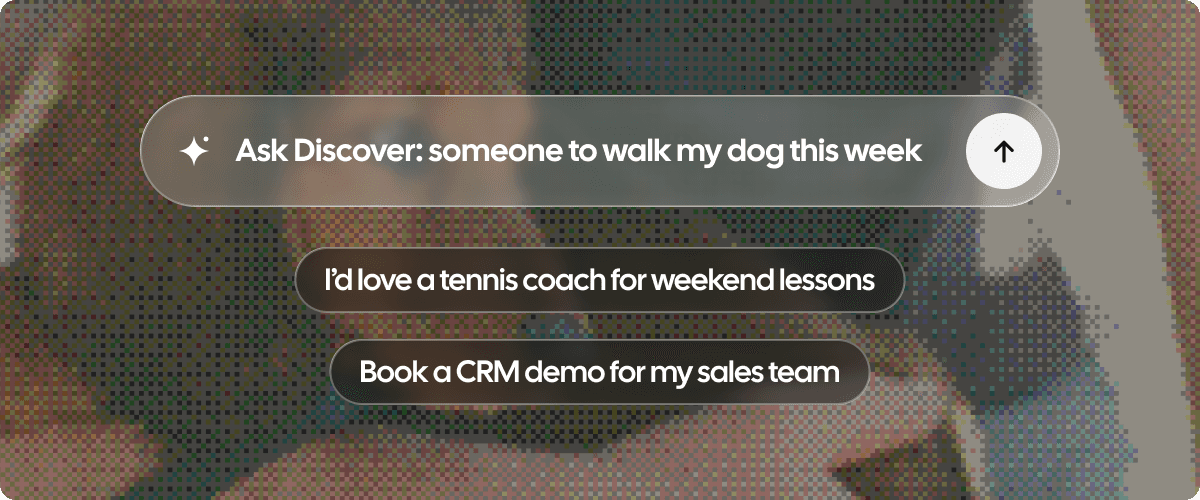
Discover is a new way to find and book real people, like dentists, barbers, tutors and trainers, and see the times they actually have free this week. No more phone tag.
Browse by category and neighborhood, or just ask. Tell Ask Discover what you need (“I lost a tooth”) and it finds the right person nearby, checks your calendar and books it. If the business isn’t on Cal.com yet, Cal.ai can call them and book it for you.
For businesses, getting listed takes a few clicks from your existing booking links. Your availability, rules and prices stay exactly how you set them. There’s nothing to pay upfront. Discover only charges a small fee on a new client’s first completed booking, so you only pay when it actually brings you someone new.
Find and book local services and events
Cal.com Desktop
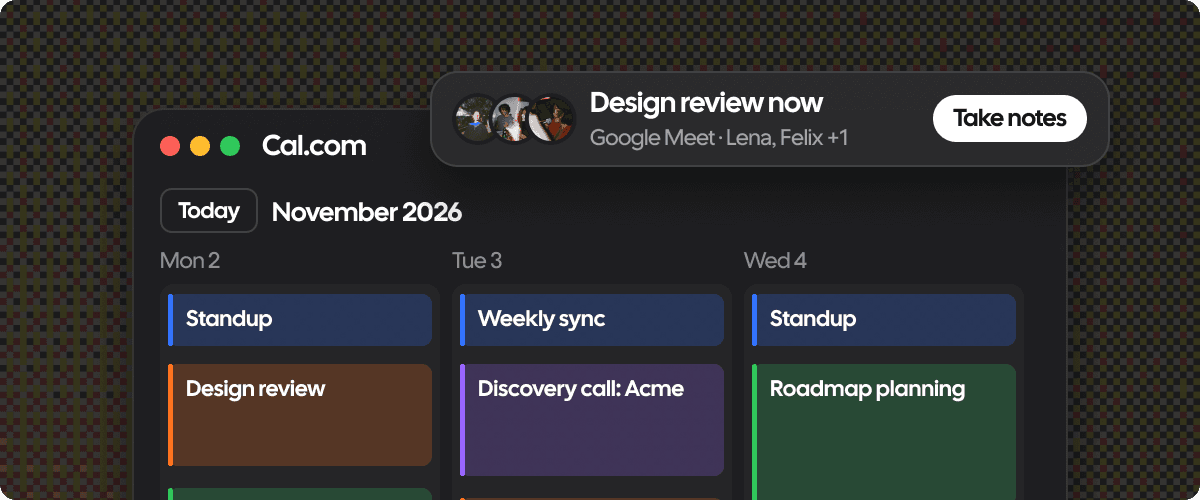
Cal.com now has a Mac app. The web app isn’t going anywhere. Cal.com Desktop app just puts it closer to where you work.
Press ⌥⇧Space from any app to ask Cal.ai what’s next, who booked you or how your month went. Your Cal.com bookings show up next to your Google and Outlook calendars in one week view, and the menu bar counts down to your next meeting.
When a call starts on Zoom, Google Meet, Cal Video, Teams, Slack and more, Cal Desktop offers to take notes. No bot joins the call. When you hang up, your summary is ready with what was decided and who’s doing what next, so you can send it as a Gmail draft or drop it into Notion.
Need to write something? Hold ⌥D in any text field and talk. Let go, and your words show up where you were typing.
Transcription runs on your Mac, even offline, and meeting audio is never saved to disk. Available on macOS today, with Windows coming soon.
Cal Video
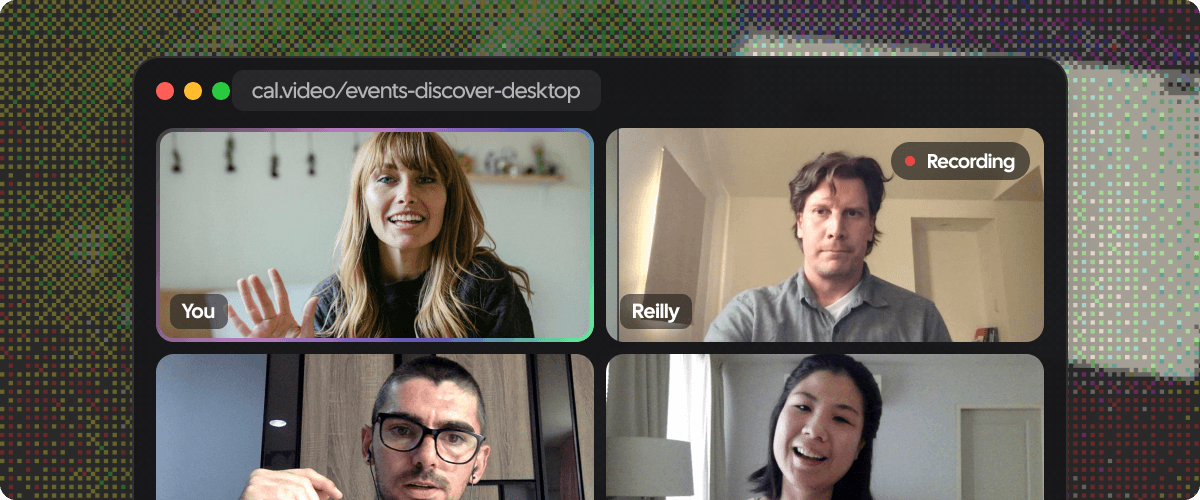
Cal Video now has its own home at cal.video. On top of the call that comes with every booking, you get a personal room at cal.video/yourname, rooms for your team, and quick meetings you can start and share in seconds. Organizations get their own branded address, like acme.cal.video.
Rooms stay locked until a host opens them, and guests knock to get in. Hosts can mute people, stop a screen share, pin up to four people for everyone, remove someone or end the call for the whole room.
The calls themselves got a lot better too. Raise your hand, send reactions, blur your background, cancel background noise, pop the call out into picture in picture and chat with emoji. Recording and live captions are still a click away, and everyone gets a heads up before either one starts.
Cal.ai
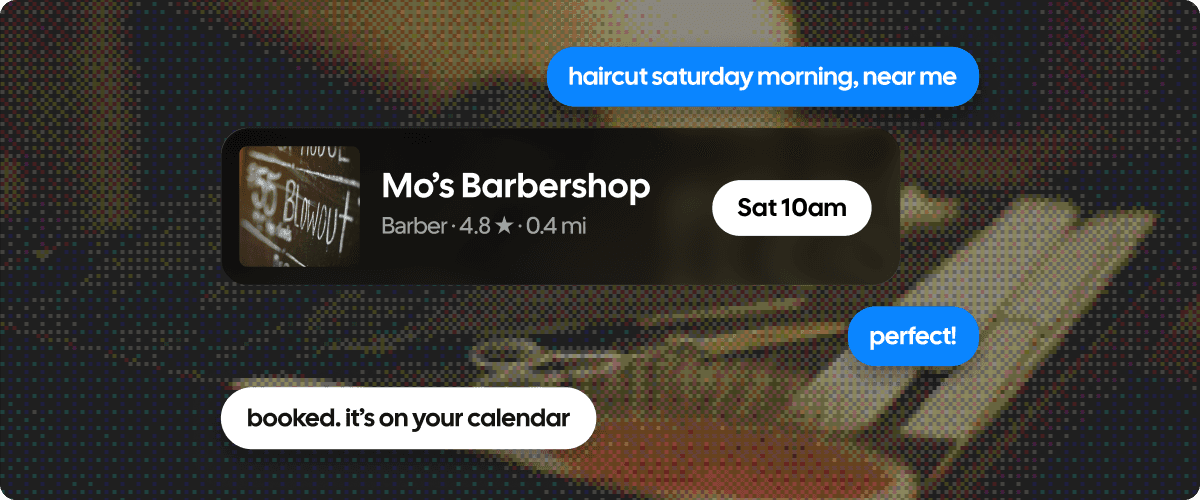
Cal.ai is one agent across all of Cal.com, and it’s wherever you already are: next to every page in the web app, in Slack and Telegram, over text, by email at your own [email protected] address, or from any app on your Mac with Cal Desktop.
Just tell it what you need. It can book and move meetings, block off next week and hand your bookings to a teammate, build a reminder workflow from one sentence, explain why a routing form sent a lead where it did, tell you who’s coming to your event, or find a service near you on Discover.
Before it changes anything, it shows you the change on a card so you can confirm or back out. Questions about your bookings and numbers get answered right away.
Rather use your own agent? Connect Claude, ChatGPT or Cursor to Cal.com through mcp.cal.com.
Features and improvements
- We've made the bookings calendar view interactive: drag a booking to a new time to reschedule it.
- We've rebuilt recurring bookings: bookers review every date in the series before confirming, can swap out a date that doesn't work, pick up where they left off after a refresh, and the same flow now runs in embeds.
- We now prefill your availability from your Google Calendar working hours when you connect Google.
- We've added a Send webhook step to workflows, and you can duplicate a workflow onto another person or team.
- We've added a {HOSTS} variable to calendar invite templates, and booking invites now inherit the reminders set on your destination calendar.
- We've added quarterly billing for plans and organizations, with quarterly prices shown on plans, downgrade and Billing Hub.
- We've added Exchange (EWS) delegation credentials for organization admins, and delegation now accepts verified secondary domains.
- We've made the bookings list easier to scan: attendee time zones show inline, right-click a booking for its options, and filter by host no-shows.
- We've given Salesforce users more control: skip creating the Salesforce event record per event type, and an Always mode for record owner changes.
- We now fire title and location webhooks when a host edits a booking directly in their calendar, and added notifyHosts to API v2 location updates so you can skip host emails.
Fixes
- We keep recurring occurrences at the host's scheduled time when the booker's time zone changes for daylight saving time.
- We fixed the booking window miscounting days when the booker is in a different time zone from the event.
- We fixed overlapping start times being bookable on seated events.
- We stopped former team members from staying on as hidden hosts, and they now count toward event limits correctly.
- We now send booking confirmations even when the calendar write fails, and a rejected calendar update no longer fails the whole reschedule.
- We stopped emailed accept and decline links from confirming a booking just by being opened, so link scanners and previews can't act on a booking.
- We keep calendar sync subscriptions alive through calendar provider outages instead of dropping them.
- We fixed CalDAV reschedules when the original event is missing, and CalDAV calendar links no longer show up as meeting links.
- We stopped adding placeholder attendees to Outlook and Exchange events for phone-only bookers.
- We now use the organizer's time format in attendee emails, render unanswered booking question variables as empty in workflows, and send Spanish SMS from the fallback number so they get delivered.
Explore the latest updates and share your thoughts with us. Your feedback, as always, plays a crucial role in helping us improve Cal.com for everyone. And don't forget to upvote us on Product Hunt.
Cheers,
Milos from Cal.com