" height="24px" id="WCm44spAV" width="24px"/><path d="M 3.892 7.742 C 1.674 7.742 0 6.014 0 3.882 C 0 1.738 1.589 0 3.892 0 C 5.107 0 5.951 0.374 6.623 1.173 L 5.566 2.09 C 5.118 1.621 4.564 1.386 3.892 1.386 C 2.452 1.386 1.547 2.517 1.547 3.882 C 1.547 5.246 2.452 6.356 3.924 6.356 C 4.649 6.356 5.193 6.111 5.63 5.63 L 6.718 6.558 C 6.153 7.24 5.193 7.742 3.892 7.742 Z" fill="rgb(255, 255, 255)" height="7.741500000000002px" id="XEPpGD7l5" transform="translate(4 8.25)" width="6.717999999999989px"/><path d="M 2.74 7.922 C 1.215 7.922 0 6.632 0 5.032 C 0 3.433 1.215 2.122 2.74 2.122 C 3.7 2.122 4.201 2.516 4.5 3.113 L 4.5 2.239 L 5.928 2.239 L 5.928 7.784 L 4.531 7.784 L 4.531 6.877 C 4.233 7.507 3.731 7.922 2.74 7.922 Z M 1.439 5.023 C 1.439 5.865 2.057 6.622 2.975 6.622 C 3.924 6.622 4.531 5.897 4.531 5.033 C 4.531 4.169 3.924 3.423 2.975 3.423 C 2.057 3.423 1.439 4.159 1.439 5.022 Z M 6.784 7.784 L 6.784 0 L 8.224 0 L 8.224 7.784 L 6.784 7.784 Z" fill="rgb(255, 255, 255)" height="7.9224997406005855px" id="lGDJupIUR" transform="translate(10.5 8)" width="8.223500194549558px"/></g></svg>)
" width="18px"><path d="M 2 8 C 0.895 8 0 7.105 0 6 L 0 2 C 0 0.895 0.895 0 2 0 L 6 0 C 7.105 0 8 0.895 8 2 L 8 6 C 8 7.105 7.105 8 6 8 Z" fill="transparent" height="8px" id="ZrCrI93dV" stroke-dasharray="" stroke-linecap="round" stroke-linejoin="round" stroke-width="2" stroke="rgb(0, 0, 0)" width="8px"/><path d="M 0 0 L 0 4 C 0 5.105 0.895 6 2 6 L 6 6" fill="transparent" height="6px" id="emltWYAiE" stroke-dasharray="" stroke-linecap="round" stroke-linejoin="round" stroke-width="2" stroke="rgb(0, 0, 0)" transform="translate(4 8)" width="6px"/><path d="M 2 8 C 0.895 8 0 7.105 0 6 L 0 2 C 0 0.895 0.895 0 2 0 L 6 0 C 7.105 0 8 0.895 8 2 L 8 6 C 8 7.105 7.105 8 6 8 Z" fill="transparent" height="8px" id="WpBecYDfi" stroke-dasharray="" stroke-linecap="round" stroke-linejoin="round" stroke-width="2" stroke="rgb(0, 0, 0)" transform="translate(10 10)" width="8px"/></g></svg>)


13 Best Calendly Alternatives in 2026 (Free & Team-Ready)
One of the primary problems anyone who uses scheduling software faces isn’t finding a tool that has the right features. It is usually finding a tool that appropriately fits into their workflow.
Calendly is a popular online scheduling tool known and loved for its simplicity. However, that’s a double-edged sword; the very feature that makes it appealing to non-tech background consumers makes it a bit of an underwhelming performer for businesses and product teams.
Calendly doesn’t fail outright; it has a solid booking engine, and its integrations and growing ecosystem work well for individuals and freelancers. However, that’s where you hit the Calendly bottleneck.
This is a real thing. The Calendly bottleneck is where the paid plans stop being value for money, and the features you need constantly force you to pay for the highest tier plans, which have a whopping annual cost of over $15,000.
So, considering that’s not a practical solution for many businesses across the US, businesses have to eventually look for Calendly alternatives. But is the price tag the only reason people migrate from Calendly? No. There are many other reasons.
To help you understand the reason thousands of businesses and enterprises choose to migrate each year from Calendly to other scheduling apps, we’ve gathered the top reasons shared by actual businesses and professionals who have undergone the migration. We’ve also tested and ranked the ten best Calendly alternatives currently available in the market that will help you mitigate the specific limitations you face while using Calendly.
Or you can just get started with Cal.com today, the scheduling platform that was specifically built to replace Calendly and its limitations. It's free to get started, and you can set up your booking page in less than five minutes.
TL;DR: 13 best Calendly alternatives
Here’s a quick overview of each of the 10 best Calendly alternatives we’ve ranked.
Cal.com: It is the best overall Calendly alternative for individuals, businesses, professionals, and enterprises. It offers flexible scheduling features and a very strong integration capability thanks to its API-first architecture. Cal.com also offers excellent automation and customization features that make it extremely valuable for businesses wanting both client-facing and internal automated scheduling solutions.
SavvyCal: If you want a Calendly alternative for collaborative scheduling with clients, SavvyCal is a good choice.
Acuity Scheduling: If you have a physical business, Acuity Scheduling offers more flexibility and features than Calendly.
YouCanBookMe: If you want the most customization options for a client-facing small business, this software works better than Calendly.
SimplyBook.me: This platform works great, specifically as a Calendly alternative for the appointment-driven wellness industry.
Zoho Bookings: If you want a scheduling solution that’s tightly integrated with a CRM, Zoho Bookings is a great Calendly alternative.
Microsoft Bookings: Best Calendly alternative for businesses using the Microsoft 365 ecosystem.
Google Appointment Scheduler: Best Calendly alternative for individuals and small businesses using the Google Workspace.
Setmore: Works great as an alternative to Calendly with a better free plan.
Doodle: If you want a poll-based scheduling alternative for Calendly, Doodle is a good option.
Why do users look for Calendly alternatives?
The frustrations around Calendly are not one but many. To put it briefly, the software is heavily focused on end consumers and not businesses. Even though it was conceived of and primarily used as a business tool. Today, if you see, most users of Calendly are people using it for their personal scheduling and casual appointment booking. Businesses have mostly moved to more specialized and better Calendly alternatives over the years. Why did this change happen? There are seven fundamental flaws with Calendly that have made it increasingly unfriendly for businesses.
Feature limitations: There are several features that serious businesses and workplaces require that Calendly just doesn’t offer. So, this becomes an obvious reason for businesses to want to migrate.
Pricing: Calendly’s pricing doesn’t scale in a linear way; most of the useful features for businesses are bundled into the Enterprise plan, which costs over $15,000 annually. This is also a major reason users want to migrate.
Limited customization: Calendly doesn’t allow users to customize the booking flow and optimize it to their needs. Even the booking page customization options often feel limited and template-based for many users. This becomes a point of major friction as it directly hampers the workflow.
Data ownership: Many businesses have to be incredibly careful with their data to align with internal and government compliance. Calendly does not allow self-hosting or provide many enterprise-level data security features until you subscribe to their highest paid tier. This makes it risky for many businesses to continue using Calendly.
Branding restrictions: When you’re using Calendly, you can’t really make it your own and ship it as white-label in your own product. Additionally, there are several branding restrictions in the software that make it difficult to use in a setting where you want to create a consistent branding for your business.
Enterprise requirements: Some enterprise businesses often prefer self-hosting crucial workflow software, considering they have the infrastructure to do so. Such features are not available when you choose Calendly, which only offers hosted plans. The problem with that is, despite promised security measures, in the event of data leaks, it is the business that runs the risk of serious compliance violations.
Routing limitations: When you use Calendly, it is just a scheduling software in the end, so you don’t get the benefits of automated routing with custom routing logic. This limits the number of automation features you can avail of when you use Calendly. This is also a major reason why users choose Calendly alternatives.
Quick comparison of the top 13 Calendly alternatives
Tool | Free plan | Self-hosting | Team scheduling | Enterprise features | Starting price |
Cal.com | ✅ Yes | ✅ Yes | ✅ Robust | ✅ Advanced | $12/user per month |
Lunacal | ❌`No | ❌`No | ✅ Good | ✅ Good | $9/user per month |
SavvyCal | ❌ No | ❌ No | ⚠️ Limited | ⚠️ Basic | $10/user per month |
Acuity Scheduling | ❌ No | ❌ No | ⚠️ Limited | ⚠️ Basic | $16/user per month |
Koalendar | ✅ Yes | ❌`No | ✅ Good | ⚠️ Limited | $6.99/user per month |
YouCanBookMe | ✅ Yes | ❌ No | ⚠️ Limited | ⚠️ Basic | $8.10 per month |
SimplyBook.me | ✅ Yes | ❌ No | ⚠️ Limited | ⚠️ Basic | $13.6 per month |
Zoho Bookings | ❌ No | ❌ No | ✅ Good | ✅ Decent | $6/user per month |
Microsoft Bookings | ❌ No | ❌ No | ✅ Good | ✅ Good | Included with a Microsoft 365 subscription |
Google Appointment Scheduler | ✅ Yes | ❌ No | ⚠️ Limited | ⚠️ Limited | Included with eligible Google Workspace plans |
Setmore | ✅ Yes | ❌ No | ⚠️ Limited | ⚠️ Limited | $5/user per month |
Doodle | ✅ Yes | ❌ No | ⚠️ Limited | ⚠️ Limited | $11/user per month |
Julip | ❌`No | ❌`No | ⚠️ Limited | ⚠️ Limited | $19 per month |
How we evaluated each Calendly alternative?
Calendly works as a capable scheduling software in its niche. So, finding an alternative that can be just as reliable can be tough. This is why we tested each of our ranked Calendly alternatives against the features that matter most to users. We did not go into the marketing copy and feature count of each software, rather we focused on how each software adapts to real-world scheduling scenarios.
Here’s what we primarily considered in our evaluation:
Ease of scheduling for clients and admin user experience
Calendar and video conferencing tool integrations
Team scheduling features like round-robin scheduling and lead routing
Booking page customization options and white-labeling features
Workflow automation and productivity features
API availability and developer-friendly features
Overall value for money on paid plans
Enterprise features that include security, scalability, and admin controls
With our eight-step ranking methodology, you can rest assured that our recommendations are built on solid foundations. So, when you choose a Calendly alternative from here today, you must know that it was tested to ensure it fits your specific workflow and business needs.
13 best Calendly alternatives that you must check out
1. Cal.com: Best overall Calendly alternative
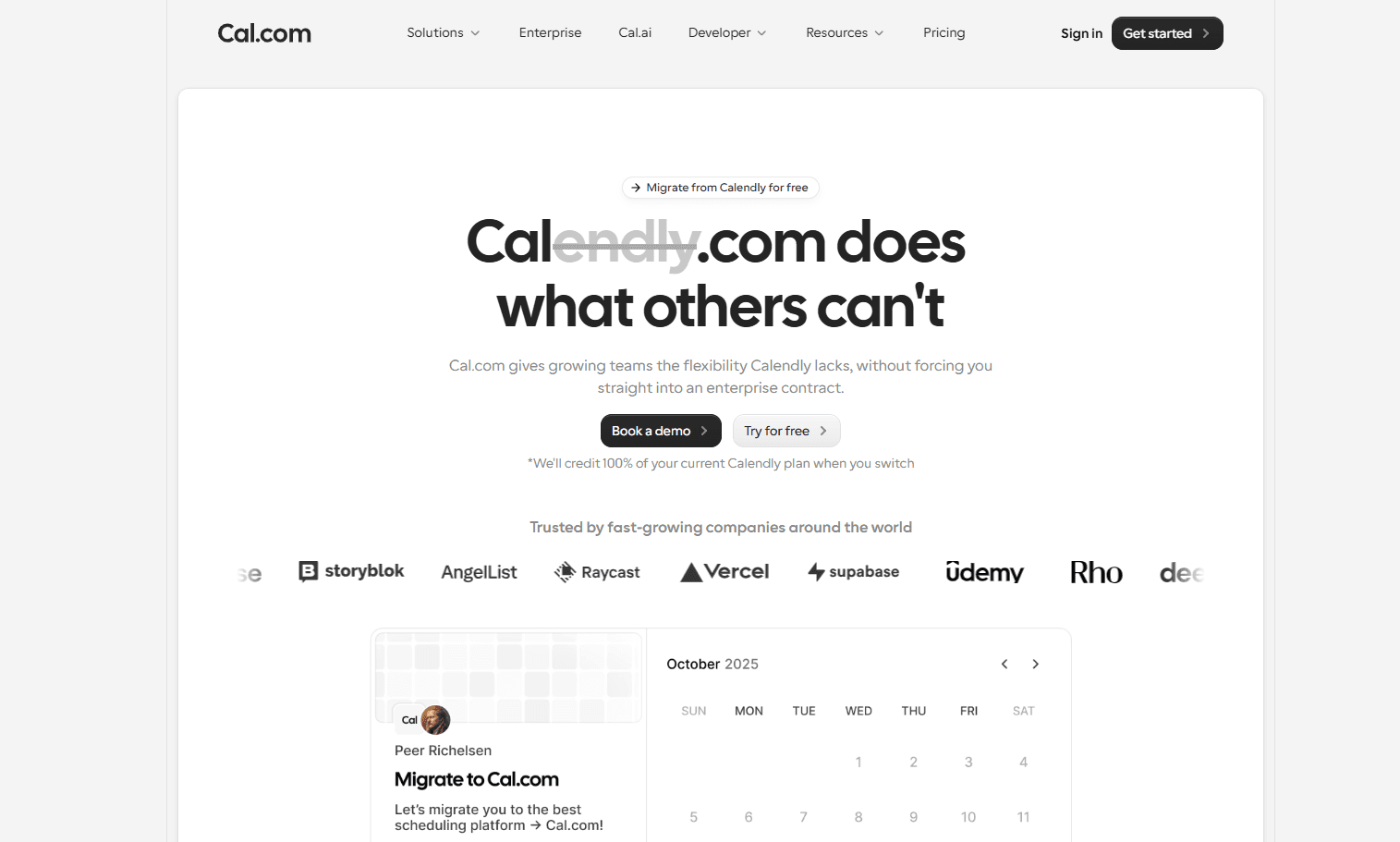
What it is: Cal.com is a modern and powerful scheduling platform that’s built specifically to meet the limitations of Calendly. The team that developed Cal.com built it for more flexibility and customization compared to other scheduling platforms available. Not only does it simplify your scheduling process, but it also offers advanced team and enterprise features, like custom routing, workflow automation, customizable booking experiences, and extensive integrations to help manage scheduling at scale. What’s more? Cal.com goes beyond just meeting scheduling and also helps teams manage:
Sales demos
Customer support
Interviews
Healthcare appointments
And internal meetings
Its adaptability and integration capability with any existing workflow is what makes it the perfect Calendly alternative. Cal.com offers features on its free plan that Calendly charges its users for. So, if you’re planning to migrate from Calendly, Cal.com allows one-click migration for Calendly users to seamlessly get started with Cal.com.
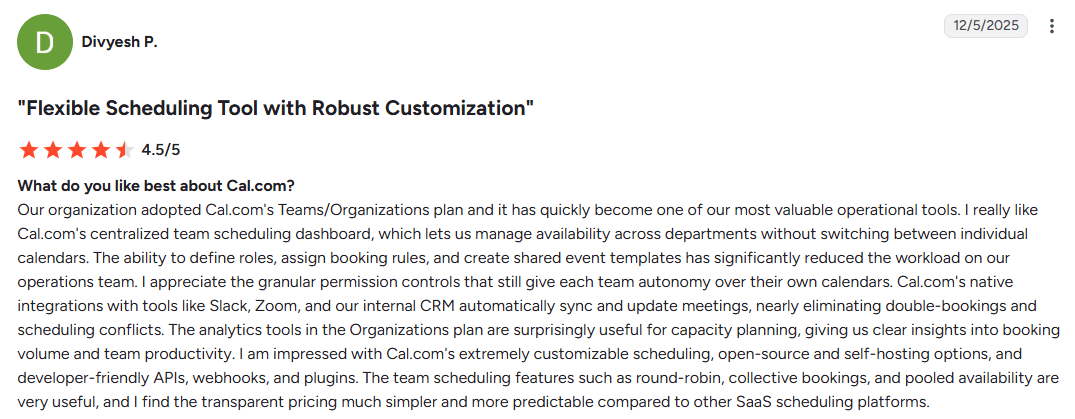
Divyesh P review of Cal.com
Key features
Extensive integrations: Cal.com offers native-level integration with crucial workplace apps like Google Calendar, Microsoft Outlook, Slack, Zoom, Stripe, Salesforce, HubSpot, and Google Meet, among over 3,000 other workplace applications.
Advanced routing forms: Automatically directs bookings to the right team member based on predefined rules, responses, availability, location, and specialization.
Payment support: Cal.com allows you to integrate with Stripe to accept payments for appointments. This is a feature that’s offered even on the free Cal.com plan, while the same is not available on Calendly, unless you opt for a paid plan.
Team scheduling features: Cal.com can double as a workplace scheduling software, helping your team manage rosters and employee schedules without any problems. In fact, with round-robin scheduling, it can fairly distribute workload among team members in accordance with local labor laws and compliance.
White labeling: Cal.com supports complete white-labeling with support for a custom domain and custom email SMTP servers. This allows users to easily integrate Cal.com’s booking engine into their own products, websites, or apps without any problems.
Enterprise controls: To ensure organizations can adhere to all necessary compliance standards, Cal.com offers support for SSO, SCIM, SAML, ISO 27001, and HIPAA compliance. The compliance support is made possible with thorough analytics and audit logs of all meetings booked through Cal.com. It also offers centralized user management for large organizations.
API-first infrastructure: To help developers get the most out of Cal.com, the platform offers custom APIs that can be used to optimize scheduling experiences and create custom booking flows that are specifically suited to organizational requirements.
Robust free plan: The main appeal of Calendly lies in its free plan. That’s what attracts most users. Cal.com beats it at its own game with more features, unlimited calendar support, unlimited event types, and two-way Salesforce and HubSpot integration in the free plan itself. All the features mentioned here are available as paid features on Calendly.
Pricing: Cal.com has a very generous free plan that’s free forever for individuals. The paid plans start at $12/user per month.

Best for: Individuals, service professionals, freelancers, small businesses, sales teams, customer success teams, recruiters, healthcare professionals, agencies, SaaS companies, and enterprises that need a scalable, customizable scheduling platform.

Why choose Cal.com over Calendly?
Calendly is a choice of scheduling software for individuals looking for basic scheduling. Comparatively, Cal.com is a more flexible business scheduling software that offers extensive automation, customization, enterprise controls, and deep integration features.
Feature | Cal.com | Calendly |
Booking page customization | Extensive branding and customization options | Basic customization options |
Routing forms | ✅ Advanced routing features with custom routing logic | Limited routing options and flexibility |
Team scheduling | ✅ Round-robin scheduling, collective and managed events, advanced routing, and automated lead routing. | Limited team scheduling features |
Workflow automation | Advanced workflow automation options with support for automated booking confirmations, reminders, follow-ups, and even response-based routing. | Basic automation on select plans |
Integrations | Extensive integrations with support for over 3,000 integrations with business and developer tools | Decent integration capabilities within the Calendly ecosystem |
API & developer tools | Robust custom API support, webhook connections, SDK support, embedding options, and middleware integrations. | API access available with limited customization options |
White-label support | ✅ Available | Limited |
Enterprise features | SSO, SCIM, admin controls, SAML, ISO 27001, and HIPAA compliance support, along with audit logs, and centralized management | Enterprise features are only available on the enterprise plan |
Best suited for | Businesses that need flexible and scalable scheduling workflows | Individuals and teams with straightforward scheduling needs |
2. Lunacal: Best for Small Businesses
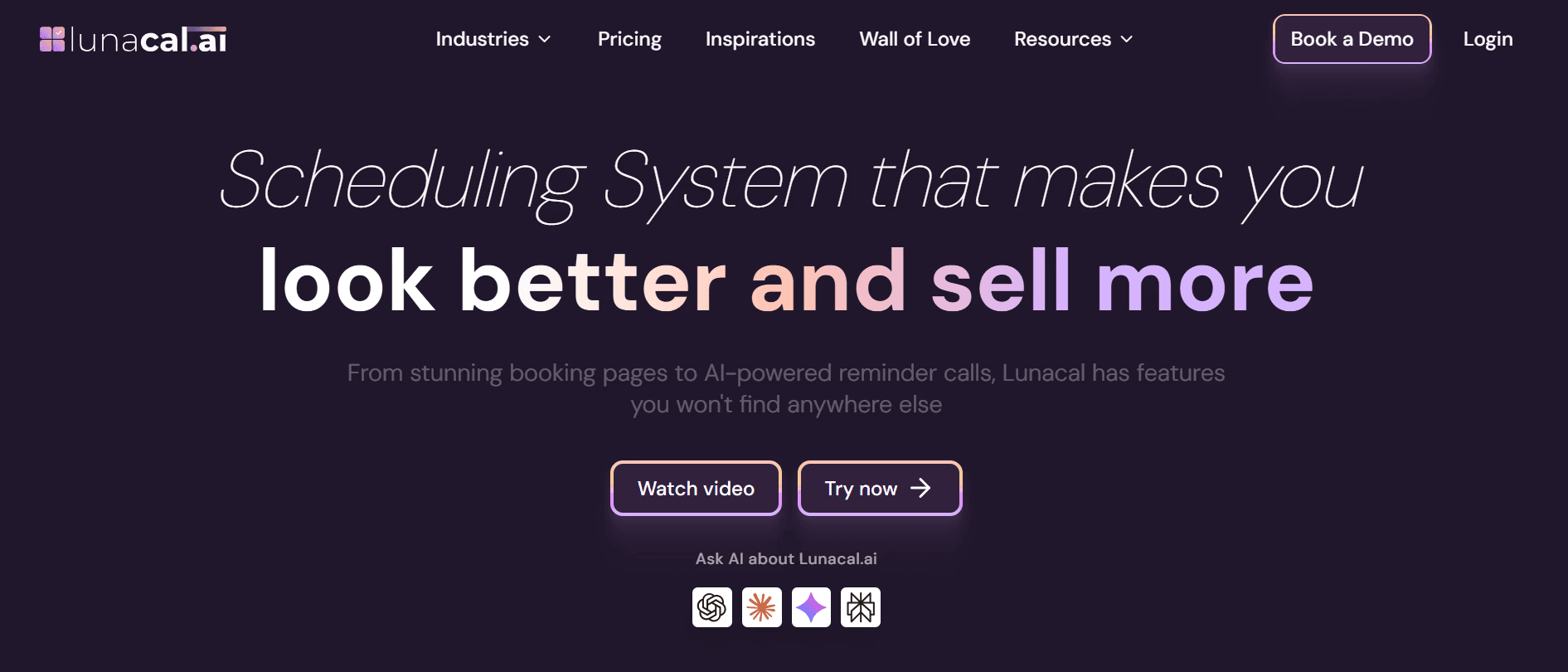
What it is: Lunacal is a great alternative to Calendly for small businesses that want branded scheduling pages that get more bookings and need payments and meeting reminders integrated within the tool. It covers all the features that a small business needs: appointment scheduling, group bookings, calendar sync, multi-session packages, buffers, notice periods, custom questions, multiple meeting locations, payments, and reminders.
Key features
Beautiful booking pages: You can add videos, images, text, testimonials, documents, maps, forms, podcasts, social links, etc., within your booking page. This helps visitors learn more about you before they book. Also, you can design the page completely as per your brand.
Website embed: You can add the calendar or booking flow directly to your website
Payments and packages: You can collect payments via Stripe or PayPal. Lunacal also supports coupons, discounts, and multi-session packages, which makes it a complete scheduling solution for businesses that do paid-sessions
Team scheduling: Create team booking pages, round-robin events, collective scheduling, and routing-style booking flows.
Automated reminders and workflows: Send pre-meeting and post-meeting emails and SMS reminders to reduce no-shows. Lunacal also allows AI-powered reminder calls
Calendar and meeting integrations: Connect Google Calendar, Outlook, and Apple Calendar. It supports online (Google Meet, Microsoft Teams, Zoom, FaceTime, etc.) as well as Offline meetings
Brand control: Customize the page URL, remove Lunacal branding, use multiple themes and colors, and create a booking experience that feels closer to your own website.
Pricing: Paid plans start at $9/user/month for Standard. Teams is $15/user/month, and Enterprise is $25/user/month.
Best for: Small Businesses, Coaches, Sales teams, and Service businesses that want a scheduling tool with stronger branding, website booking widgets, payments, reminders, and team scheduling.
3. SavvyCal: Best Calendly alternative for collaborative scheduling
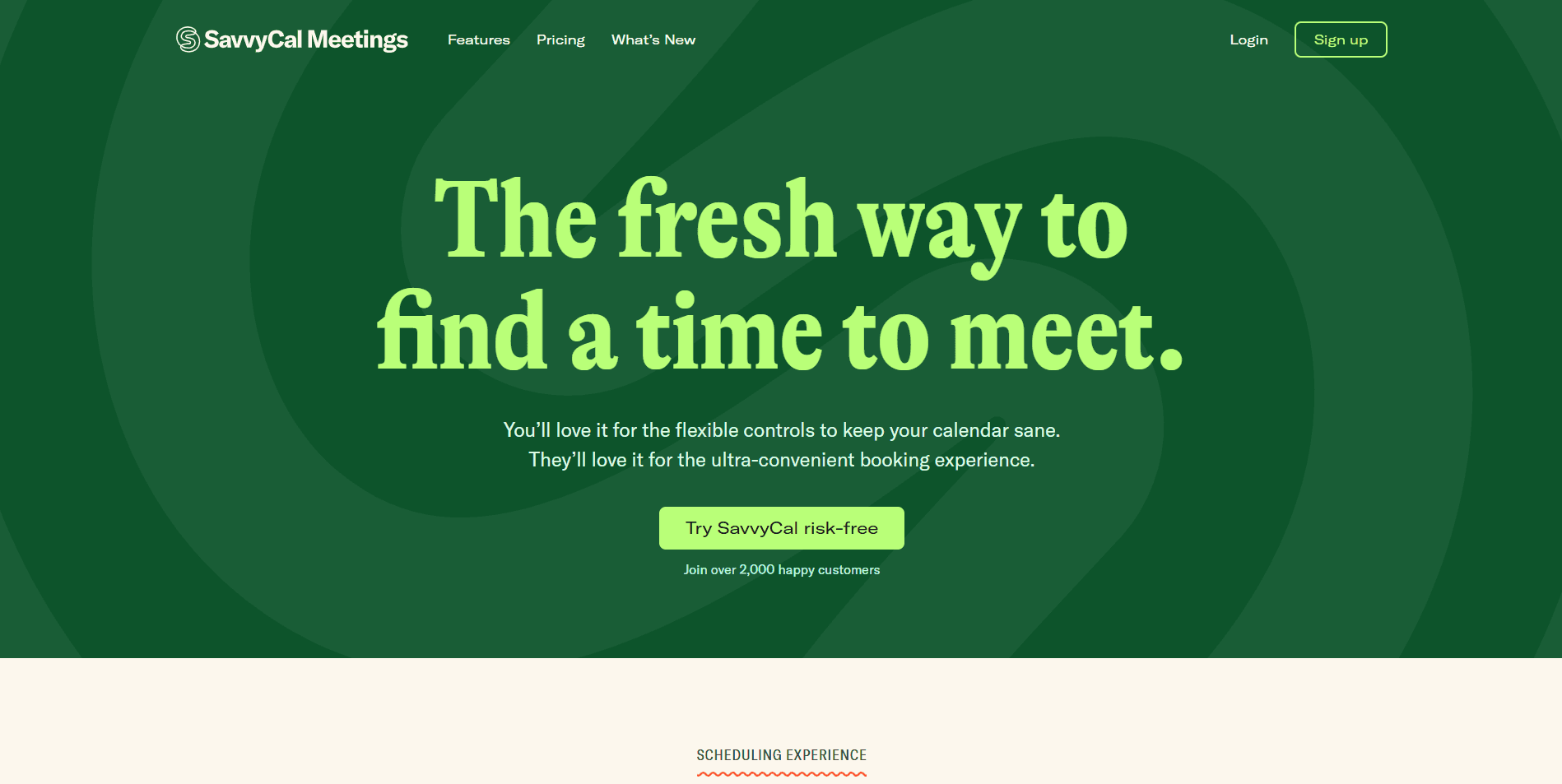
What it is: SavvyCal is a premium scheduling platform. It is designed to simplify meeting coordination and make the process more collaborative. This is a starkly different approach from Calendly, and while it is not better or worse objectively, SavvyCal, like Calendly, has its loyal fans, too. The main idea of SavvyCal is not to regiment the scheduling process to predefined timeslots. Instead, it allows users to overlay their calendars over the calendars of others. This allows users to visually find mutually available times for meetings.
Key features
Calendar overlay scheduling
Meeting polls
Time zone detection
Personalized booking links
Custom availability settings
Team scheduling
Pros
Clean user interface
Strong calendar integrations
Customizable scheduling links
Cons
Limited automation options compared to enterprise scheduling platforms
Less suited for complex team scheduling
Overlay calendar scheduling is not suited for everyone
No free plan
Pricing: SavvyCal does not have a dedicated free plan. They offer free trials to paid plans that start at $10/user per month.
Best for: Individuals tired of Calendly and seeking a more modern and funky approach to scheduling.
Why Choose SavvyCal over Calendly?
SavvyCal is miles different from Calendly, so if you’re sick and tired of the same style of UI and scheduling logic, SavvyCal can be a fresh puzzle for you to solve. Why a puzzle? Because it is very different from Calendly, you’ll have to take your own sweet time learning how to use it and accurately get what you want. Also, both Calendly and SavvyCal have limited enterprise features and automation options, so if you want a simple scheduling tool and you just want to explore, SavvyCal can offer you something new to try.
4. Acuity Scheduling: Best Calendly alternative for appointment-based businesses
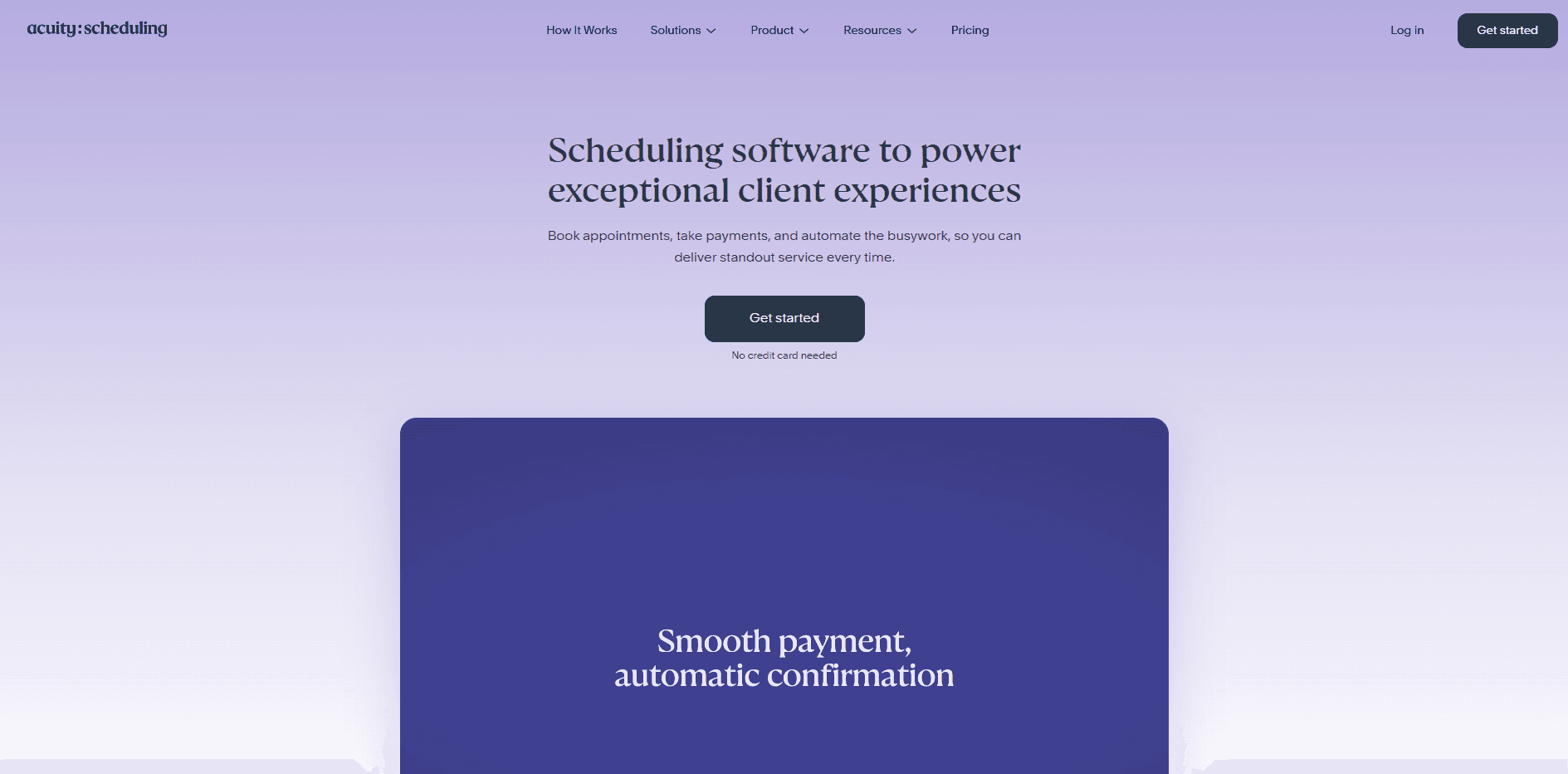
What it is: Acuity Scheduling has been around for a long time, and it is still remarkably modern. Sure, there are a few cracks on the surface and a few missing features here and there, but overall, it does what it's designed to do very well. For appointment-based businesses, specifically physical businesses, Acuity Scheduling offers a great integration with Square that allows you to accept payments for your appointments, both online and offline. Calendly doesn’t even offer a payment gateway integration until you get a paid plan, so despite the fact that Acuity Scheduling doesn’t even have a free plan, it still somehow works more smoothly compared to Calendly.
Key features
Self-serve client appointment scheduling
Recurring appointment support
Client intake forms
Payment collection for appointments
Booking page customization options
Automated email and SMS reminders
Pros
Built-in payment processing
Client intake forms and questionnaires
Website embeddable booking pages with Squarespace
Supports group class bookings
Cons
Limited advanced features for enterprises
Very few advanced routing and lead distribution features
No free plan for users
Focused towards service-based businesses specifically
Less powerful for team scheduling
Pricing: Acuity Scheduling surprisingly doesn’t have a free plan; the paid plans start at $16/user per month.
Best for: Acuity Scheduling works well for service-based businesses with a physical presence.
Why choose Acuity Scheduling over Calendly?
Calendly is too broad a tool; it tries to cater to everybody, and in the end, it doesn’t really come off all too well. Acuity Scheduling in that space focuses specifically on specializing its services for service-based businesses. This helps the brand stand out for a specific use case at least. While it can’t do advanced automated lead routing, it can help a salon run its operations and manage appointments while still collecting payments from both online and offline sources. This is a level of ease that business owners love, even if it costs them $6 extra per month. That’s why many businesses choose Acuity Scheduling over Calendly.
5. Koalendar: Best Simple Calendly Alternative for Easy Team Adoption
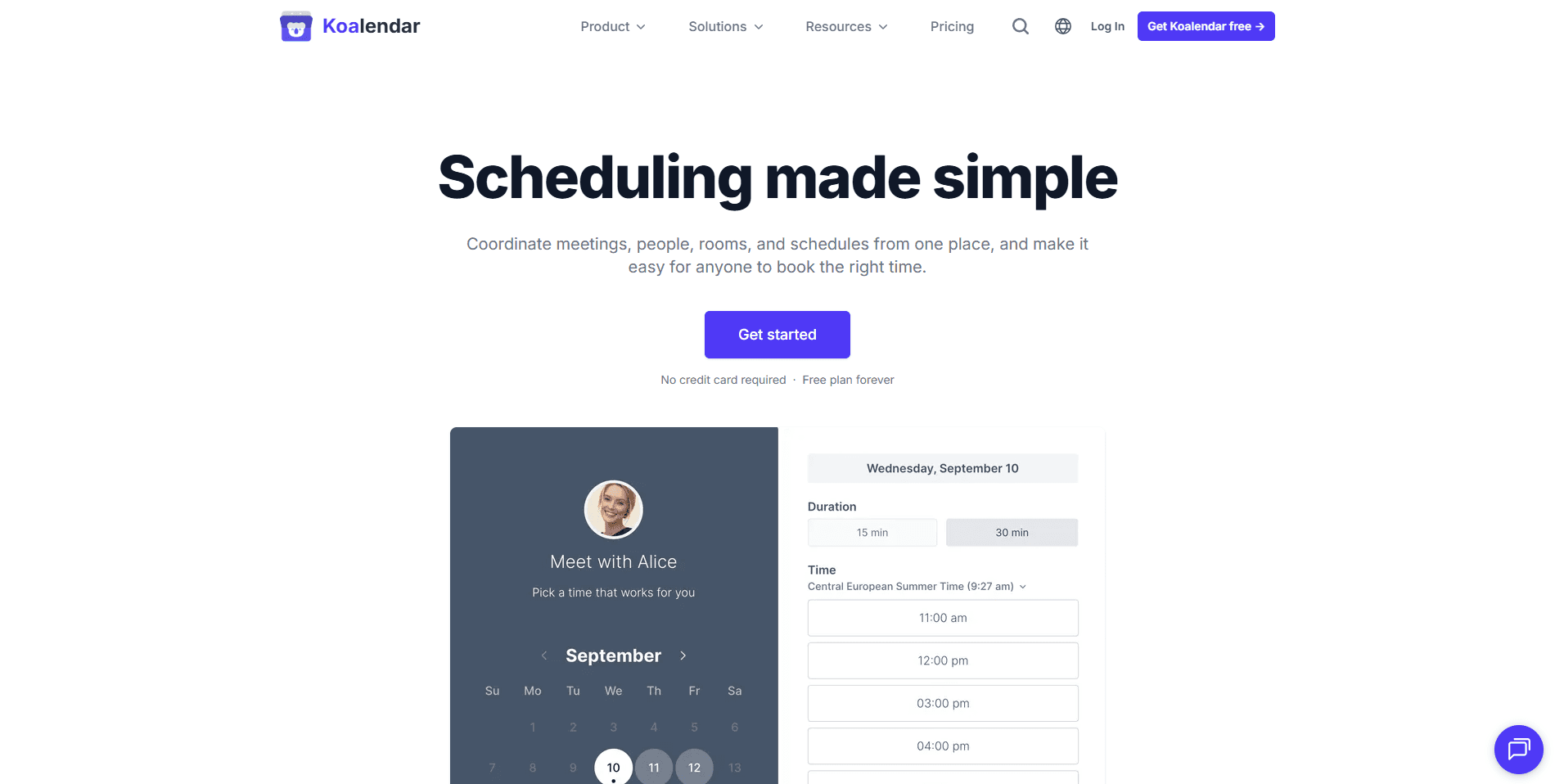
What it is: Koalendar is a great Calendly alternative for individuals, small teams, educators, consultants, recruiters, and service providers who want scheduling software that feels easy from day one. It focuses on simplicity, fast setup, and a clean booking experience, making it a strong choice for teams that don’t want to spend hours configuring their scheduling tool.
What makes Koalendar stand out is how easy it is to adopt. The interface is intuitive, the setup is quick, and users can start sharing booking links almost immediately. This makes it especially useful for teams that need a scheduling tool everyone can actually use, not just the most technical person on the team.
Koalendar also includes a Free Forever Plan, which gives users a practical way to manage bookings without committing to a paid plan upfront. For growing teams, the paid plan stays affordable while adding more control over branding, reminders, payments, integrations, team visibility, and team scheduling.
Key features
Easy-to-use scheduling: Koalendar keeps the booking process simple for both the person creating the scheduling page and the person booking a meeting. That helps teams adopt it quickly without a steep learning curve.
Free Forever Plan: Users can start scheduling for free, making Koalendar a good option for freelancers, educators, small businesses, and teams looking for a budget-friendly Calendly alternative.
Automated reminders: Send reminders before meetings to help reduce no-shows and keep attendees on track.
Website embed: Add your booking page directly to your website so visitors can schedule a meeting, appointment, demo, or session without leaving the page.
Payments: Accept payments when people book, which is useful for consultants, coaches, tutors, service providers, and anyone offering paid sessions.
Calendar sync: Connect your calendar so availability updates automatically and bookings stay organized across your schedule.
Meeting integrations: Koalendar works with popular video meeting tools, making it easy to create online meetings for remote calls, demos, interviews, and consultations.
Team dashboard: Give your team a clear view of upcoming bookings, who’s meeting with whom, and when appointments are scheduled. This helps managers, recruiters, sales teams, and support teams stay aligned without chasing updates.
Brand control: Customize your booking page so the scheduling experience feels polished, professional, and closer to your own brand.
Fast adoption for teams: Because Koalendar is simple and intuitive, it’s easy to roll out across a team without heavy training or complicated onboarding.
Pricing: Koalendar offers a Free Forever Plan. Paid plans are available for users who need more advanced features such as extra customization, reminders, payments, team scheduling, website embeds, meeting integrations, brand control, and a team dashboard for better visibility.
Best for: Individuals, small businesses, educators, consultants, recruiters, sales teams, customer support teams, and growing teams that want a simple, affordable Calendly alternative with fast adoption, reminders, payments, calendar sync, meeting integrations, website embeds, brand control, and team visibility.
6. YouCanBookMe: Best Calendly alternative for professionals

What it is: YouCanBookMe has a focus on small businesses, but it is not an offline and online specialist like Acuity; instead, it focuses more on online scheduling only. It is best suited for online coaches, trainers, and other professionals. YouCanBookMe is easy to use, and it is quick to set up. While these are two things that Calendly does well too, YouCanBookMe has more customization options, and it has consistent automation options for appointment bookings. Also, it allows payment gateway integration even on the free plan, which Calendly doesn’t.
Key features
Google and Microsoft calendar integration
Buffer times and availability controls
Customizable branding on pages
Embeddable booking pages on websites
Video conferencing integrations
Time zone detection
Pros
The free plan is available
Good balance of features for small businesses
Supports multiple calendar integrations on paid plans
Easy to set up and use
Cons
Advanced automation features are limited
Fewer routing options than enterprise-level scheduling software
Fewer team scheduling options than enterprise-level scheduling software
The free plan is not generous
Pricing: A free plan is available, even though it is somewhat limited. The paid plans start at $8.10/user per month.
Best for: YouCanBookMe is suited for consultants, coaches, freelancers, and educators who provide online services.
Why choose YouCanBookMe over Calendly?
YouCanBookMe is a stronger choice for professional individual users. Even though that is exactly the same target audience as Calendly, YouCanBookMe is a good alternative if you want to migrate. The platform offers good flexibility and some features that are not available with Calendly. It works for freelancers and other professionals because it has a reliable booking engine, and it is easy to set up and use.
7. SimplyBook.me: Best Calendly alternative for service-based businesses
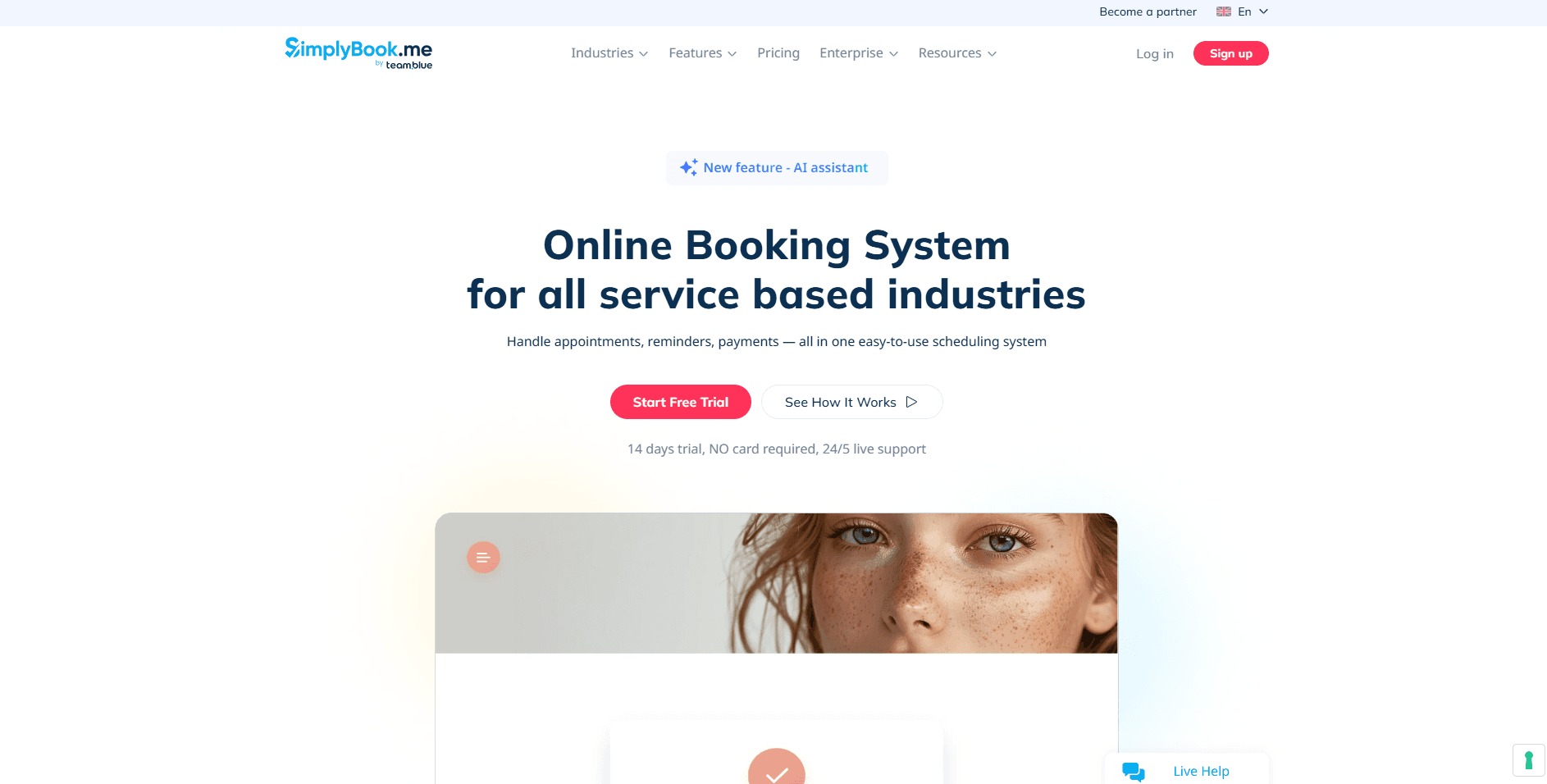
What it is: SimplyBook.me is built for businesses that manage client bookings daily. It is suited specifically for service-based businesses with a specific feature set for industries, like beauty salons, fitness centers, and educational institutions. It is like a better Acuity Scheduling, the same way Cal.com is the better Calendly overall. SimplyBook.me supports memberships, payments, and even business marketing. So, in a way, it helps service-based businesses get an all-in-one solution with a reliable booking engine that can handle everyday appointments.
Key features
Marketing and promotional tools for businesses
Multiple staff scheduling options
Video meeting integration options
Online appointment booking support
Gift card management options
Client database and profile maintenance
Pros
The free plan is available
Built-in payment processing
Designed specifically for service-based businesses
Supports memberships, packages, and gift cards
Cons
The interface is not optimized for new users
Steep learning curve even for users with scheduling tool experience
Advanced features are locked behind higher-paid tiers
Customization options are locked behind higher-paid tiers
The free plan has several limitations
Pricing: SimplyBook.me has a free plan. The paid plans start at $13.6/user per month.
Best for: This platform is best for spas, fitness studios, educational institutions, and other service-based small businesses looking for an all-in-one scheduling and marketing tool.
Why choose SimplyBook.me over Calendly?
SimplyBook.me offers a more complete appointment management system compared to Calendly. This is why a lot of service-based businesses choose it over Calendly and even migrate from Calendly to use SimplyBook.me. Simple features like membership support, recurring booking support, and gift card support allow the tool to become more than just scheduling for businesses. These features make SimplyBook.me help businesses manage revenue rather than just focusing on client appointments.
8. Zoho Bookings: Best Calendly alternative for businesses using the Zoho ecosystem
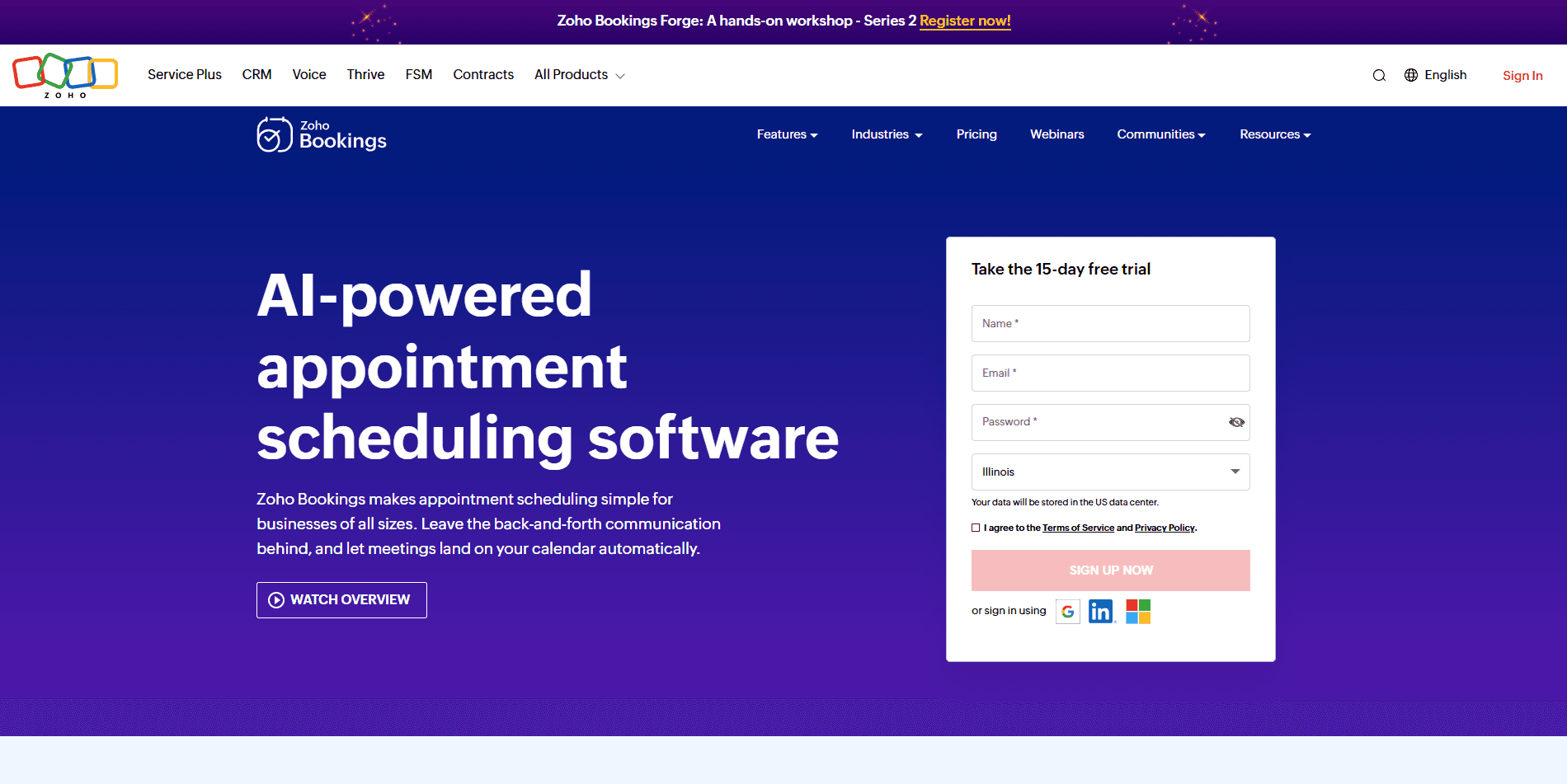
What it is: Zoho Bookings is the appointment scheduling software from the Zoho ecosystem. As you can imagine, it integrates very well with the Zoho CRM and the overall Zoho ecosystem. Businesses that already use the Zoho ecosystem can benefit from using Zoho Bookings, as it is one of the more affordable Calendly alternatives we have ranked. While it doesn’t have a free plan, the Zoho Bookings software is capable of handling both team-based scheduling and client-facing scheduling. This is helpful for SaaS businesses and overall corporates who need a reliable scheduling software that can work closely with a CRM.
Key features
Zoho CRM integration
Video conferencing integrations
Customizable booking pages
Round-robin appointment assignments
Automated reminders and notifications
Google and Microsoft calendar sync
Pros
Deep integration with the Zoho ecosystem
Customizable booking pages
Strong automation options within the Zoho ecosystem
Supports both individual and team scheduling
Cons
Fewer third-party integration options
The interface is dated and not intuitive
Users complain about the steep learning curve
Works best only when you already use the Zoho ecosystem
Pricing: Zoho Bookings does not have a free plan; it has a free trial option. The paid plans start at $6/user per month.
Best for: Teams and businesses already using products from the Zoho ecosystem, specifically the Zoho CRM.
Why choose Zoho Bookings over Calendly?
The native integration with a CRM and a whole ecosystem of business apps is already enough reason to choose Zoho Bookings over Calendly. Add in the fact that Zoho Bookings is also more affordable compared to Calendly, and also offers stronger team scheduling features, and it becomes clear as to why you should choose Zoho Bookings over Calendly.
9. Microsoft Bookings: Best Calendly alternative for Microsoft 365 users
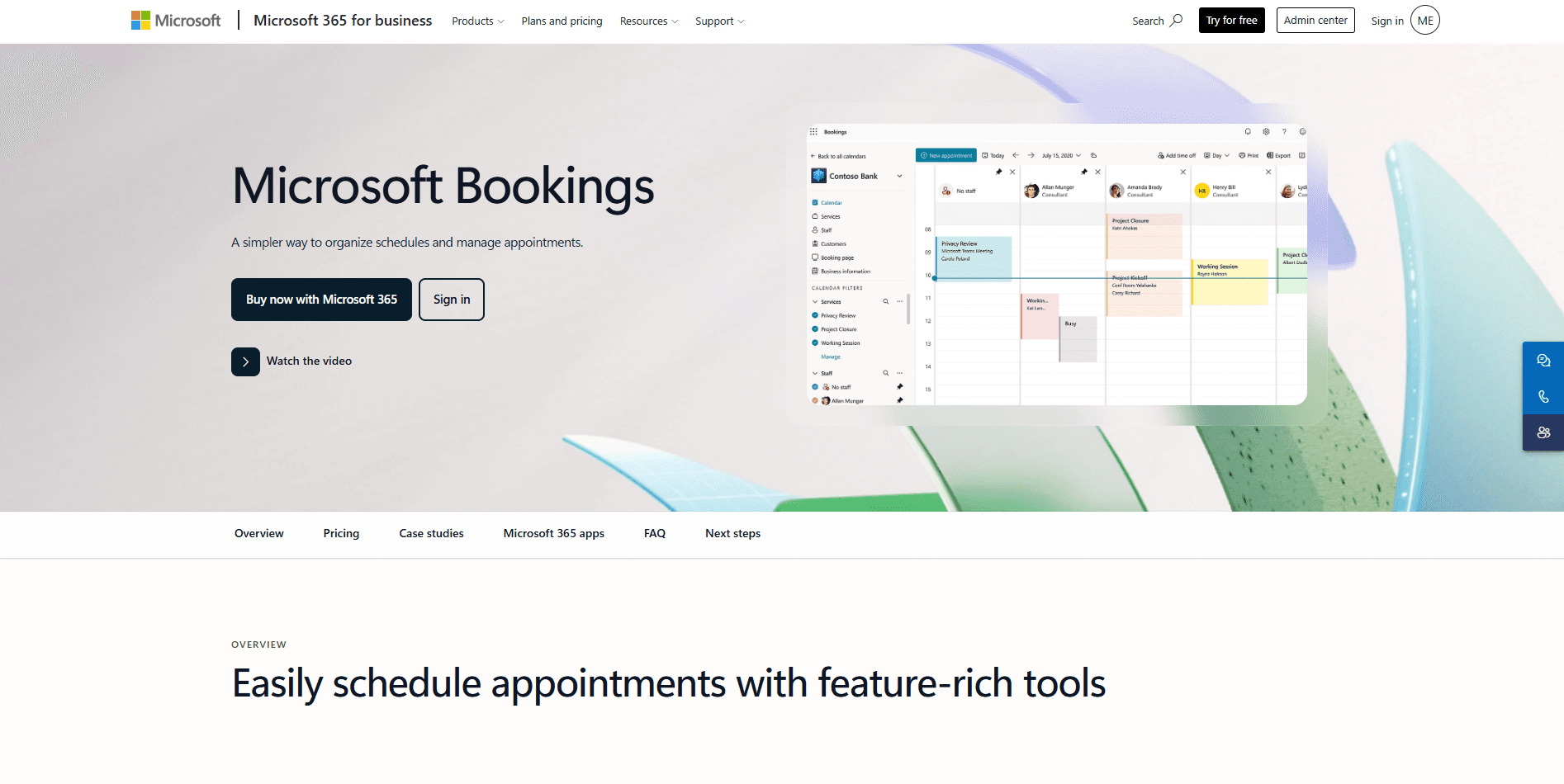
What it is: Microsoft Bookings, just like Zoho Bookings, is Microsoft’s native appointment scheduling software. It has a strong focus on enterprise appointment scheduling with strong features and integrations with the broader Microsoft ecosystem. It can help you manage staff availability, set up virtual meetings, and also keep track of all appointments. Its integration with Microsoft Outlook and Teams is one of its strongest features and why it ranks as a solid Calendly alternative.
Key features
Shared staff calendars
Outlook Calendar sync
Microsoft Teams integration for notifications
Multiple service management
Booking analytics and reporting
Customer contact management
Pros
Included for free with Microsoft 365 Business and Enterprise plans
Seamless integration with the broader Microsoft ecosystem
Familiar interface and features for Microsoft users
Easy-to-use staff management features
Cons
Suited only for those who use the Microsoft ecosystem already
Requires an active Microsoft 365 subscription
Limited customization options compared to other options
Steep learning curve for new users
Pricing: The Microsoft Bookings software cannot be purchased or subscribed to separately. It is included as a part of eligible Microsoft 365 Business and Enterprise plans.
Best for: Businesses, enterprises, and educational institutions already using the Microsoft 365 ecosystem.
Why choose Microsoft Bookings over Calendly?
Microsoft Bookings is a robust scheduling software. It has powerful analytics and reporting features as well as support for specific enterprise requirements that are crucial for compliance. Add in the fact that it natively integrates with Microsoft Outlook and Teams software, both of which add a ton of flexibility and added benefits to Microsoft Bookings. Overall, for anyone already using the Microsoft 365 ecosystem, Microsoft Bookings offers much more value than Calendly.
10. Google Appointment Scheduler: Best Calendly alternative for Google Workspace Users
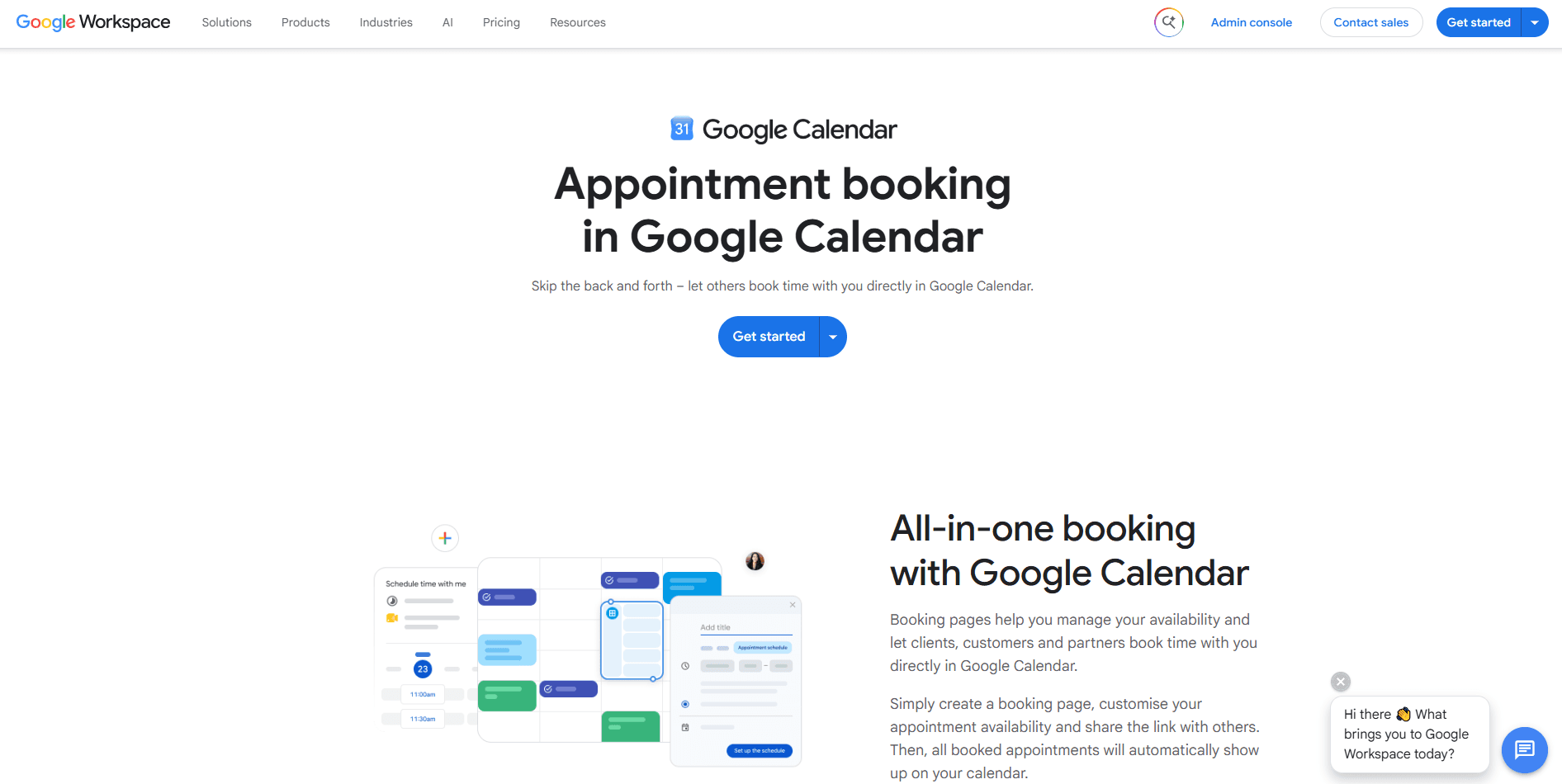
What it is: At this point, we’re not even explaining it separately anymore; you get the idea, Zoho, Microsoft, and now Google. The only difference being the Google Appointment Scheduler is available for free for individual users. Teams that subscribe to the Google Workspace also get a more powerful and robust version of the Google Appointment Scheduler, and that makes it a great alternative to Calendly. When you want simple personal scheduling, the free version works great, and for more complex workplace scheduling, one subscription takes care of it all.
Key features
Google Calendar integration
Greater Google ecosystem integration
AI features and capabilities thanks to Gemini
Native Google Meet integration
Multiple appointment type support
Stable calendar synchronization
Pros
Simple and easy to use
Automatic time zone detection
Google Meet links are automatically generated
Included as a part of eligible Google Workspace plans
Cons
Limited customization options
Lead routing and advanced routing options are limited
Fewer automation features compared to the top options
Not best suited for businesses and teams
Pricing: The free version of the Google Appointment Scheduler is available with every Google account. Apart from that, the Appointment Scheduler is included in eligible Google Workspace subscriptions.
Best for: Freelancers, consultants, and individuals who want a simple and effective scheduling solution that works natively with the Google Workspace.
Why choose the Google Appointment Scheduler over Calendly?
The Google Appointment Scheduler is a practical and lightweight scheduling software that’s useful for personal scheduling requirements. It is more secure and safe than Calendly, thanks to Google’s enterprise-grade security. The ease of use of the Google Appointment Scheduler is also something that makes it better than Calendly. You get mobile support and access to your schedule on all your devices, and get always up-to-date scheduling when you choose the Google Appointment Scheduler.
11. Setmore: Best Calendly alternative for personal scheduling
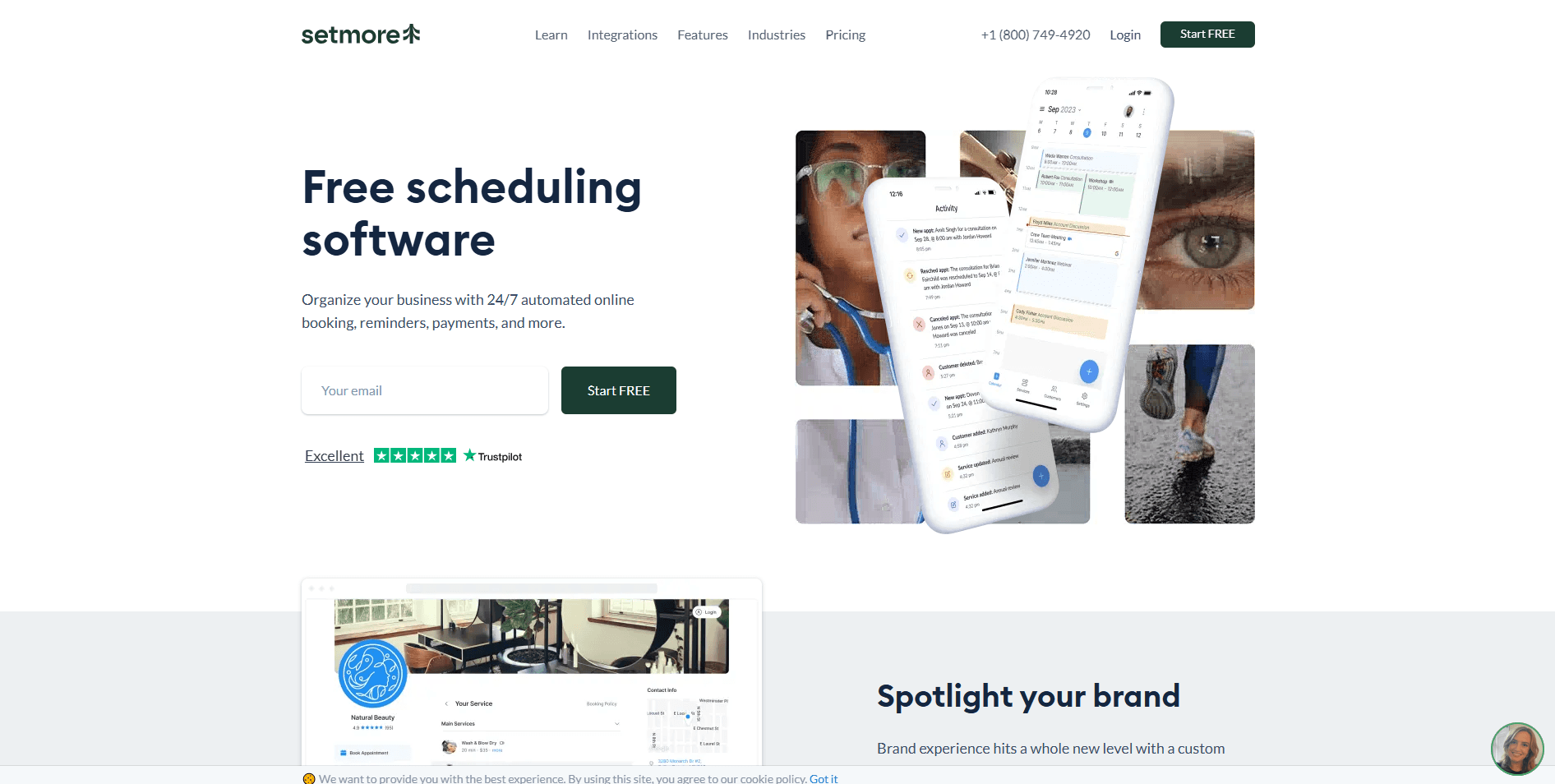
What it is: Setmore is known for being a free scheduling software, but that’s a myth. Setmore has a generous free tier, but still, its most powerful and useful features are available only when you choose its paid tier. So, Setmore is not free. Moving on, although it is not free, the software does offer quite a good scheduling experience for users. It has an easy-to-use interface, and it can handle both online booking and staff scheduling. Like Acuity, Setmore can also handle payment processing, both online and in-person.
Key features
Supports multiple calendars on the free plan
Payment integrations offered
Customer management features
Recurring appointment options
Team scheduling features are available
Video conferencing integrations with Zoom and Teleport
Pros
Generous free tier available
Built-in payment integration
Supports multiple staff calendars
Simple setup and easy to use
Cons
Limited advanced workflow automation
Advanced features are locked behind a paid plan
Does not have great team scheduling features
Fewer customization options compared to other platforms
Pricing: Setmore has a generous free tier, and the paid plans start at $5/user per month.
Best for: Much like some of the other options, Setmore is more suited for service-based professionals and businesses.
Why choose Setmore over Calendly?
Setmore is a great budget-friendly scheduling software because even its paid plan is just $5/user per month. The features it offers for service-based businesses and professionals make it a great deal over Calendly. Setmore is efficient, and it works as a reliable booking engine that has a low learning curve. The easy-to-use interface is also clean and supports customization options that help you make your booking page your own. So, if you’re looking for an affordable Calendly alternative, Setmore is a great option.
12. Doodle: Best Calendly alternative for group scheduling

What it is: Doodle has had a glow-up recently, but at its core, it still remains the software that you use to find a common time for your meetings within a group. Users can create polls where attendants can vote for their availability among the available options. Once the poll closes, the option with the most votes gets the meeting set up. The poll feature makes Doodle useful for event coordinators and workshop hosts since it requires the participation of a massive number of participants.
Key features
Group scheduling polls
Google and Outlook calendar integrations
Automation time zone detection
Team scheduling features
Custom meeting deadlines
Pros
Generous free plan available
Doesn’t require a complex setup
Easy-to-use meeting polls
Supports calendar integrations
Cons
Not designed for appointment scheduling workflows
Limited automation options
Limited customization options
Fewer branding options
Pricing: Doodle has a generous free tier with paid plans starting at $11/user per month.
Best for: Doodle is best suited for event organizers, workshop planners, and nonprofits that need to coordinate large-scale meeting planning and time-based scheduling.
Why choose Doodle over Calendly?
Doodle and Calendly have very different use cases and different specialities. Calendly works better for one-on-one scheduling. Doodle, comparatively, is more about helping teams coordinate a common time for meetings or discussions. It focuses more on team-based scheduling. So, if you have team-based scheduling requirements, it makes sense to choose Doodle over Calendly.
13. Julip: Best for Creators and Freelancers Who Book From Their Bio
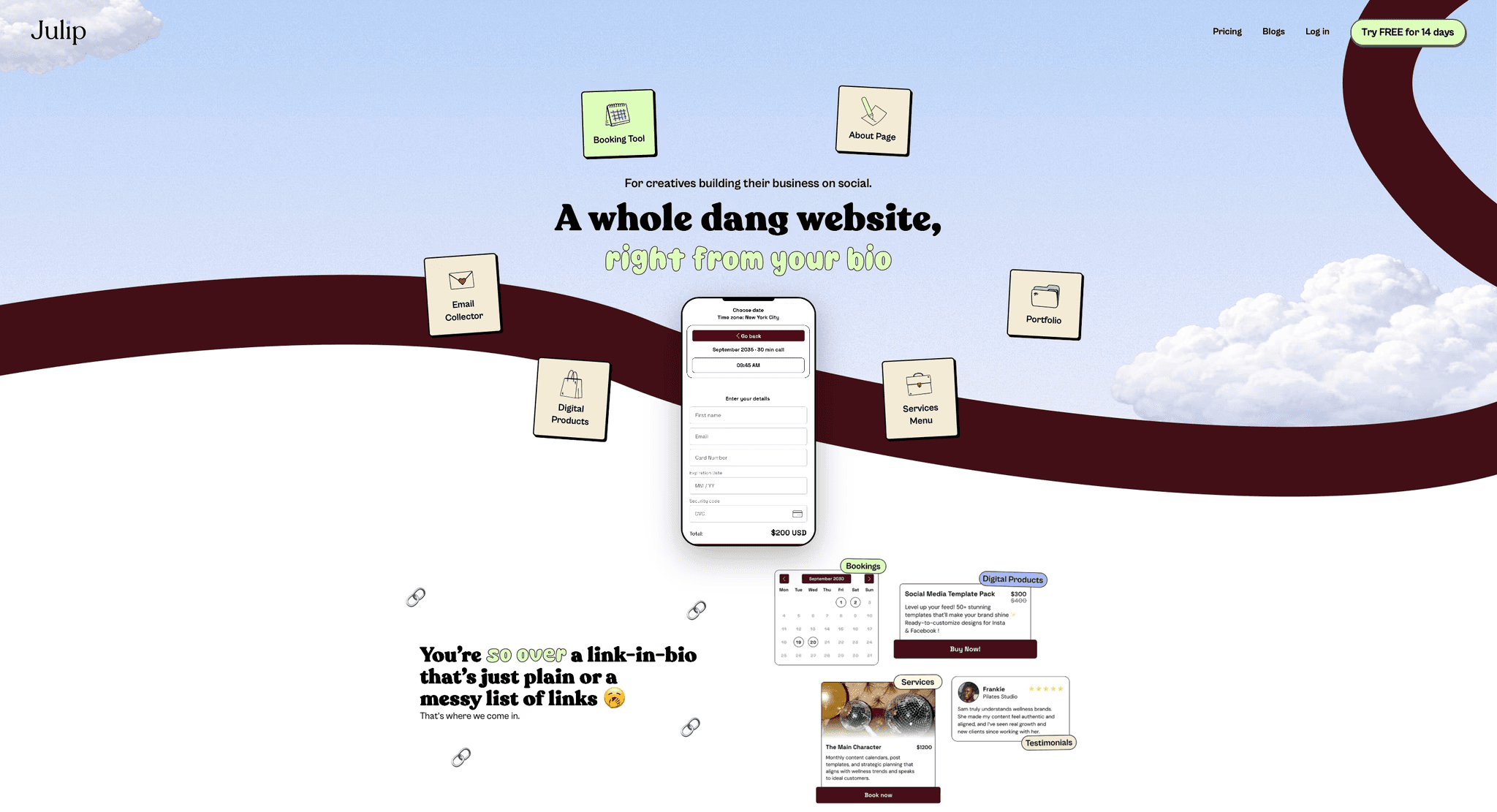
What it is: Julip is a website-in-bio built for creators, freelancers, and solopreneurs who get clients through Instagram, TikTok, and LinkedIn. It works as a Calendly alternative for people who only ever used Calendly to take discovery calls or paid sessions, because Julip puts that booking inside a full bio website that also holds a portfolio, services menu, digital products, and an about page, all from a single link. Where Calendly is a dedicated scheduler, Julip bundles booking into the page clients already land on from your social bio, and it never takes a transaction fee on the sessions or products you sell.
Key features
Built-in booking and paid calls: Clients schedule and pay for calls or sessions directly from your bio link, with no separate scheduling tool needed.
Visual portfolio and services menu: Show work samples and list packages on the same page as your booking, so prospects can evaluate you and book in one place.
0% transaction fees: Julip takes no cut of bookings or digital product sales on any plan.
Sell digital products: Offer templates, guides, and downloads alongside your booking, with checkout built in.
About page, testimonials, and email collector: Turn a bio link into a complete, on-brand presence rather than a standalone calendar.
Automatic mobile and desktop layout: Pages format themselves for the phone, where most social visitors arrive.
Pricing: $19/month billed annually, or $25/month. 14-day free trial, no credit card required.
Best for: Creators, freelancers, coaches, and other solo professionals who promote their services on social media and want booking as part of an all-in-one bio site, rather than a standalone team scheduler with round-robin and routing.
Which Calendly alternative is the best?
The best Calendly alternative is not a static title; it differs based on your requirements and scheduling goals. However, even when there is not one right answer, there are multiple Calendly alternatives that work amazingly for specific use cases. Here’s a quick guide to help you choose the right Calendly alternative based on your needs.
Scheduling requirement | Best Calendly alternative |
Best for freelancers | Cal.com or YouCanBookMe |
Best for agencies | Cal.com or SavvyCal |
Best for sales teams | Cal.com or Doodle |
Best for healthcare businesses | Cal.com or SimplyBook.me |
Best for enterprises | Cal.com |
Best for developers | Cal.com |
Best white-label scheduling platform | Cal.com or Acuity Scheduling |
Best for group scheduling | Cal.com or Doodle |
Conclusion
Calendly works well, but its limitations quickly become bottlenecks for your scheduling workflow. In such cases, appointments fall through, you get double bookings, and no-shows start affecting your revenue in a major way. Also, as businesses grow, Calendly’s support runs thin with skyrocketing subscription costs.
Calendly fails most businesses when they grow because a growing business requires deeper integration capabilities, advanced scheduling support, and flexible workflows. However, Calendly’s feature depth is quite limited in this regard, and that’s when users are forced to migrate.
If you, too, are frustrated with the bottlenecks caused by Calendly, you can easily migrate to Cal.com today with a single click. Cal.com has a better free plan than Calendly, and it is also more powerful and versatile. From client-based appointment scheduling features to automated lead routing for sales teams, Cal.com can do it all. Try it for free today.
Frequently asked questions
What is the best alternative to Calendly?
Cal.com is the best overall Calendly alternative. This is because Cal.com was specifically designed to mitigate the flaws and shortcomings of Calendly. Cal.com is also a very powerful and modern scheduling software that offers complete end-to-end scheduling solutions for everyone, from freelancers to enterprise businesses.
Is there a free alternative to Calendly?
Yes, you can use the Google Appointment Scheduler for absolutely free with a Google Account as a replacement for Calendly. It offers better data security thanks to Google’s enterprise-grade security measures. The software is also very lightweight, works great on mobile devices, and integrates well with Google Meet and Calendar.
Is Cal.com better than Calendly?
Cal.com is better than Calendly for several reasons. One of the top reasons for that is that Cal.com offers features for free that Calendly offers behind a paywall. Two-way calendar sync, native-level integration with both Salesforce and HubSpot CRMs, one-click migration from Calendly, unlimited calendar support, and unlimited event type support. These are all features Cal.com offers for free that are not necessarily available on Calendly.
Which Calendly alternative offers the best customization?
The Calendly alternative that offers the best customization options is Cal.com. It is built for customization and flexibility, thanks to its API-first infrastructure. Cal.com supports custom APIs for easy integration into any existing workflow. It is also fully white-label, supportive, and allows you to create your own custom booking flow and routing logic.
Which scheduling app is best for teams?
The scheduling app that’s best for teams is Cal.com. It has very powerful team scheduling features with automated lead routing capabilities. Cal.com can automatically manage team workload based on specialization, time zone, and round-robin scheduling. It also supports workflow automation and enterprise administration features.
Which Calendly alternative is best for enterprise scheduling?
Enterprise teams will get the most value by migrating from Calendly to Cal.com. This is because Cal.com supports self-hosting for enterprise teams. This is a rare feature for scheduling software, and it helps enterprise teams manage their data according to their own security standards. For hosted plans, Cal.com also offers dedicated databases for enterprise teams, ensuring extensive data security measures. For all these reasons, it is the best Calendly alternative for enterprise scheduling.
Which Calendly alternative has the best integrations?
The Calendly alternative that has the best integrations is Cal.com. It supports API integrations, webhook connections, SDKs, and middleware. On average, Cal.com can integrate with over 3,000 workplace applications. This makes Cal.com the best and most robust Calendly alternative for integrations.

Get started with Cal.com for free today!
Experience seamless scheduling and productivity with no hidden fees. Sign up in seconds and start simplifying your scheduling today, no credit card required!