This is now deprecated and under maintenance for existing users only - no new customers can sign up for the platform plan
It is possible to disable default toasts for the AvailabilitySettings and EventTypeSettings atoms to then use hooks => callbacks
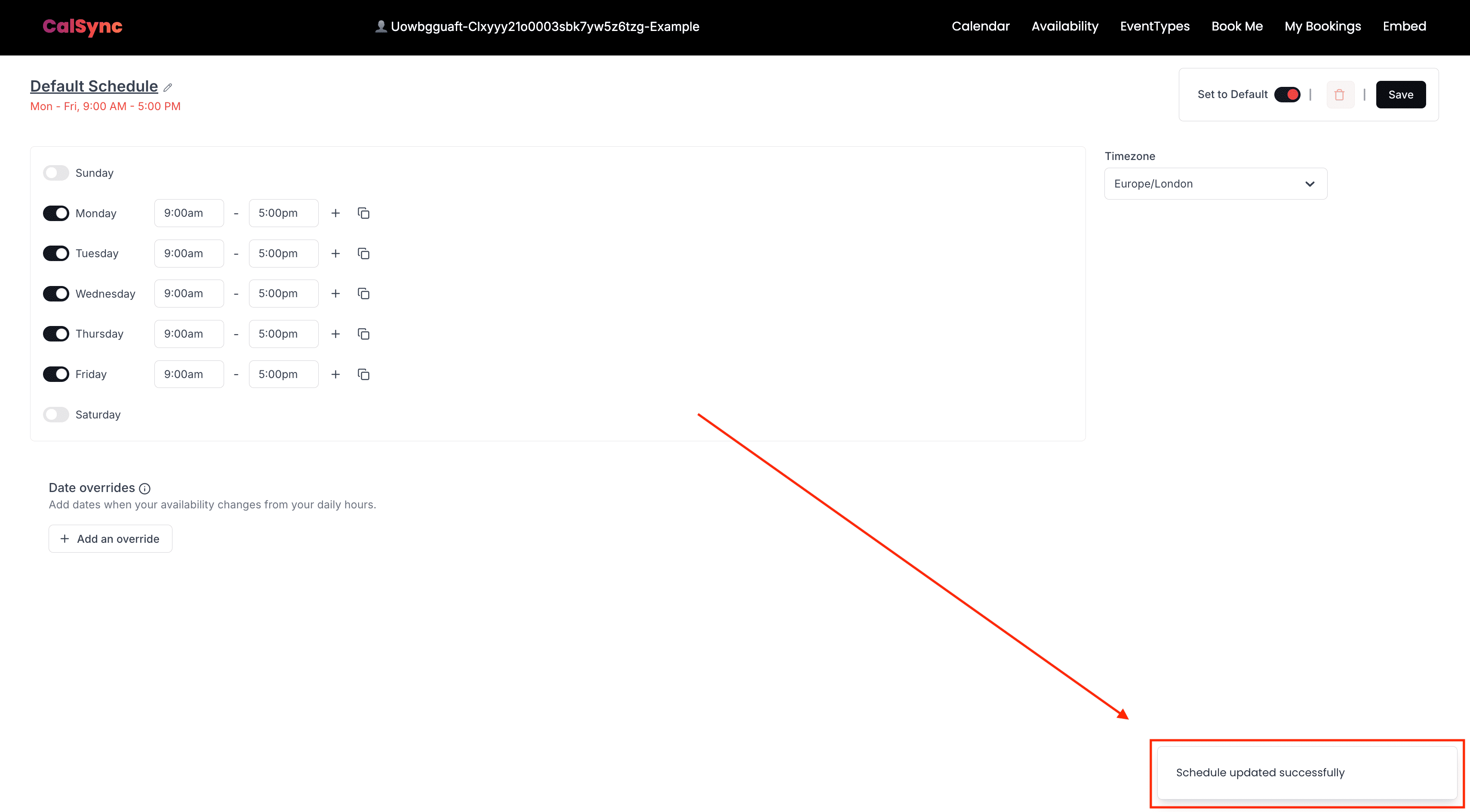
and listen for updates to then render your own toasts.If we use the AvailabilitySettings atom, make changes and press “Save” a confirmation appears:We can disable them using disableToasts prop:
<AvailabilitySettings disableToasts={true}/>
Now when changes happen and Save is clicked the toast will not appear.You can then create functions and pass them to hooks: